




Choose The Right Support For Your Workshop
Not every owner needs the same level of help. A first-time hobby user cutting MDF in a garage workshop will need a different plan to a small production shop running daily jobs on wood, MDF and plastics. That is why the support options are arranged around the stage you are at, whether you need help with your first cut or you are keeping a busy machine in step.
The best place to start is with the result you want. If you are still learning how to set material, zero the machine and choose toolpaths, starter support makes sense. If you are already producing parts and need better uptime, then maintenance, control tuning and breakdown support may matter more. In Pretoria and surrounding areas, many owners ask for a combination of setup, software basics and a follow-up visit after the machine has been running for a few weeks.
We keep it practical. You get clear guidance on what your router table can do, what it should not be asked to do, and which spares are worth keeping on hand. That saves time and reduces the usual stop-start problems that slow a small workshop down.
Operator Training For Safe, Repeatable Results
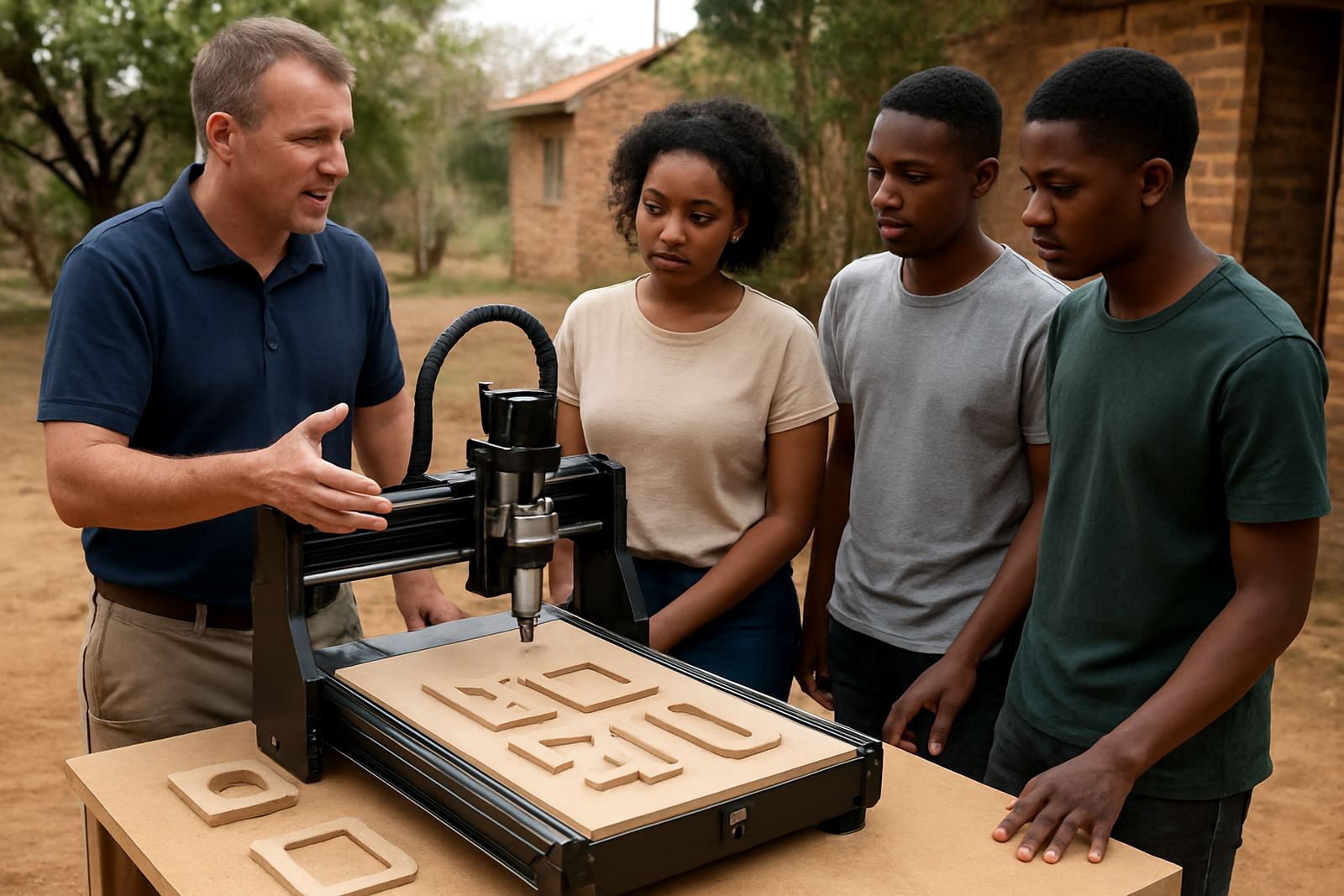
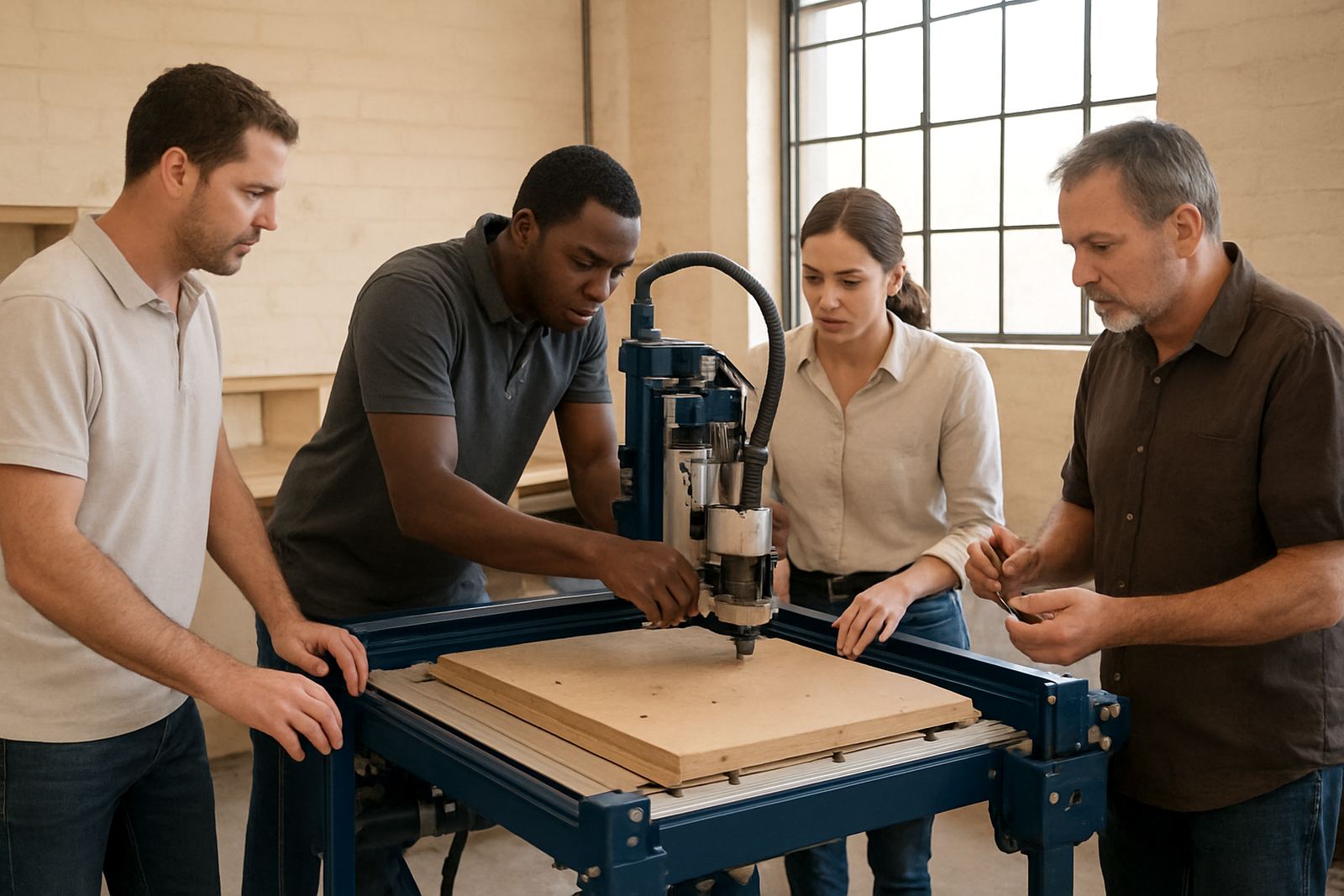
Operator training is aimed at people who need to use the machine confidently and safely from day one. It covers the working parts of the router table, day-to-day operating checks, job loading, setting origin points and handling common material issues. The goal is not theory for its own sake, it is to help the person at the controls make clean parts without wasting material.
- Machine startup and shutdown steps
- Safe clamping and material handling
- Setting zero points and work offsets
- Tool changes and basic cutter care
- Signs of wear, noise and vibration
This is useful for hobby owners, new staff and anyone moving from manual work to CNC work. A well-trained operator notices small faults early, before they become a broken spindle, a bad cut or a spoiled sheet. In real workshop conditions, that can save both time and Rand.
Software Basics That Make Job Setup Easier
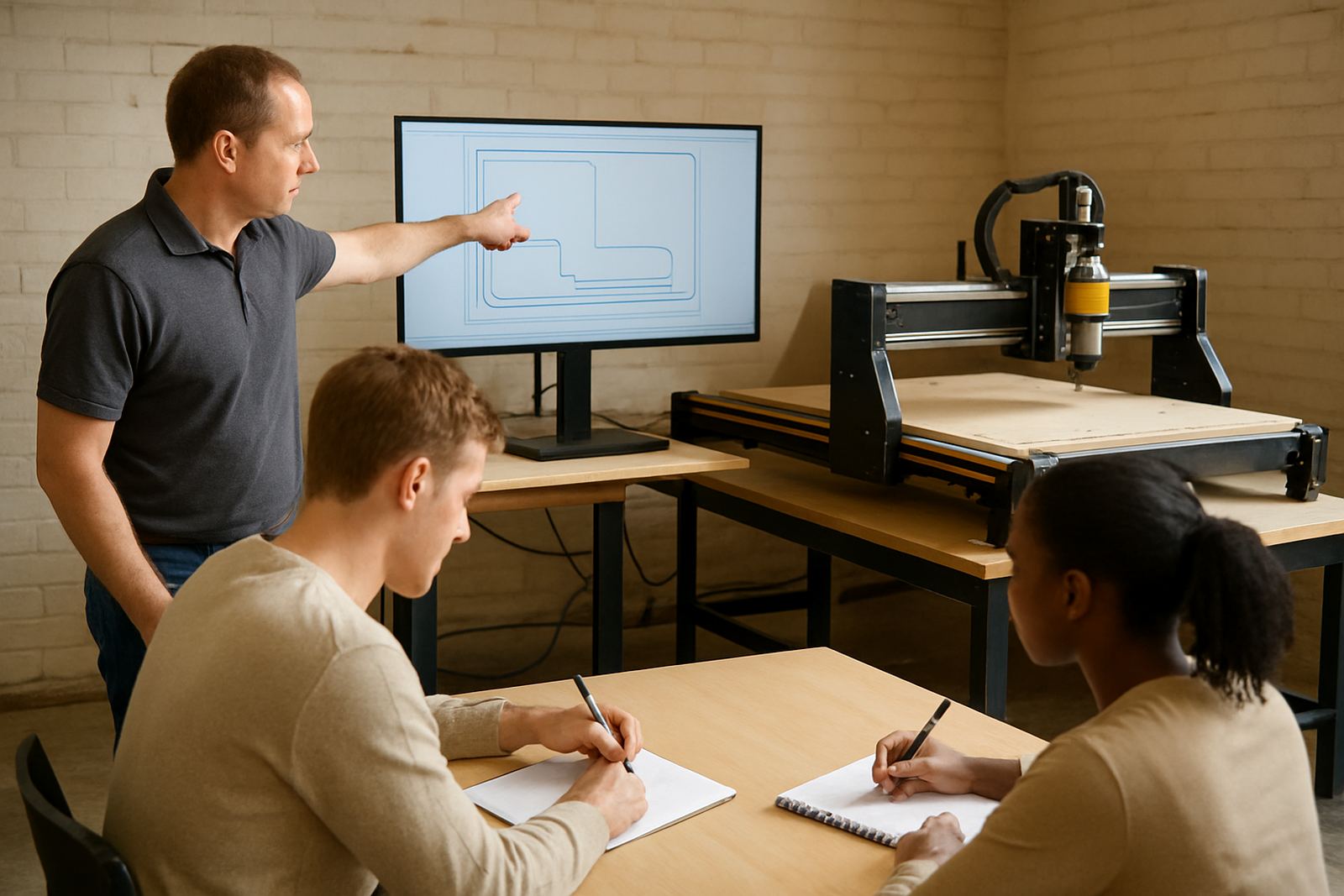
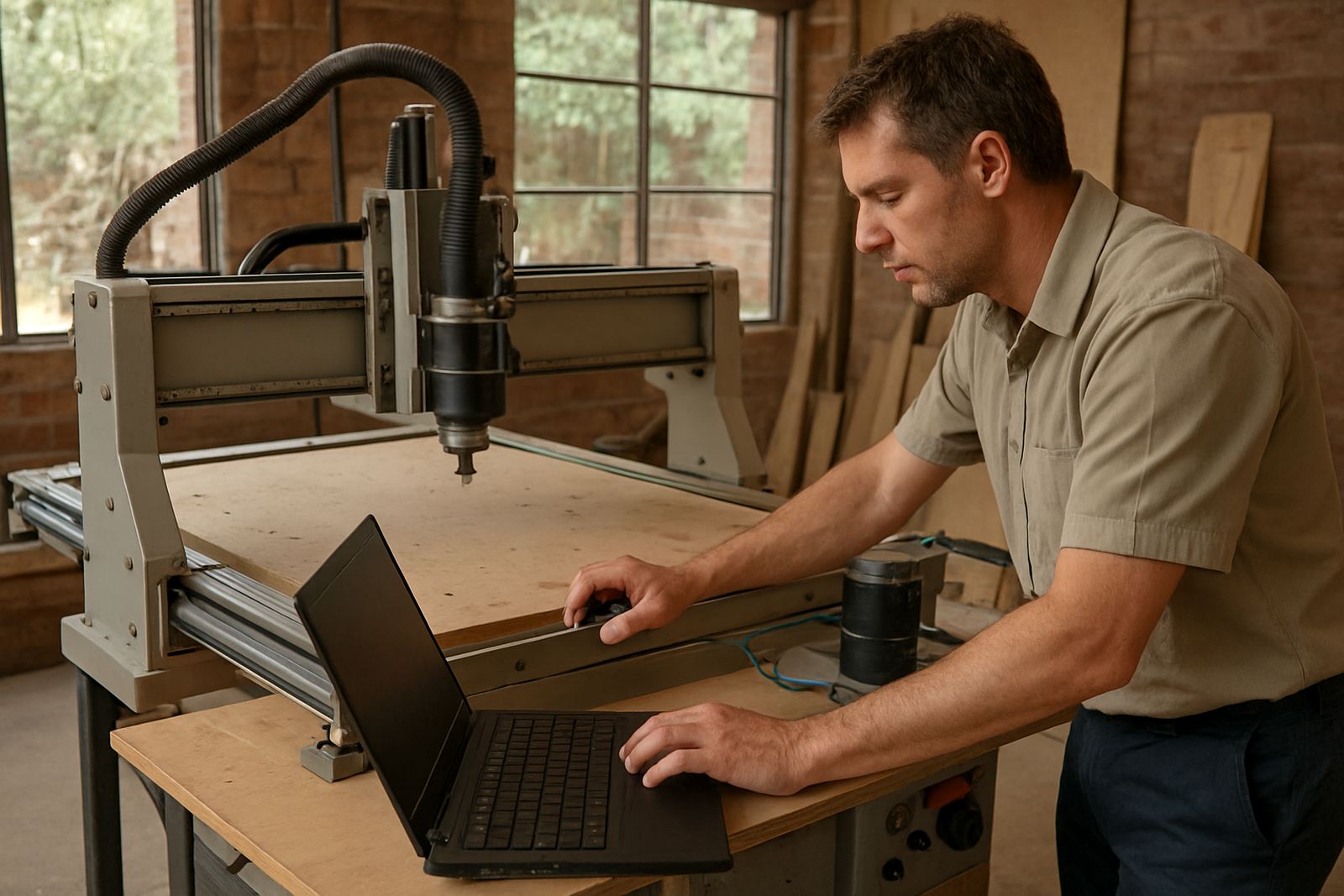
Many first-time users are fine with the machine itself, but struggle with the software workflow. Software basics cover the steps that turn a drawing or job file into a finished cut. This includes importing files, checking dimensions, choosing feeds and speeds, setting the toolpath order and confirming the job before cutting starts.
Owners in smaller workshops often use the same machine for signs, cabinet parts, jigs and plastic panels, so the software side needs to be straightforward and reliable. The training helps you avoid common errors such as mirrored parts, wrong depth settings and toolpaths that waste material. If your machine is used after hours or during load-shedding windows, the process also needs to be simple enough to pick up quickly when power comes back.
- File preparation and job checking
- Basic nesting and layout planning
- Feeds, speeds and depth settings
- Test cuts before full runs
- Simple workflow for repeat jobs
Starter Setup Visits For First-Time Owners
A starter setup visit is ideal when a new machine arrives and the workshop needs to get moving without guesswork. The visit covers unpacking checks, placement, levelling, wiring basics, first movement tests and a proper run through of how the machine should behave. It also gives the owner a chance to ask questions on the spot, instead of trying to sort them out later by trial and error.
For South African workshops, the setup must fit the space and the supply conditions. That means checking ventilation, dust extraction, electrical supply and any issues caused by heat, dust or coastal humidity if the machine is heading to the coast. A good first setup reduces early faults and helps the owner avoid avoidable damage. It also makes sure the machine is ready for the sort of work it was bought to do.
Maintenance And Troubleshooting That Keeps Jobs Moving
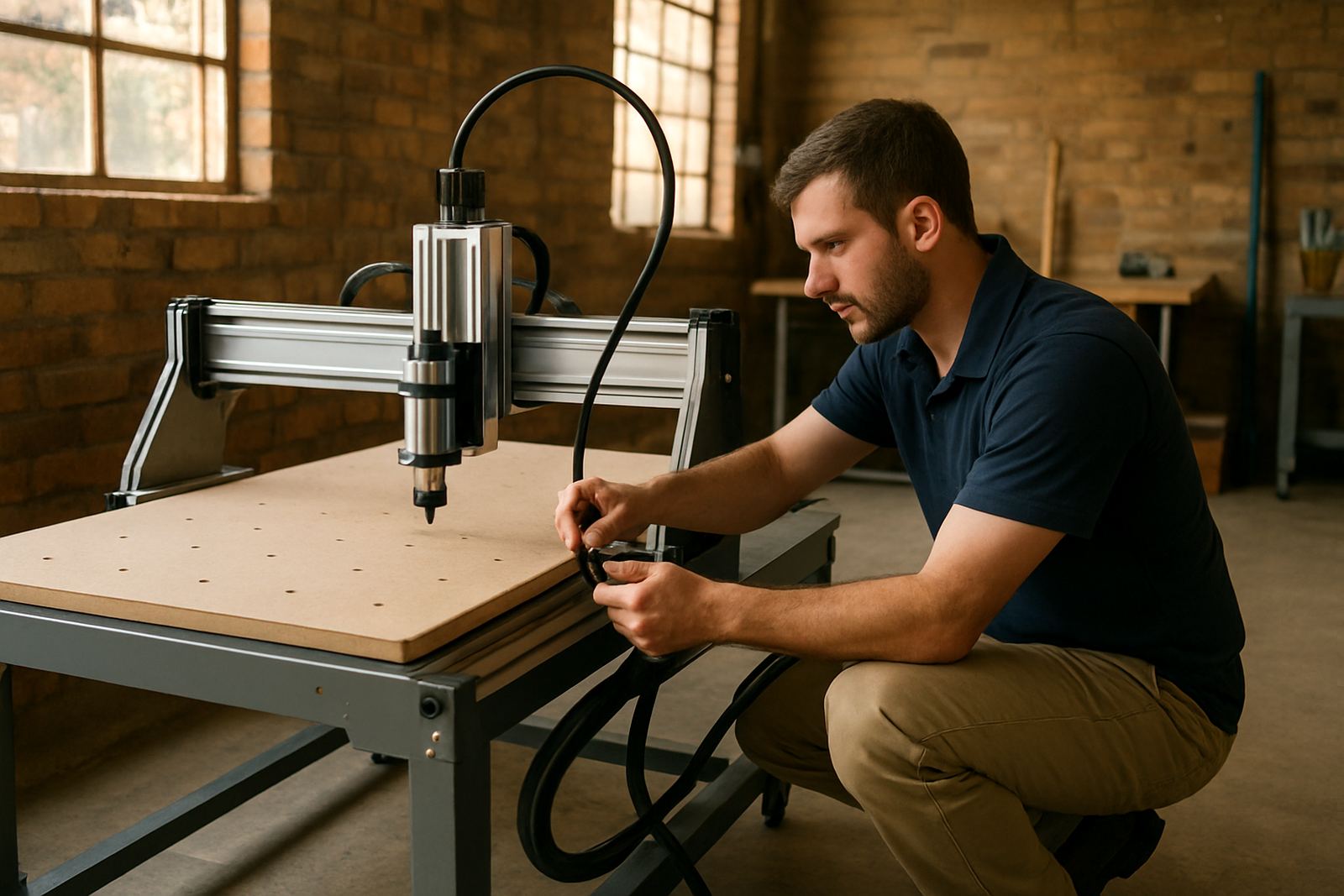
Preventive maintenance helps avoid breakdowns and keeps the machine cutting the way it should. This service is useful for workshops that run weekly, monthly or every day, because wear builds up even when the machine is in good condition. Regular checks cover belts, guides, cabling, spindle condition, fasteners and basic alignment. Small issues get picked up before they turn into downtime.
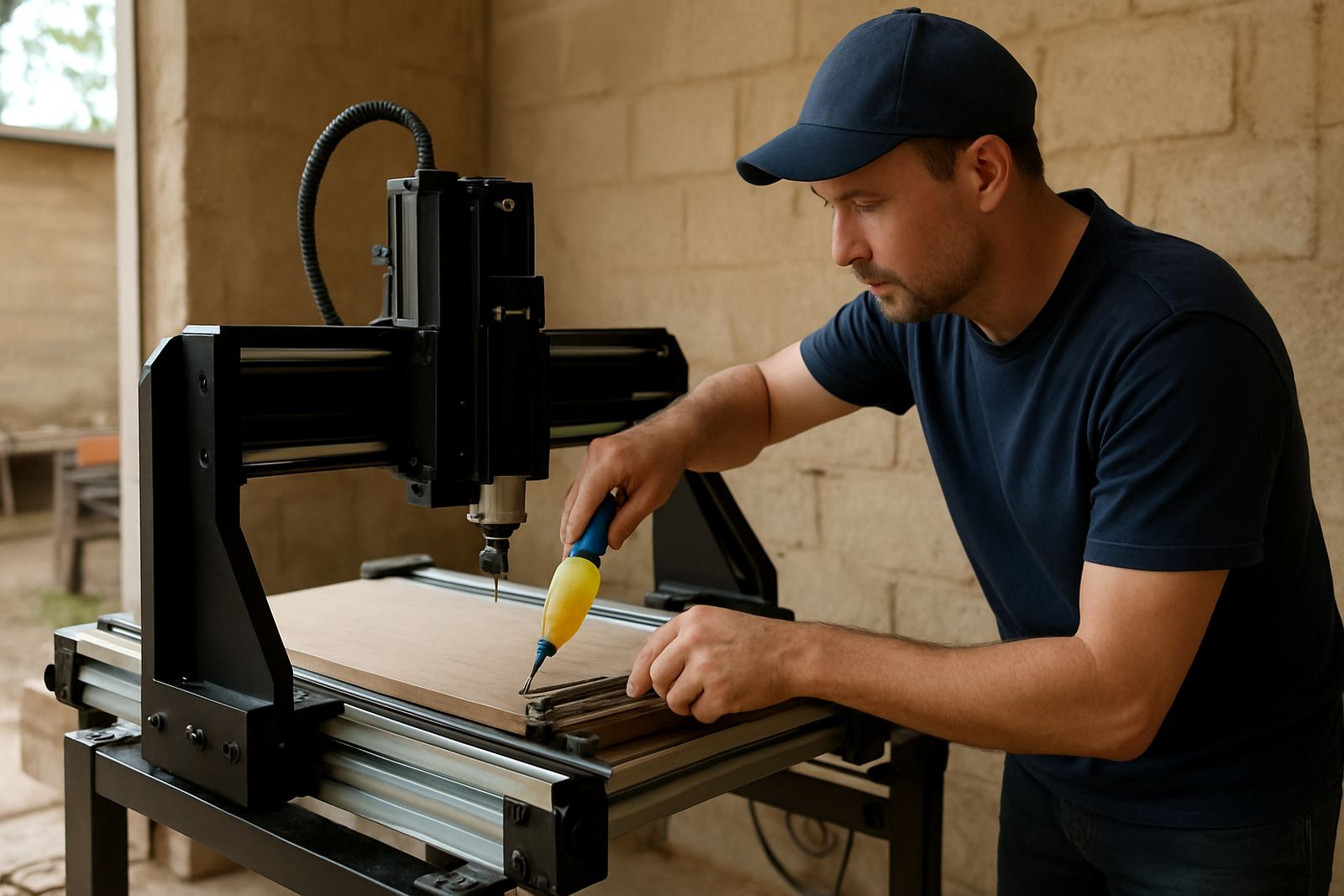
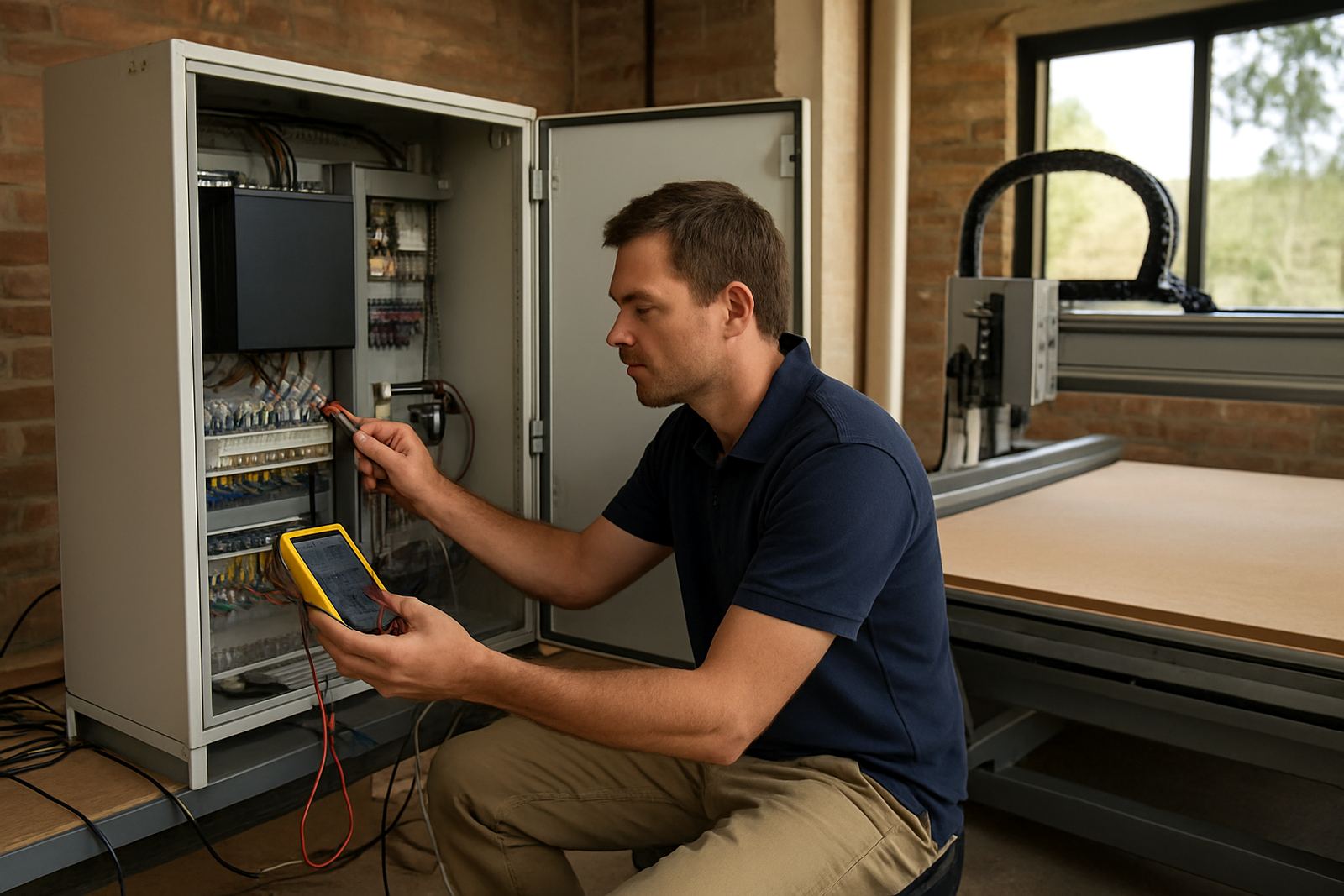
When something does go wrong, practical troubleshooting gets the machine back into use as quickly as possible. That may include control tuning, spindle replacement, diagnosis of odd motion, missed steps or poor finish quality. The aim is to get to the cause, not just reset the machine and hope for the best. Some repairs can be handled remotely, while others need an on-site visit in Pretoria East, Centurion, Midrand, Kempton Park or further afield.
- Preventive maintenance schedules
- Breakdown support and fault finding
- Control tuning and motion checks
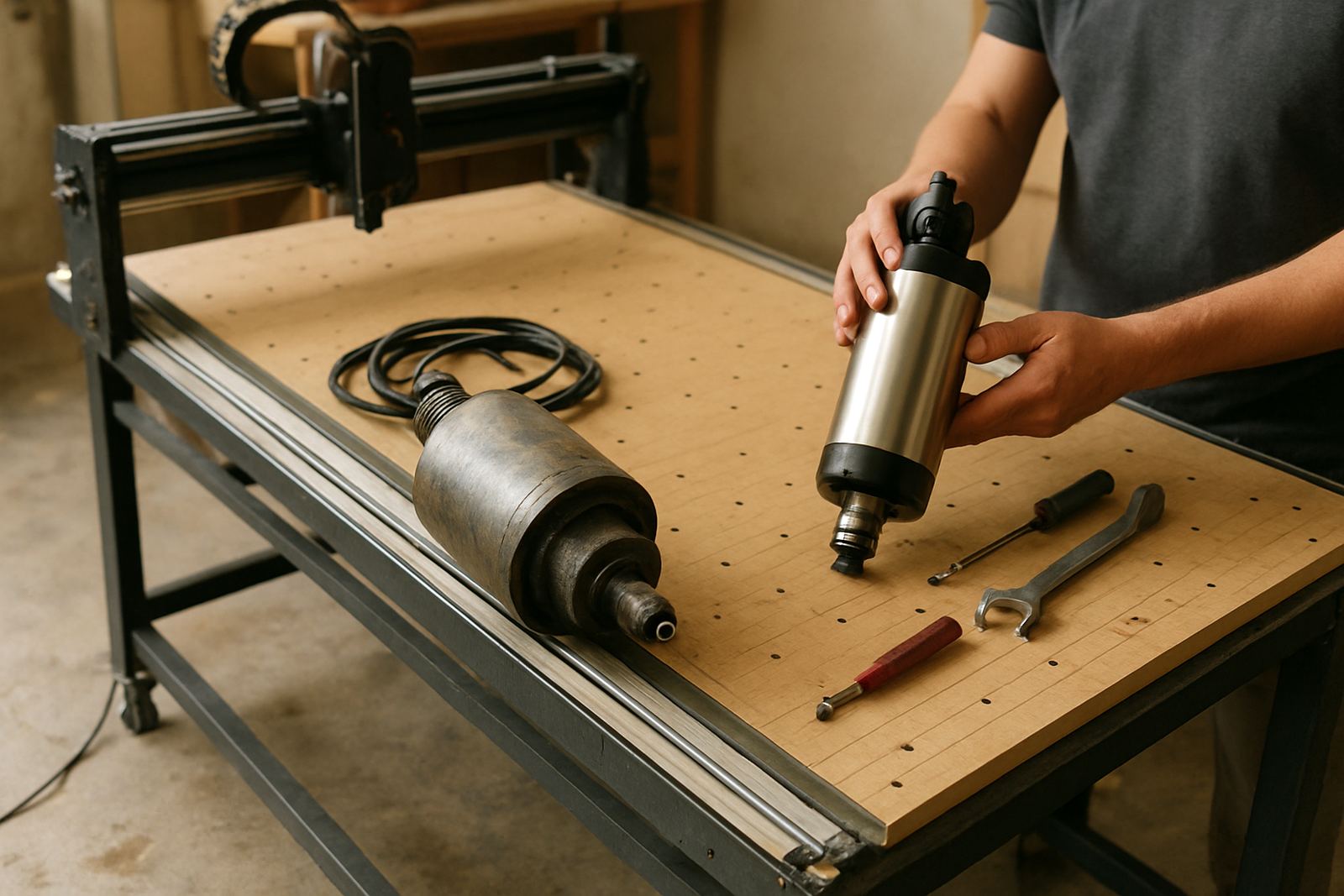
- Spindle replacement and related setup
- Remote support for quick diagnosis
Spares Planning And Refresher Training
Keeping a CNC router productive is easier when the right spares are already on hand. Spares planning helps owners identify the items that are most likely to wear out or stop a job, then plan a sensible stock level. For a small shop, that might mean cutters, belts, switches, bearings or other consumables. For a busier operation, it may also include backup electrical parts and items that affect uptime.
Refresher training is useful when staff change, jobs become more detailed or a machine has been sitting for a while. It is also a good option after repairs, so operators understand what has changed and how to keep the machine running correctly. Many owners find that a short follow-up session saves far more than it costs, especially when the machine is expected to keep earning its keep.
For spares orders and support, the Silverton base in Pretoria works with customers nationwide. If you need help choosing parts, setting up a service plan or getting a machine back into daily use, the team can advise on the most practical next step.