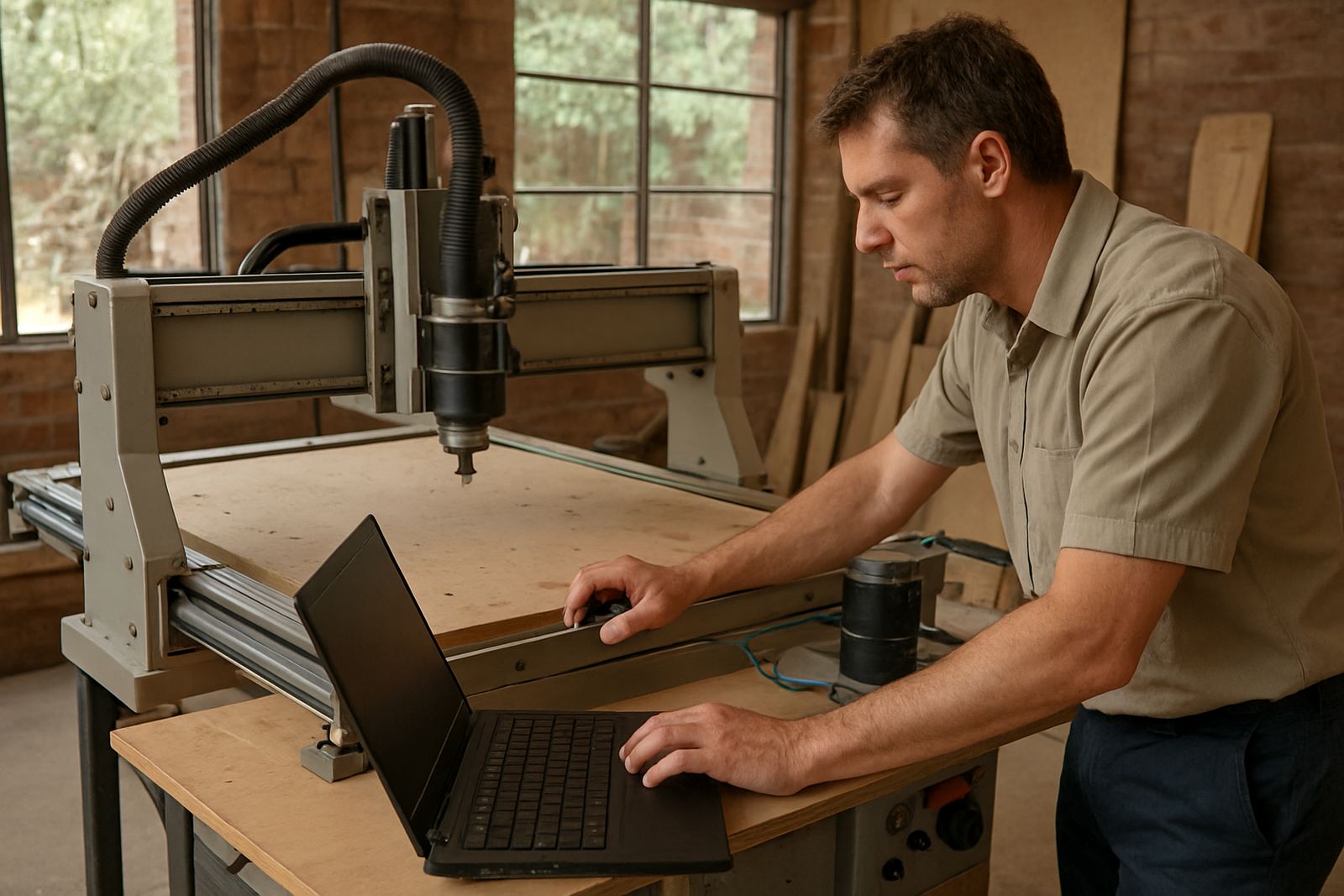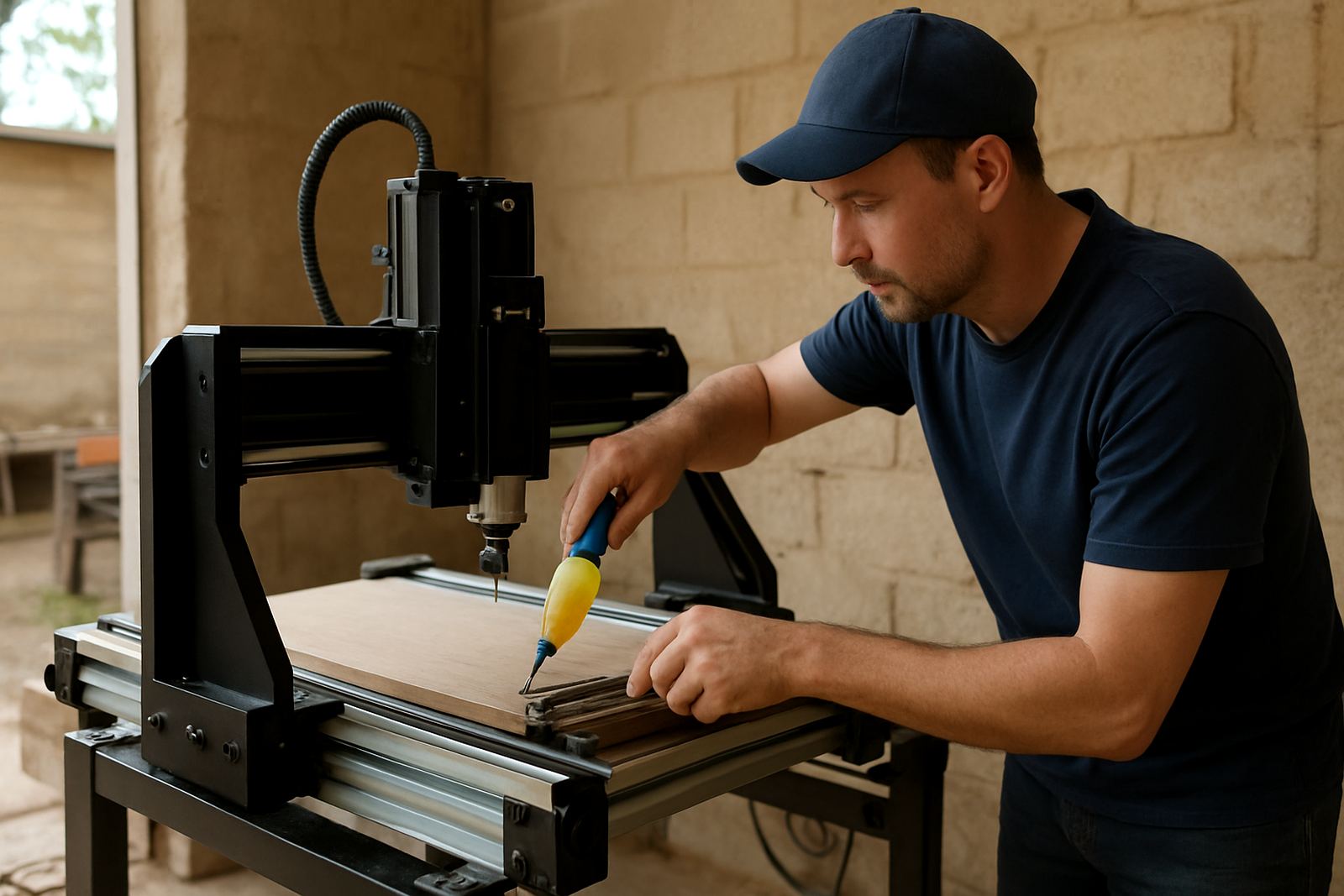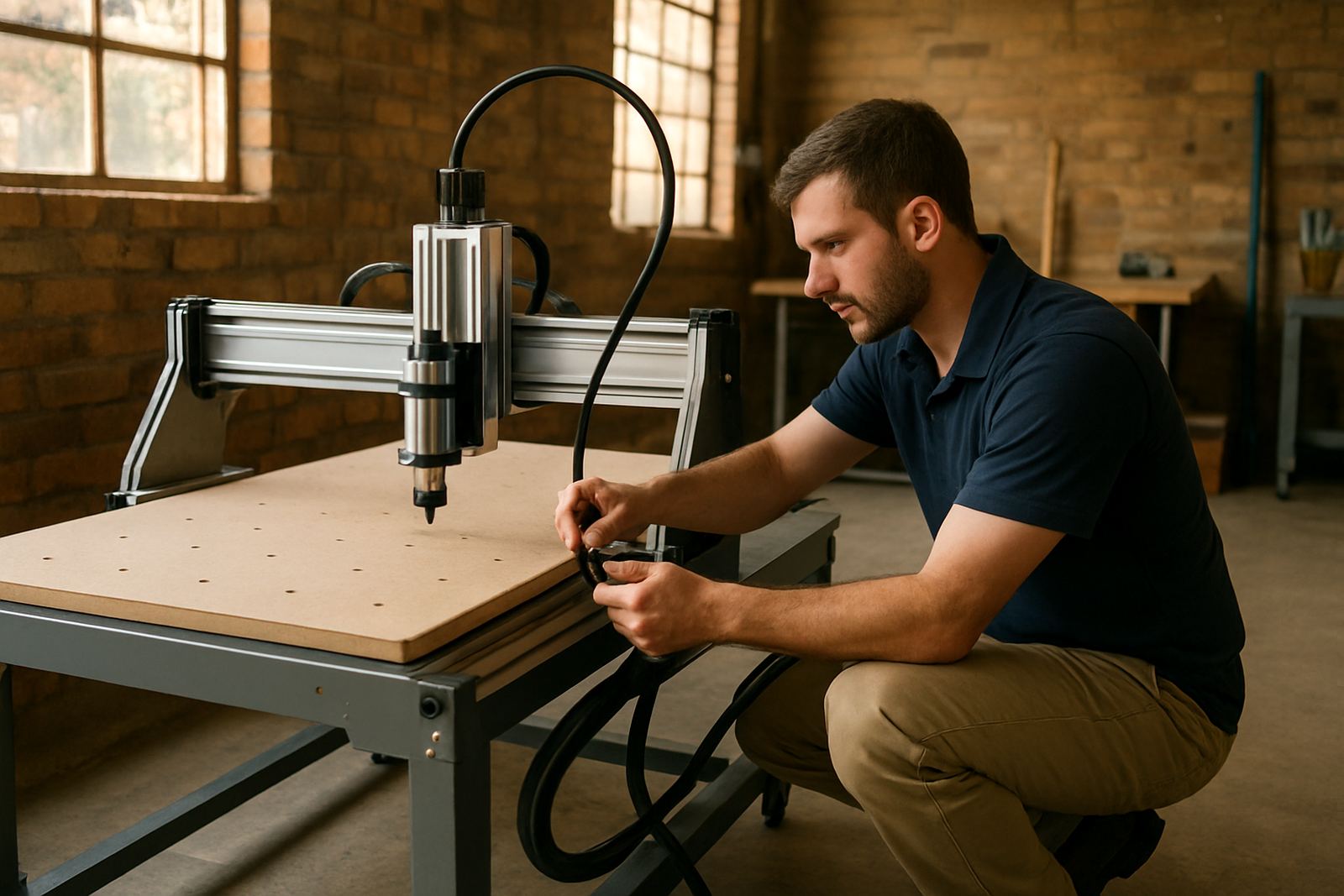
Training built for small workshops and first-time users
Our operator training is aimed at hobby users, small workshops and production teams that need clear, practical instruction without jargon. We work on the type of CNC router tables commonly used in South African shops, from compact desktop units to hobby-sized machines used for cabinet parts, signage blanks, panel routing and plastic cut-outs. Training is run from our Silverton, Pretoria base, with support available nationwide for businesses that need help on site.
The session covers how to power up correctly, home the machine, load material, zero the tool, run a job, stop safely and check finished parts before the next cycle. We also cover everyday issues like dust extraction, spindle noise, bit wear and what to do when load-shedding or a voltage dip interrupts a run. If your shop works with MDF in a humid coastal area or timber in a dry inland workshop, we explain the small changes that help keep parts accurate.
- Machine start-up and shutdown procedure
- Workholding, clamps and vacuum table basics
- Tool and cutter selection for wood, MDF and plastics
- Safe job loading, feed rates and first-off checks
- Cleaning, dust control and end-of-day inspection
What is included in the operator training session
Each session is tailored to the machine setup you are using and the type of work you want to produce. We can train one operator, a full workshop team or a supervisor who needs enough knowledge to manage daily output. The focus is on repeatable steps that reduce scrap and give your staff confidence when the machine is under pressure.
For customers in Pretoria East, Centurion, Midrand and Kempton Park, we can arrange a starter setup visit alongside training if the machine needs a first check before use. Where possible, we also look at the workshop layout, cable routing, dust collection and spare cutter stock so the operator is not forced to improvise later.
- Basic machine controls and interface navigation
- Zeroing axes and confirming origin points
- Loading a sample job and checking toolpath direction
- Inspecting cutters, collets and spindle condition
- Simple troubleshooting for alarms, missed steps and poor cuts
- Advice on spares to keep on hand for daily production
How operator training runs from booking through final sign-off
We keep the process straightforward. You send through the machine details, your location and the kind of work you do. From there we confirm the training scope and whether the visit should focus on first-time use, refresher work or a specific issue like inconsistent cutting depth or poor edge finish. If you are based in Silverton, Pretoria or nearby areas we can often plan the visit faster, while nationwide support is arranged by appointment.
On the day, the trainer checks the machine condition, confirms the installed accessories and walks through the machine controls step by step. We then move into practical use with the operator doing the work under supervision. That hands-on approach matters because a person learns quicker when they are actually running the machine, not just watching notes on a page.
- Step 1: Send machine make, table size and job type
- Step 2: Confirm whether training is onsite or remote-assisted
- Step 3: Trainer checks setup, tools and safety items
- Step 4: Operator completes practical runs with guidance
- Step 5: Final review and maintenance notes for daily use
If needed, we can repeat certain steps for different staff members or adjust the session for a fresh operator who has never run CNC equipment before. A short follow-up call can also be arranged if a question comes up once normal work resumes.
Daily workflow, safety and common production checks
A good CNC operator is not only someone who can press start. They must understand material movement, clamp placement, cutter choice and how to check a part before the next sheet goes in. Our training covers the workflow that most South African workshops follow, from material prep to final cleanup, with attention to safety around rotating tools, chips and dust.
We also show operators how to spot issues early. That includes listening for unusual spindle sound, checking if the gantry movement feels tight, watching for belt or rail wear, and stopping the machine if the cut starts drifting. In busy shops it is easy to ignore a small fault until it becomes a bigger repair, so the training includes practical warning signs that save time and Rand.
- Correct material thickness checks before cutting
- Safe clamp placement to avoid tool strikes
- Dust extraction and chip clearing during use
- End-cut inspection for burn marks, chatter and edge tear-out
- Basic response steps when a job stops mid-run
Maintenance intervals and support after training
Training is only useful if the machine stays in good working order afterwards. We explain the maintenance intervals that suit light hobby use and heavier weekly production. For most small workshops, a daily clean, weekly inspection and monthly alignment check are enough to keep the machine accurate. In hotter or dustier spaces, or in coastal towns where humidity affects MDF and steel parts, the checks may need to happen more often.
Our trainers show operators what to monitor between service visits and when to call for breakdown support, control tuning or spindle replacement. If the machine starts cutting out of square, the gantry loses smooth movement or the control response changes after a power interruption, it is better to act quickly. A few minutes of attention now can prevent a full day of downtime later.
- Daily: clean table, rails and surrounding area
- Weekly: check fasteners, cable paths and cutter wear
- Monthly: inspect alignment, belts and spindle noise
- After load-shedding: confirm homing, offsets and test cuts
- Every 3 to 6 months: review accuracy and control settings
Pricing approach for training and local site visits
We price operator training according to the machine type, the number of users, the length of the session and whether travel is needed. A single operator refresher at our Pretoria base will cost less than a full onsite session for a team in another province. Where a customer also needs spares planning, setup help or a maintenance check, we can group the work so you only pay once for the visit where practical.
There are no one-size-fits-all rates because a desktop router used for occasional hobby work has different needs from a small production machine running daily. We quote clearly before booking, and we explain what is included so you can budget properly. If the machine needs extra time for controls, spindle issues or software basics, we will flag that in advance rather than leaving you with surprise charges.
For a precise quote, send the machine size, number of operators and your location through our contact form. We cover Silverton, Pretoria East, Centurion, Midrand, Kempton Park and nationwide areas by arrangement.
Key facts
| Training type | Hands-on operator training for CNC router tables |
|---|---|
| Material focus | Wood, MDF and plastics |
| Base | Silverton, Pretoria |
| Coverage | Pretoria, Gauteng and nationwide support |
| Typical session | 1 to 4 hours depending on machine and operator level |
| Support options | Onsite training, refresher training, remote support and follow-up |