What a Starter Setup Visit Covers On Site
The visit is for new owners who want the machine settled properly before regular production starts. We check the machine location, power supply, grounding, spoilboard setup, tool holding, controller settings and basic cutting parameters so the first jobs are done with less waste and less guesswork.
In most cases the visit is best within the first few days after delivery, once the machine is installed and connected. If the workshop is in Pretoria East, Centurion, Midrand or Kempton Park, we can usually plan quickly. For other areas, we arrange a practical travel schedule and confirm the scope before we come out.
- Machine position, levelling and workspace clearances
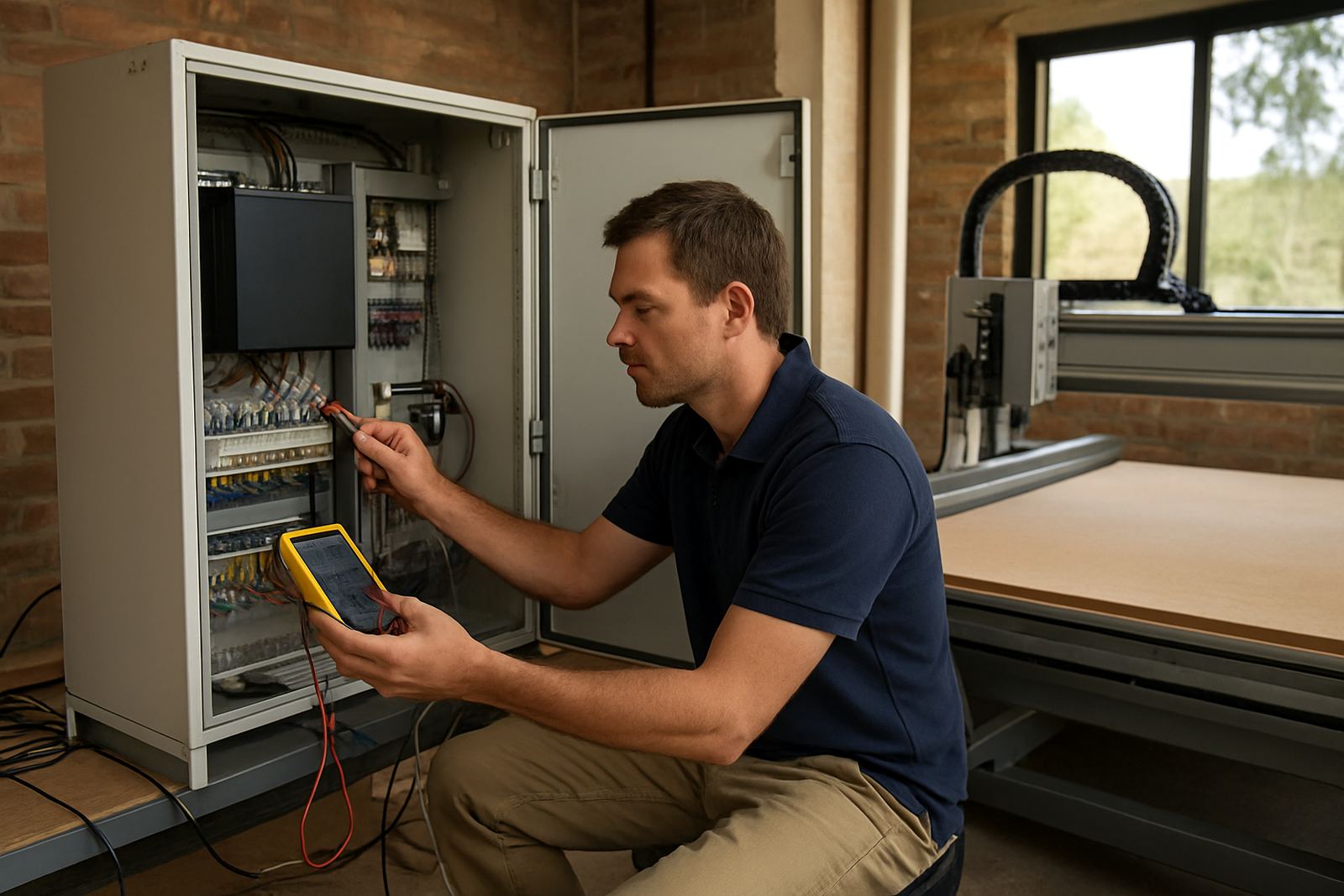
- Power supply checks for 220V or 380V units where applicable
- Controller, limit switch and emergency stop checks
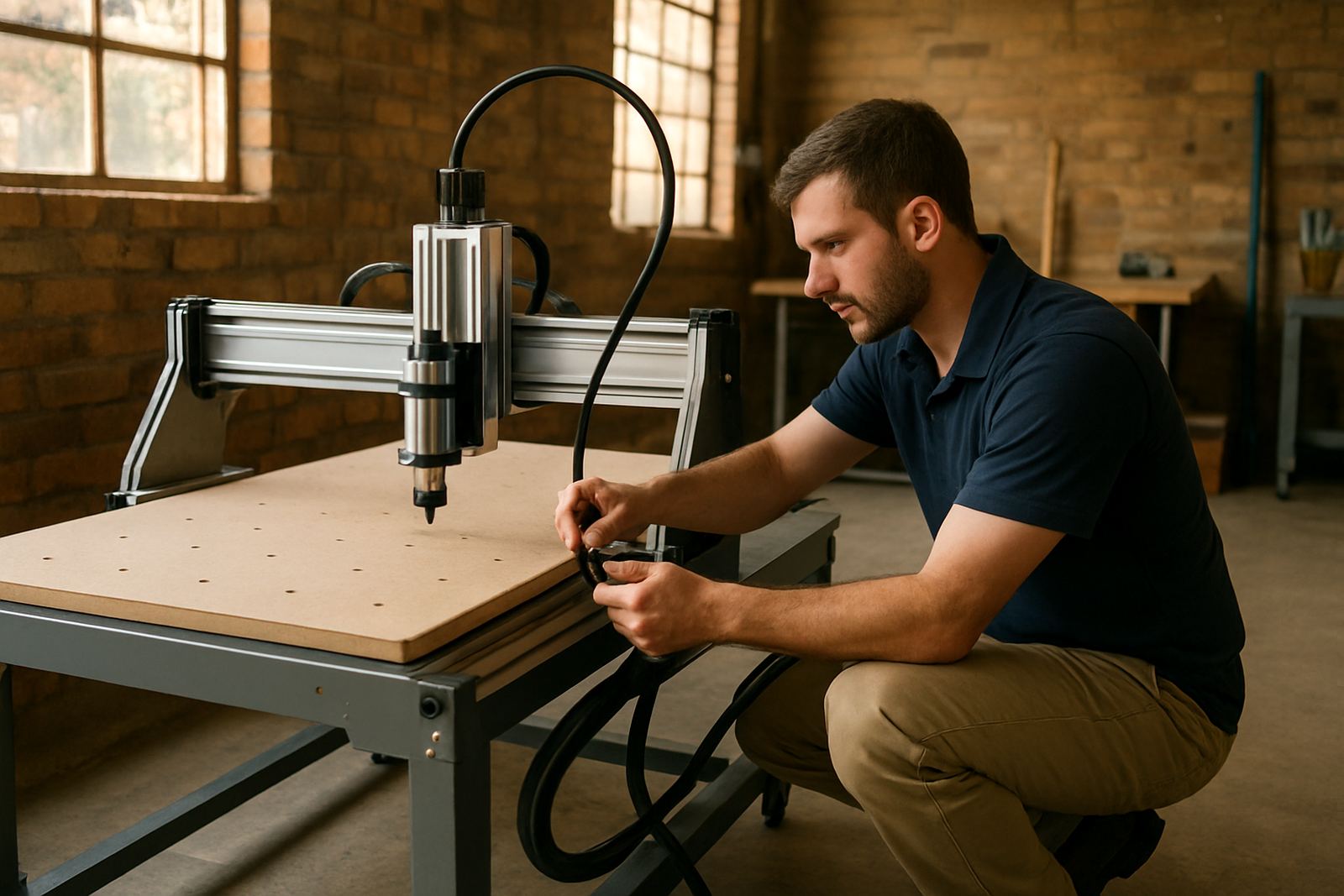
- Basic tool fitting and spoilboard preparation
- First material test on MDF, plywood or plastics
How We Set the Machine Up for First Cuts
Once on site, we work through the setup in a proper order. That starts with safety and power, then homing, axis movement and simple dry runs. After that we set practical cutting values for the material you actually use, because a router that works on 16 mm MDF may need different feeds and spindle speed for 3 mm acrylic or HDF.
We also explain chip load, tool path direction, cutter depth and hold-down methods in plain language. If the machine is going into a small Silverton workshop with limited floor space, we help position it for access, dust extraction and easy loading. Coastal humidity is not a Pretoria issue, but if the machine will later move to Durban, Gqeberha or the North Coast, we can advise on storage and corrosion prevention too.
- Axis direction and home position confirmation
- Cut depth test and feed rate starting values
- Dust extraction and chip clearing checks
- Material hold-down and sacrificial board setup
- Simple sample job before handover
Training During the Visit
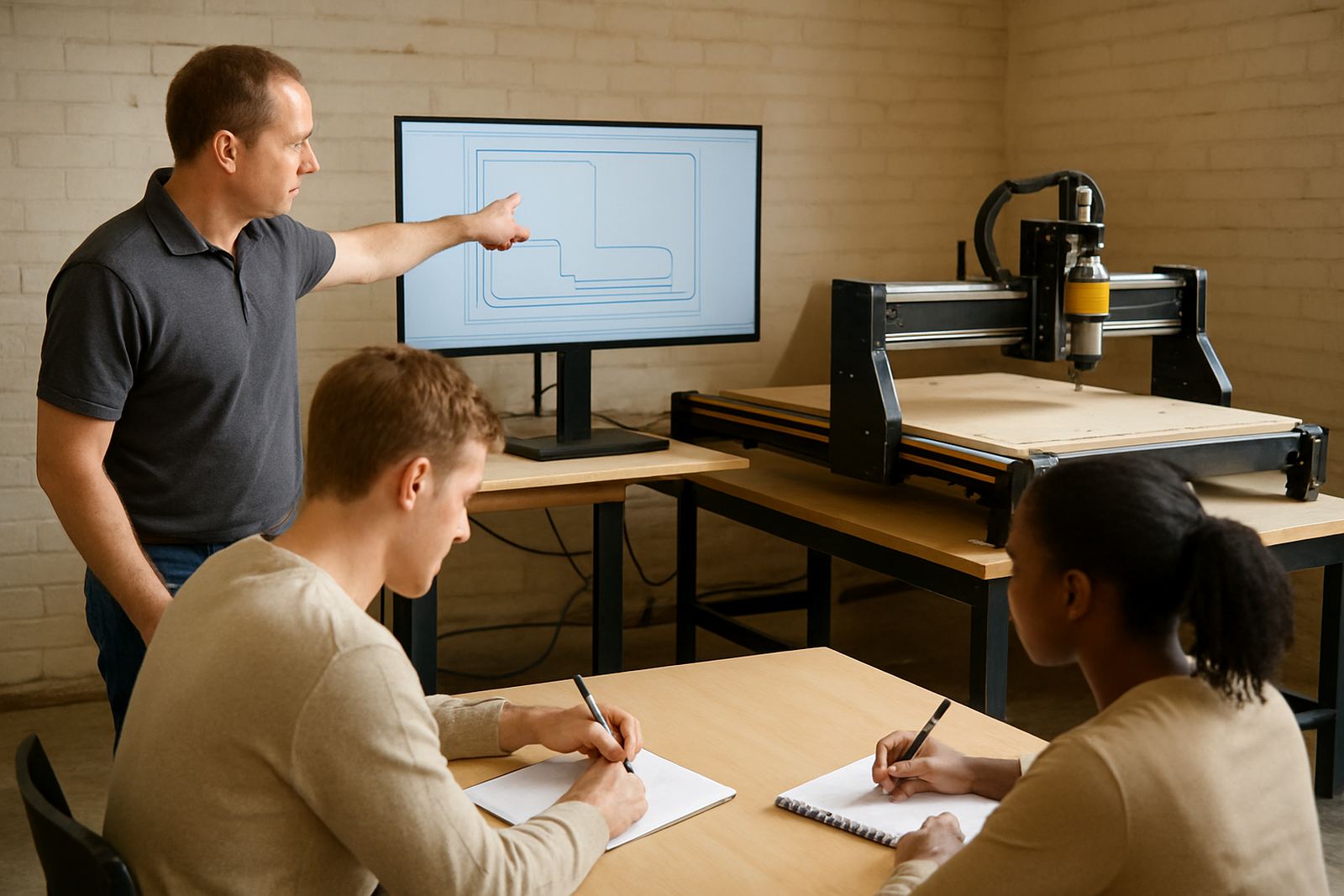
This is not just a machine check. We spend time on the software basics needed to get started, including job loading, tool zeroing, origin setting and safe start-up routines. If your team is new to CNC work, we keep the training hands-on so the operator can repeat the steps without needing to phone for every small question.
Load-shedding is also part of the conversation. We show you how to stop a job safely, what to save before a power interruption, and how to restart without losing the full sheet. For workshops in Gauteng that run on an inverter or generator, we confirm what the machine can handle and what should be switched off first. It saves time and avoids damaged cuts.
- Operator start-up sequence and shutdown steps
- Zeroing and work origin setup
- Simple file loading and test run practice
- Safe pause and restart procedure during outages
Pricing Approach and Booking Details
We price the Starter Setup Visit according to machine size, travel distance, workshop complexity and the amount of training needed. A small desktop or hobby router in Silverton will usually take less time than a larger table with vacuum hold-down, dust extraction and multiple tools. Before booking, we confirm the basics through our contact form so you know what is included and what may fall outside the standard visit.
For planning, it helps if the machine is already assembled, the computer is ready, and the workshop has power available. If there are site issues such as a missing extractor hose, poor mains supply or a table that is still not level, we will point that out and advise on the next step. That way the visit stays useful instead of becoming a guesswork exercise.
- Quoted after confirming machine type and location
- Travel charged separately where applicable
- Extra time can be added for complex installs
- Send the workshop address and machine model through our contact form
Aftercare and Maintenance Intervals
After the visit, we recommend a short follow-up after the first few jobs, especially if the machine is cutting thicker MDF, boards with glue content, or plastic sheets that can cause heat build-up. A quick check after 20 to 40 machine hours helps pick up loose fasteners, belt tension changes, dust issues and any sign that the cutter settings need adjustment.
For regular use, basic cleaning should be done daily or after each shift. Lubrication, alignment and deeper checks are usually monthly on hobby machines and more often on busy workshop units. If the spindle is running long hours, the cooling and bearings should be monitored closely. Good maintenance keeps the cuts consistent and reduces call-outs later.
- Daily: clear dust, chips and offcuts
- Weekly: check cutter wear and cable routing
- Monthly: inspect belts, fasteners and spoilboard
- Every 20 to 40 hours: quick post-startup review
Who This Service Suits
The Starter Setup Visit suits hobby users, small cabinet shops, sign makers and schools that need a practical handover without a long downtime. If you are based in Pretoria East, Centurion, Midrand or anywhere else in Gauteng, the visit helps turn a new machine into a working tool rather than a learning curve with expensive trial cuts.
We also support spares planning during the visit, so you know what to keep on hand from the start. That may include cutters, belts, clamps, limit switches, fuses or a spare router spindle depending on the machine spec. It is a simple step, but it saves a lot of time when a workshop is due to start cutting the next day and the supply counter is 30 km away.
Key facts
| Service type | Onsite startup visit for new CNC router owners |
|---|---|
| Area | Silverton, Pretoria East, Centurion, Midrand, Kempton Park and nationwide on arrangement |
| Material focus | Wood, MDF, plywood and plastics |
| Typical visit scope | Setup checks, first cuts, operator guidance and practical handover |
| Support formats | Onsite visit, remote follow-up and spares planning |
| Booking contact | Contact form |