Why refresher training matters in a busy workshop
In many small workshops, a CNC router does not run every day. The machine may sit between jobs for weeks, then a new cutting list comes in and the operator has to remember setup, zeroing, tool changes and file loading. That is when small mistakes start showing up in spoil boards, worn cutters or wasted sheet material.
Refresher training is built for that reality. We work with hobby users, cabinet makers, sign shops and light production teams across Pretoria, Centurion, Midrand, Kempton Park and further afield. The aim is simple: rebuild confidence, reduce downtime and get clean repeatable cuts again.
We can train on hobby sized router tables, compact desktop units and larger 3 axis machines used for plywood, MDF and plastic sheet work. If your team has changed, or if the person who usually runs the machine is away, refresher support helps keep the workshop moving.
What is covered during the session
Each refresher session is practical and focused on the machine you already use. We do not waste time on theory that does not help on the shop floor. The trainer works through your usual workflow, checks the control settings and shows where errors are most likely to happen.
- Machine start up, homing and safe shutdown
- Axis zeroing, work offsets and job positioning
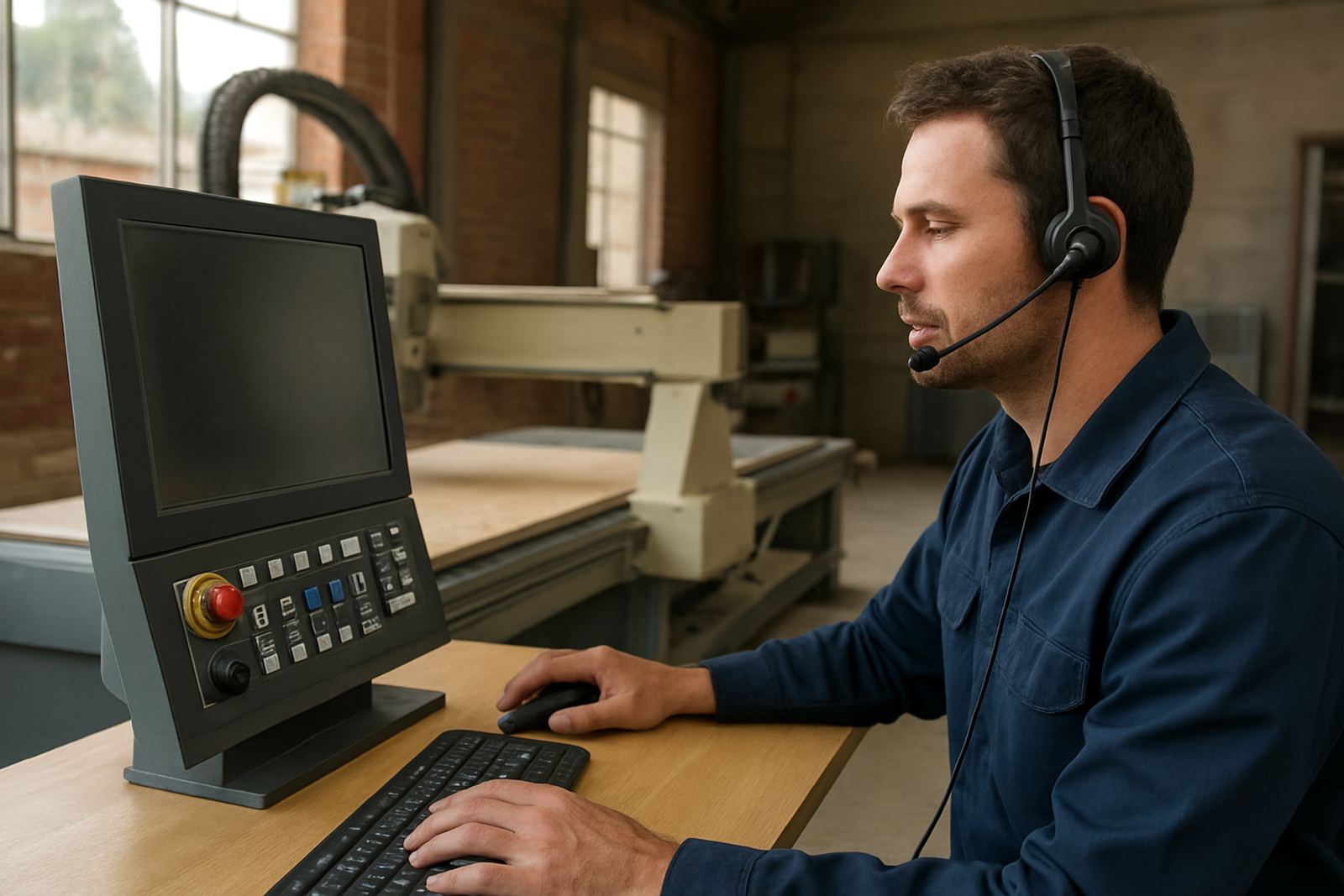
- Basic file handling and software steps for common jobs
- Feed rates, spindle speed and cut depth checks
- Tool selection for MDF, plywood and plastics
- Vacuum hold down or clamp positioning
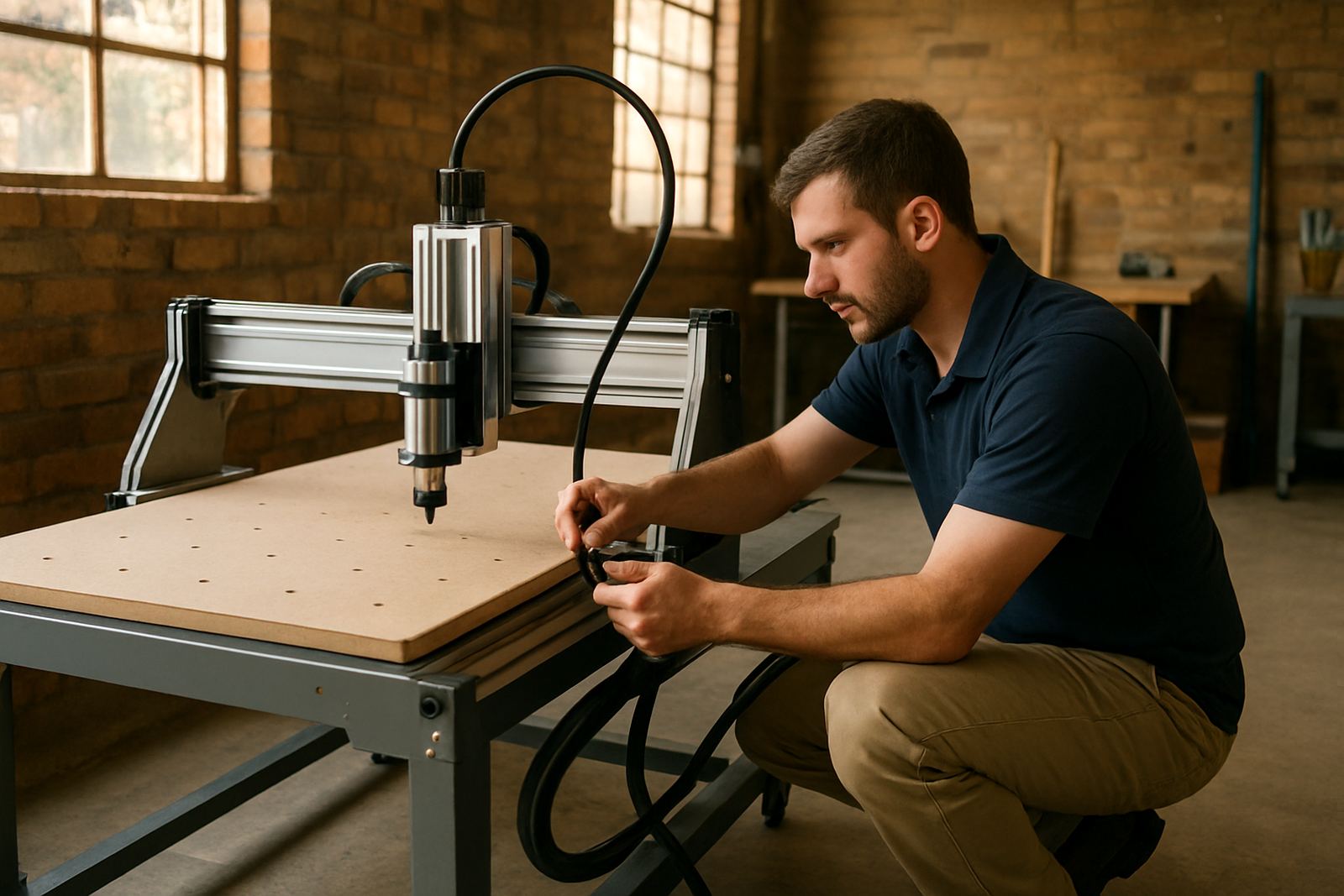
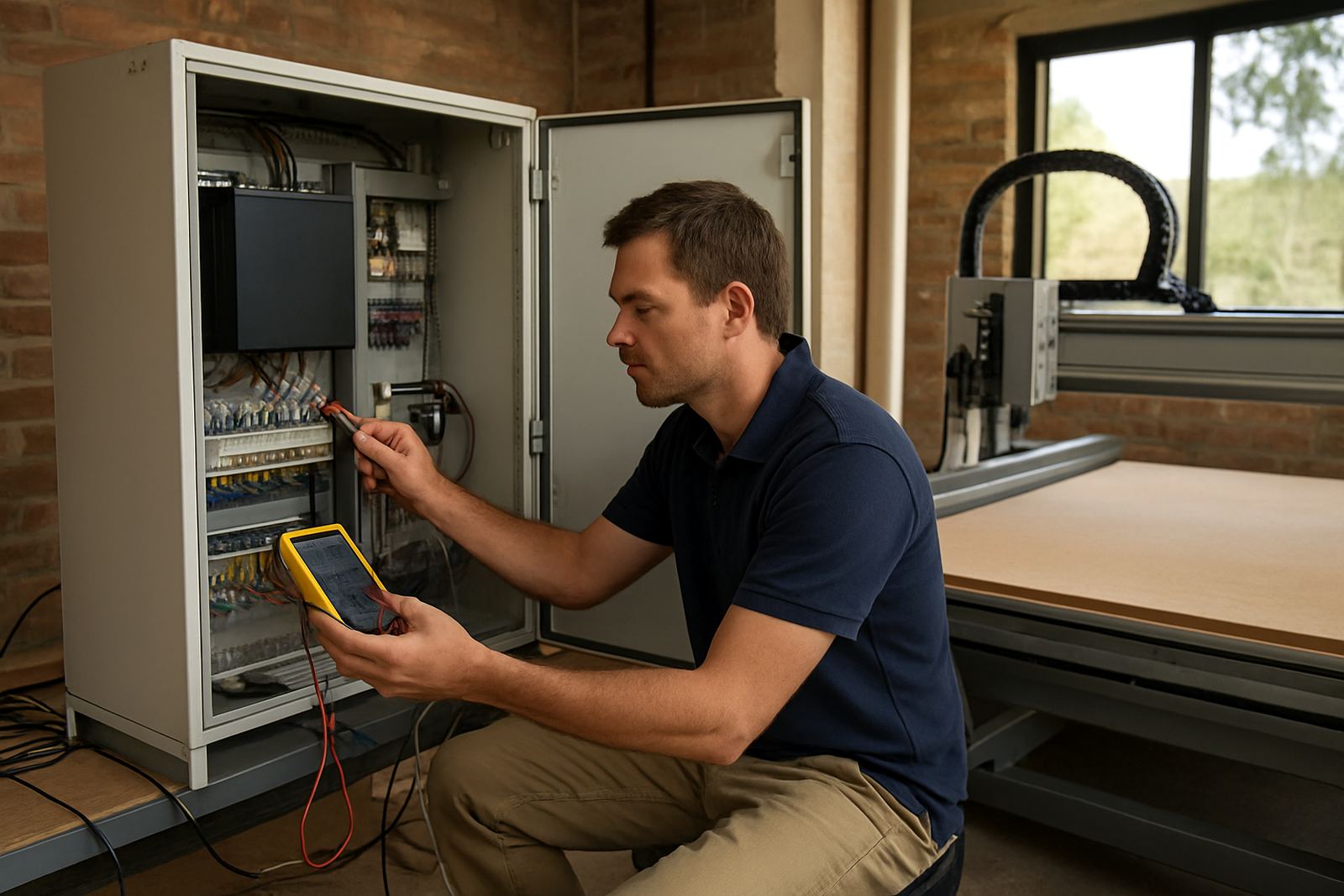
- Simple fault finding for alarms, missed steps or poor finish
- Daily cleaning and end of shift checks
If needed, we also cover spindle replacement basics, control tuning, and how to spot wear before it becomes a breakdown. For workshops in humid coastal conditions or dusty cutting rooms, those checks matter. A little bit of prevention saves time and money.
How the refresher process works
We keep the process practical and direct. First, we ask what machine you have, what material you cut and what issues have come up since the last time the router was used. That tells us whether you need a short recovery session, a full handover for new staff, or a deeper review of the setup.
- Book the session by phone or message
- Share the machine model, table size and software version
- Tell us about the material, cutters and any problems
- We plan the visit, remote session or workshop slot
- The trainer works through the machine with the operator
- We leave a simple action list for follow up checks
Sessions can be done at our Silverton base in Pretoria, on site in Pretoria East, Centurion, Midrand or Kempton Park, or remotely for quick software guidance where that is suitable. If the workshop is running under time pressure, we can focus the visit on the exact issues affecting production that week.
Typical turnaround and booking time
For most refresher requests, share your machine details and the training needed so we can schedule a practical session. Remote support may be arranged sooner when the need is only for file setup, software basics or a control check. On site work depends on travel, machine access and the amount of hands on practice needed.
Short sessions for one operator can often be completed in a single visit. If there is a new team member and an older machine that has not been used for some time, allow more time for reset, test cuts and a proper run through. During load-shedding periods we also help you plan the training around power availability so the session is not interrupted halfway through a setup.
Where possible, we recommend booking before a production deadline rather than after the machine has already missed one. That gives us time to inspect the setup and keep the workshop stable, not just react to the problem.
Pricing approach for refresher training
Pricing depends on the scope, location and whether the session is remote or on site. A one hour remote refresher for software steps and basic machine checks is priced differently from a half day workshop visit with hands on operator practice. If spares, control work or a spindle check is needed at the same time, we quote that separately so you know exactly what is included.
We keep pricing clear and practical. You will know the labour portion, travel where relevant and any parts needed before work starts. For workshops that need repeat visits or more than one operator trained, we can group the work into a better value session rather than billing each small task on its own. That helps with budgeting, especially for smaller businesses that watch every Rand.
Service intervals for smoother router performance
Refresher training is not only for mistakes. It is also useful as part of routine maintenance, especially where the machine is used by different people or sits idle between jobs. As a general guide, book a refresher every 6 to 12 months for active workshops, or sooner if a new staff member takes over the machine.
Extra training is worth arranging after any of the following:
- Long periods of non use
- New software or control changes
- A spindle replacement or major repair
- Repeated tool breakage or poor cut finish
- New material types like acrylic, PVC free sheet or thicker MDF
- A staff change in the person who loads and runs jobs
We also advise a basic daily clean, weekly axis check and monthly inspection of cables, cutters and spoil board condition. If the workshop is near the coast, keep an eye on moisture and corrosion. In inland areas like Pretoria and Centurion, dust buildup is often the bigger issue.
Training support from Silverton, Pretoria
CNC Router Hub is based in Silverton, Pretoria and supports users in Pretoria East, Centurion, Midrand, Kempton Park and nationwide for spares and guidance. Our team includes operators, technical support and service staff, so the training is grounded in the daily issues people actually face on the shop floor.
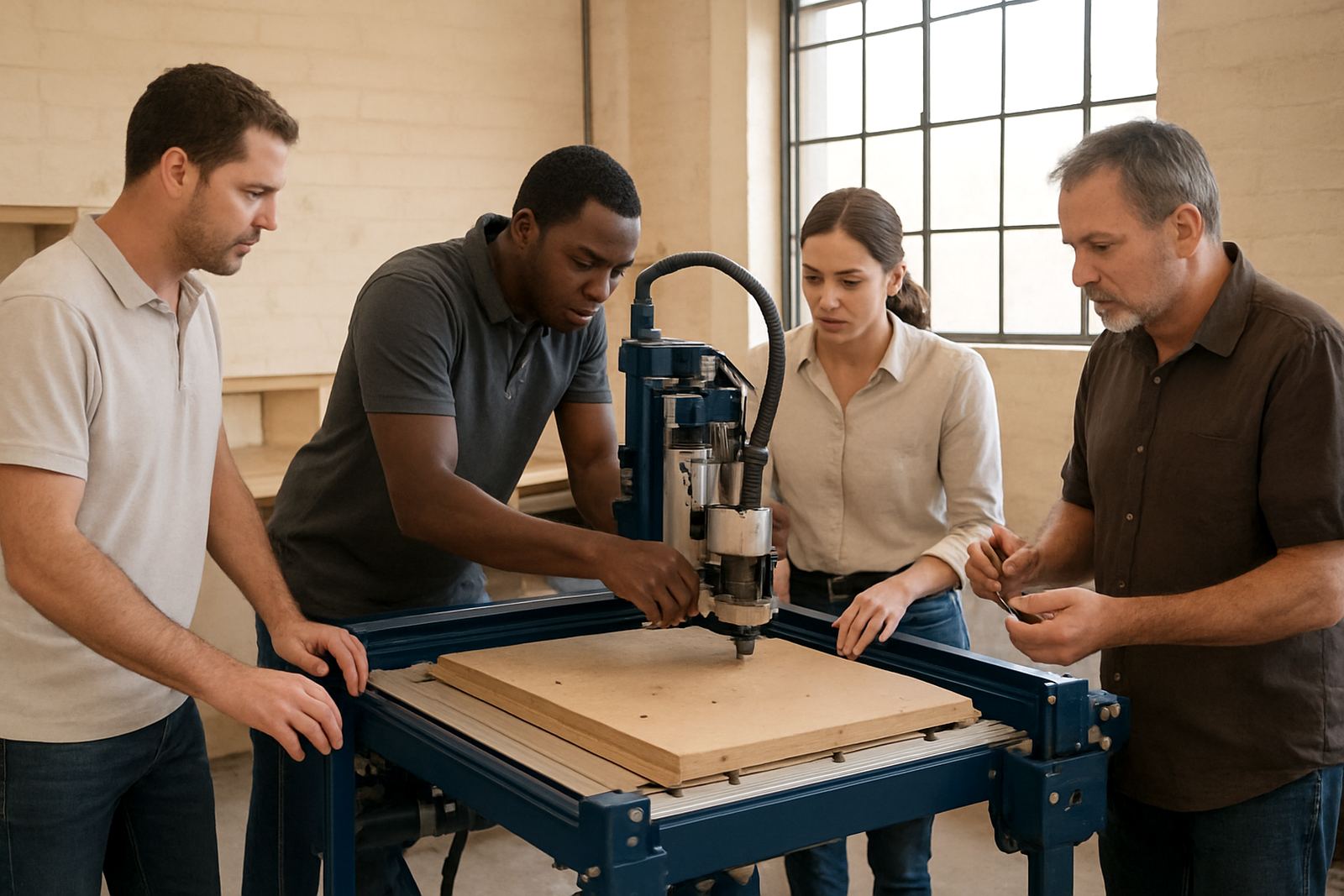
Whether you need one operator brought back into routine, or several staff members trained after a handover, we keep the focus on safe use, clean cuts and practical follow through. If the machine has been standing for a while, we can combine refresher training with a starter setup visit, control tuning or preventive maintenance so the workshop is ready for work again.
Key facts
| Service type | Refresher Training for CNC router operators |
|---|---|
| Location | Silverton, Pretoria base with on site support in Pretoria East, Centurion, Midrand, Kempton Park and nationwide remote assistance |
| Suitable for | Hobby users, occasional operators, new staff and small workshop teams |
| Machine types | Desktop routers, hobby routers and compact to mid size CNC router tables |
| Materials | Wood, MDF, plywood and plastics |
| Typical session length | 1 to 4 hours depending on machine condition and number of users |