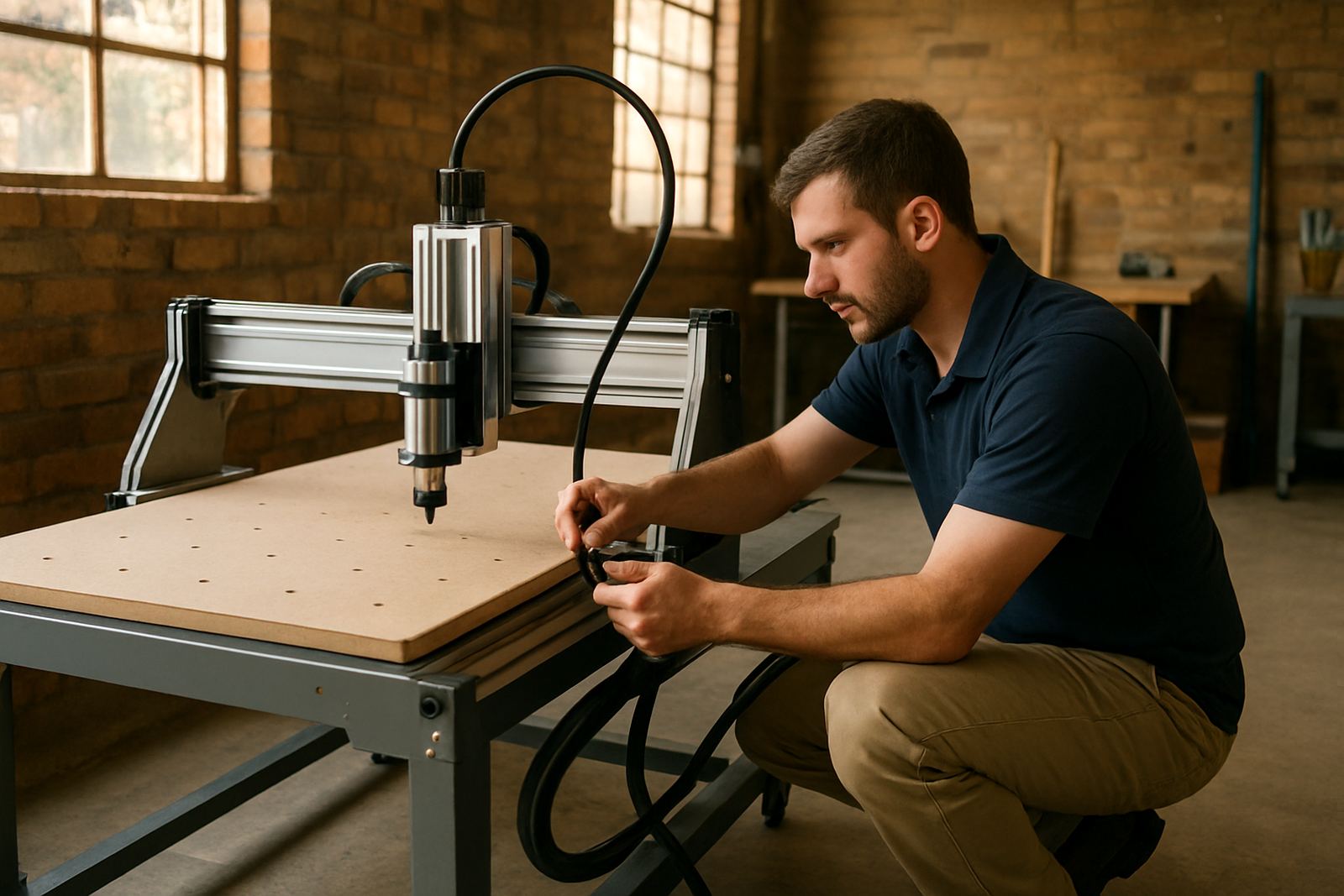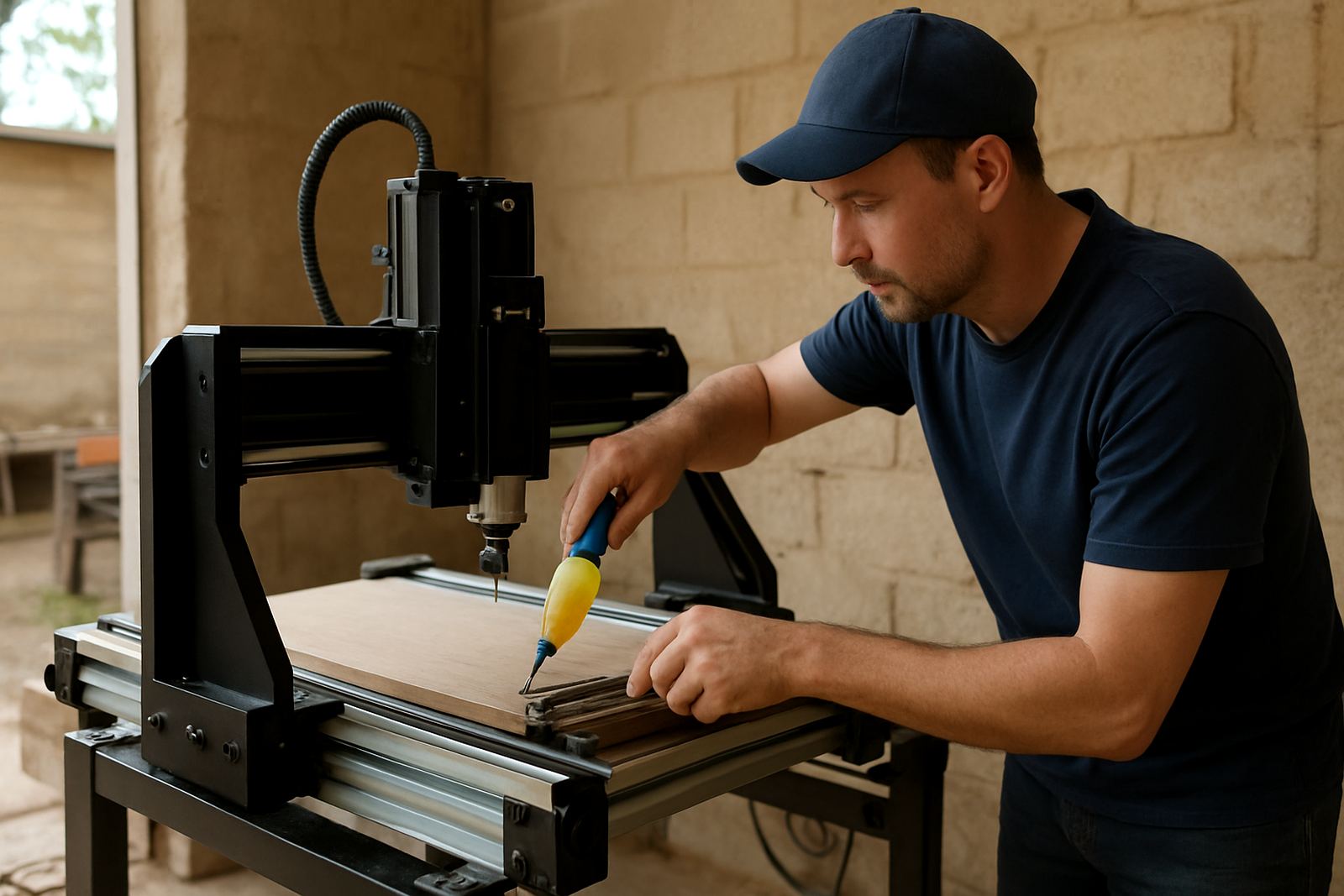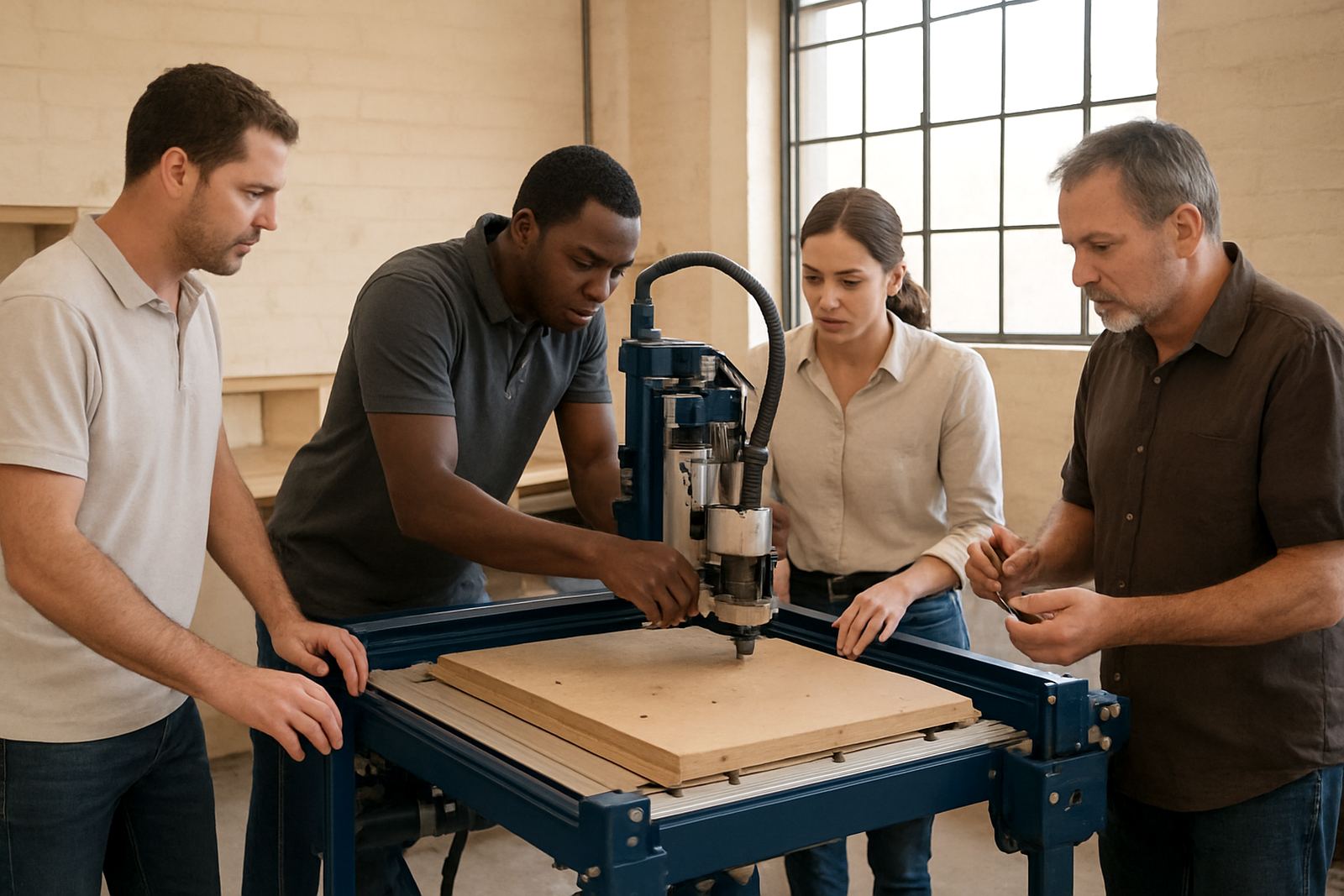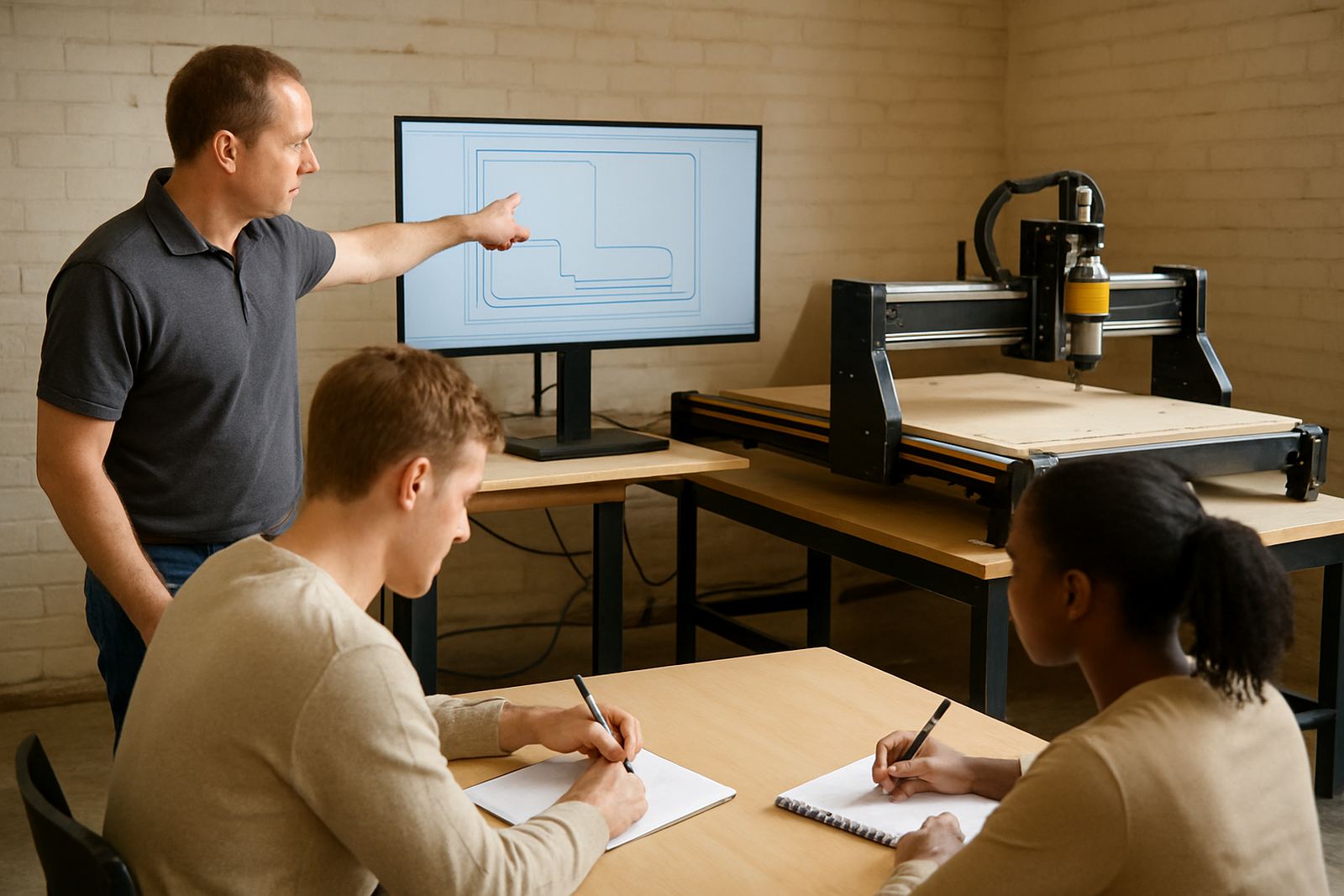
What the Software Basics session covers
This training is focused on the day to day work that comes before the machine starts cutting. We show users how to prepare a drawing, bring it into the software, check scale, set up layers or toolpaths, and export a file the machine can read. The aim is to help you understand the process well enough to set up jobs with confidence, not just follow buttons without knowing why.
The session suits MDF, plywood, solid timber parts, acrylic, PVC and other common sheet materials used in small workshops. It is especially useful for first time owners, staff who need a refresher, and anyone who has been losing material because of incorrect depths, wrong feed settings or poor file preparation. We keep the pace practical and hands on, with time for questions from the operator doing the work.
- Drawing import and file checks
- Basic job setup and sheet size matching
- Toolpath selection for common cutting tasks
- Safe file output and machine handover
- Simple naming and storage for repeat jobs
Step by step training process
We start with your current workflow so we can see where the bottlenecks are. Some clients come in with drawings already prepared, while others only have sketches or rough dimensions. From there, we show the full route from a clean file to a usable cut file. If needed, we also cover the basics of measurement units, origin points, and how to confirm that what you see on screen matches the material on the bed.
Depending on your setup, the trainer may work with a desktop controller setup, a hobby router table, or a small production machine. The steps are explained in plain language, with examples relevant to furniture parts, signs, jigs and small components. If your workshop suffers from load-shedding, we can also discuss saving work safely, using backups and avoiding file corruption during interruptions.
- Review the drawing or customer file
- Confirm units, size and origin position
- Set cutting depths, passes and tool selection
- Generate the toolpath and check the preview
- Save, label and export the final job file
Included in the service fee
Software Basics is priced as a practical training service, not a software resale exercise. The fee depends on whether the session is done in Silverton, at your workshop in Pretoria East, Centurion, Midrand or Kempton Park, or as a remote support booking. We quote after understanding your machine type, operator experience, and how much support you need. That way you pay for actual time and guidance, not guesswork.
The service can include a single operator session, a small team refresher, or a setup review linked to your current production tasks. If you need spares planning or controller adjustments at the same time, we can combine the visit so your workshop does not lose extra time. For businesses working from home or in shared premises, we also help with practical file storage and repeat job organisation, which saves time later.
- Initial workflow review and assessment
- Hands on training on your own machine or files
- Basic setup corrections where needed
- Questions and follow up guidance
- Optional remote support after the session
Typical turnaround and booking times
For Pretoria and surrounding areas, booking is often possible within a few working days, depending on the schedule and whether the visit is on site or remote. Nationwide support is available for software guidance and refresher sessions, especially where a workshop only needs structured help with job preparation and file output. In urgent cases, we will try to fit in a shorter remote slot so production can continue.
Most basic sessions run long enough to cover the full process properly, rather than rushing through menus. If your operator is new, allow extra time for measuring, testing and saving a clean file. The goal is not speed alone, it is to leave the user able to repeat the process later without calling for help every time.
Practical specs and workshop requirements
Before booking, it helps to have a few details ready so we can prepare the right advice. The session works best when the machine is installed, powered, and ready for basic testing. If the area is dusty or affected by humidity, especially in coastal or poorly sealed workshops, we may also suggest simple file and equipment habits that reduce avoidable faults over time.
- Machine type: desktop, hobby or small workshop CNC router
- Common material focus: MDF, plywood, timber and plastics
- Typical workshop size: single operator or small team
- Power note: stable supply recommended, with backup for load-shedding
- Support format: on site in Gauteng or remote nationwide
- Files handled: common drawing and cut file formats used for routing jobs
Keeping the setup working after training
Software Basics is only useful if the process stays consistent after the session. For that reason, we also cover maintenance intervals linked to the operator workflow. A quick weekly check of saved jobs, file folders and drawing versions helps avoid confusion. Monthly reviews are useful if you run repeat parts or share the machine between staff. If you cut often, a refresher every few months can keep mistakes down, especially when a new operator takes over.
We also recommend checking software settings after any controller update, power interruption or spindle service, because small changes can affect the way a job runs. If you notice cut sizes drifting, unexpected tool marks or missing toolpaths, it is worth booking a support visit before the problem becomes wasteful. In many cases the fix is simple once the file setup is checked properly.
Key facts
| Service type | Software Basics training for CNC router users |
|---|---|
| Main focus | Drawing import, toolpath setup and file output |
| Suitable for | Hobby users, small workshops and new operators |
| Materials covered | MDF, plywood, timber and plastics |
| Availability | Silverton, Pretoria East, Centurion, Midrand, Kempton Park and nationwide remote support |
| Support options | On site training, refresher sessions and follow up guidance |