What Remote Support Covers
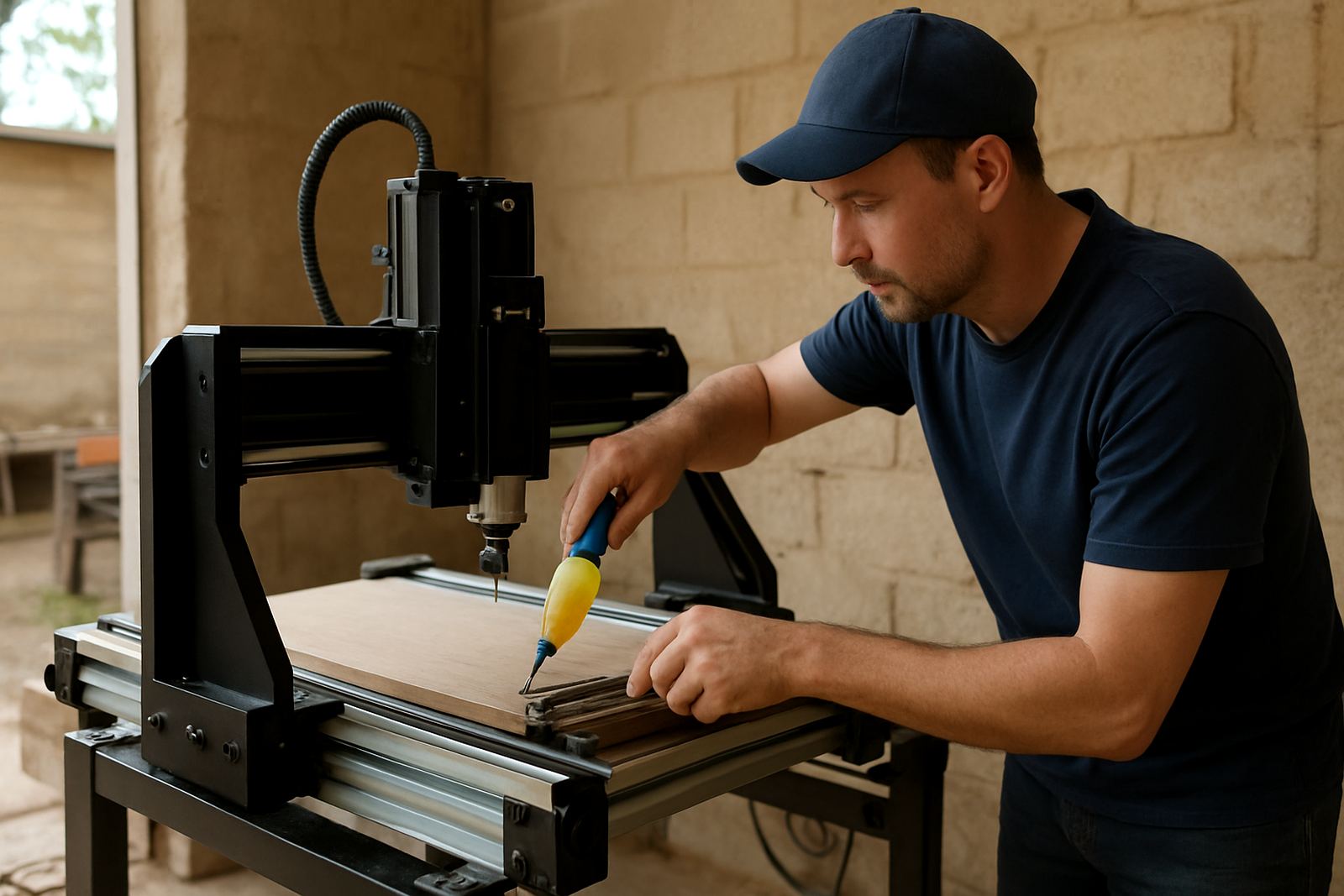
Remote support is for workshop issues that can be checked by phone, messaging, video call, or remote screen access when your setup allows it. It is a good fit for hobby users, small cabinet shops, sign makers, and woodworkers who need help with a file, a setting, or a machine error and do not want to stop production while waiting for travel. We support CNC router tables used for wood, MDF, plastics, and related light-duty cutting work.
Typical jobs include software questions, origin setting, tool change steps, spindle checks, machine homing problems, and simple control faults. It also helps when the router is running but the results are poor, such as rough edges, missed steps, incorrect depths, or files that are not loading properly. In many cases we can guide you through the fix in one call, which saves time and transport costs.
- Software basics and file setup
- Machine start-up and homing checks
- Axis tuning and motion issues
- Spindle, router, and controller fault checks
- Cut quality troubleshooting
- Remote refresher training for new staff
How We Work Through a Remote Session
We keep the process simple so you can get back to work quickly. First, you send your machine model, controller type, a short description of the fault, and clear photos or a short video if possible. If the issue is software related, include the file type, the program you are using, and what happens when you run the job. If it is a machine issue, note any alarm code, noise, movement problem, or recent change such as a new bit, new board, or power interruption.
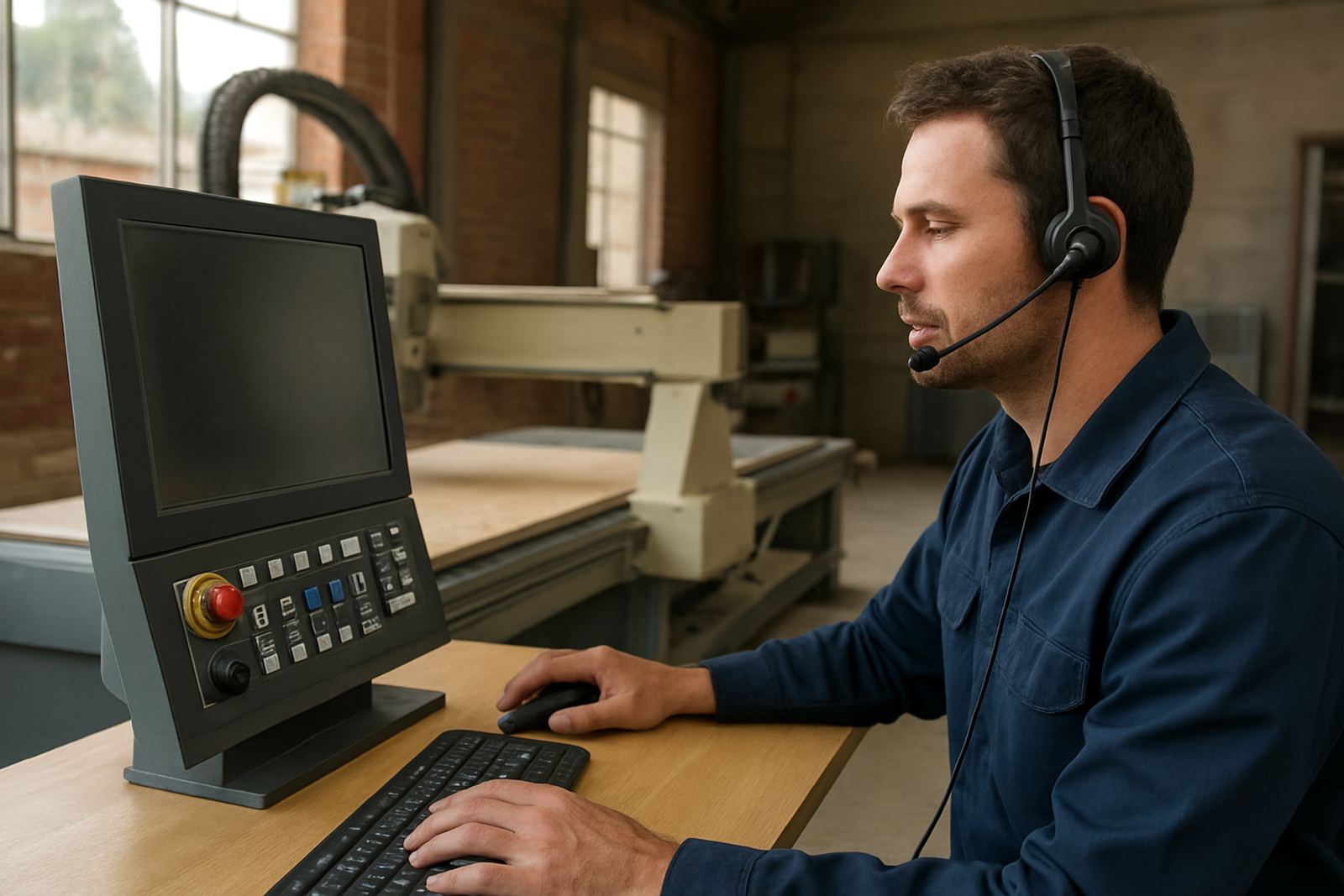
Once we have the details, we confirm the best support method. Some issues can be handled by phone, while others need a screen-sharing session or live video from the workshop floor. We talk you through each step and check the result before moving on. If the fault turns out to need a part or hands-on work, we will tell you honestly and help with the next step, including spares planning or a site visit if needed.
- Send machine details, photos, and the fault description
- We assess the issue and choose phone, video, or screen access
- We guide the checks step by step
- We confirm the fix or recommend the next action
Typical Problems We Solve Remotely
Many workshop problems do not need a technician to drive out to Silverton, Midrand, or Kempton Park. Remote support is especially useful where the machine is mechanically sound but the user needs help with settings, files, or day-to-day operation. It is also practical in areas where load-shedding and power dips have upset the controller or where the software has lost its home settings after a shutdown.
We often assist with missed steps, wrong direction movement, Z height errors, toolpath confusion, spindle not starting, and job setup issues after a power interruption. For humidity-sensitive workshops on the coast, we can also help with changes in MDF behaviour, cut finish, and storage related movement. If your router is cutting but the edges are burning or the sheet is not staying flat, remote checks can narrow the cause fast.
- Power interruption recovery
- Step loss and calibration checks
- Toolpath and file loading issues
- Incorrect cutting depth or poor finish
- Spindle start and speed faults
Turnaround, Access, and What to Prepare
Most remote enquiries are handled through our normal office process, especially when the issue is sent clearly with pictures or video. If you contact us early in the day, there is a better chance of sorting the matter before your next cutting run. For customers in Pretoria East, Centurion, and Pretoria proper, remote support is often the fastest first step before booking a physical visit.
To save time, have your machine serial number, controller model, software name, and the exact material you are cutting ready. It also helps to keep the current tool size, spindle speed, feed rate, and cut depth on hand. If a board was cut badly, keep the offcut nearby so we can check edge finish, tear-out, and burn marks by photo or live video. That small bit of prep usually shortens the session quite a lot.
- Remote support for setup and faults
- Best results when photos, video, and settings are ready
- Useful for urgent workshop stoppages and after-hours follow-up by arrangement
- Supports customers nationwide from our Pretoria base
Pricing Approach and When Remote Support Makes Sense
Remote support is charged in a practical way, based on the time needed and the type of assistance required. Simple advice over the phone is not priced the same as a longer session that includes screen sharing, machine diagnostics, or a guided recovery after an alarm. We keep the structure clear so you know what you are paying for before the session starts.
This service usually costs less than a call-out because there is no travel time, fuel, or site access delay. It works well for smaller workshops in Silverton, Pretoria East, Centurion, and Midrand, as well as customers further afield who just need a bit of guidance and not a physical repair. If the matter cannot be solved remotely, we can advise on preventive maintenance, spares, or a workshop visit so you are not paying twice for the same fault.
- Practical pricing based on time and support level
- Lower cost than a site visit in most cases
- Ideal for software, setup, and fault isolation
- Clear advice if a part or physical repair is needed
Maintenance Intervals That Reduce Remote Callouts
Good maintenance keeps remote support for real problems, not avoidable ones. We recommend a basic check every month for hobby routers and every two weeks for busy production machines. That includes cleaning rails, checking cable strain, verifying limit switches, confirming spindle cooling, and making sure the machine still homes correctly after a shutdown. In dusty MDF shops, checks may need to happen more often.
A more detailed inspection every 3 to 6 months helps prevent losses from wear, loose connectors, and drift in the control settings. This is also the right time to review spares, replace tired parts, and confirm that the operator knows the recovery steps after a power cut. We can do this by remote support, refresher training, or a planned service if the machine is due for hands-on attention. A little routine care can save a lot of stoppages, especially when orders are lined up and the month is busy.
- Monthly checks for hobby machines
- Biweekly checks for higher-use workshops
- 3 to 6 month review of wear and settings
- Useful before seasonal production peaks
Who You Will Deal With
Remote support is handled by a small team that knows the difference between a software setting and a machine fault. You may speak to Nhlanhla Majola for technical guidance, Palesa Maluleke for customer support, Lindelwa Sigcau for spares follow-up, or Wessel Rabie when a fault needs a service view. Mpho Johannes Maseko oversees the service standard from our Silverton base, with Retha Kleynhans assisting on sales and setup questions when needed.
That means you are not passed around for days while your router sits idle. We aim to give plain answers, proper checks, and a next step you can use. If remote help is enough, we will say so. If it is not, we will tell you that too and help you plan the next move without wasting time.
Key facts
| Support format | Phone, WhatsApp, video call, and remote screen access where suitable |
|---|---|
| Machine types | CNC router tables for woodworking, MDF, plastics, and light workshop use |
| Coverage area | Pretoria, Silverton, Centurion, Midrand, Kempton Park, and nationwide |
| Typical response | Most enquiries are handled directly |
| Maintenance review | Monthly for hobby use, every 2 weeks for busy machines, with 3 to 6 month inspections |
| Contact | Contact form |