What Our Breakdown Support Covers
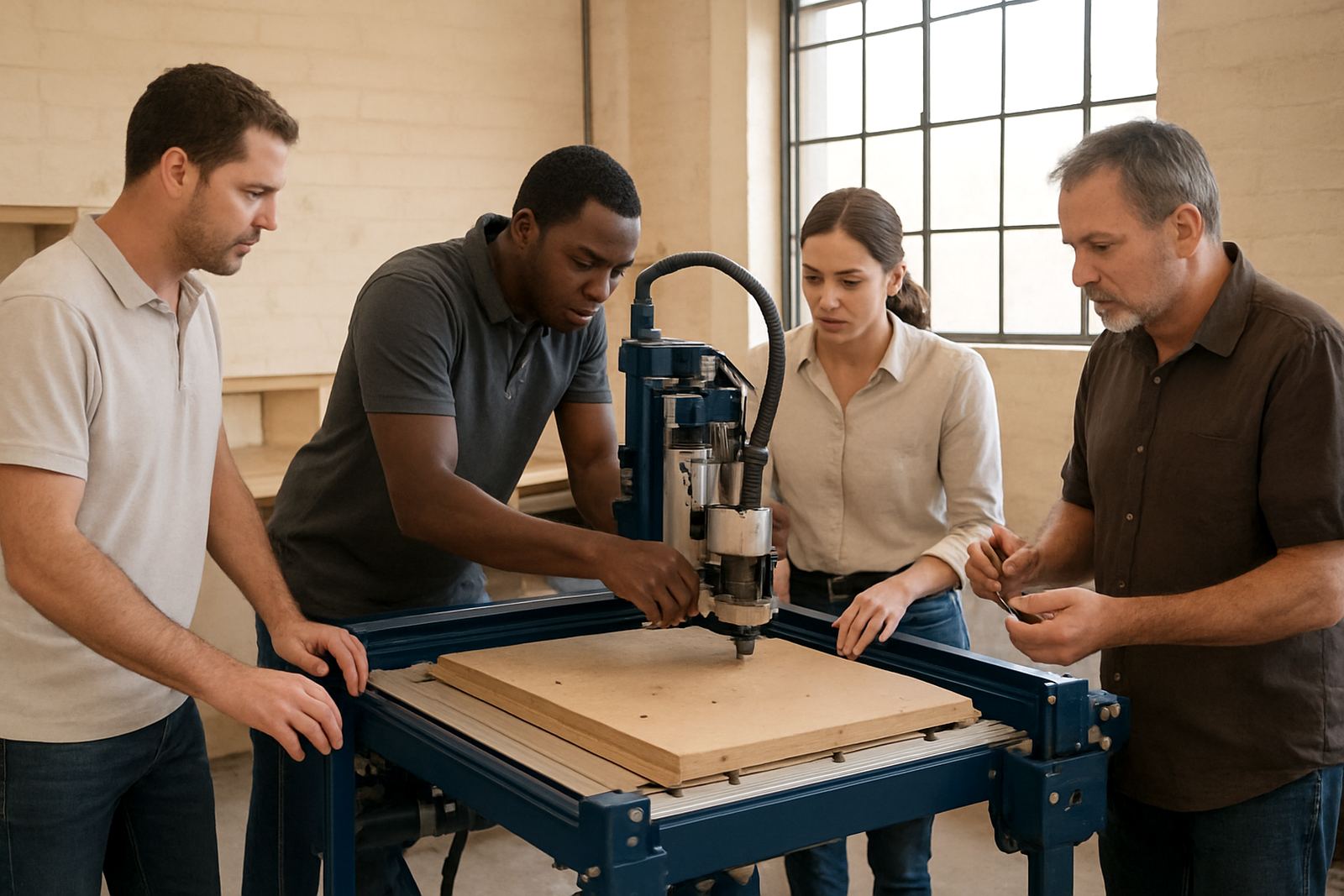
Our breakdown support is for hobby routers and small workshop CNC tables used on wood, MDF and plastics. We help with machines that will not start, lose steps, cut off size, trip on power-up, or show alarm faults on the control system. If a spindle is noisy, a driver has failed, a limit switch is damaged, or the machine is out of square, we will guide the fault finding and get the stoppage under control.
This service is practical and aimed at getting production moving again. In Pretoria East, Centurion, Midrand, Kempton Park and surrounding areas we can assist on site where needed, and for other towns we work by phone, photos, video and remote checks first. If a part is needed, we will identify it clearly so there is less back-and-forth and fewer delays.
- Fault finding for electrical, mechanical and software related stops
- Damaged part identification and replacement planning
- Urgent restart support for job-critical machines
- Advice for safe short-term operation until repairs are completed
How The Support Call Is Handled
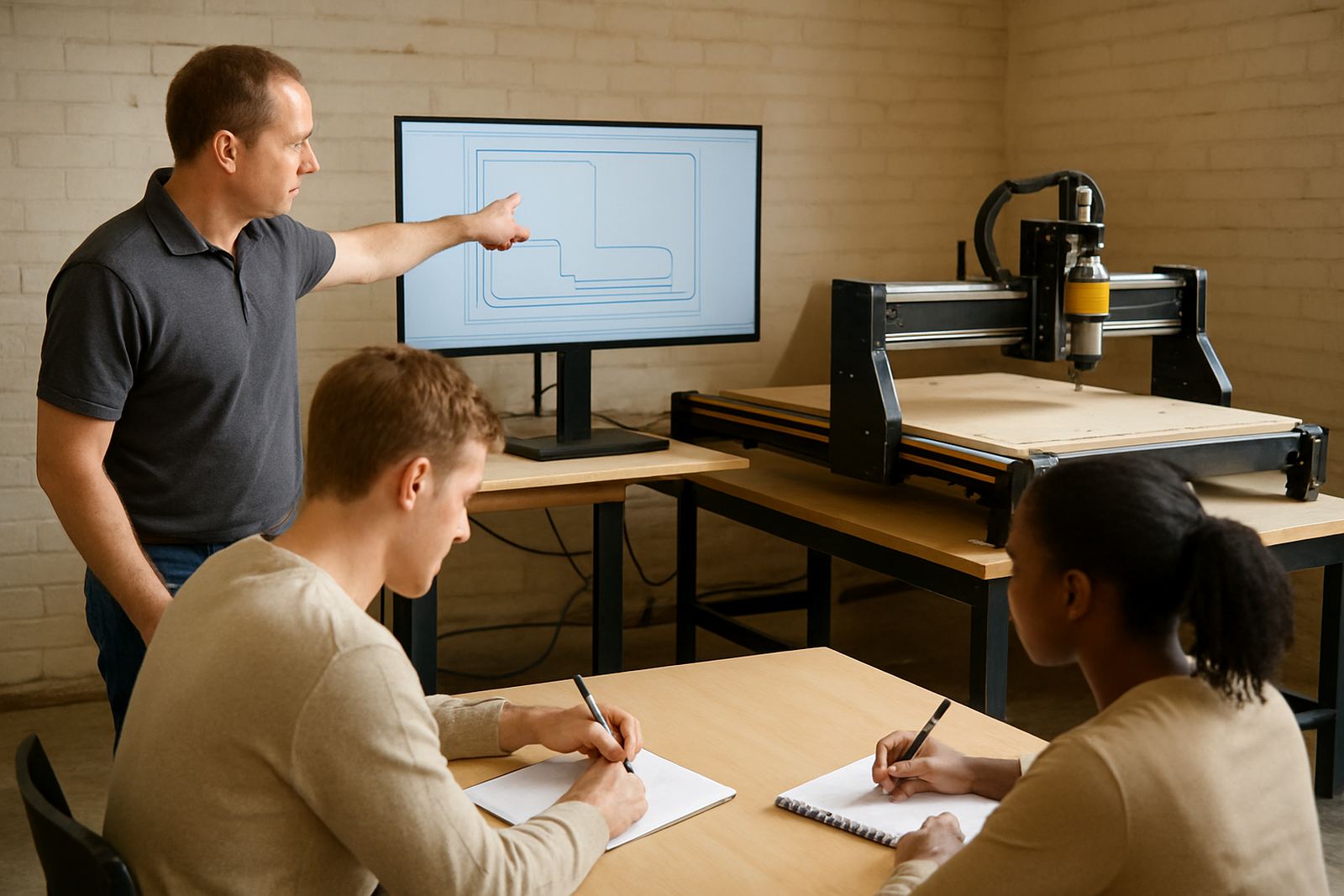
We start with the basics so we can narrow the fault quickly. A customer usually sends the machine model, the control type, a short description of the problem and a photo or video of the fault message, wiring issue or damaged area. If the machine is in Silverton, Pretoria or nearby, we can arrange a site visit. If it is outside Gauteng, we first work through remote support and spares checks to save time and travel cost.
Once the fault is confirmed, we advise the next step. That may be a control reset, a driver or spindle test, replacement of a switch or sensor, or a more detailed repair. If the machine has had a power event from load-shedding or a municipal supply dip, we also check for surge related damage and unstable settings. Small workshop routers often fail on a mix of dust, vibration and heat so we look at the full picture, not only the obvious part.
- Step 1: Send the machine details and fault description
- Step 2: Remote checks or on-site inspection if required
- Step 3: Confirm the damaged part or setting issue
- Step 4: Carry out the repair, reset or part replacement
Typical Faults We See On Small CNC Routers
Most breakdowns on smaller routers are not caused by one big failure. They build up from wear, poor dust extraction, loose connections or irregular power. We support machines used in cabinet work, sign cutting, packing samples and small component production, and we understand the pressure when a deadline is close.
Common problems include axis motors losing position, belts stretching, linear guides picking up dust, control boards failing after power cuts and spindles running hot in humid coastal conditions. Pretoria workshops also see issues from fine MDF dust and long runs in warm rooms with poor airflow. If a machine has been left idle for weeks, we check cable condition, lubrication points and corrosion on connectors before switching it back into service.
- Lost steps, stalling or poor repeatability
- Alarm faults, control lockouts and communication errors
- Spindle noise, overheating or speed instability
- Limit switch damage, wiring breaks and loose terminals
Turnaround Times And Pricing Approach
We quote breakdown support according to the fault, the distance, and whether the work can be done remotely or needs a site call. There is no one size fits all rate because a simple sensor issue is not the same as a failed spindle or a control board change. For customers in Silverton, Pretoria East and Centurion, urgent support can often be handled faster than out of town call-outs. Nationwide remote support is used first wherever it can save downtime.
Where parts are available, we aim to keep the waiting time short. Some repairs can be resolved the same day if the issue is a setting, cable or switch. Other jobs need a spares order or a workshop inspection. Pricing is kept clear up front so you know whether you are paying for diagnosis only, labour only, or a full repair package with parts and testing. If the machine is old or modified, we will say so before work starts, because that affects the repair path and cost.
- Remote fault finding to identify the problem before a site visit
- On site visits by arrangement in Gauteng
- Clear labour and spares quotation before repair work
- Testing after repair to check movement, spindle and alarms
Repair Specs And Machine Details We Work With
We support compact CNC router tables used in small workshops and personal production spaces, especially machines with a working area around 600 x 900 mm up to 1300 x 2500 mm. Many customers run wood, MDF, acrylic and other plastics, with spindle sizes from 1.5 kW to 3.0 kW on hobby and entry level systems. We also assist with stepper driven and closed loop systems, basic motion controllers and control cabinets fitted to smaller tables.
To speed up the repair, please have the machine dimensions, spindle details, controller type, and any error code ready. If the machine has had a part changed before, tell us which one and when. That helps us avoid repeating the same fault. We also look at cooling fans, drag chains, cable routing, vacuum hold-down connections and emergency stop wiring because small issues there can cause repeated stoppages.
- Typical table sizes: 600 x 900 mm, 1200 x 1200 mm, 1300 x 2500 mm
- Common spindle ratings: 1.5 kW, 2.2 kW, 3.0 kW
- Supported materials: wood, MDF, plastics and acrylic
- Control checks: motors, drivers, switches, alarms, cables and spindle power
Keeping Breakdown Callouts To A Minimum
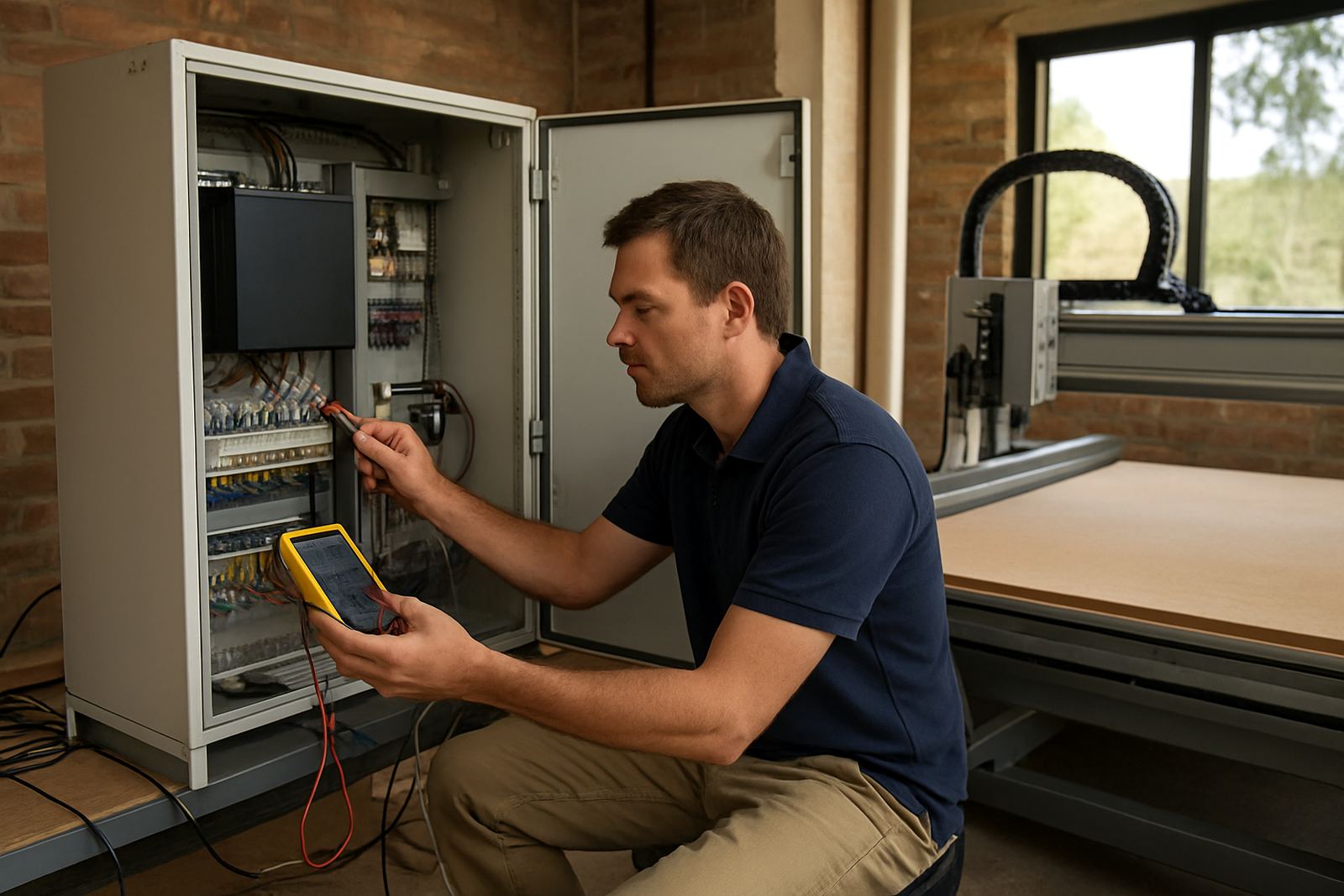
Many callouts can be reduced with planned checks every 3 to 6 months, depending on dust levels, run time and the age of the machine. In a busy woodworking shop, monthly checks on belts, rails, lubrication and fasteners are sensible. If the workshop runs through heat, vibration and intermittent load-shedding, the electrical cabinet should be inspected more often. A loose terminal or worn fan can turn into a full stoppage quickly.
We can also help with spares planning so you keep the small parts that stop production when they fail. That includes limit switches, drivers, fuses, cables, collets, cooling fans and commonly worn mechanical parts. With the right basic spares on hand, many faults can be cleared in hours instead of days. It saves time, and it helps you avoid emergency buying at the last minute.
- Recommended service checks every 3 to 6 months
- Monthly inspection for high dust or high use workshops
- Spares planning for critical wear items
- Remote support available to help diagnose problems before a site visit
Key facts
| Service area | Silverton, Pretoria East, Centurion, Midrand, Kempton Park and nationwide support |
|---|---|
| Support types | Fault finding, damaged parts, urgent stoppages, remote assistance and on-site repair |
| Typical machines | Desktop and hobby CNC router tables for wood, MDF and plastics |
| Common causes | Power dips, worn cables, dust ingress, alignment issues, spindle faults and failed switches |
| Turnaround | Same day where possible for local faults, otherwise quoted per case |
| Pricing | Quoted by diagnosis, labour, travel and parts, with clear approval before repair |