Getting Started With Your CNC Router Table
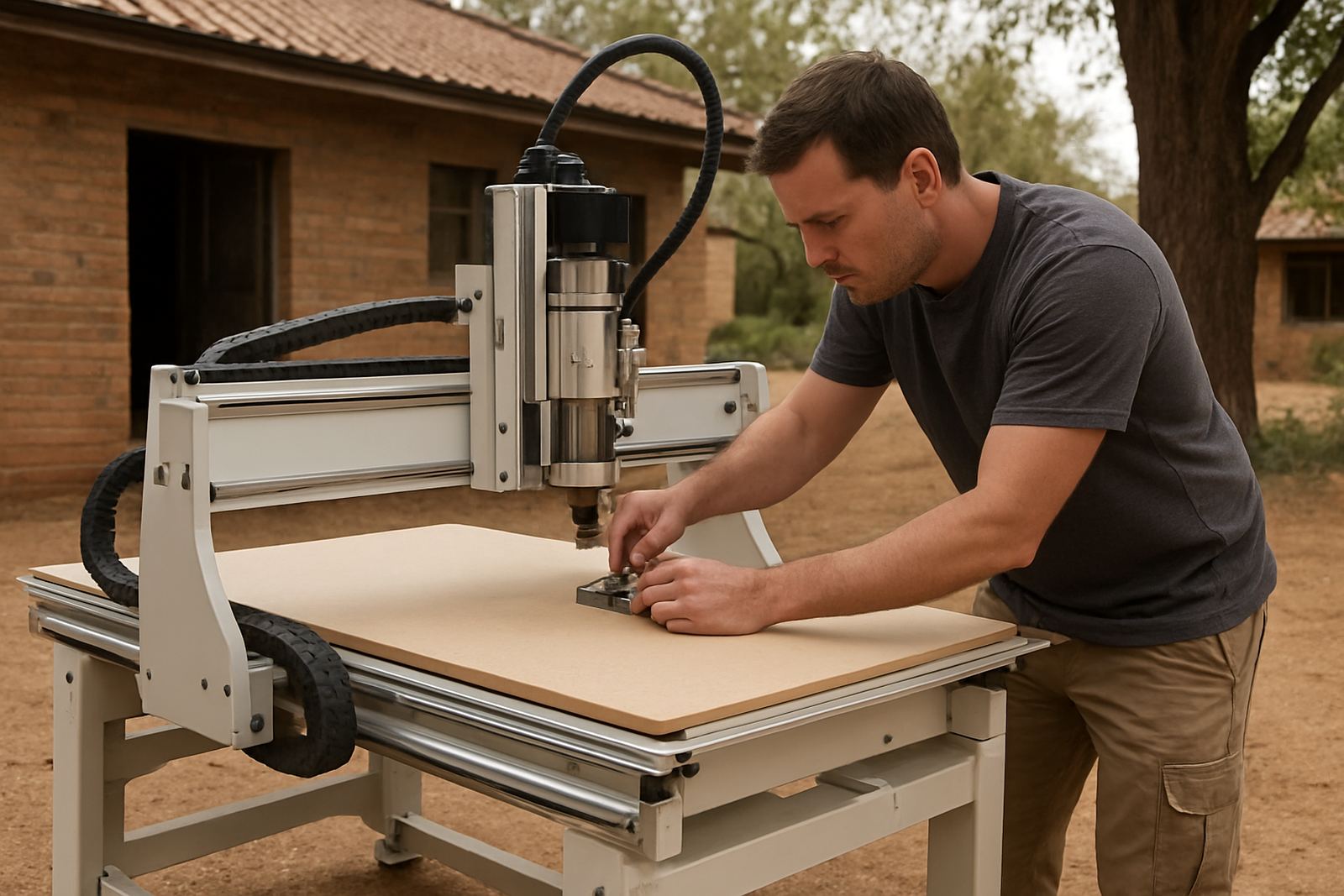
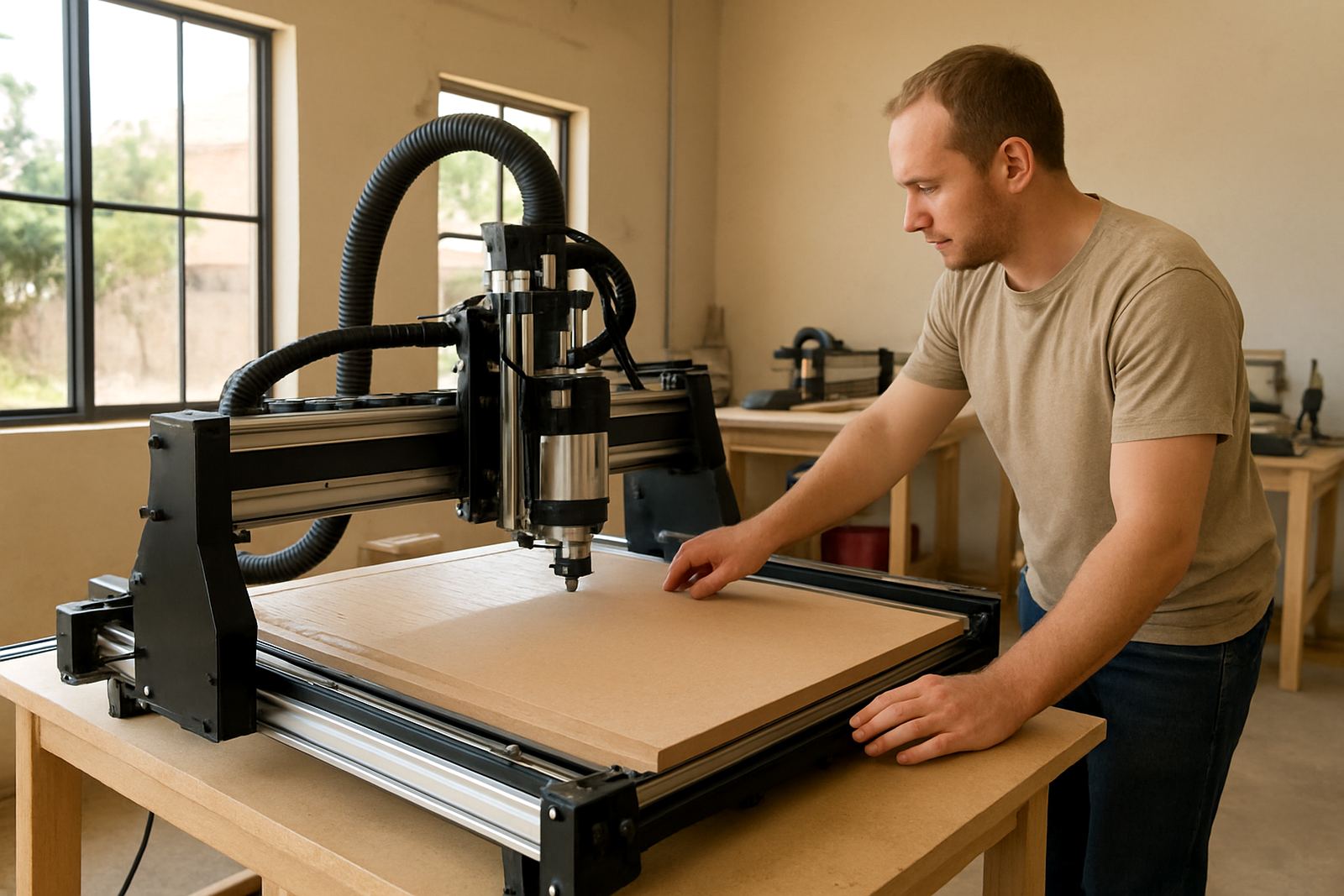
Before you switch on, make sure the machine is level, the spoilboard is secure and the work area is clean. Check that the power supply matches the machine requirement, the emergency stop works, and all cables are clear of moving parts. In Pretoria and other inland areas, dust build-up is common, so a quick wipe-down before each session helps a lot.
For first-time users, the easiest approach is to start with a small piece of MDF or plastic off-cut and run a simple square or circle test. Keep feed rates modest, use the correct cutter for the material, and confirm that your origin point is set correctly before starting the job. A small setup error can waste a sheet, so take the extra minute.
- Check the gantry moves freely by hand when power is off.
- Confirm spindle rotation direction and tool clamping before cutting.
- Make sure your vacuum or clamping method is holding the work firmly.
- Keep a note of tool lengths, feed speeds and cutter types for later jobs.
Software Basics For First Jobs And Simple Files
Most users start with basic drawing or toolpath preparation, then move the file into the machine control software. Keep file names simple and avoid saving in folders with too many subfolders, because that makes finding jobs slower. If a file does not open, check the format first and then confirm the units are set to millimetres, not inches.
When setting up a cut, always confirm your material thickness, zero point and cutting depth. If your design is for 6 mm MDF, do not assume the sheet is exact every time. South African material suppliers can vary slightly from batch to batch, so a quick caliper check saves time. We also recommend a test cut before a full run, especially after a software update or control reset.
- Use clear job names like kitchen_panel_01 or signboard_a4.
- Set the correct units before importing or drawing.
- Run a dry test if you are not sure about the toolpath.
- Keep one backup copy of each working file.
Common Cutting Problems And What To Check First
If the cut is rough, the first things to inspect are cutter sharpness, spindle speed and feed rate. MDF often burns when the feed is too slow, while plastics can melt if the cutter is dull or the chip load is too low. In humid coastal areas, material moisture can also change how the sheet behaves under the tool.
If the machine starts cutting out of position, check belt tension, coupler tightness and limit switch alignment. A skipped step can also come from a loose cable or a job started after a power interruption. With load-shedding and voltage dips still a reality in many areas, a stable power setup and proper restart routine are worth planning for.
- Burn marks usually point to speed, heat or chip clearance.
- Chatter or vibration can mean a loose clamp or worn cutter.
- Inaccurate dimensions often come from the wrong units or calibration.
- If the spindle stops unexpectedly, check power, cooling and overload settings.
Training Support For Operators And New Users
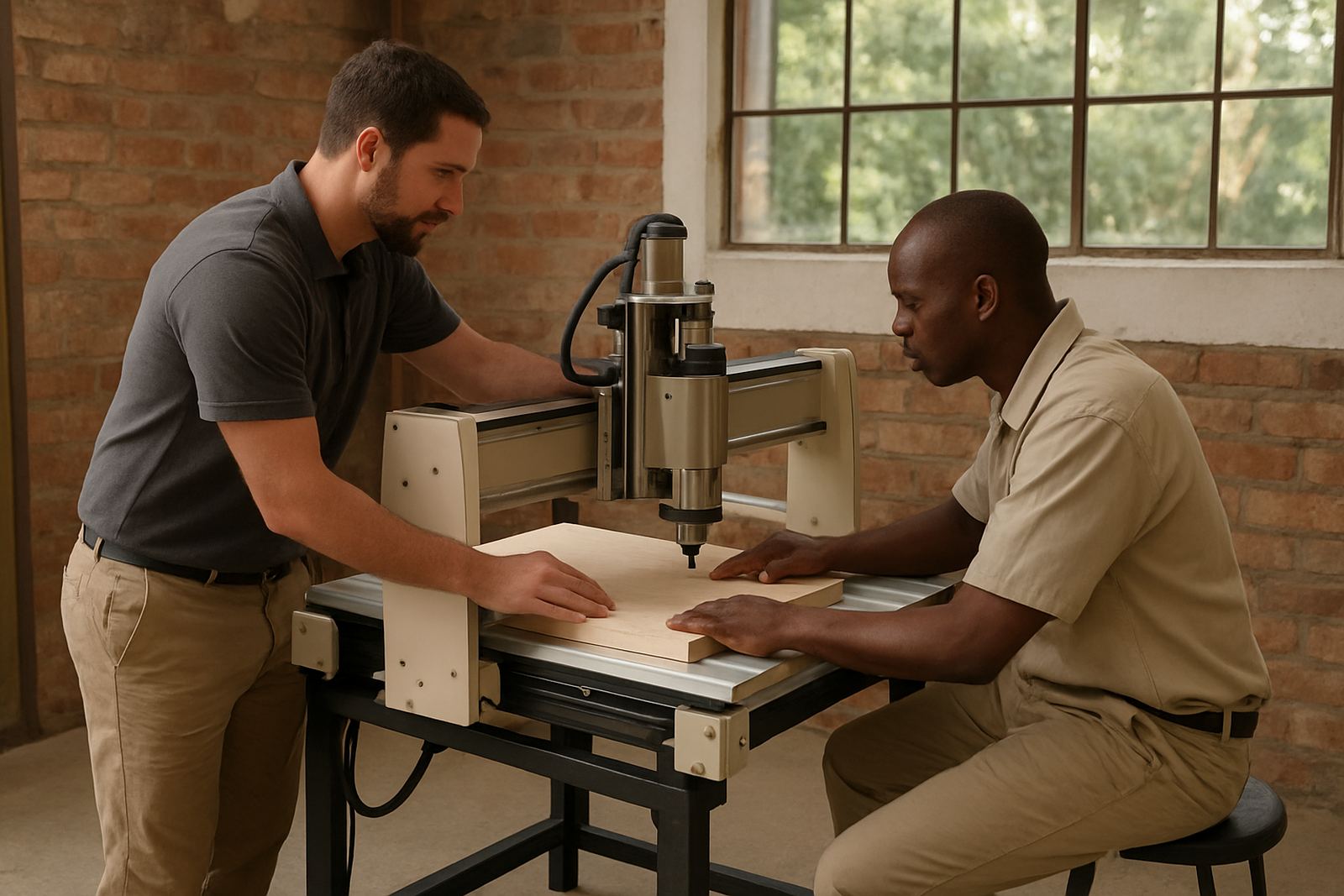
We assist with operator training, software basics and refresher training for teams that need a proper reset. Training works well for hobby users who want confidence, and for small workshops that need more consistent results across different operators. A short session can make the difference between a machine that sits idle and one that earns its keep.
Training can cover machine start-up, job loading, tool changes, safe cutting practice, basic maintenance and common fault finding. If you are setting up in Silverton, Pretoria East, Centurion, Midrand or Kempton Park, a starter setup visit helps you get the machine running correctly from day one. We can also help you plan training around shift times or after-hours workshop access, depending on your schedule.
Maintenance, Spares And Breakdown Support
Preventive maintenance keeps the machine accurate and reduces downtime. Clean the rails, check motion parts for wear, inspect belts and fasteners, and watch for dust in the control cabinet. In wet summer months, keep an eye on rust and condensation. For coastal clients, storage and airflow matter even more.
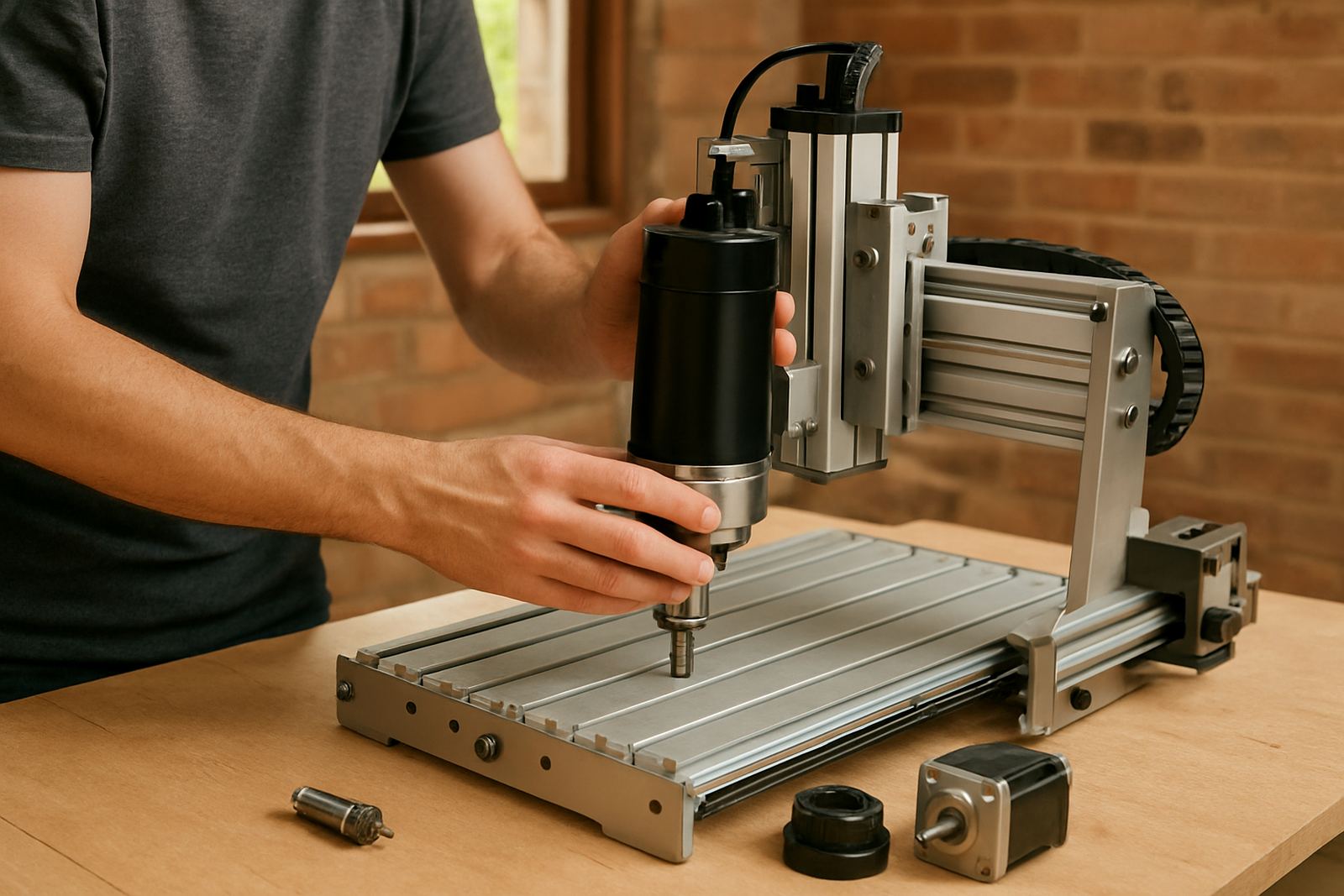
If a spindle needs replacement, a switch is faulty or the control needs tuning, it is better to sort it quickly than keep pushing through with poor results. We also help with spares planning so you are not waiting for a small part that stops the whole job. Common spares we assist with include cutters, belts, bearings, limit switches, collets and control components. A small spare kit on hand can save a full day.
- Book a maintenance check before the busy season starts.
- Keep a record of serial numbers and fitted components.
- Replace worn cutters before they affect finish quality.
- Store spare parts in a dry, marked container.
How To Reach Support And What To Send First
When you ask for help, send a short description of the issue, the material you are cutting, the machine model, and what happened just before the fault. Photos of the control screen, the cutter, or the damaged cut help speed things up. If the machine is still running but not cutting correctly, a short video is often enough for us to see what is going on.
You can contact us from our Silverton base in Pretoria, and we support clients nationwide with remote support, spares coordination and technical guidance. If you are in a hurry, include your location, for example Pretoria East or Midrand, so we can work out whether remote assistance, couriered spares or an on-site visit is the quickest option.
- Tell us the material, thickness and cutter size.
- Include the error message exactly as it appears.
- Say whether the issue started after a power cut or job change.
- Send clear photos of the machine setup and control screen.