Choose the training that fits your workshop
Different workshops need different support. A hobby user starting with a small router table may need help with zeroing, feeds and speeds, and safe first cuts. A busy sign shop or cabinet maker may need a refresher on maintenance, tool changes, file prep and how to keep production moving when power drops out during load shedding.
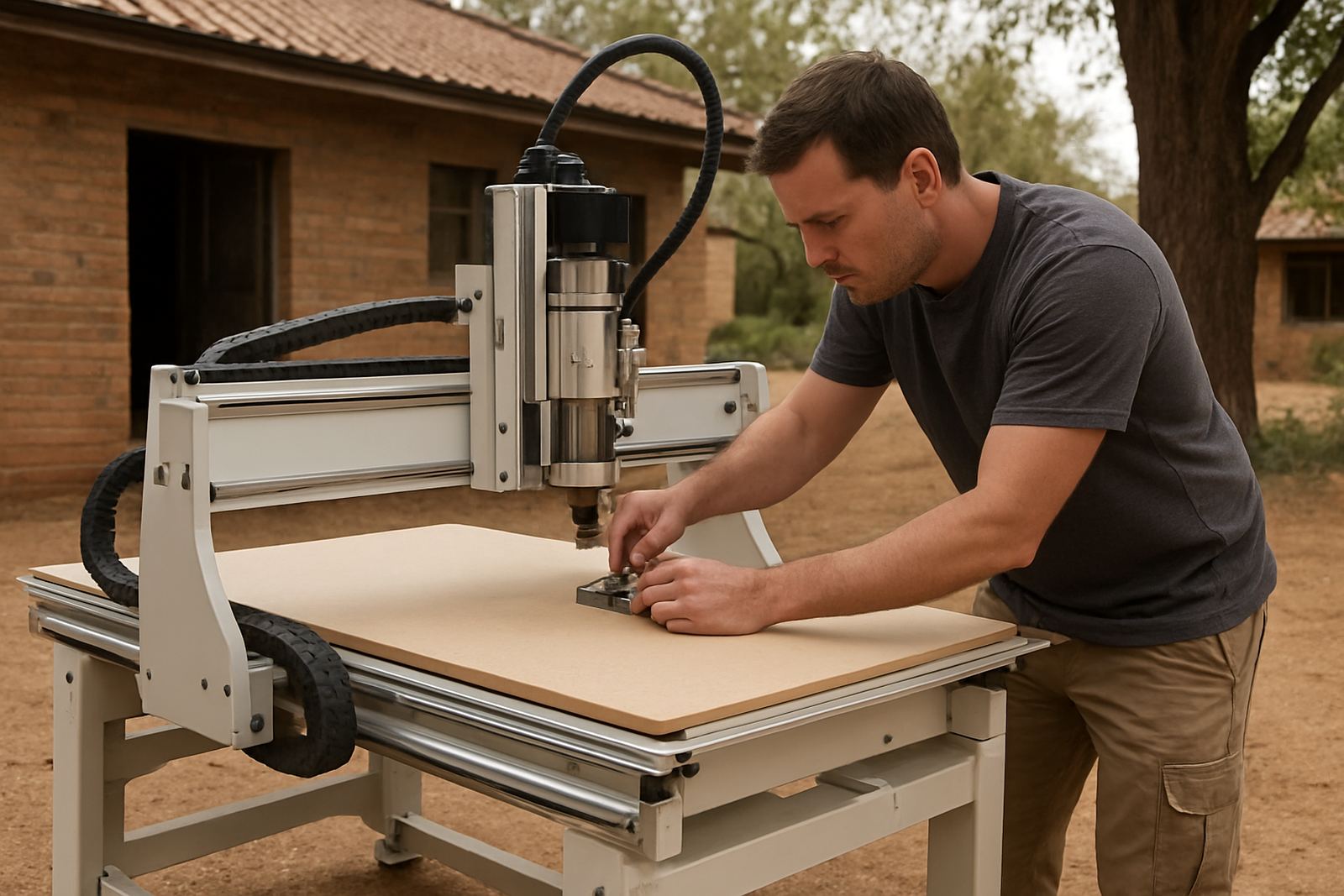
We book training around the machine, the material and the person using it. That means the session is practical, not theory for the sake of it. If you work with MDF, plywood or plastics, we can focus on the settings that matter for that material and the sort of finish you want on the edge. Silverton is our base, but support can be arranged for Pretoria East, Centurion, Midrand, Kempton Park and other areas by prior planning.
What operator training covers
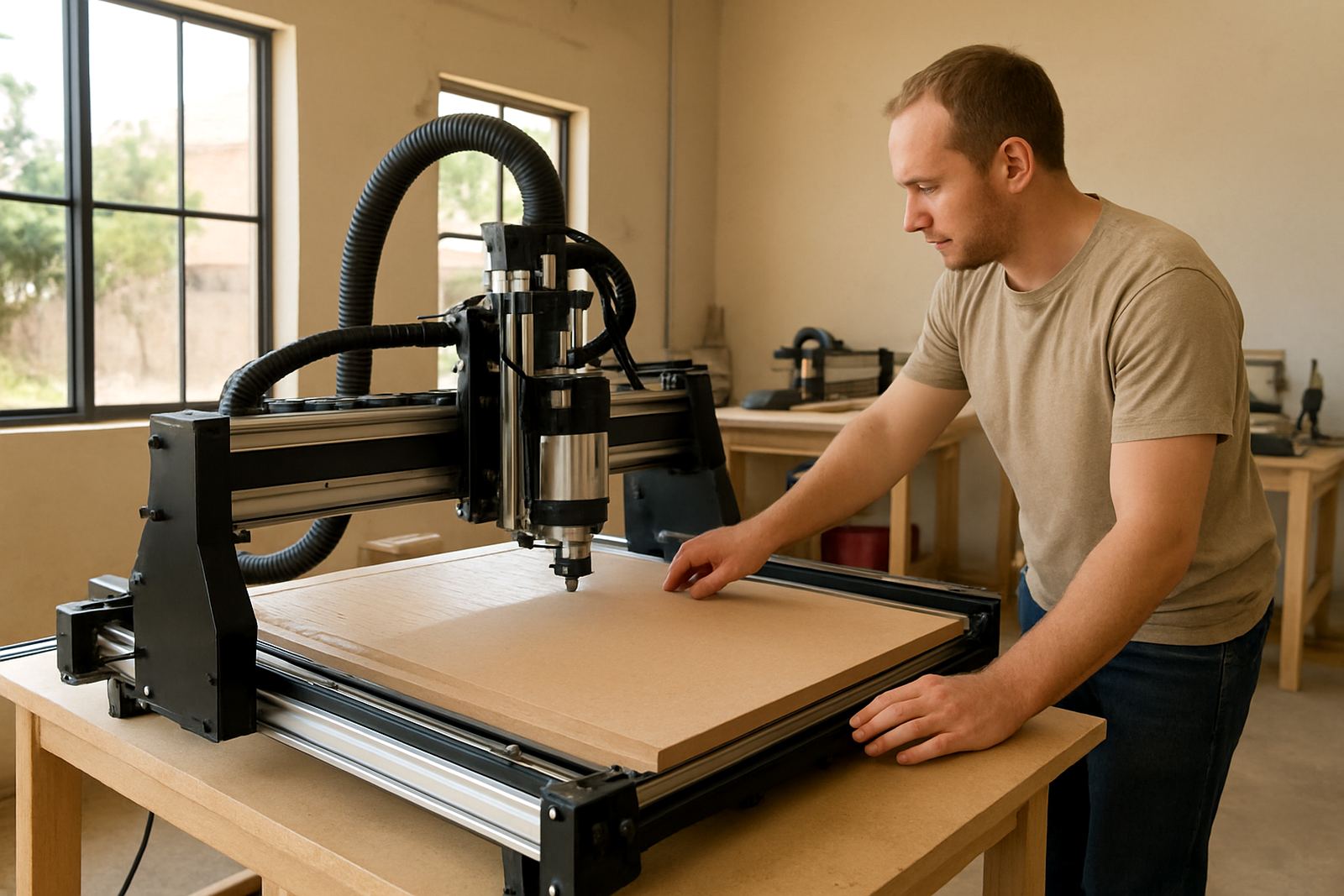
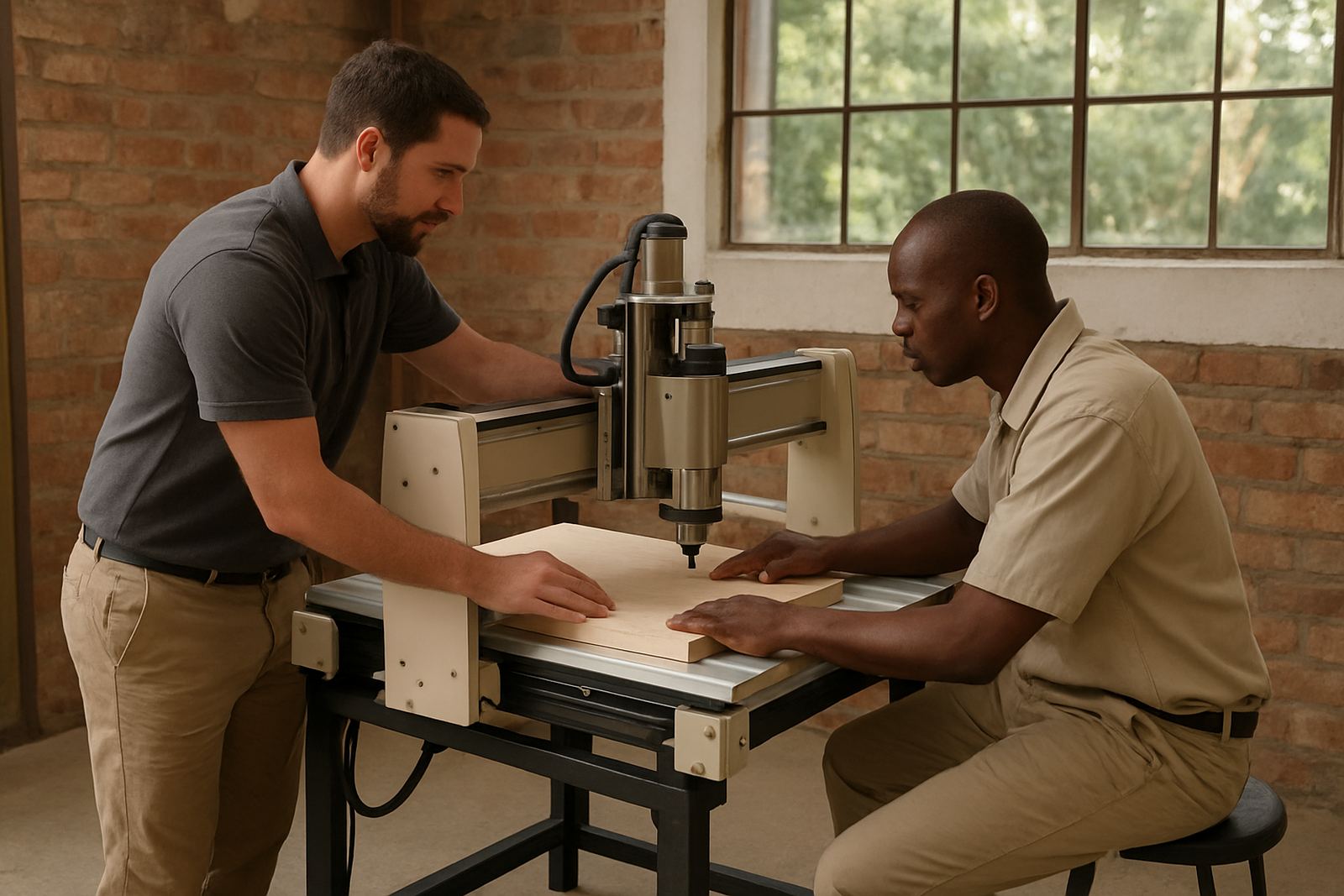
Operator training is for new users, new staff members, or anyone taking over a machine after time away from it. We go through the machine from start-up to shutdown so the operator understands what to check before each job and what to do if something does not sound right.
- Machine start-up, homing and safe shutdown
- Workholding, spoilboard care and zeroing the job
- Feed rates, pass depth and cutter selection
- Dust extraction checks and workshop safety
- Basic fault finding before a call-out is booked
For smaller workshops, one good session can prevent a lot of wasted material. We keep the pace manageable so the operator can ask questions and repeat the steps if needed.
Software basics for cleaner cuts and fewer mistakes
Software basics training is aimed at users who can load a file, but want better results and fewer rejected parts. We help with the simple stuff that causes most problems, like setting origin points correctly, checking dimensions, and matching the drawing to the actual board size before cutting starts.
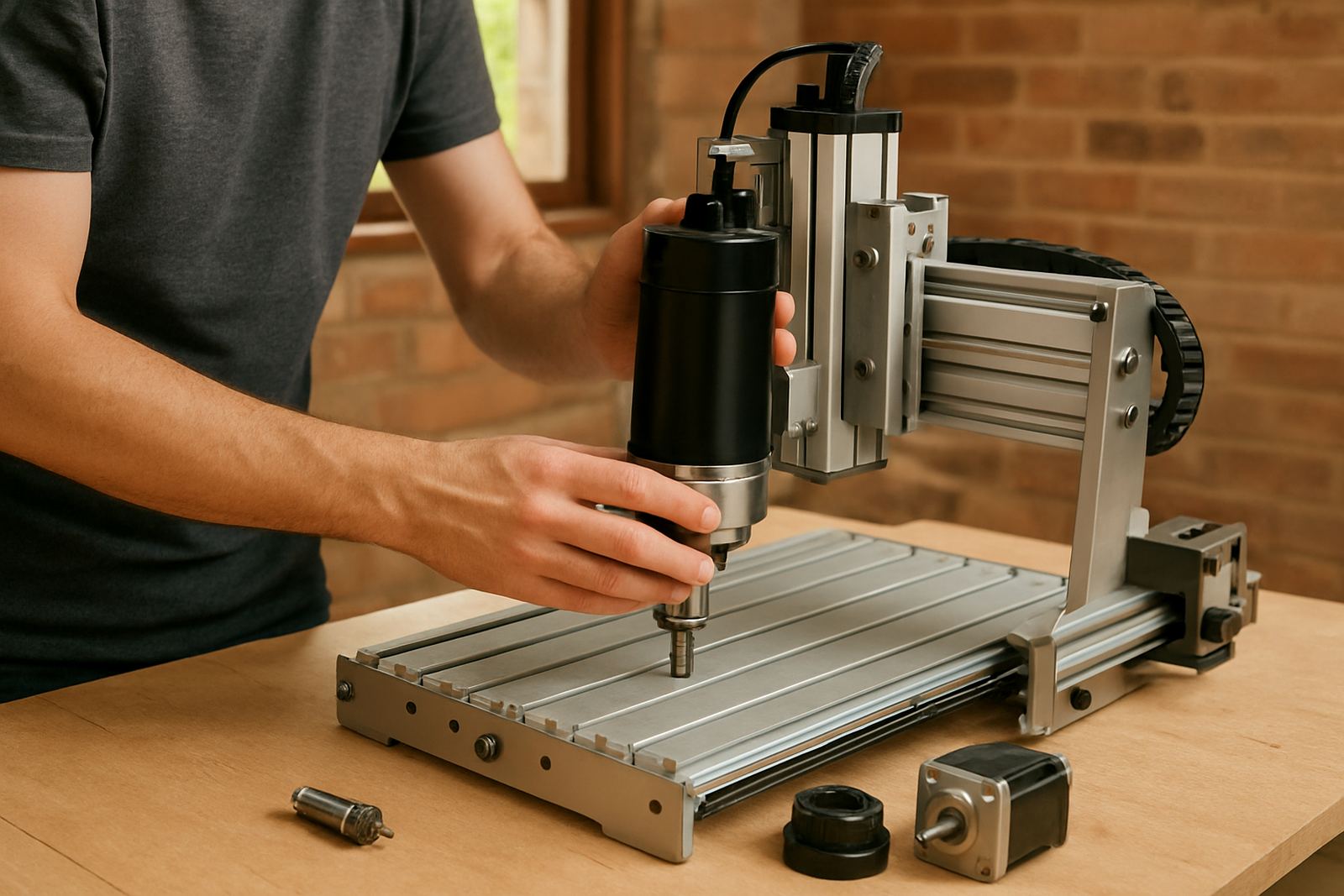
If you are using a desktop or hobby router, this session is especially useful because those machines often run in tighter spaces with less room for error. We can also explain the link between the drawing, the toolpath and the final cut, so the operator understands why a part came out undersized or why corners need a slower pass.
- File checking and job setup
- Origin placement and toolpath review
- Basic nesting and material use
- Common causes of missed cuts or double cuts
- How to keep a simple job record for repeat work
Refresher sessions and starter setup visits
Some customers do not need full training again, just a refresher on one or two things that have slipped. Others want a starter setup visit after moving a machine, changing the spindle, or adding new spares. In those cases we focus on getting the machine running correctly, then make sure the operator can repeat the process without guessing.
Starter setup visits are useful after delivery into a workshop in Silverton, Pretoria East or Centurion, especially if the space is still being arranged. We can look at placement, access, dust extraction, power needs and the best way to organise the first few jobs. A tidy start saves time later, and avoids bodged setup work.
How to book your session
Booking is straightforward. Send your name, workshop location, machine type and the kind of help you need through our contact form. If you already know the date you want, include that too. We will confirm whether the session can be handled in Silverton or whether a coordinated visit makes more sense.
- Tell us if you need operator, software or refresher training
- Share the machine size, spindle type and control setup
- Explain the material you cut most often
- Include your area, such as Midrand, Kempton Park or Pretoria East
- Let us know if you need spare parts checked at the same time
If the training is linked to a breakdown, maintenance visit or spindle replacement, we will try to combine the work so you do not lose another day later. That helps keep transport costs down as well.
What to have ready before training day
Before training day, make sure the machine is clean, the tools are available and the workspace is clear enough to move around safely. If the router has already been used, save a sample file or keep a recent job on hand so we can work from something familiar instead of starting blind.
- Power available and stable where possible
- Computer or controller access, plus any login details
- Common cutters, clamps and measuring tools
- Material offcuts for test cuts
- Any notes on faults, alarms or repeated errors
In South African workshops, power interruptions and humidity can affect the way machines behave, especially near the coast or in hot storage rooms. A proper training session helps the operator spot issues early, keep records, and avoid wasting board when conditions change.