Why these checklists save time in the workshop
A good checklist turns repeat tasks into a steady habit. Instead of relying on memory at 7am or after a power interruption, your team can work through each step in the same order every time.
That matters on smaller CNC router tables where one missed clamp, loose lead, or dusty filter can cause wasted material and down time. The checklists below are suited to woodworking, MDF and plastics jobs, and they are written for daily use in South African workshops where load-shedding, dust, and heat can affect machine behaviour.
- Startup checks before the first cut
- Maintenance checks for weekly and monthly use
- Installation readiness checks before a new machine arrives
What is included in the printable pack
The checklist pack covers the most common jobs our team sees during training, support visits and service calls. It is easy to print and keep near the machine, the tool cabinet, or the office where the job cards are kept.
- Daily startup checklist for operators
- Cleaning and inspection checklist for belts, rails and moving parts
- Installation readiness checklist for power, floor space and ventilation
- Spindle and control system basic check sheet
- Material setup notes for MDF, solid timber and plastics
Each sheet is written in plain language so a new operator can follow it without needing to guess what comes next. It also helps supervisors confirm that the right steps were done before a job starts.
How to use the startup checklist each morning
Use the startup sheet before the machine begins any production run. This is the best way to spot a small issue before it becomes a scrap sheet, a broken cutter, or a stoppage later in the day.
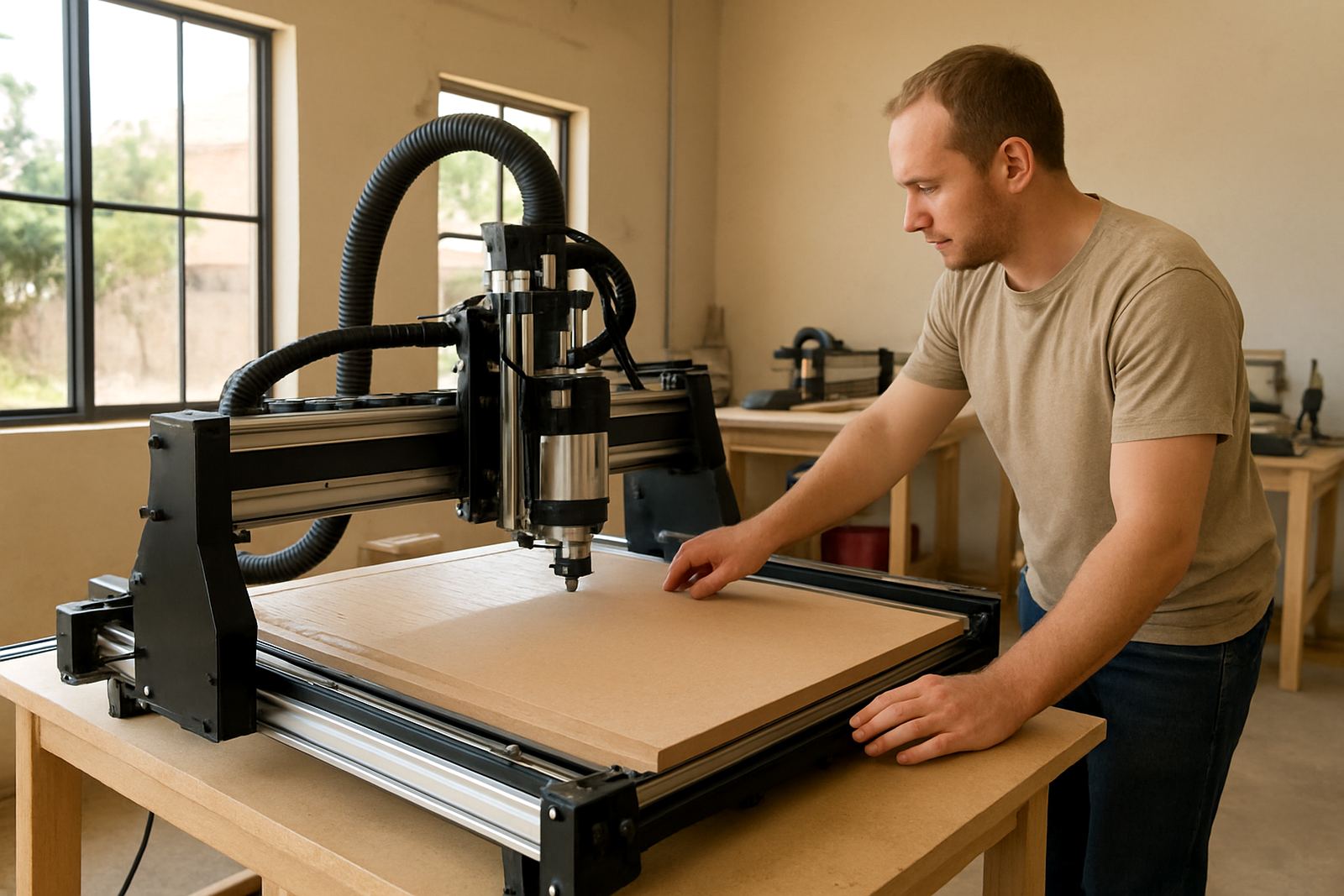
Start with the workshop basics. Check the area around the machine, make sure the table is clear, and confirm that dust extraction, emergency stop buttons, and cable routing are in order. Then move on to the machine itself.
- Check power supply and any backup plan after outages
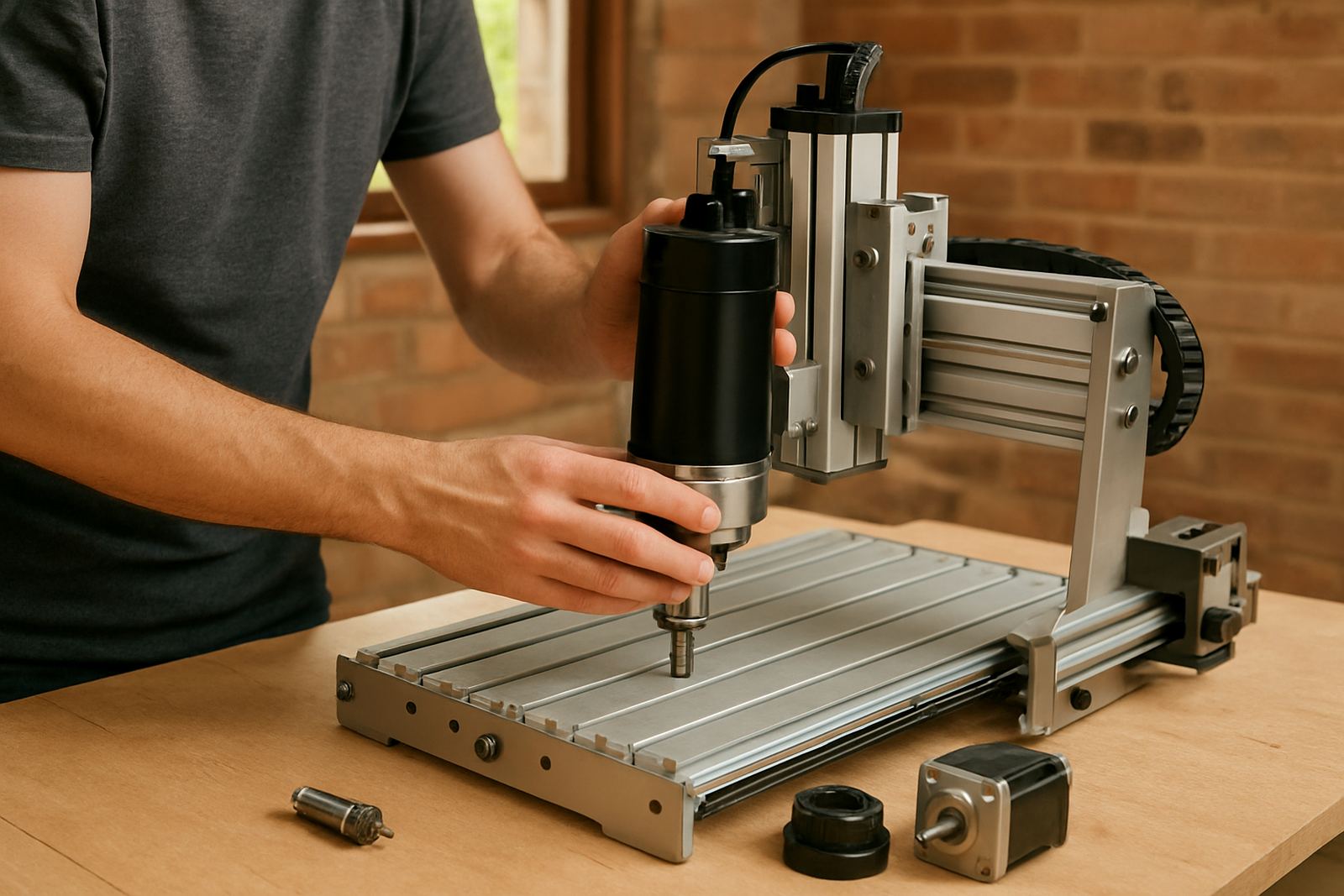
- Inspect the spindle area and tool holder for dust or loose fittings
- Confirm homing, limit switches, and control response
- Check clamps, vacuum hold down, or fixture points
- Run a short test move before loading the first part
For shops in Silverton, Pretoria East, Centurion and Midrand, this routine is useful when power returns after load-shedding. It gives the operator a clean way to reset the machine and verify that the control system is ready.
Weekly and monthly maintenance that keeps faults away
Routine care helps the machine stay accurate and keeps the work area safer. Fine dust, vibration, and repeated cutting can loosen parts over time. A simple checklist makes it easier to keep track of what was done and when.
Use the maintenance sheet to record the date, the person doing the work, and any parts that need attention. If you run a busy hobby setup or a small production shop, this record is useful when planning spares and service visits.
- Clean rails, guides and motion areas
- Check belts, couplings and fasteners
- Inspect cables for wear or rubbing
- Review spindle noise, heat and cut quality
- Check software settings and saved job files
Coastal humidity and workshop dust can both affect parts differently, so it helps to do these checks on a fixed schedule instead of waiting for a breakdown.
Installation readiness before the machine arrives
If you are setting up a new CNC router table, the installation readiness sheet helps you prepare the room before delivery. This avoids delays when the machine gets to the site and the floor, power point, or access route is not ready.
The checklist is useful for small workshops, school projects, and home-based setups where space is tight. It also helps when planning a starter setup visit because the technician can see what is ready and what still needs attention.
- Measure the floor space and allow room to load material
- Confirm mains power, earthing and socket position
- Check ventilation, dust extraction, and lighting
- Make sure doors, ramps or gates allow safe delivery
- Prepare a clean bench for tools, bits, and setup notes
Where municipal rules apply, it is worth checking noise and dust control requirements before the machine starts full-time operation. That can save trouble later, especially in mixed-use areas.
When to call for help or a site visit
Some issues can be sorted with a checklist and a careful restart. Others need a technician, especially if the machine is losing accuracy, the spindle is running hot, or the control system is behaving erratically.
Our team in Silverton, Pretoria supports operators with breakdown support, control tuning, spindle replacement, refresher training and spares planning. If your checklist keeps showing the same fault, do not keep forcing the machine through jobs.
- Repeated axis faults after power interruptions
- Unusual spindle sound or vibration
- Burn marks, chatter, or poor edge finish
- Loose motion or missed steps
- Electrical smell, display faults, or sudden stops
A short support call can often save a full day of lost work. If needed, we can also help you choose the right spare parts and set up a maintenance routine that suits your workshop.
How to keep your checklist system working
The best checklist is the one your team actually uses. Keep the pages near the machine, replace worn copies, and assign one person per shift to sign off the sheet. That small habit makes the whole workshop more organised.
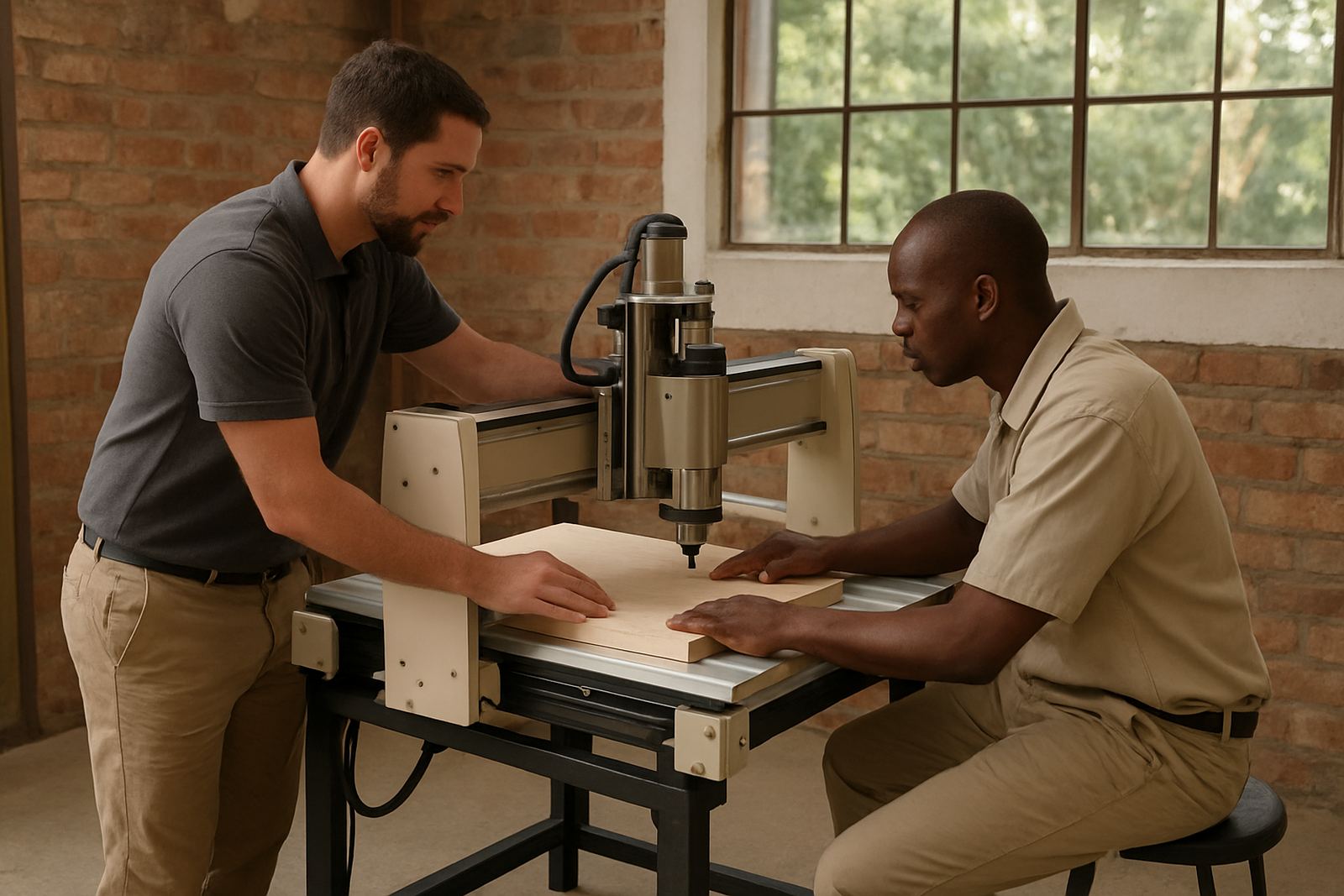
For training, software basics, and operator refresher sessions, the checklist also gives you a practical teaching tool. It shows new users what matters most and helps experienced operators stay consistent.
Download the sheets, print them in black and white, and keep a spare set in the office. If you need help adapting them to your setup, our support team can advise on a simple routine that suits your machine and the type of work you do.