Tabs keep the last cut under control
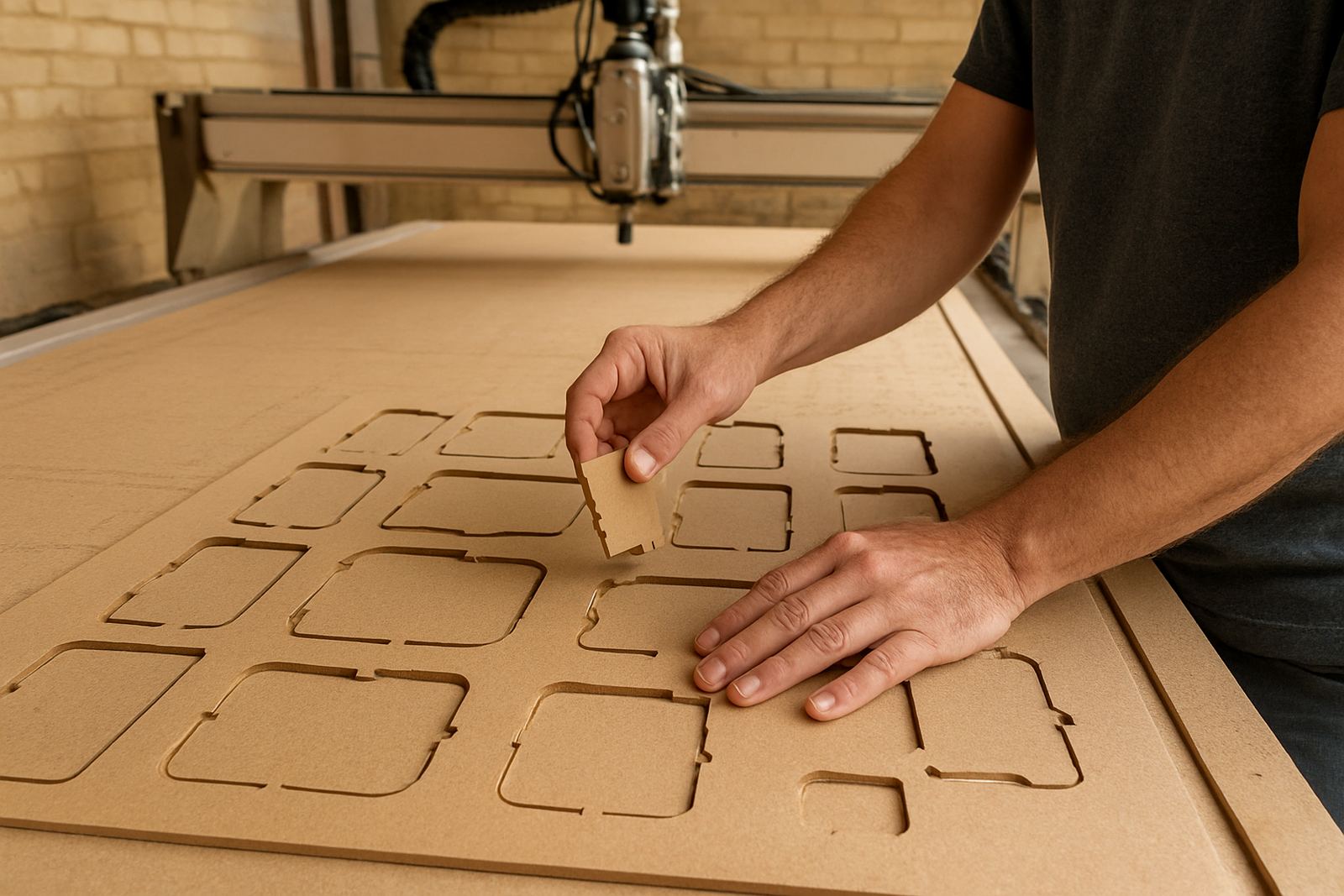
When a profile cut goes all the way through a board, the part is only held by a thin web of material until the final pass is done. That last bit is where trouble starts. The cut piece can move, lift, chatter or break free, especially on narrow parts and light materials like MDF. Tabs leave a few small bridges in place so the part stays attached to the sheet until you remove it by hand.
For hobby users and smaller workshops around Silverton, Pretoria East and Centurion, this matters because most jobs are run with limited time and one operator doing a few tasks at once. A part that comes loose can spoil the job, damage the cutter and waste a sheet. On a busy morning, that is not just an irritation, it is money lost.
Where tabs save cutters and save the workpiece
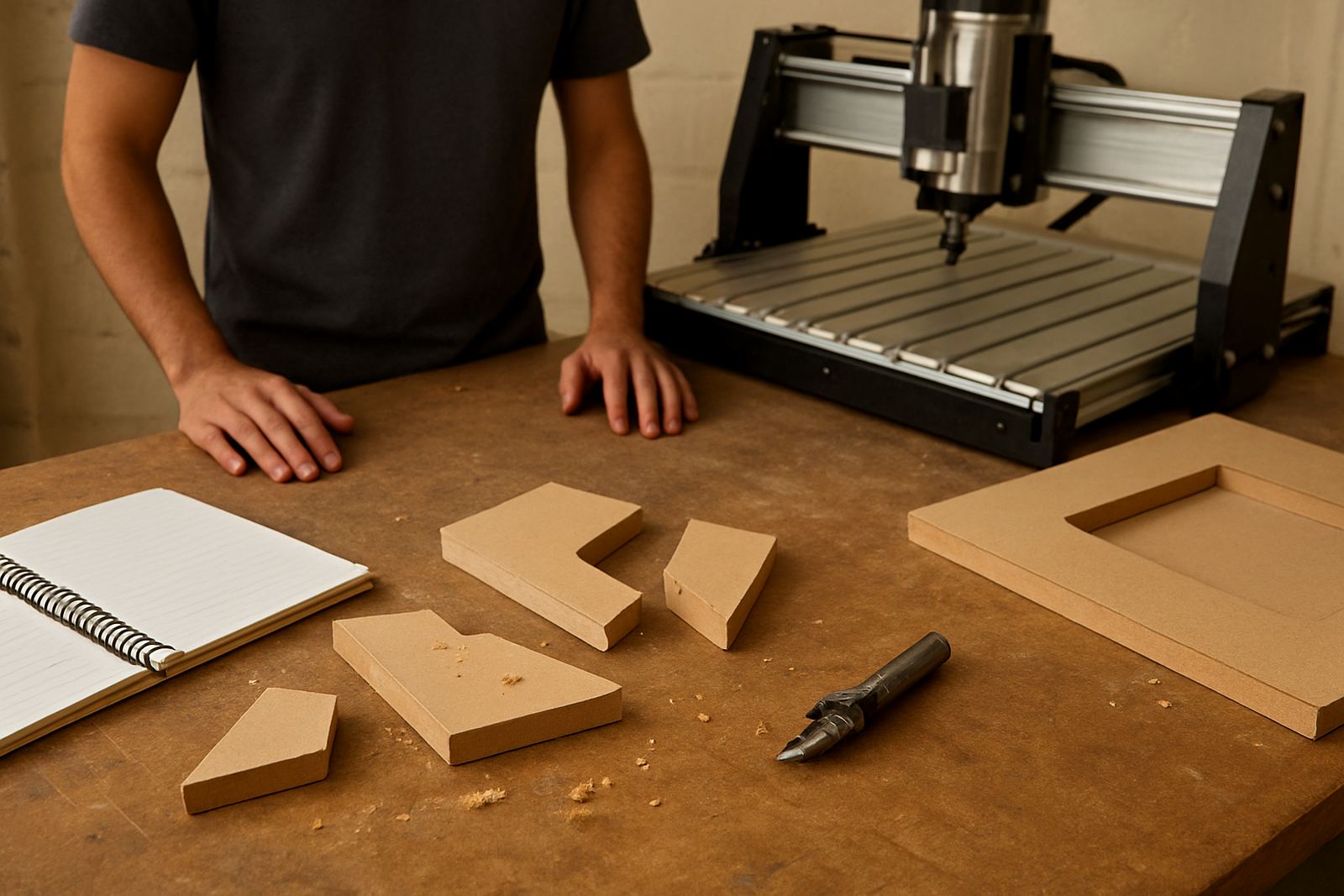
Tabs are not only about holding the part. They also reduce sudden movement at the end of a cut, which helps protect the cutter and the machine. A loose offcut can catch the bit, mark the edge or even pull fibres out of the board. On plastics, an unsecured piece can melt a bit more from friction if it starts moving and rubbing against the tool.
With MDF, the edge can be fragile once the profile is nearly complete. A tab gives the router a controlled finish, so the last few millimetres do not turn into a snapped corner or a chipped face. If you are cutting cabinet parts, signage blanks or small components, that extra support can be the difference between a usable part and a redo.
- Less part movement during the final pass
- Lower risk of cutter snagging at breakout
- Cleaner edges on MDF and plywood
- Better control on thin plastic parts
- Fewer wasted sheets and rework
How many tabs are enough for a safe profile cut
There is no single tab count that suits every job. A small rectangle in 3 mm acrylic needs less support than a long kitchen panel in 16 mm MDF. The trick is to place tabs where the part will stay stable, but not so many that cleanup becomes hard. For many light workshop jobs, a tab every 100 to 200 mm along the outside cut is a practical starting point. Bigger or heavier parts may need more.
Tab size also matters. Too small and they snap early. Too large and you spend more time trimming and sanding. A common approach is to use tabs that are just tall enough to hold the part above the spoilboard and just wide enough to survive the cut. If your machine or spindle setup is not tuned well, even good tabs can fail, so feed rate, tool sharpness and hold-down all work together.
- Use more tabs on small parts and tall cuts
- Place tabs where they are easy to trim later
- Avoid putting tabs in visible edge detail
- Increase support on thin MDF and narrow strips
- Check toolpath direction before the final pass
Material choice changes the tab strategy
Wood, MDF and plastics all behave differently when you profile them. MDF cuts cleanly but can chip at the edge if the part is left hanging with no support. Solid timber may split along the grain if the last connection is too thin. Plastics can soften and move if the tool is rubbing rather than cutting. That means the same tab setup can work well on one material and cause trouble on another.
In Pretoria and the surrounding industrial areas, many workshops work with a mix of signage board, cabinetry material and light plastic sheet. If you are switching between jobs, your tabs should change with the material. A setup that is fine for 18 mm MDF may be too much for 6 mm acrylic. This is why operator training helps, because it teaches you to read the cut and not just copy one setting for every job.
A Pretoria example from a small workshop
Think about a small Silverton workshop doing a batch of letters for a local retail sign. The parts are cut from MDF and some of the centres are narrow. If the operator runs the profile without tabs, the last letter can break free halfway through the job and shift into the cutter path. That can ruin the sheet and stop production for the rest of the day.
With tabs placed at the base and on a less visible edge, the letters stay put until the cut is complete. The operator removes them, trims the tabs and does a light sand before finishing. The job leaves the workshop in better shape, and there is less chance of an expensive mistake. For a small team, that kind of control is worth far more than the few extra minutes spent planning the tabs.
It also helps when the power is unstable or there is a load shedding interruption. If a cut stops part way, tabs can keep partially cut pieces from shifting while the machine is paused. You still need to secure the job properly, but tabs give you a bit more margin when conditions are not perfect.
Better tabs start with good setup and maintenance
Tabs work best when the rest of the machine is set up properly. If the spoilboard is not flat, the Z height is off, or the spindle has play in it, tabs can end up too thin or too deep. That makes them unreliable. Regular maintenance and control tuning matter because the machine must repeat the same cut depth every time.
Our practical advice is simple: plan the toolpath, test on offcuts, keep the cutter sharp and make sure the workholding suits the job. If a part is small or has delicate edges, use clamps, vacuum where available or additional holding methods instead of relying on tabs alone. Tabs are one part of the process, not the whole answer.
- Check spoilboard flatness before profiling jobs
- Confirm Z zero on every new setup
- Inspect spindle runout and tool wear
- Use offcuts to test tab height and cleanup
- Combine tabs with proper clamps or hold-downs
When to ask for help with tabs and toolpaths
If you are still getting broken parts, torn edges or cutters snapping at the end of a profile, the problem may not be the tab alone. It could be the feed, the toolpath, the spindle speed or the machine mechanics. A starter setup visit or refresher training can save a lot of trial and error. For workshops in Midrand, Kempton Park, Centurion and Pretoria East, it is often easier to sort the setup once than keep redoing bad cuts.
We also help with spares planning, control tuning, spindle replacement and breakdown support, so if your machine starts behaving badly during profiling, there is a practical way to get it back on track. A small change in the setup can make tabs work properly again and keep your cutters, materials and time in better shape.