
Start With the Jobs You Want to Cut
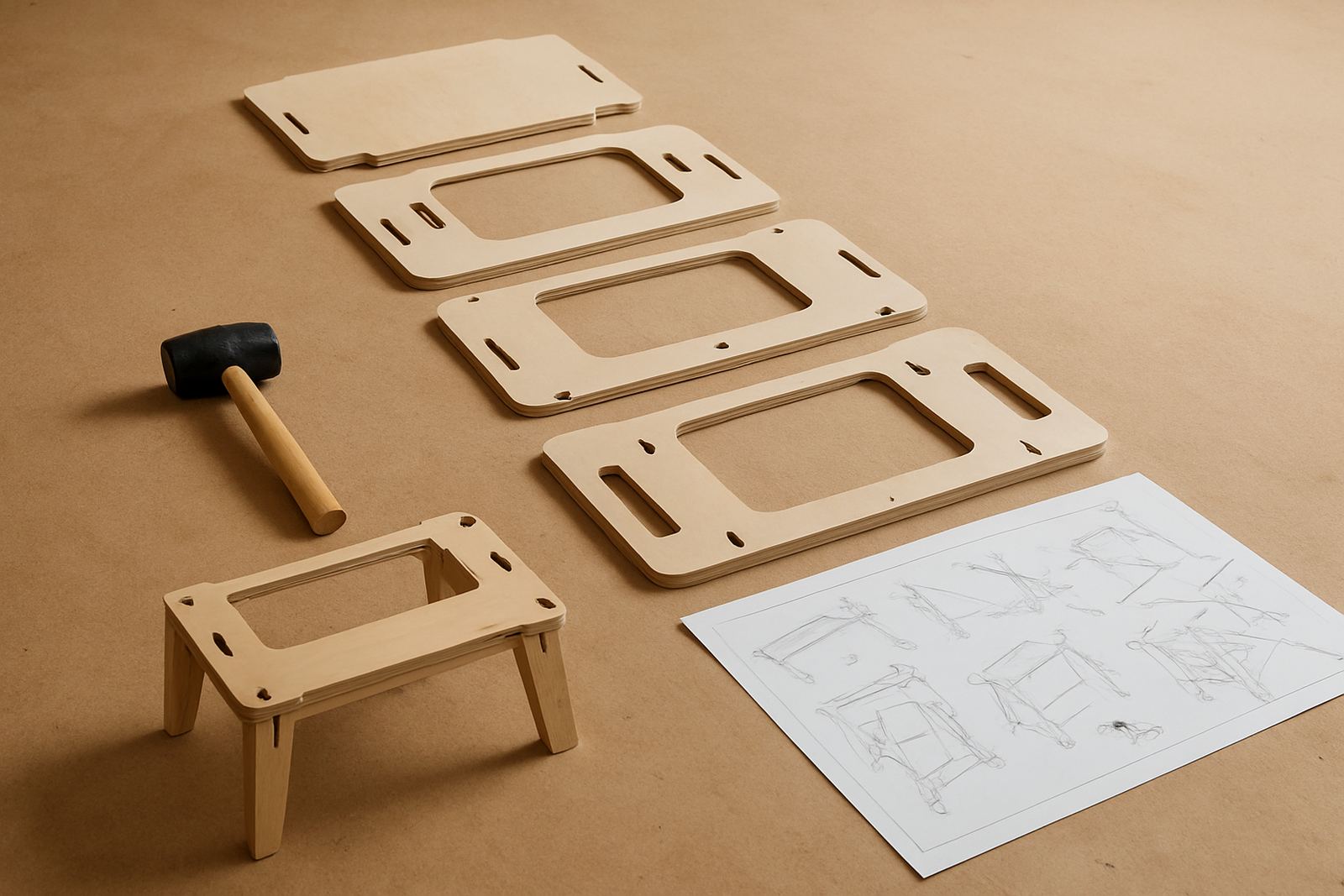
Before you look at table sizes or spindle power, write down the jobs you want to do week in and week out. A hobby user cutting sign blanks, name plaques and small MDF parts has very different needs from a cabinet maker making cabinet doors, drawer fronts or repeated plastic components. The machine should match the material and the size of the parts, otherwise you pay for capacity you never use.
If most of your work is on MDF and softwood, a smaller router table can be enough to begin with. For plastics, accuracy and hold-down matter more than brute force. If you plan to machine thicker boards or repeat the same profile many times, look closely at the bed size and the working travel. It is better to buy once with a clear plan than to upgrade six months later because the first machine was too small.
- List your top 10 jobs first
- Note the biggest sheet or part size you need
- Check whether the work is one-off or repeat production
- Separate nice-to-have jobs from daily work
Match the Table Size to Your Workshop Space
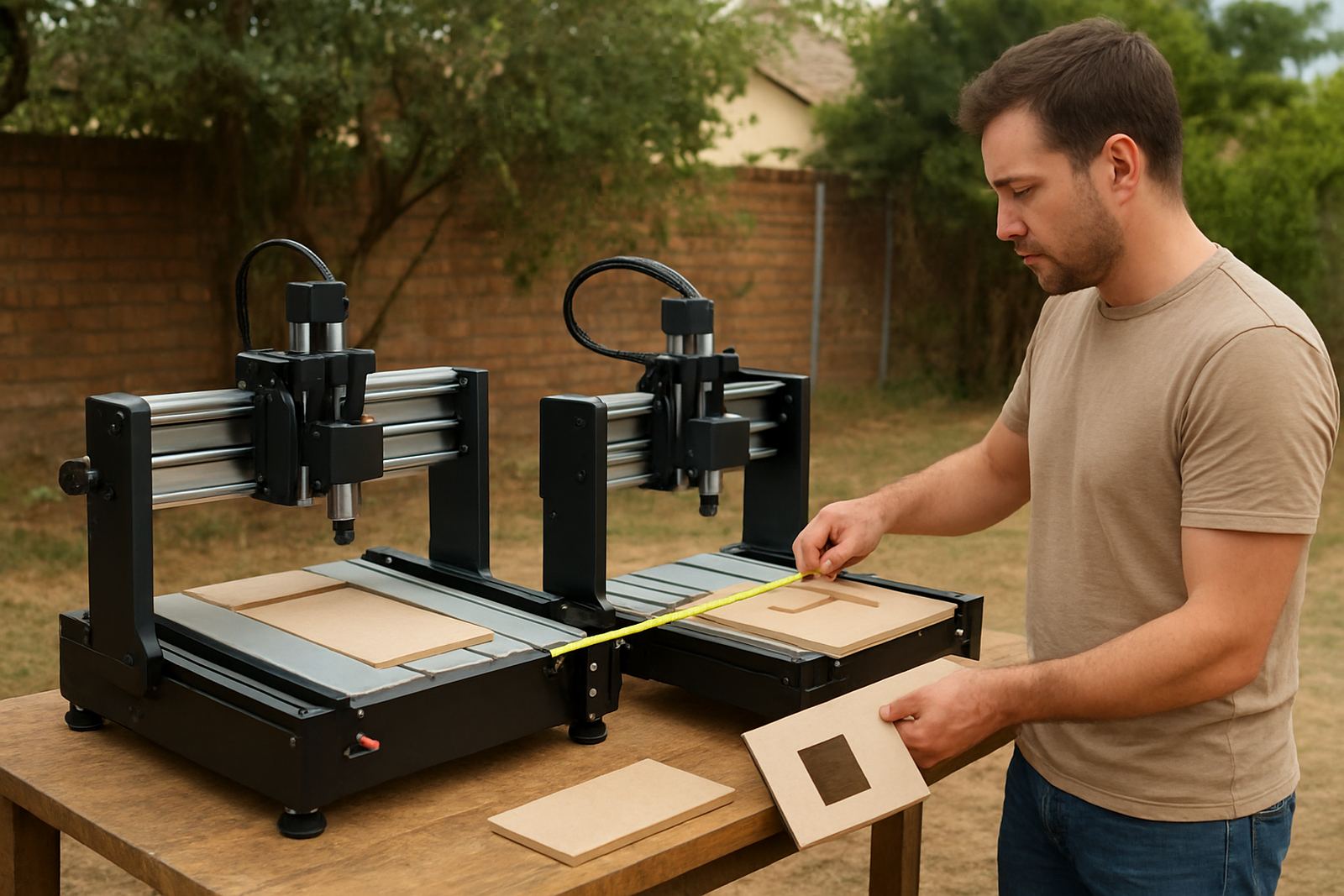
Many first-time buyers focus only on the router itself and forget the full setup. You need space for the table, the control side, loading material and moving finished parts off the machine. In a tight Silverton or Pretoria East workshop, that extra metre or two matters. If the machine sits too close to a wall, you will fight every sheet change and every cleanup.
Measure the floor area, then measure the doorway, passage and any ramp or step used for installation. Also think about dust extraction and safe access around the machine. A compact unit can be a smart choice for a garage workshop or a shared space, while a larger table suits a workshop that already has dedicated production space. In summer heat and dust, good airflow around the router and control area helps a lot.
- Allow space for loading and offloading
- Leave room for dust extraction and cable runs
- Check door widths and floor access before delivery
- Keep the operator side clear for safe movement
Budget for More Than the Machine
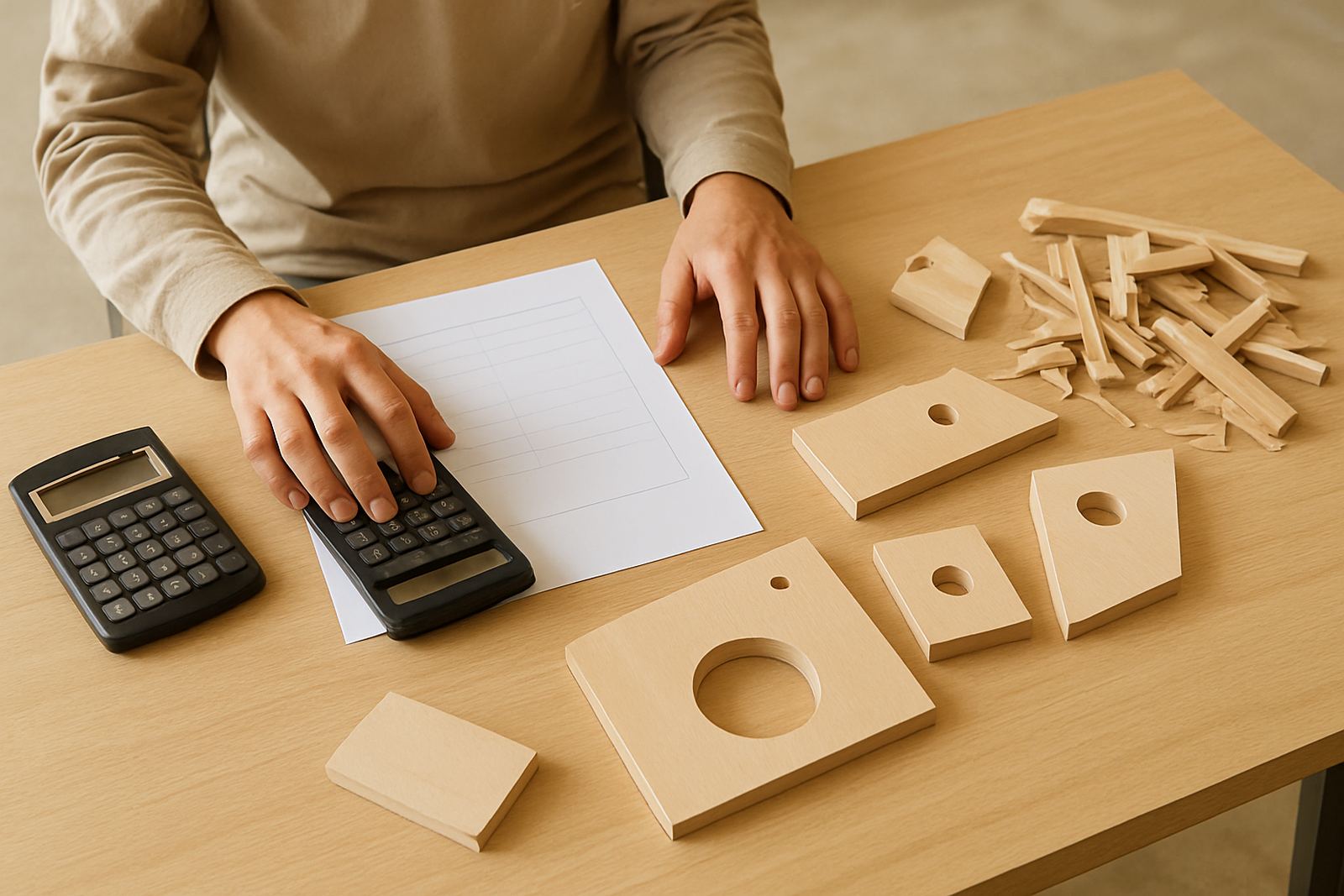
The machine price is only one part of the real budget. A first setup usually needs tooling, clamps or hold-down accessories, basic software, dust extraction, and sometimes an upsized power connection. If load-shedding is a regular issue in your area, ask about how the router and control system should be shut down safely, and whether backup power is needed for finishing a job or recovering a cut.
Budgeting should include training and a few essential spares. A spindle, control board or limit switch issue can stop a small workshop for days if nothing is on hand. In practical terms, budgeting for support is not extra, it is part of keeping the machine earning. A first router that sits idle because one small part failed is not good value.
- Machine and stand
- Cutting tools and hold-down gear
- Dust extraction and cleaning tools
- Operator training and initial setup help
- Basic spares for wear items and fast fixes
Choose Controls You Can Learn Quickly
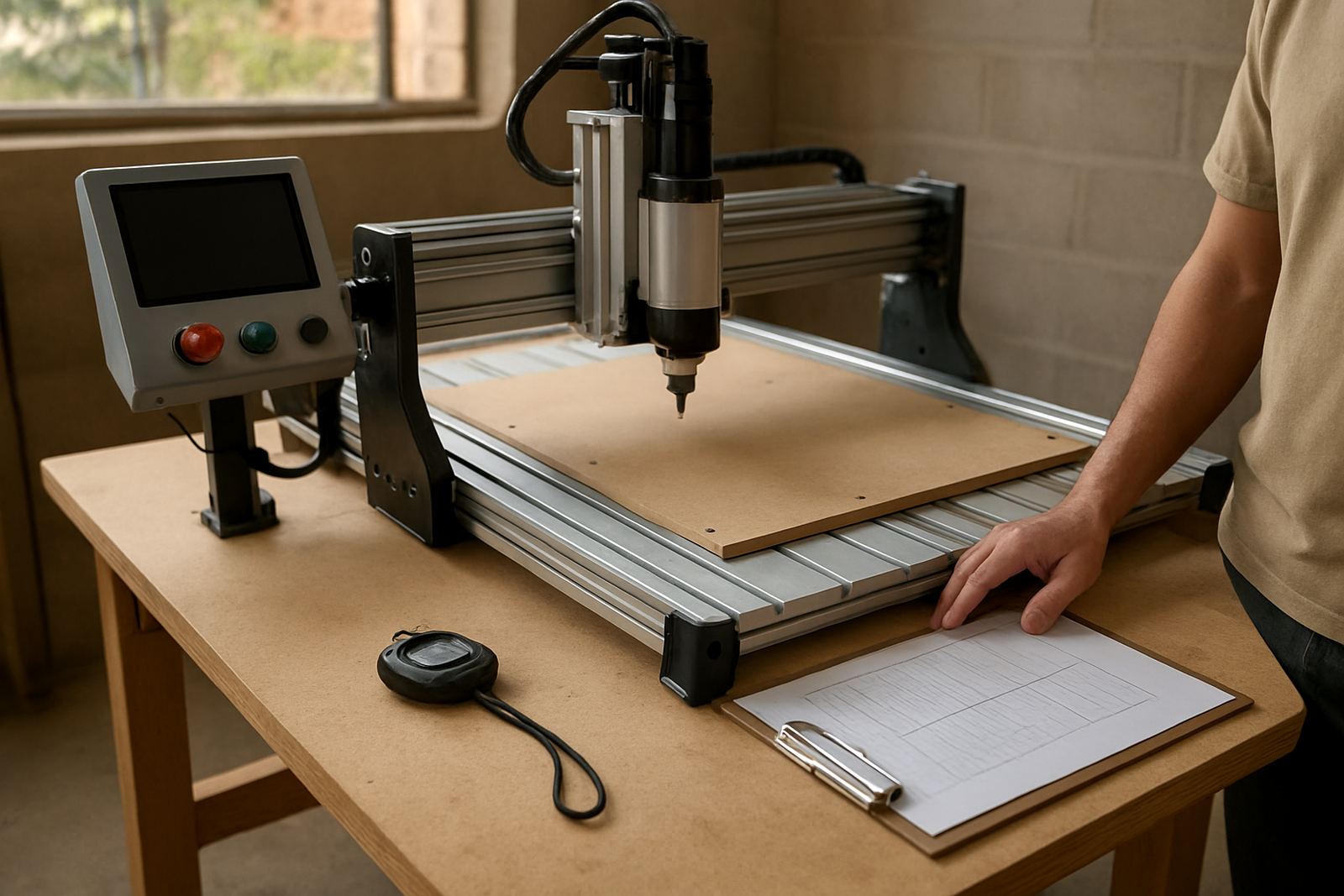
For a first router, ease of use counts. The control system should be simple enough for a new operator to learn the basics without losing time on every job. If more than one person will use the machine, choose a setup with clear menus, simple zeroing steps and a logical file transfer process. A good first machine should help you make parts, not keep you busy studying error screens.
Software basics matter too. You do not need the most complicated package on day one, but you do need to understand drawing, toolpaths and file preparation. That is where training makes a real difference. When the operator knows how to set material height, check feeds and set origin points properly, the workshop avoids waste and a lot of avoidable mistakes. Small steps done right save boards and time.
At CNC Router Hub in Silverton, Pretoria, first-time users often ask for a starter setup visit or refresher training after delivery. That is a sensible step for a hobby room or a small shop in Centurion, Midrand or Kempton Park, because the first few cuts set the habit for everything that comes after.
Plan for Wood, MDF and Plastic Separately
Not every material behaves the same way. MDF creates fine dust and needs good extraction. Wood can vary in density and grain, which affects cutting speed and finish. Plastic needs the right feed rate and tool choice or it can melt, chip or leave a poor edge. If your first router must handle more than one material, make sure the machine can be tuned for each job rather than forced into one setting for everything.
For a beginner, it helps to keep a simple material plan:
- MDF for practice cuts and repeatable shapes
- Softwood for basic profiling and sample work
- Plastic sheets for sign work or light parts
- A test piece for every new setting
That habit reduces costly errors, especially when you are still learning how the machine responds. A well-set first router can do very neat work, but it still needs patience and a bit of discipline.
Why Support and Spare Parts Matter on Day One
A first router should come with support that makes sense after delivery. If something is out of alignment, a spindle needs replacing or the controls need tuning, you do not want to be left guessing. For a small workshop, down time hurts quickly. That is why operator training, preventive maintenance and breakdown support are worth planning for from the start.
Nationwide spares planning is just as important. If you are based in Pretoria, the east rand, or further away, a sensible spares list helps you avoid waiting on a minor part for too long. Keep an eye on common wear items, clean the machine regularly and set aside time for checks. A little maintenance now and then keeps the table cutting properly, rather than needing a rushed repair when orders are already late. It sounds simple, but many first-time owners only learn this after the first fault.
A Pretoria Example: Small Workshop, Clear Plan
Take a small workshop in Silverton. The owner wants to cut MDF lettering, small cabinet parts and a few plastic signs for local customers. The space is limited, power is not always stable, and the work must fit around other tools already in the room. In that case, a compact CNC router table with proper training and a sensible spares plan is often better than a large machine that dominates the floor.
The buyer measures the space, checks access through the roller door, and sets a budget that includes tooling and setup help. A starter visit gets the machine level, the controls checked and the first jobs running. After that, the workshop can add jobs as confidence grows. That kind of first step keeps the learning curve manageable and the spending under control, which matters when you are starting out.
If you are deciding on your first machine and want practical advice from a Pretoria base, CNC Router Hub supports hobbyists and smaller workshops with training, spares and service help across South Africa. The right first router is the one you can use well, maintain properly and grow with over time.