Start with the right material, not the cheapest sheet
One of the most common startup mistakes is choosing scrap material that is too warped, too soft or too inconsistent for the job. A CNC router will repeat every flaw in the board, so a bowed MDF sheet or a plastic panel with uneven thickness can throw off the cut from the first pass. Beginners often think a machine fault is to blame when the problem started on the loading table.
For small workshops in Pretoria East or Centurion, it is worth buying a known grade of MDF, plywood or plastic offcut for the first few runs. That makes it easier to check whether the issue is in the design, the clamping or the tool path. If a sheet cost you more than it should, the lesson gets expensive very quickly.
- Check the sheet for bow, twist and damage before fixing it down.
- Use material thickness that matches the cutter and the program settings.
- Keep a note of which supplier, grade and thickness worked well.
- Do not mix test material with production stock on the same setup.
Do not skip tool choice and cutter care
Beginners often fit whatever cutter is already in the machine and hope for the best. That can chip MDF, melt plastic, or leave a rough edge that needs hand finishing. The right cutter depends on the material, the cut depth and the finish you need. A blunt cutter may still remove material, but it will also burn the edge, make the spindle work harder and reduce accuracy.
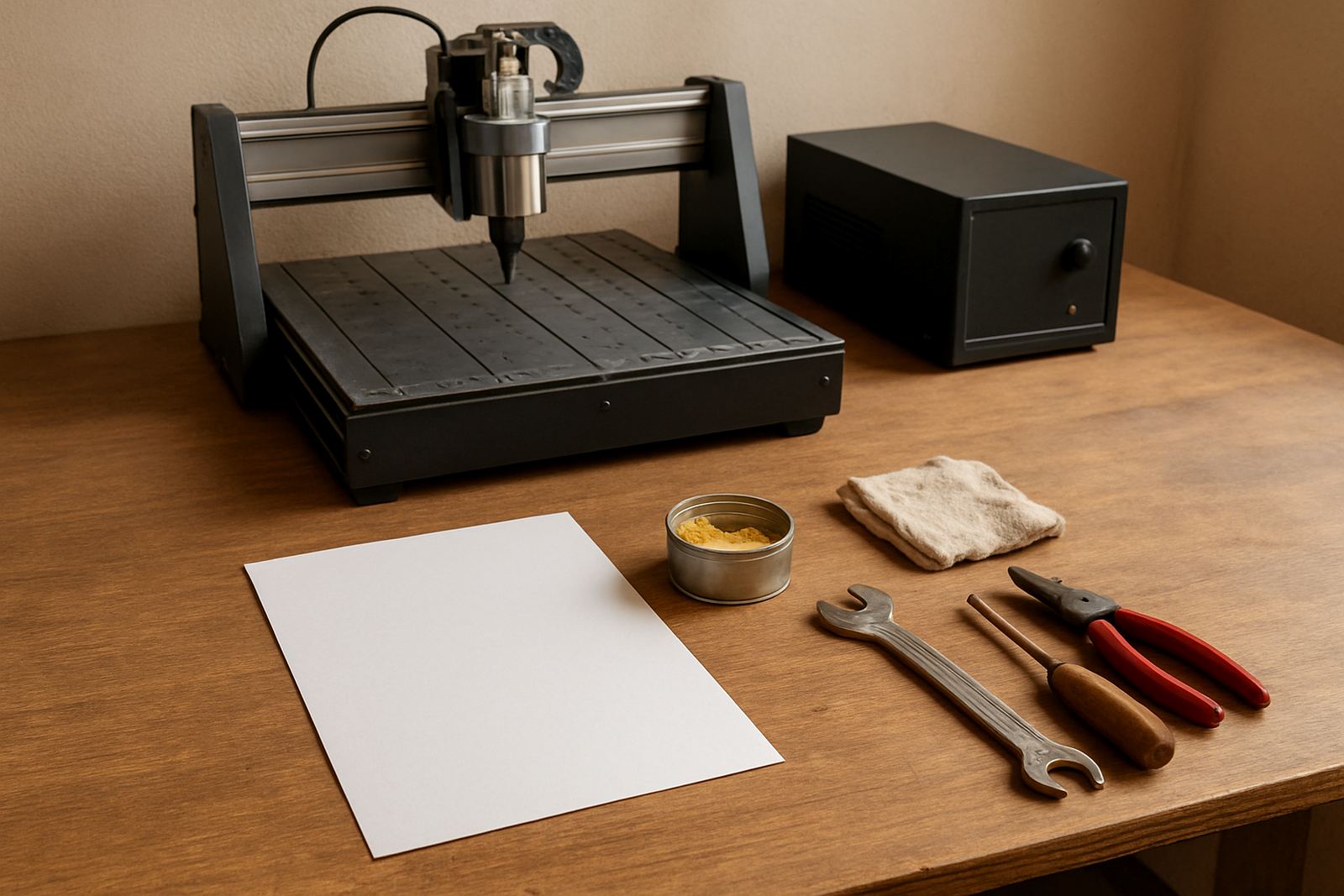
In humid areas near the coast this happens even faster if cutters are stored in a damp cupboard. Around Pretoria the issue is usually dust, poor storage and running a worn cutter for one job too many. Keep cutters clean and sort them by size, flute type and use, not just in a loose tin.
- Use a cutter suited to wood, MDF or plastics, not one tool for everything.
- Replace worn cutters before they leave burn marks or ragged edges.
- Store cutters dry and separate from scrap metal and dust.
- Check collet grip and shank length every time you change a cutter.
Measure the machine area before you start the first job
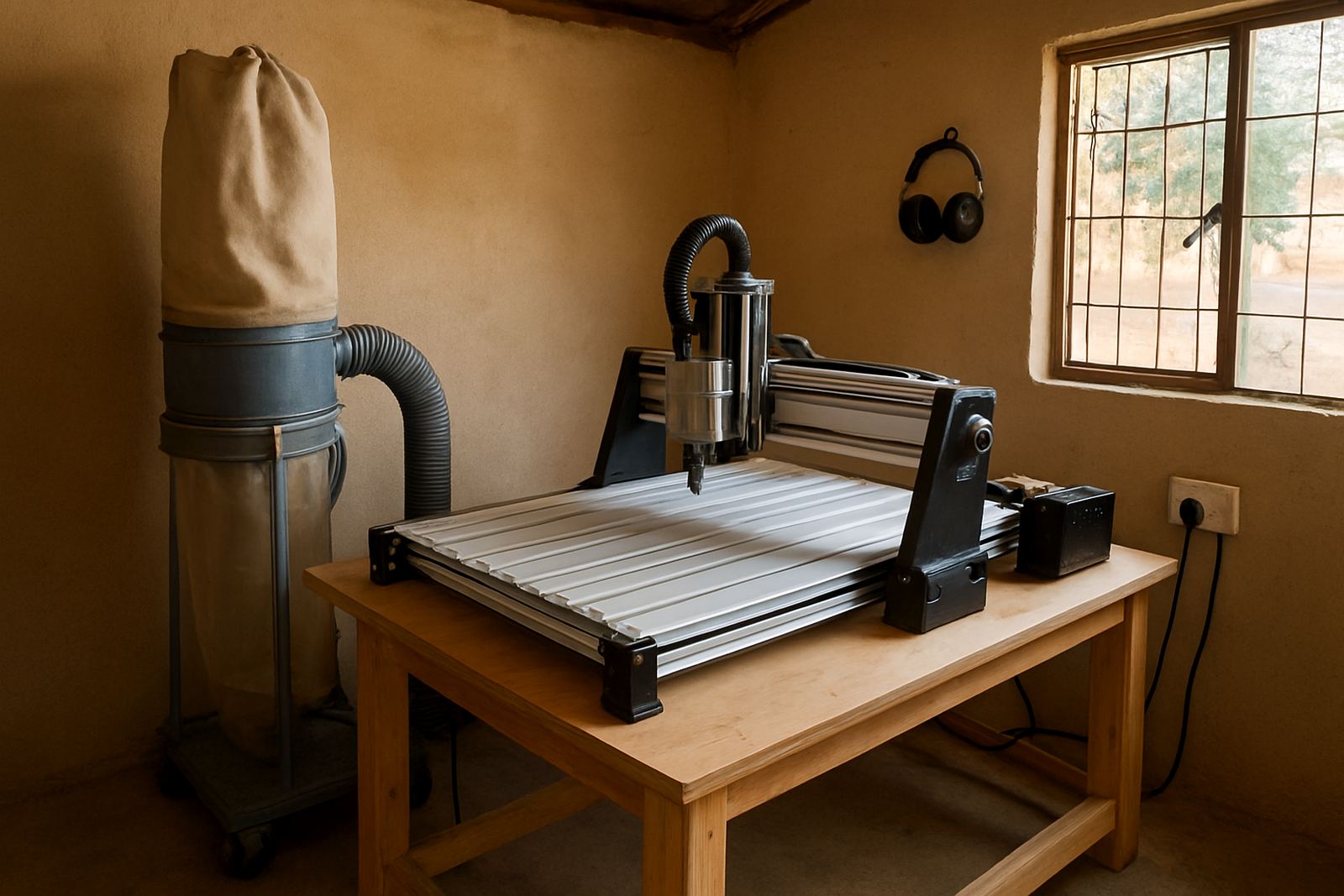
Another beginner error is assuming the machine can fit anywhere because it is a smaller router table. Once the gantry moves, cables need space, dust extraction needs access and the operator still has to reach the emergency stop. If the machine is squeezed against a wall or a power point, the first run becomes awkward and unsafe.
In a Silverton garage workshop, for example, it is common to underestimate how much room is needed for loading sheet goods, moving around the table and keeping the extractor hose out of the way. The machine may be compact, but the work around it is not. Leave enough clear floor area so you can work without climbing over timber offcuts or extension leads.
A practical rule is to plan for the machine size plus room on all sides for loading, maintenance and dust control. It sounds simple, but poor layout is one of the reasons new users lose confidence before they have even finished the first part.
Set zero points and depth carefully every time
Many first runs fail because the zero point was guessed, the material was not squared, or the depth of cut was entered incorrectly. A small mistake in the setup can send the cutter straight through the spoil board or leave a part too shallow to assemble. Once the machine starts cutting, there is no easy fix.
Take time to confirm the machine origin, the work origin and the cutter height before pressing start. If the job is meant to cut 6 mm deep, do not trust a setting entered in a rush. Recheck the screen, the tool length and the stock thickness. A minute spent checking can save a full sheet of wasted material.
- Home the machine before starting a new job.
- Confirm the work piece is clamped flat and square.
- Set a clear origin point and mark it on the material.
- Run a dry pass or air cut when testing new files.
Do not ignore dust, power and load-shedding planning
Small machines still need proper dust extraction and stable power. MDF dust can build up fast around rails, drives and electronics, and that leads to poor movement and early wear. Power interruptions are another issue in South Africa. If a job stops mid-cut during load-shedding or after a voltage dip, the machine may lose its position and the part may be ruined.
For workshops in Midrand, Kempton Park and Pretoria East, it makes sense to plan around outages before the machine is even switched on. Know how you will pause the job, what happens when power returns and whether the file can be restarted safely. If not, do a shorter test run first. It is better to lose 10 minutes on a sample than 2 hours on a final board.
- Keep the machine, extractor and control gear on a clean power supply.
- Clear dust from rails, lead screws and the work area often.
- Have a load-shedding plan for long jobs and overnight runs.
- Do not restart a cut after an outage unless you know the exact position.
Train the operator before the machine trains the operator
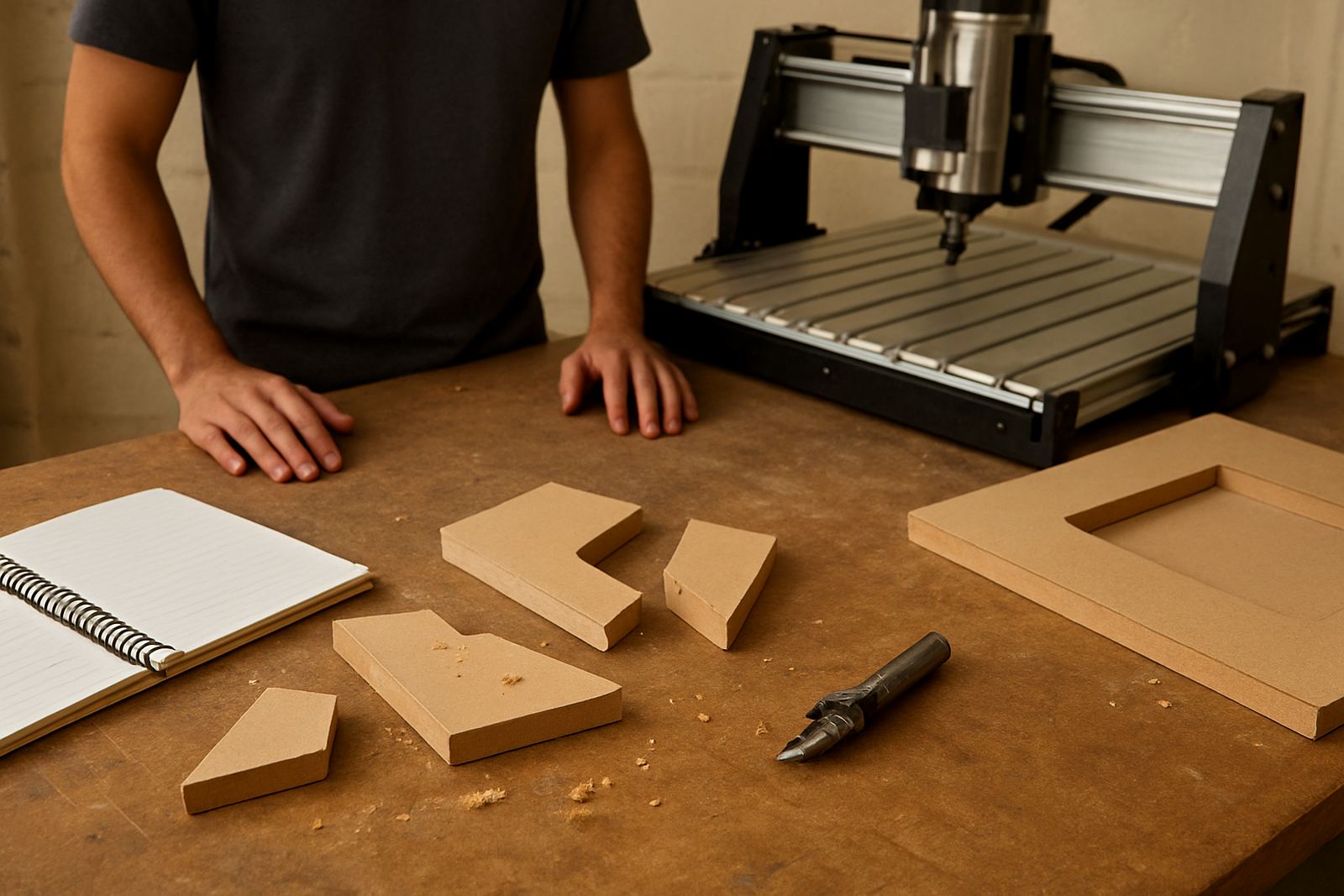
The biggest startup mistake is assuming the machine will be forgiving while the operator learns by trial and error. CNC work rewards routine. Safe clamping, correct offsets, sensible feed rates and clean files all matter more than enthusiasm. Without training, beginners tend to blame the software, when the real issue is a missed step in the setup process.
For new users in Pretoria and surrounding areas, a starter visit and a few hours of basic training can prevent weeks of confusion. The same applies when staff change, a new control setup is fitted or the workshop moves. A refresher is often enough to stop old habits from costing money again. It also helps to write down the machine settings that worked so the next job starts from a known point, not guesswork.
Good training does not make the work slower. It makes the first parts cleaner, the cutters last longer and the whole process less stressful for the person at the machine.