When the cutting list no longer fits the machine
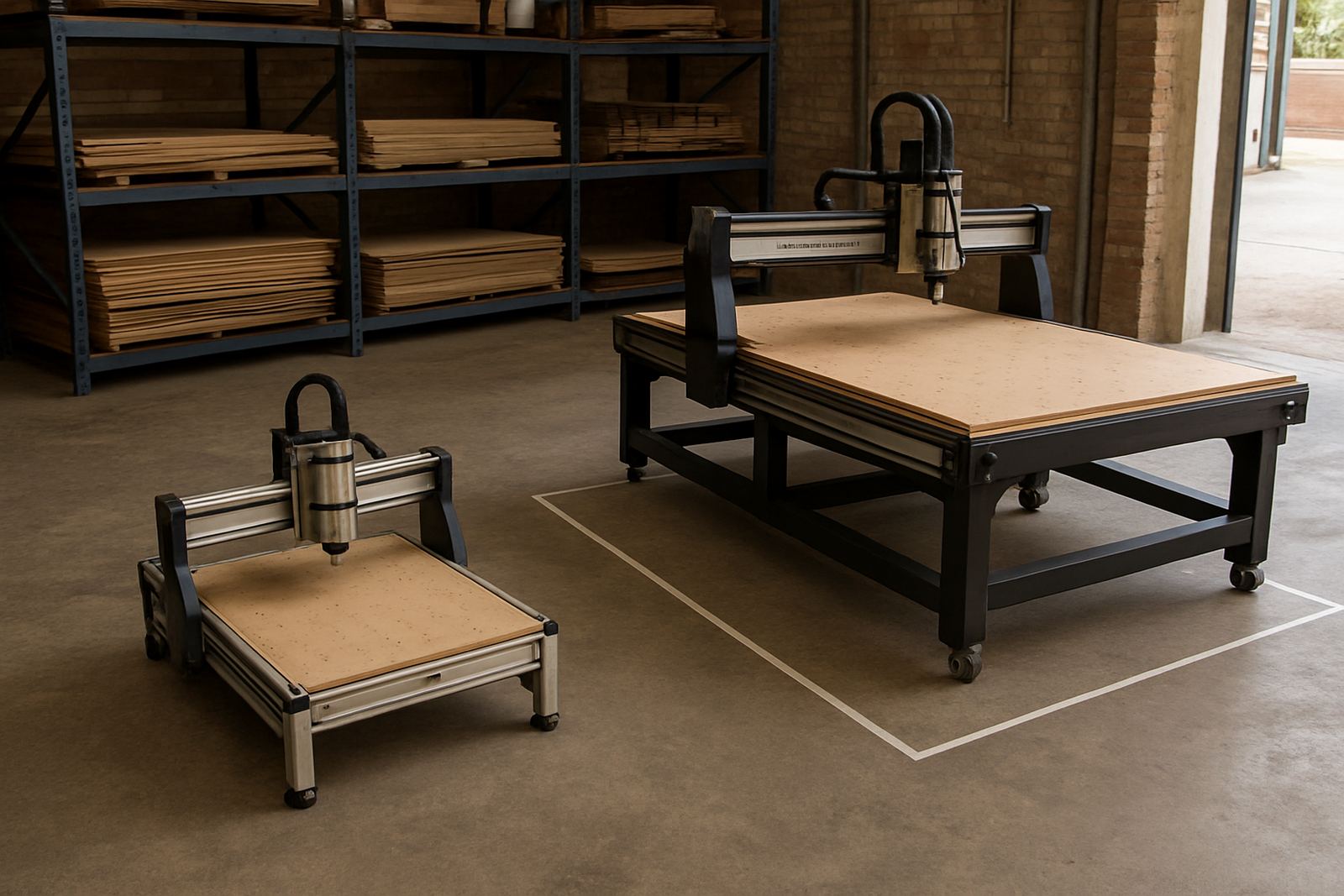
The clearest sign that a router has outgrown the workshop is simple, the work is getting bigger than the table. If you are joining sheets, shifting material around more than once, or avoiding certain jobs because the bed is too small, the machine is holding the business back. That extra handling costs time and also increases the chance of a bad cut or a damaged sheet.
This is common in Pretoria, Silverton and the surrounding industrial areas where a small shop starts with a few custom pieces, then suddenly gets regular cabinet parts, signage panels or plastic components. Once you are cutting full 1 220 mm by 2 440 mm sheets often, a machine sized for hobby work starts to feel cramped. You can still make it work for a while, but it becomes a daily compromise.
Look at how often you are breaking a job into sections. If the answer is most days, that is not just inconvenience, it is a sign that your output has moved beyond the current setup.
When recurring cuts signal a router upgrade
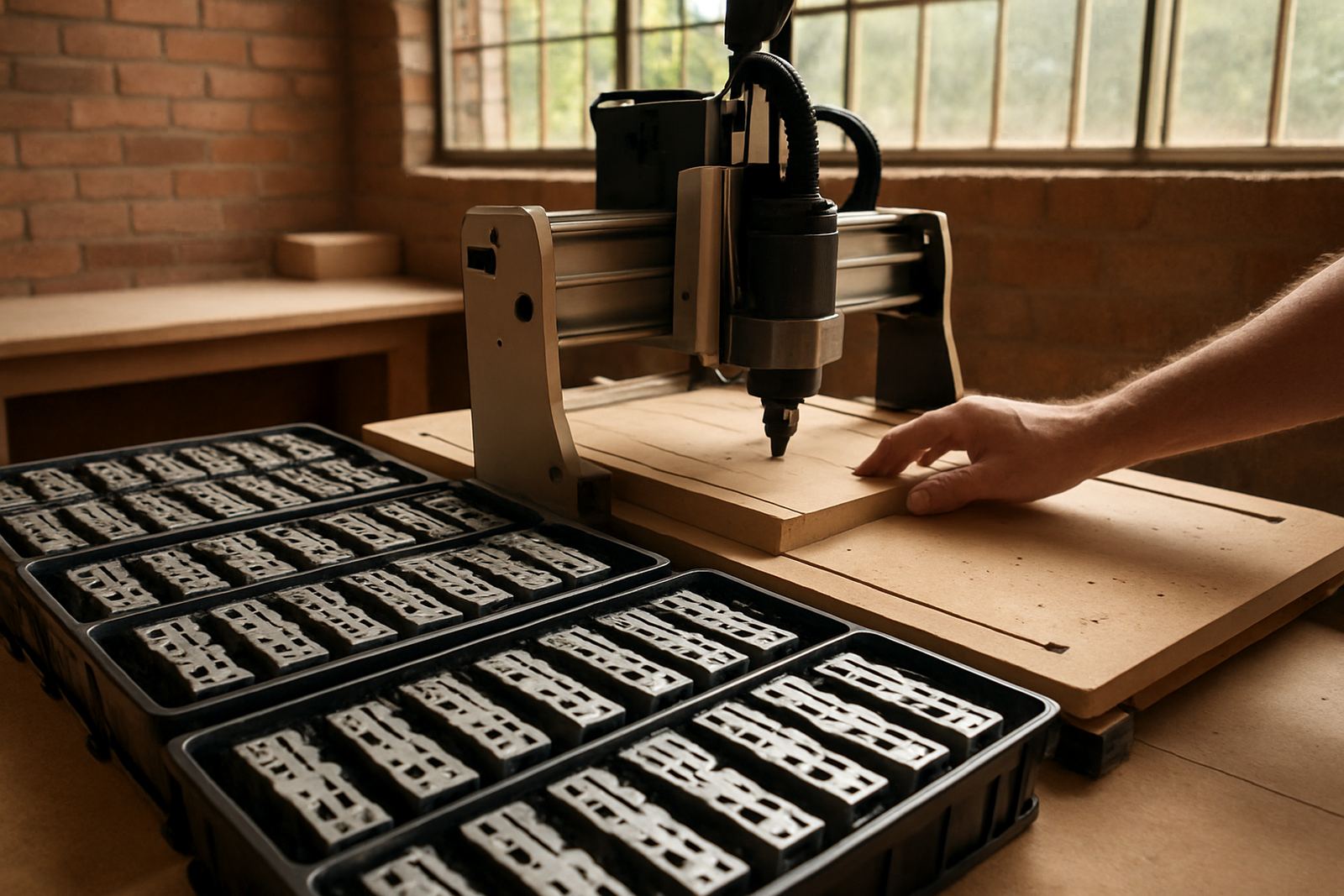
A hobby router can manage one-off jobs well. The trouble starts when the same part is needed again and again, or when customers expect the same quality in a shorter time. Repeat production is where a better machine earns its place. It reduces setup time, improves consistency and gives you more control over delivery dates.
When a shop in Centurion or Midrand starts taking on cabinet doors, display panels or sign blanks every week, the question changes from can the machine cut it to can it cut it fast enough and keep doing so. If operators are baby-sitting the machine on every run, adjusting settings after every sheet, or clearing faults before a shift can end, the workflow is too fragile.
- You are quoting longer lead times just to allow for machine stoppages.
- Operators are making the same adjustments on every repeat order.
- Small mistakes are causing whole batches to be scrapped or reworked.
- You are turning away jobs because the current setup cannot keep up.
A better machine should reduce these problems, not create new ones.
The hidden cost of constant patching and breakdowns
Many workshops wait too long because the machine still switches on and cuts. But if the spindle is noisy, the rails need frequent attention, or the controller is full of small faults, the real cost is in the lost hours. A cheap repair today can become a costly interruption next week. If your team knows the machine needs a nudge to get through every shift, it may be time to stop patching and start planning.
In practice, this often shows up as more callouts, more spare parts and more time spent on troubleshooting than on actual production. If you are replacing the same parts repeatedly, or the machine needs regular tuning just to hold accuracy, the unit is no longer supporting growth. It is consuming it.
- Frequent bearing or spindle issues.
- Axis movement that feels rough or inconsistent.
- Software settings that keep drifting out of tolerance.
- Downtime that affects more than one order in a week.
For a small business, those interruptions can mean the difference between keeping a customer and losing them to a faster supplier.
More material types need better control
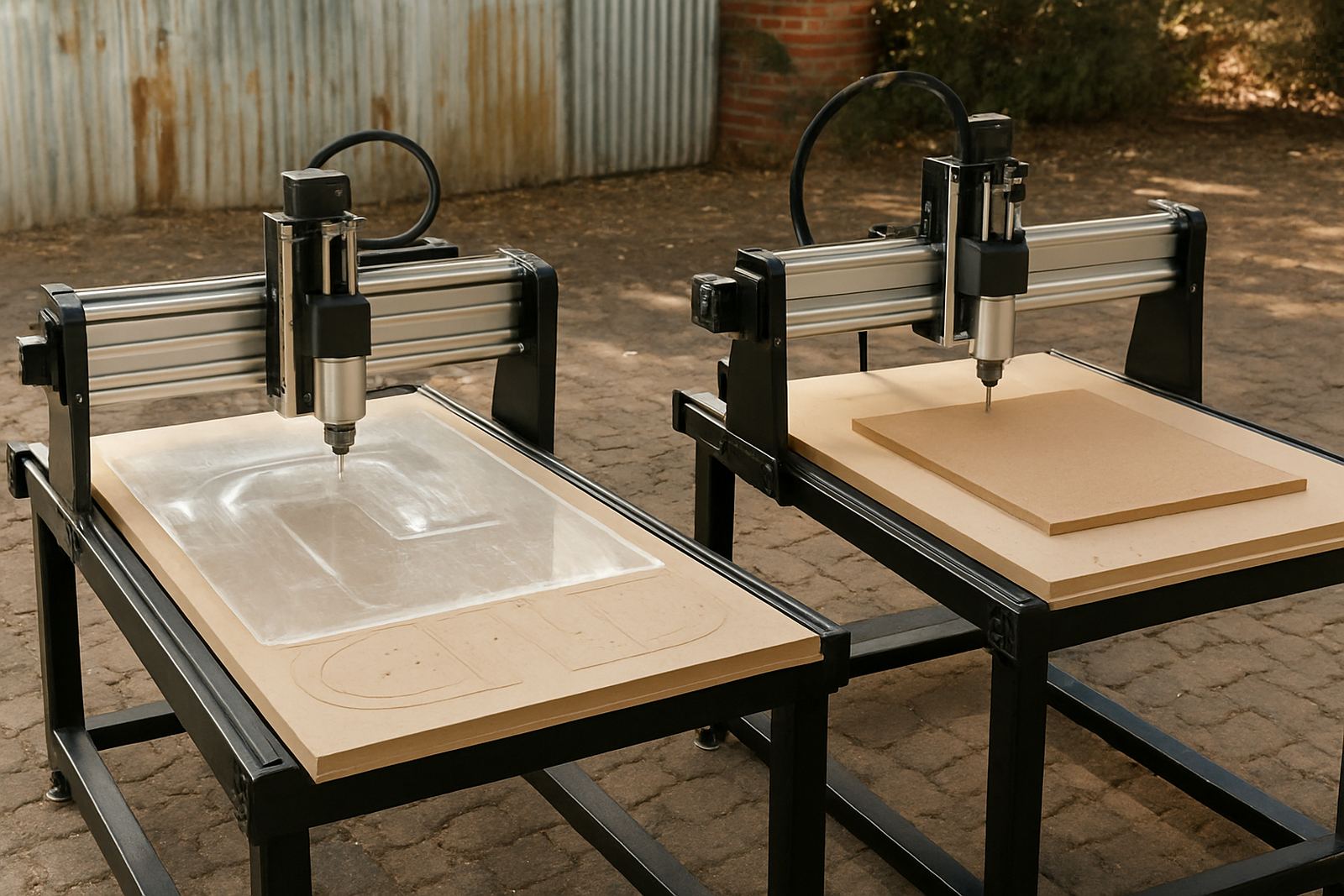
Woodworking, MDF and plastics each behave differently on a CNC machine. As the workload grows, it is common to move beyond simple cutting and into finer profiling, cleaner edges and tighter tolerances. That is when a router with better control, better motion quality and a more suitable table size starts to matter. The old machine may still cut, but it may not cut cleanly enough for finished work.
Humidity also matters in South Africa, especially near the coast or in stores where material sits for a few days before cutting. MDF can swell, sheets can bow, and plastics can react badly if the feed rates and tooling are not well matched. If your current machine struggles to hold accuracy across a full board, or if the finish changes from job to job, you may need a setup that gives more repeatability.
Another warning sign is when you need different tooling and setup tricks for every material just to get acceptable results. A proper upgrade should make the work more predictable, not more complicated.
Training and support become part of the decision
Upgrading is not only about the table and spindle. It is also about who will run the machine and who will keep it productive. When the workshop starts relying on one person who knows all the settings, the business is exposed. If that person is away, production slows down. That is why operator training, software basics and refresher training should be part of the upgrade plan from the start.
In a place like Silverton or Pretoria East, where a small workshop may be balancing staff across production, sales and admin, support matters just as much as machine size. A practical upgrade should include setup guidance, maintenance planning and access to spares. That helps a business avoid long stoppages when a part wears out or a setting needs to be checked.
Ask a simple question before buying: will this machine make us easier to support after six months, or harder? If the answer is harder, think again.
A Pretoria workshop example that makes the choice clear
Consider a small joinery shop in Pretoria East that started with custom signs and small panel work. At first, the table size was enough. Then the orders changed. A local school needed repeated notice boards, a contractor needed larger plastic templates, and a furniture maker wanted regular MDF components. Within a few months, the workshop was repositioning sheets every day and losing time on each changeover. The owner was still producing, but the machine was dictating the pace.
Once the team looked at the numbers, the issue was plain. The machine was not failing in a dramatic way. It was just too small for the volume and too slow for the deadlines. An upgrade would not only improve output, it would reduce handling, improve consistency and give the team room to take on larger work without rushing. That is usually the moment to move.
If your own workshop is starting to look like that, the decision is less about ambition and more about practical capacity. Growth should make the business stronger, not more tired.
A simple upgrade test before you spend the money
Before changing equipment, work through the real numbers. Count lost hours, repeat setups, scrap and repair calls for a normal month. Then compare that with the extra work you could take on if the machine matched your current demand. If the gap is wide, upgrading is easier to justify than patching the old setup yet again.
- Are you cutting larger sheets than the table comfortably handles?
- Do repeat orders now make up a steady share of the work?
- Is downtime affecting more than one customer at a time?
- Are training and spares part of the plan, not an afterthought?
If most of those answers are yes, the workshop has probably outgrown its current machine. The right upgrade should fit the work you do now, and leave enough room for the work coming next.