Why flute count changes the cut
A flute is the cutting edge on a router bit, and the number of flutes affects how much material each edge removes on every turn. A single flute takes a bigger bite per revolution, while a two flute or three flute tool spreads that work across more edges.
That difference matters in real workshop conditions. If the spindle speed, feed rate and material type do not match the cutter, you get heat, chatter, poor chip removal or a rough edge. On MDF, for example, too many flutes can pack dust into the cut and leave a burnt line. On plastics, poor chip clearing can melt the edge before you even notice.
When a single flute makes more sense
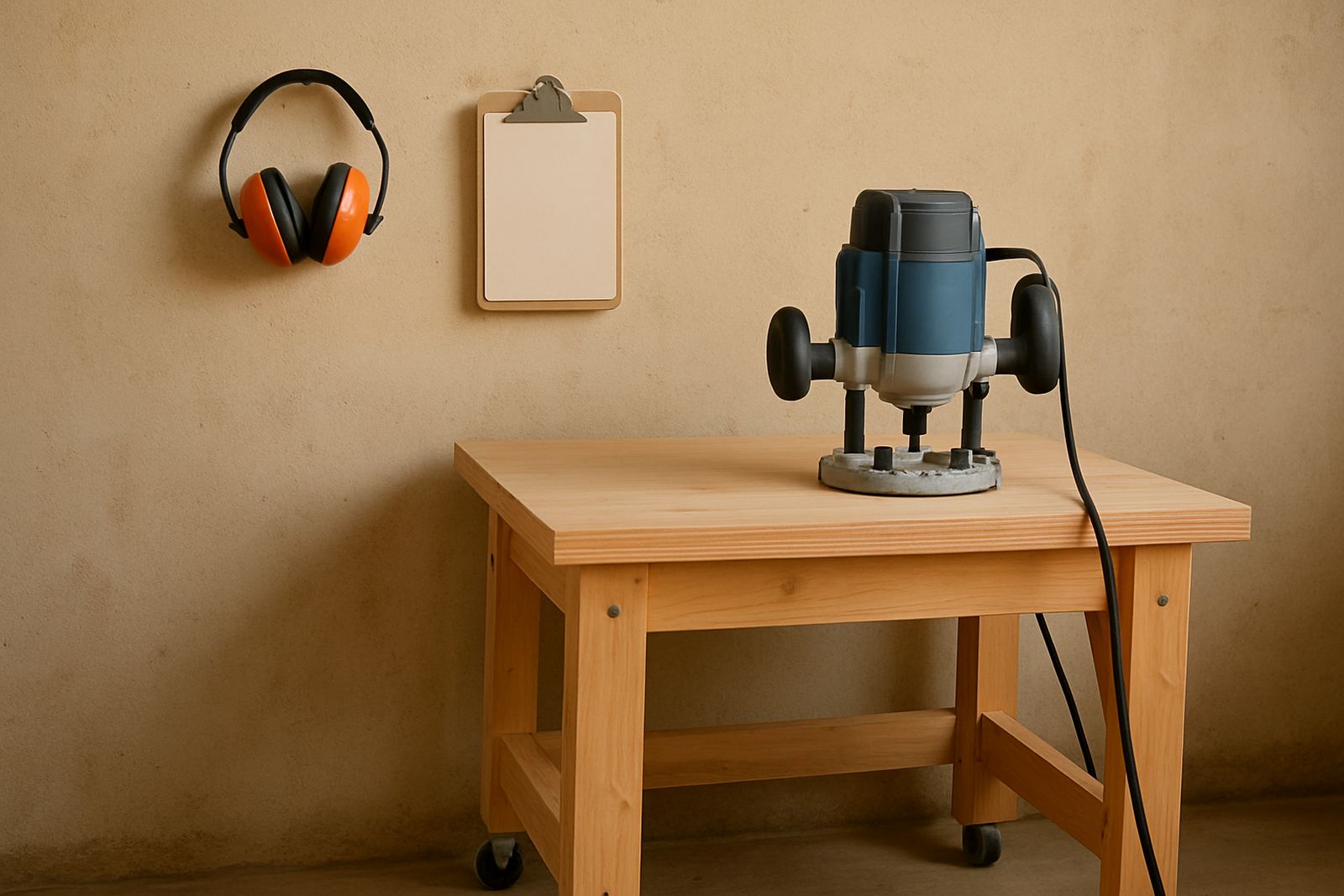
Single flute cutters are often the first choice for hobby routers and smaller machines because they clear chips fast and reduce cutting load. That helps when you are working with compact spindles, lighter frames or slower manual feeds. They also perform well where you need to keep heat down and avoid recutting chips.
- Best for thicker chip load on lower power machines
- Useful for MDF, acrylic and some soft woods
- Helps with chip clearance in dusty cuts
- Good option when the machine struggles with high resistance
In a small workshop in Silverton, a single flute can be the difference between a clean profile cut and a cutter that starts labouring halfway through a cabinet side. If the machine is not moving chips away quickly enough, the finish suffers and the bit wears faster.
Where multi flute cutters earn their place
Two flute and three flute cutters are usually chosen when you want a finer finish or when the machine can maintain a steady feed. More flutes mean more cutting edges touching the material each revolution, so the chip load per edge is smaller. That can improve surface quality on some jobs, but only if the feed and spindle speed are set correctly.
These cutters can work very well in hardwoods, certain plastics and detailed finishing passes. They are less forgiving on light routers if the operator feeds too slowly, because the flutes start rubbing instead of cutting. Once that happens, heat builds up and the edge quality drops quickly.
- Better finish on some hardwood and finishing operations
- Smaller chip load per edge
- Needs a stable feed rate and correct spindle speed
- Can struggle with poor chip clearance on MDF
MDF, hardwood and plastics need different choices
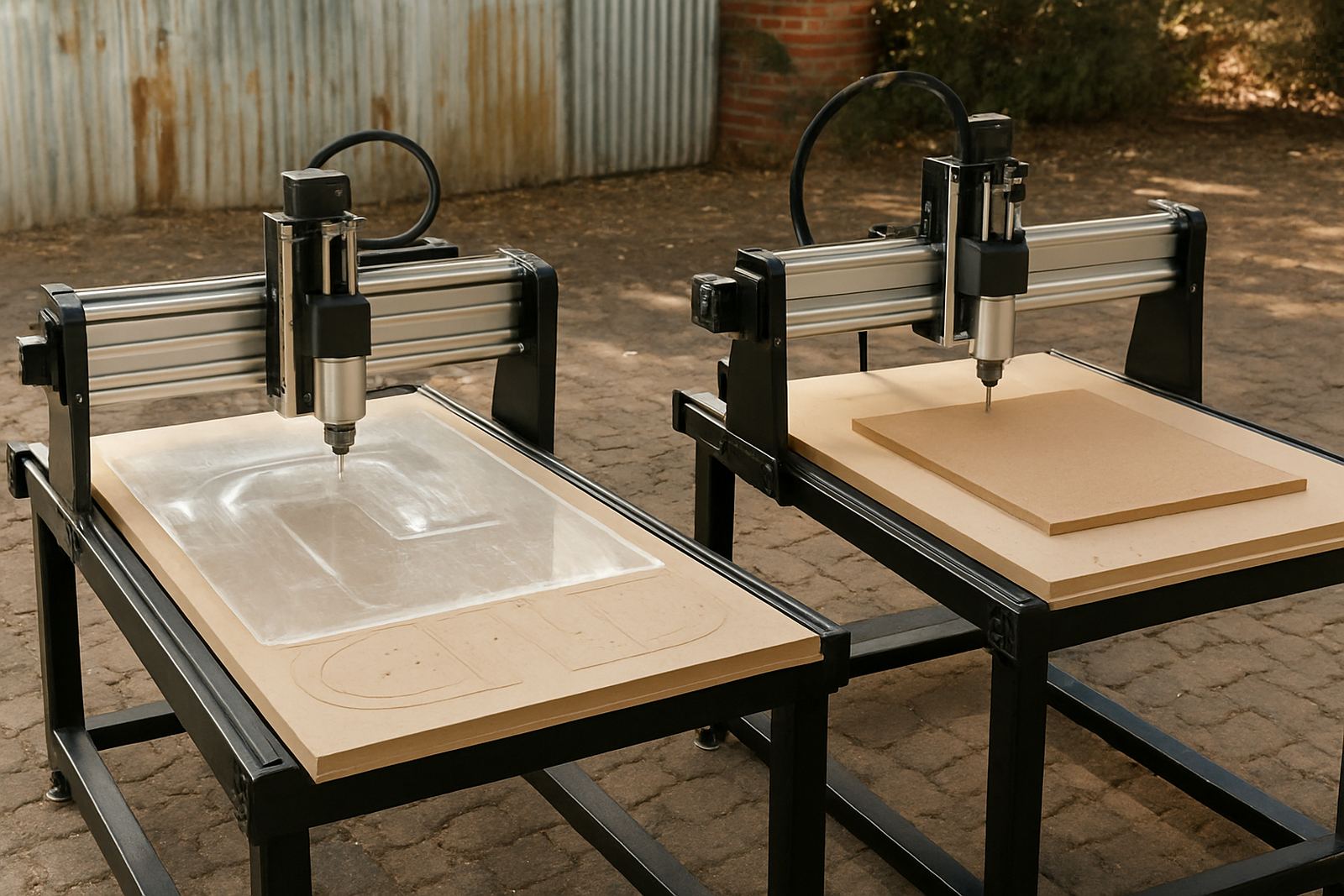
There is no one cutter that suits every material. MDF produces fine dust, hardwood gives denser chips, and plastics can soften if the tool runs hot. A cutter that works well on meranti may not perform the same way on PVC or acrylic, even if the profile looks similar.
For MDF, single flute cutters are often a practical starting point because they keep material moving out of the cut. For hardwood, a two flute tool may give a cleaner edge on the final pass if the machine is rigid enough. For plastics, heat control is critical, so the right flute count must be matched with correct feed and sharp tooling. A dull bit on plastic can leave a sticky edge that needs sanding, and sometimes a full re-cut.
Chip load, feed rate and spindle speed must work together
Chip load is the amount of material removed by each cutting edge every time it passes through the work. If the flute count changes, the chip load changes too. That is why you cannot just swap from single flute to double flute and keep the same settings.
As a simple rule, more flutes usually need either higher spindle speed or a more careful feed rate to keep the cut efficient. Too slow and the tool rubs. Too fast and the machine may lose control of the cut. The right balance depends on the table, spindle, dust extraction and the actual material thickness.
- Check spindle speed before changing cutters
- Match feed rate to the number of flutes
- Watch chip shape, not only finish
- Listen for chatter, rubbing or squealing
A Pretoria workshop example that shows the difference
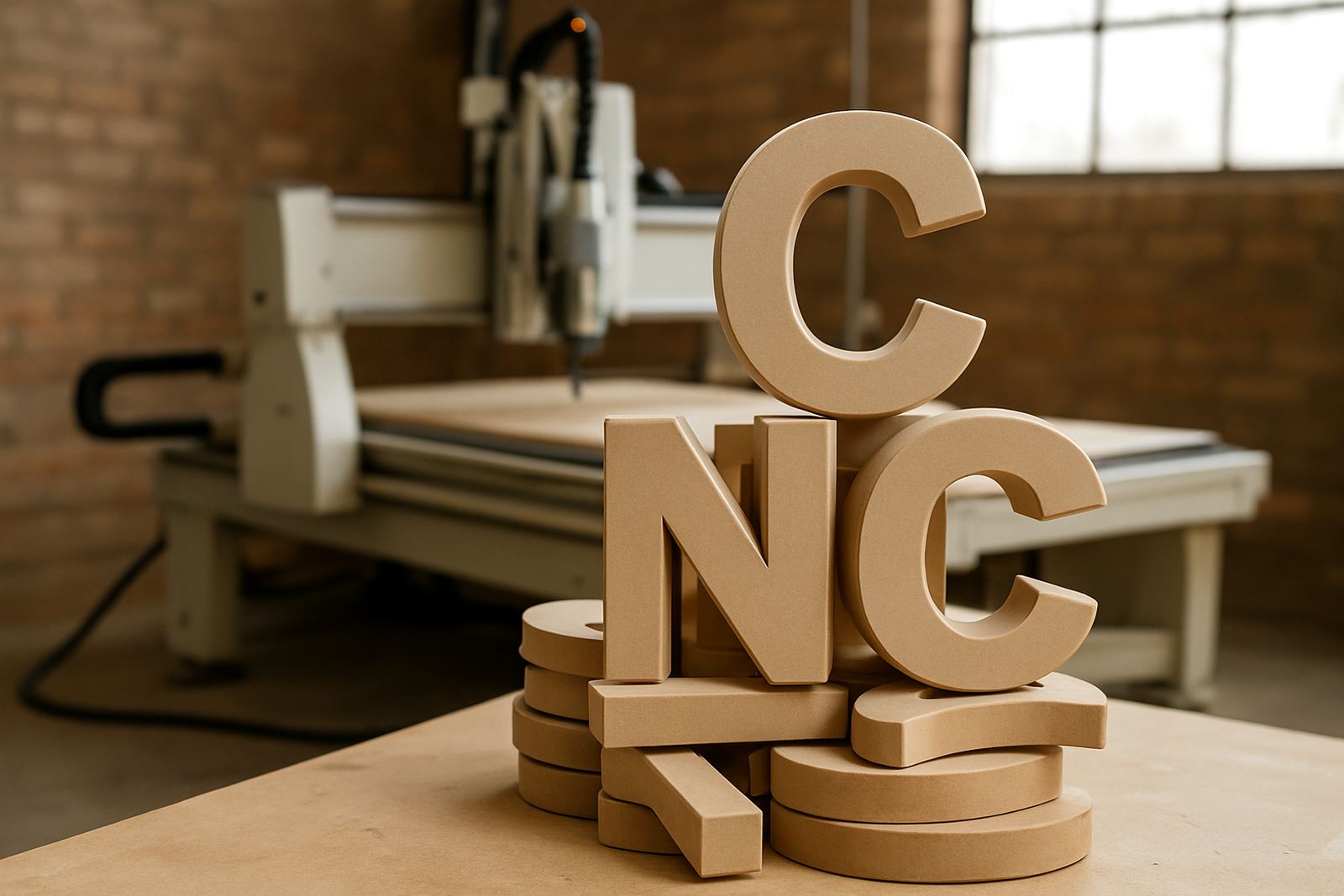
A small sign shop in Pretoria East cutting 16 mm MDF letters was having burnt edges and too much sanding. The first fix was not a more expensive machine, but a different cutter choice and better settings. Moving to a single flute cutter on the roughing pass improved chip removal immediately, and a lighter finishing pass gave a cleaner edge.
After that, the operator adjusted feed rate and added a simple check for dust buildup around the tool path. The result was less rework and shorter cycle time. On a job with a tight municipal delivery deadline, that kind of change matters because a waste sheet and a late collection can cost real money, not just time.
Practical checks before you choose a bit
If you are not sure which flute style to use, start with the machine and the material, then work back to the cutter. A hobby router in a home workshop has different needs to a heavier table in Centurion running long MDF nests day after day. The point is to keep the cut stable and the finish predictable.
- Confirm material type and thickness
- Check whether you need roughing or finishing
- Make sure dust extraction is working properly
- Inspect the cutter for wear before each shift
- Keep spares on hand, especially for busy weeks
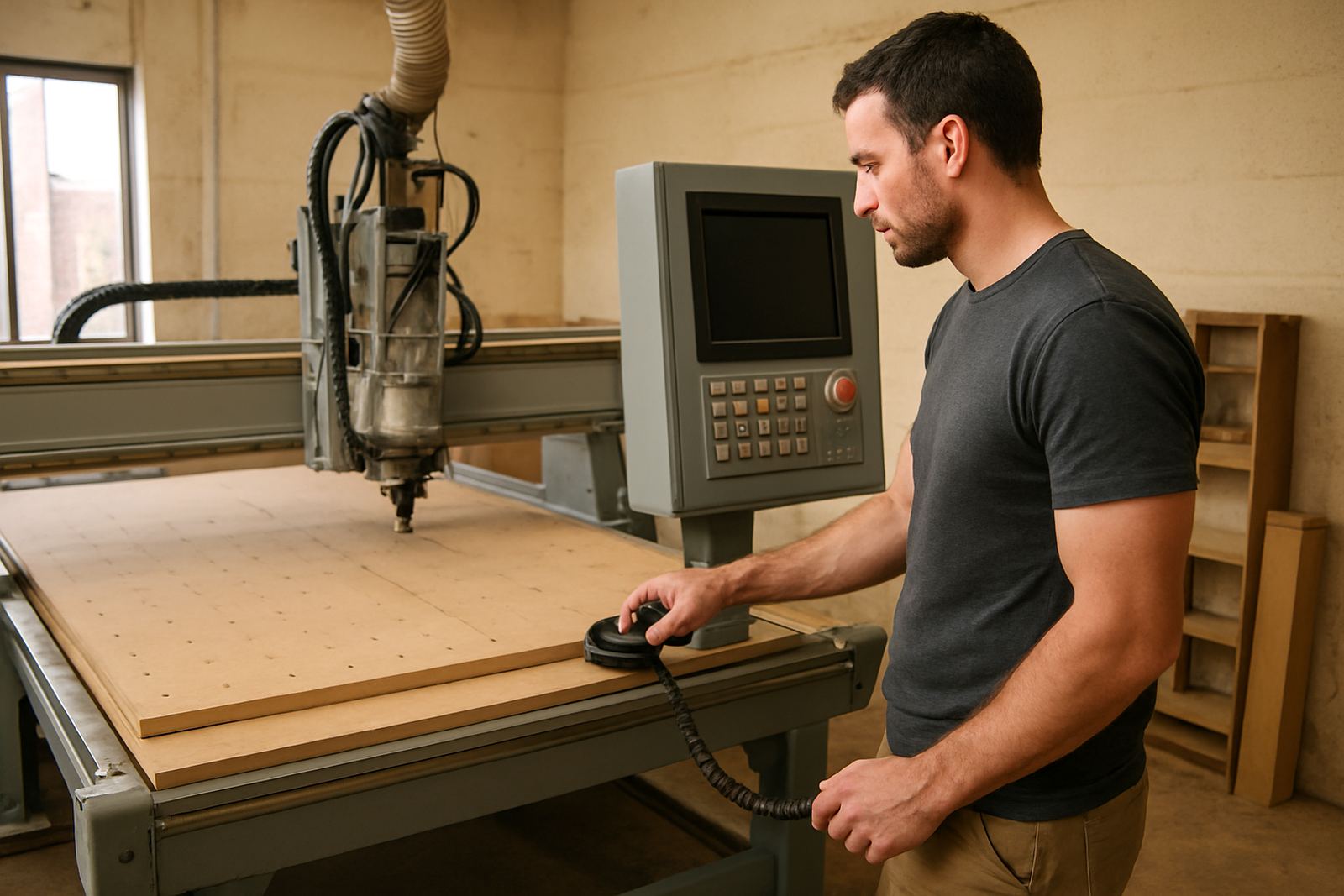
Training also helps. Many cutting problems come from setting changes that are small on paper but big at the machine. A quick refresher on setup, control tuning or maintenance can save a lot of trial and error, especially when load-shedding forces shorter production windows and you need the first run to go right.