Why a weekly routine saves time later
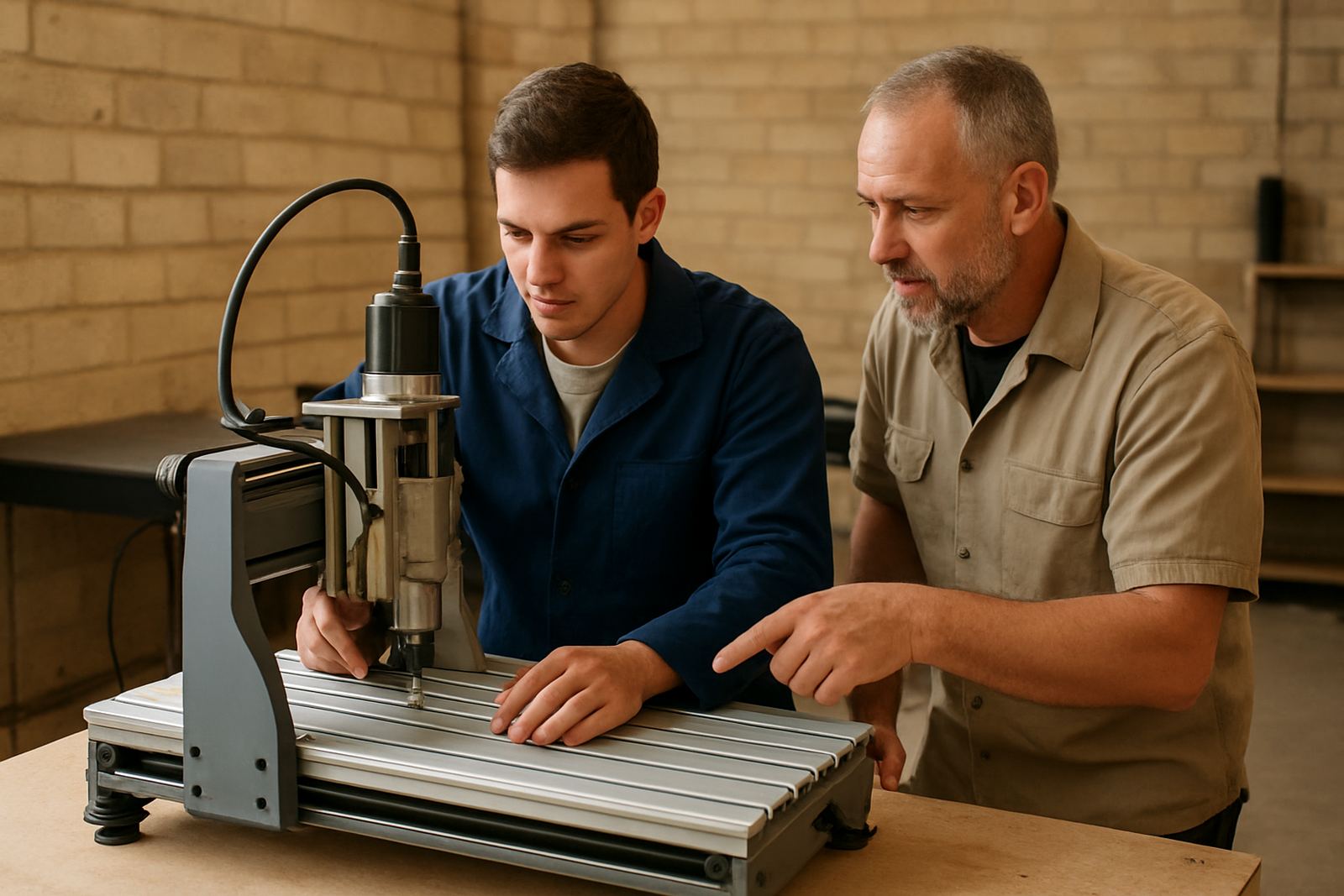
Compact CNC routers are often used in tight workshops, garage spaces and shared maker rooms, so they collect dust fast and get knocked out of alignment by everyday use. A weekly routine keeps the machine cutting cleaner, reduces avoidable wear, and makes it easier to spot a problem before it turns into downtime.
For owners in Pretoria and around Gauteng, the main risks are often fine MDF dust, heat from summer afternoons, and stop start operation during load-shedding. None of those are dramatic on their own, but together they can make a small machine feel unreliable if it is not checked regularly.
Start with a clear-down before you inspect anything
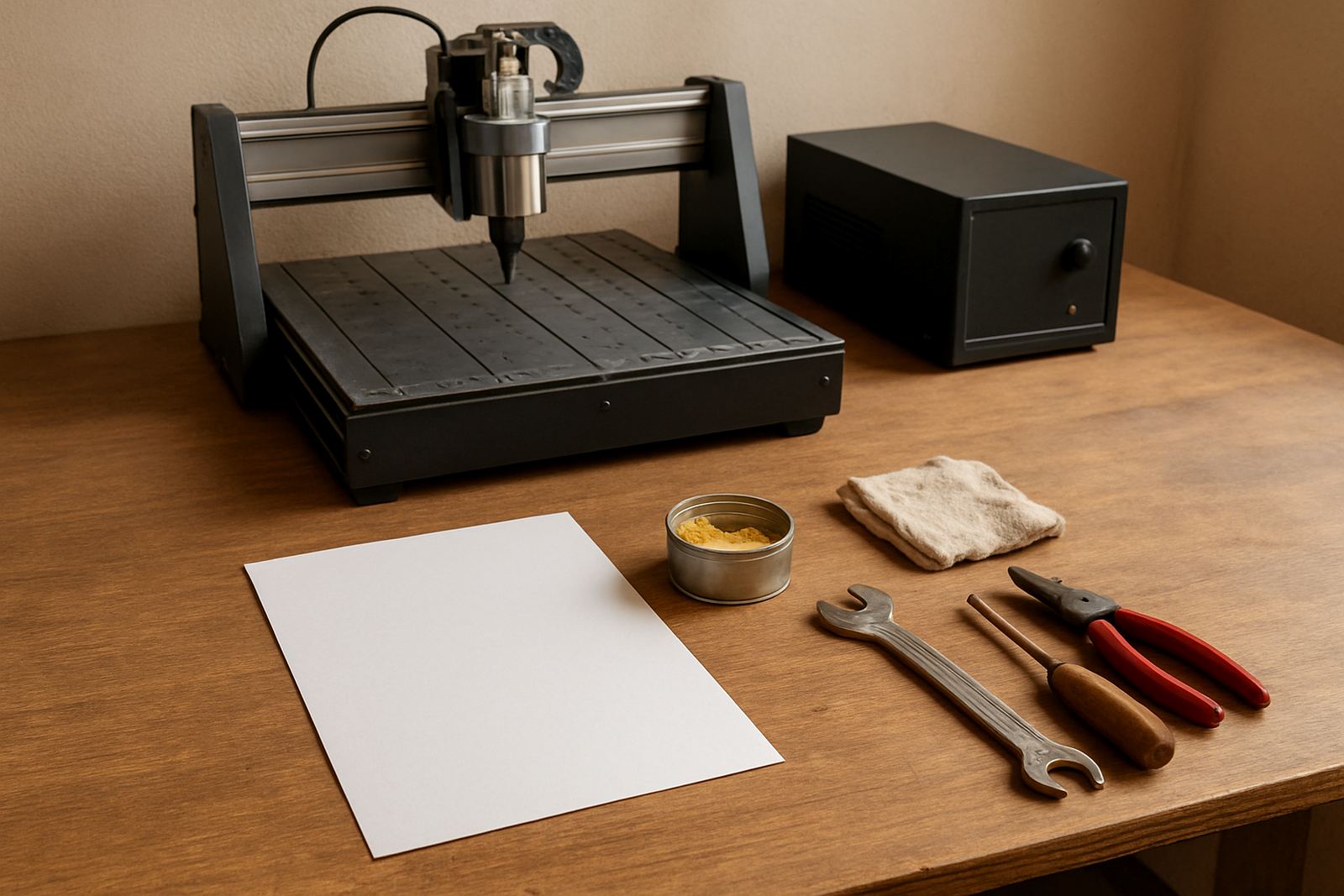
Before opening covers or checking motion parts, switch off the machine properly and isolate power at the wall. Then clear chips, dust and offcuts from the table, linear guides, belts and around the control box. A soft brush, vacuum and dry cloth are usually enough for routine cleaning.
- Vacuum the table slots, spoilboard and work area
- Brush dust from rails, carriages and cable runs
- Check that extractor hoses are not blocked or loose
- Wipe down exposed surfaces with a dry, lint free cloth
A clean machine is easier to inspect, and small issues like a frayed cable or loose connector are much easier to see when chips are not packed around them.
Check motion parts before the next job
Once the machine is clean, move each axis by hand where the design allows, or jog it slowly through travel. Listen for rough spots, grinding, tighter sections or a belt that sounds slack. If the machine starts to sound different from last week, treat that as a warning, not something to ignore.
- Look for loose belt tension or uneven tracking
- Inspect couplings, pulleys and fasteners for play
- Check rails and bearings for smooth movement
- Confirm limit switches and sensors still trigger cleanly
In a small workshop, one slightly loose component can cause poor cut quality across an entire job. If a machine is used on MDF, ply or plastics, the vibration from long jobs can slowly loosen fixings, so a weekly check pays off quickly.
Keep the spindle, collet and cutters in working order
The spindle and cutting tools do the hardest work, so they need regular attention. Remove the cutter, clean the collet, and look for resin build-up, scoring or rust. A cutter that is blunt, bent or packed with residue can leave burning, chatter marks or undersized parts.
If your workshop runs in a humid area or near the coast, store cutters in a dry container and do not leave them clamped in the spindle after use. Moisture can creep in fast and small rust spots can shorten tool life more than many owners expect.
- Clean the collet nut and taper area weekly
- Inspect cutters for chips, burn marks and wear
- Check spindle noise at idle and under light load
- Replace damaged cutters before the next production run
Use the weekly check to catch power and control issues
Load-shedding and unstable supply can leave control settings, limit positions and tool offsets behaving unpredictably if the machine is not reset carefully. After any power interruption, confirm the controller boots normally, settings are still correct, and there are no error messages or unusual delays in movement.
It is also worth checking plug points, extension leads and any surge protection used in the workshop. Many breakdowns start with poor power hygiene, not a major mechanical fault. A machine that is switched on and off repeatedly without proper shutdown can also suffer from unnecessary strain on its electronics.
- Confirm the emergency stop works properly
- Check for loose plugs, heat marks or damaged cables
- Review saved settings after any interruption
- Make sure cooling fans and vents are clear
A Pretoria workshop example: small habit, fewer stoppages
In Silverton, a small woodworking shop using a compact router for signage parts and cabinet panels can lose an hour quickly if dust starts building up around the rails or a cutter is left dull for too long. A weekly routine, done every Friday afternoon, gives the team a clear handover point before the next week begins.
That same routine works just as well in Centurion, Midrand or Kempton Park. The point is not to make maintenance complicated. It is to make it regular enough that the machine stays dependable, even when the workshop is busy and the jobs are piling up.
When to ask for training, spares or support
If the same fault keeps returning, or if the machine is cutting out of square after every few jobs, the issue may be deeper than routine cleaning can solve. At that stage, it helps to get a proper check on control tuning, spindle condition, belt wear or machine setup. Preventive maintenance is usually cheaper than waiting for a full breakdown.
CNC Router Hub supports owners with operator training, software basics, starter setup visits, remote support, breakdown support and spares planning across South Africa. For compact machines especially, a bit of training at the right time can save many hours of trial and error later.
- Book refresher training if new staff are using the machine
- Replace worn spares before they stop a job
- Arrange a setup visit after relocation or power issues
- Keep a small stock of common consumables on hand
Make the checklist part of the job, not an extra task
The best maintenance routine is the one that fits the way the workshop actually works. Keep it short, repeat it weekly, and record what you find so changes are easy to spot. When the same person checks the same items each week, problems become obvious much earlier.
A compact CNC router does not need endless attention. It just needs steady care, clean working conditions and prompt replacement of worn parts. That is usually enough to keep it accurate, quieter and ready for the next order.