
Start With the Full Footprint, Not Just the Table Size
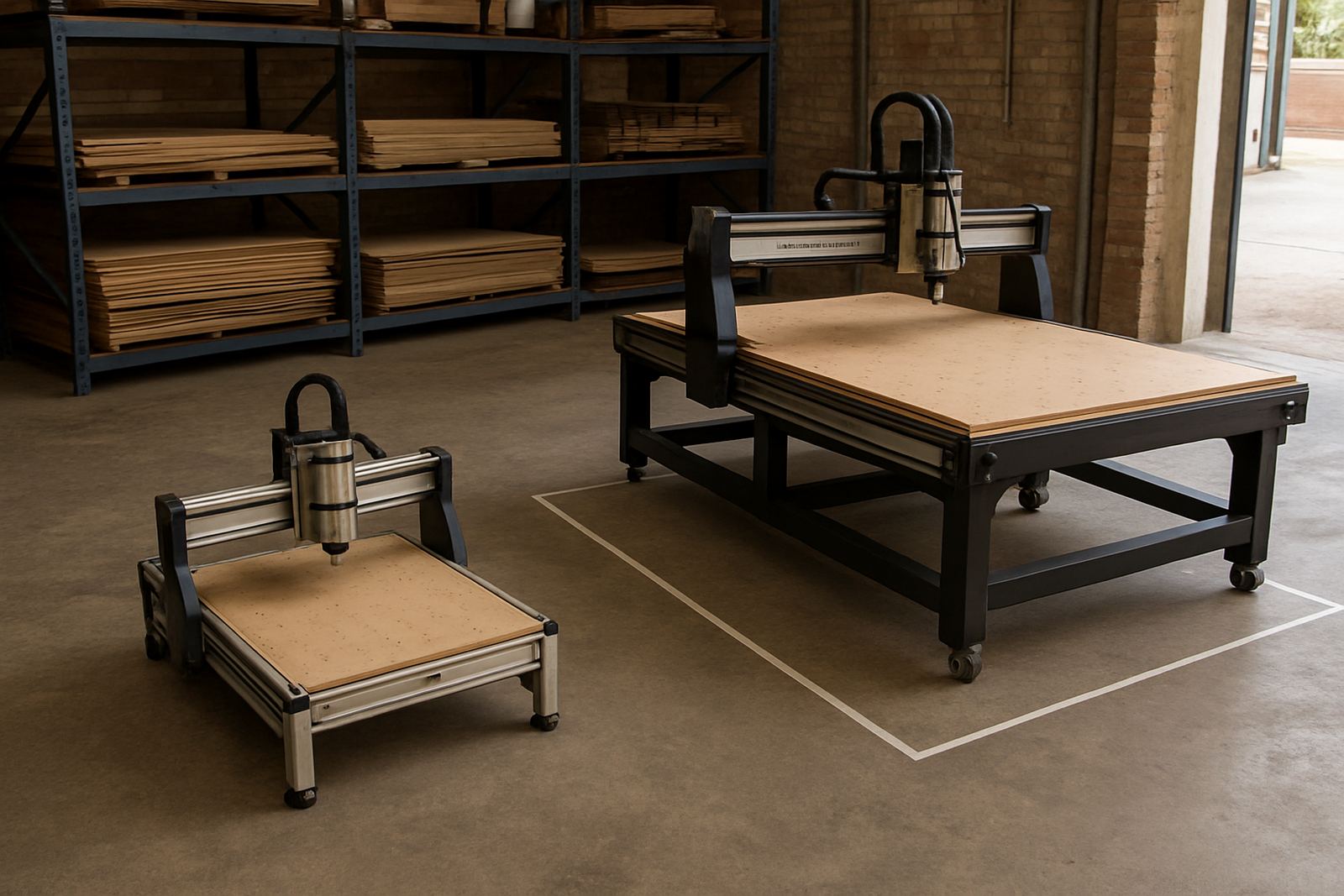
When people measure for a router they often stop at the machine length and width. That is where trouble starts. A router may have a working area that looks manageable on paper, but the actual footprint must include infeed, outfeed, operator standing room, control access and space for spoilboard changes. If you are cutting full sheets of MDF or plywood, you need room to lift, slide and square a 2,440 mm by 1,220 mm board without catching corners on racks or walls.
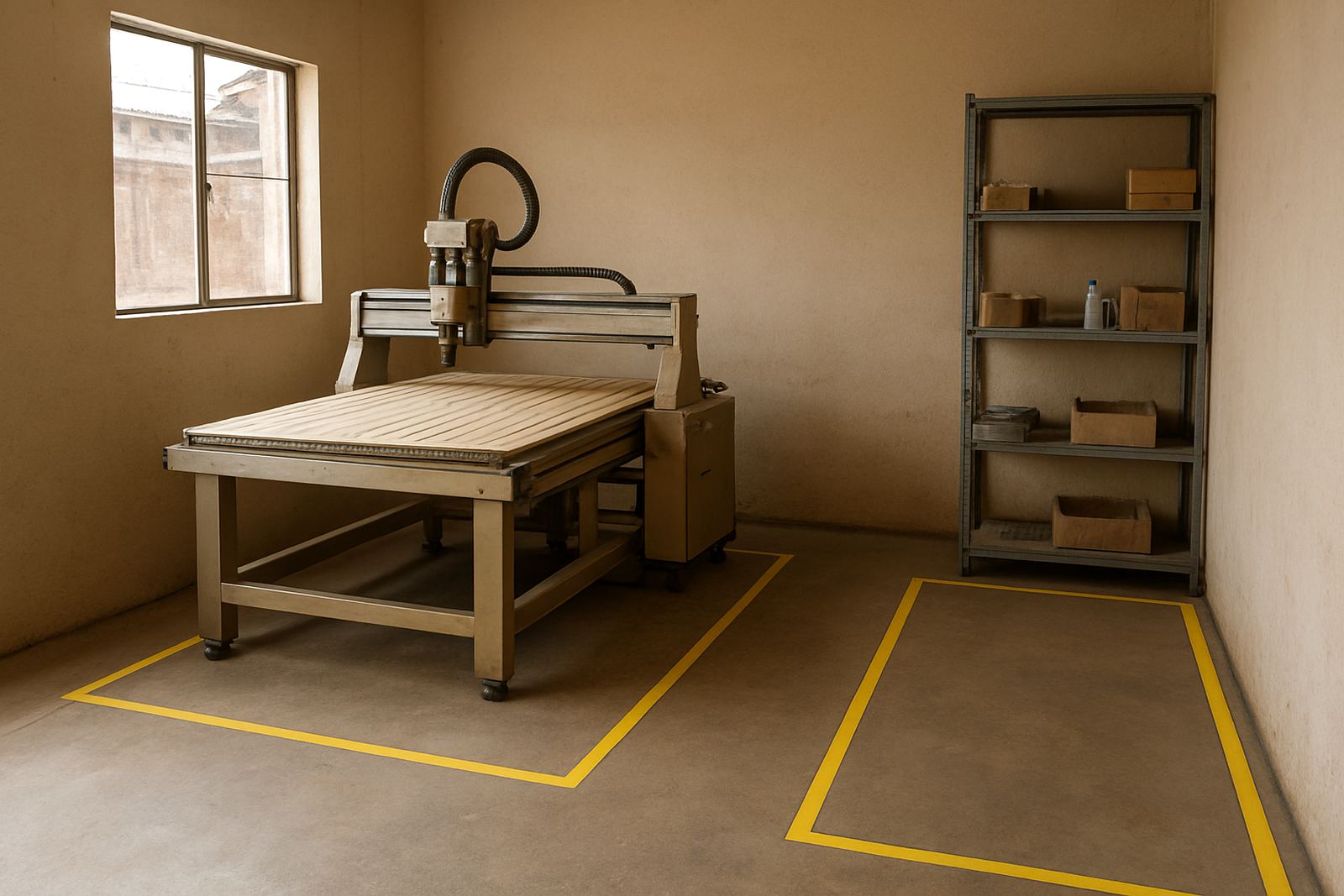
A good planning rule is to mark the machine footprint on the floor and then add a clear working zone around it. In a small Silverton workshop, that might mean keeping at least 900 mm on the operator side and 600 mm on the other sides where possible. If the router is used for sheet goods, allow a path for a trolley or helper to feed material straight in. Tight spaces lead to damaged edges, hurried movements and lost time. A router should fit the workshop, not force the workshop to work around the router.
- Measure wall to wall, then subtract space already used by benches, racks and extraction units.
- Allow room for sheet loading from the side or front, depending on the layout.
- Keep doors, fire exits and switchboards clear at all times.
Leave Room for Safe Sheet Handling and Offcut Movement
The moment a full sheet is lifted onto the table, the space requirement grows. Two people handling a board need a clear path with no welding leads, clamps or loose timber on the floor. Even in a hobby setup, it is worth planning where the board lands before it goes on the machine and where the cut parts go after the cycle finishes. If offcuts are stacked where the operator needs to stand, the whole process becomes awkward and unsafe.
For many Pretoria and Centurion workshops, a simple layout works best: raw sheet storage near the entry, router in the middle, and finished parts near packing or assembly. This reduces carrying distance and helps keep moisture-sensitive MDF off the floor. In coastal areas, especially where humidity is high, sheets should not sit next to open doors or damp walls. If you are processing plastics, make sure the drop zone is clear so parts do not scratch or warp while cooling.
- Plan a clear path from sheet storage to the router table.
- Keep offcut bins close enough to use, but not close enough to block movement.
- Use a trolley if your team often handles full sheets alone or with only one helper.
Build in Extraction, Power and Cable Space
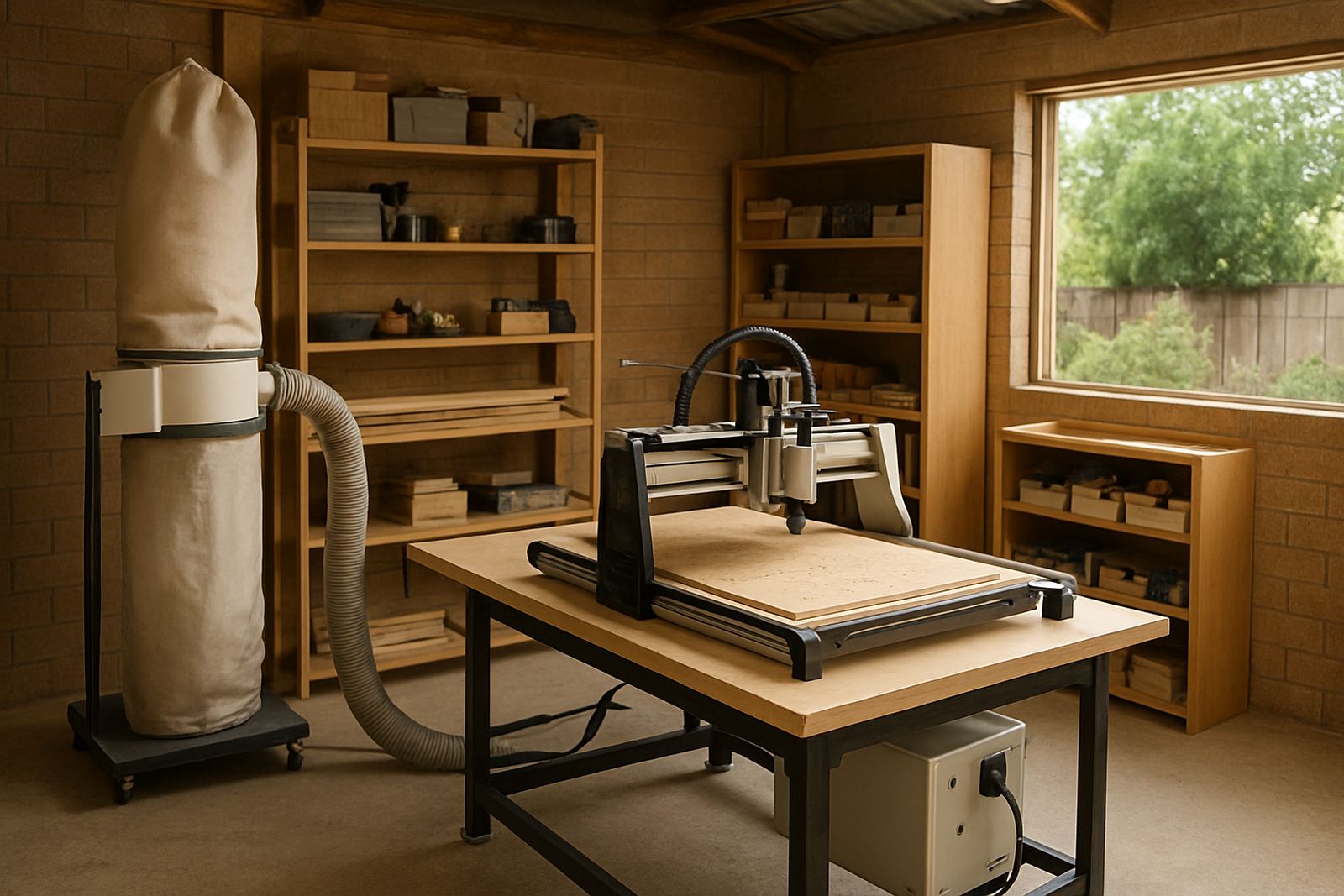
Dust extraction is not optional when you are cutting MDF, plywood or plastics. The extractor, hose runs and filters all take space, and they need access for cleaning. If the extractor is squeezed behind the machine, filter changes become a job nobody wants to do. Leave enough room for the hose to bend without kinking, and avoid running cables where the operator steps or wheels stock.
Power planning matters too. Load shedding has made backup power a normal part of workshop life in many parts of South Africa, so the router area should have sensible cable routes and a place for changeover gear if used. Keep the control box and emergency stop area easy to reach. If the machine is connected to a compressor or vacuum system, make sure those units have their own ventilation and service access. Packed corners trap heat and dust, and that shortens component life.
- Allow access to extraction filters and dust collection bags.
- Keep electrical cables off walking routes and away from sharp edges.
- Provide space for backup power equipment if the workshop uses it.
Operator Access Affects Output More Than People Expect
A router can only work efficiently if the operator can see the job, reach the controls and move around the table without strain. If the machine is pushed tight against a wall, the operator may struggle to set zero points, change tools or inspect the cut. That slows production and increases mistakes. Good access also matters for training. A new operator needs space to stand back, check the setup and learn the workflow without feeling boxed in.
In a small workshop the temptation is to place the router wherever it fits. That usually means the most awkward corner. A better plan is to position it where the operator can approach from the front and one side, with clear sight lines to the cut area. If you are using software basics during setup, leave room for a laptop or control station near the machine but not in the dust path. The machine should support the operator, not force the operator to contort around it.
- Keep emergency stops and control panels easy to reach.
- Leave space for tool changes and machine checks.
- Position the operator where they can monitor the cut without leaning over moving parts.
Think About Maintenance Before the First Cut
Space planning should include the work you do after the machine arrives. Belts, spindle access, rails, linear guides and limit sensors all need servicing at some stage. If you cannot reach these parts without moving other equipment first, routine maintenance gets delayed. That is when small issues turn into breakdowns. A practical layout leaves enough room for preventive maintenance, cleaning and quick inspections.
Keeping spares close by makes day-to-day work easier. A small, organised shelf for collets, bits, belts and sensor parts saves time when a job is waiting. In Silverton and Pretoria East workshops, we often see machines placed so close together that there is no way to remove a panel or swap a spindle without shifting stock. That is not a long term setup. Give the machine the same thought you would give any production tool: if it cannot be reached, it cannot be maintained properly. Even a good machine will struggle if the surrounding space is too tight.
A Pretoria Example: Small Shop, Better Flow
Consider a compact workshop in Silverton taking on signboard panels, MDF parts and plastic items for local customers. The owner has one router, one extraction unit and a small cutting bench. At first, everything sits close together. Sheets are stacked beside the machine, the dust hose runs across the floor and the operator has to turn sideways to reach the control panel. It works for a week or two, then the pace drops and the mess grows.
After reorganising, the sheet rack is moved near the roller door, the router is centred with enough standing space, and offcuts go into a bin near the back wall. The extractor is placed where the filter can be reached easily, and the cable path is kept clear for cleaning. That simple layout change cuts down handling time and improves safety. It also makes it easier to train a second operator later, because the process is now obvious. Good space planning does not need a big workshop, just a sensible one.
- Use floor tape or chalk to mark the machine and work zones before moving equipment.
- Test the route a full sheet will take from storage to table and back out again.
- Check that the operator can work without blocking the only doorway or service panel.
Plan for Today, But Leave Space for Tomorrow
Most workshops start with one router and a modest workload, then grow into more cutting, better extraction and extra stock handling. If you plan the room properly now, you avoid a costly rearrangement later. Leave a little extra width for upgrades, and think about whether the machine may one day need a second operator, a larger extraction unit or more spares storage. Even if you never expand, the extra space makes day to day work easier.
For training, spares planning and starter setup visits, a clear workshop layout saves time because the machine can be checked properly and the operator can be shown the full process without interruptions. If you are setting up in Pretoria, Midrand, Kempton Park or Centurion, the same rule applies: the router should have room to load, cut, extract and be serviced without stress. That is the difference between a machine that just fits and a machine that works well.