What Fits in a Home Workshop Without Taking Over the Space
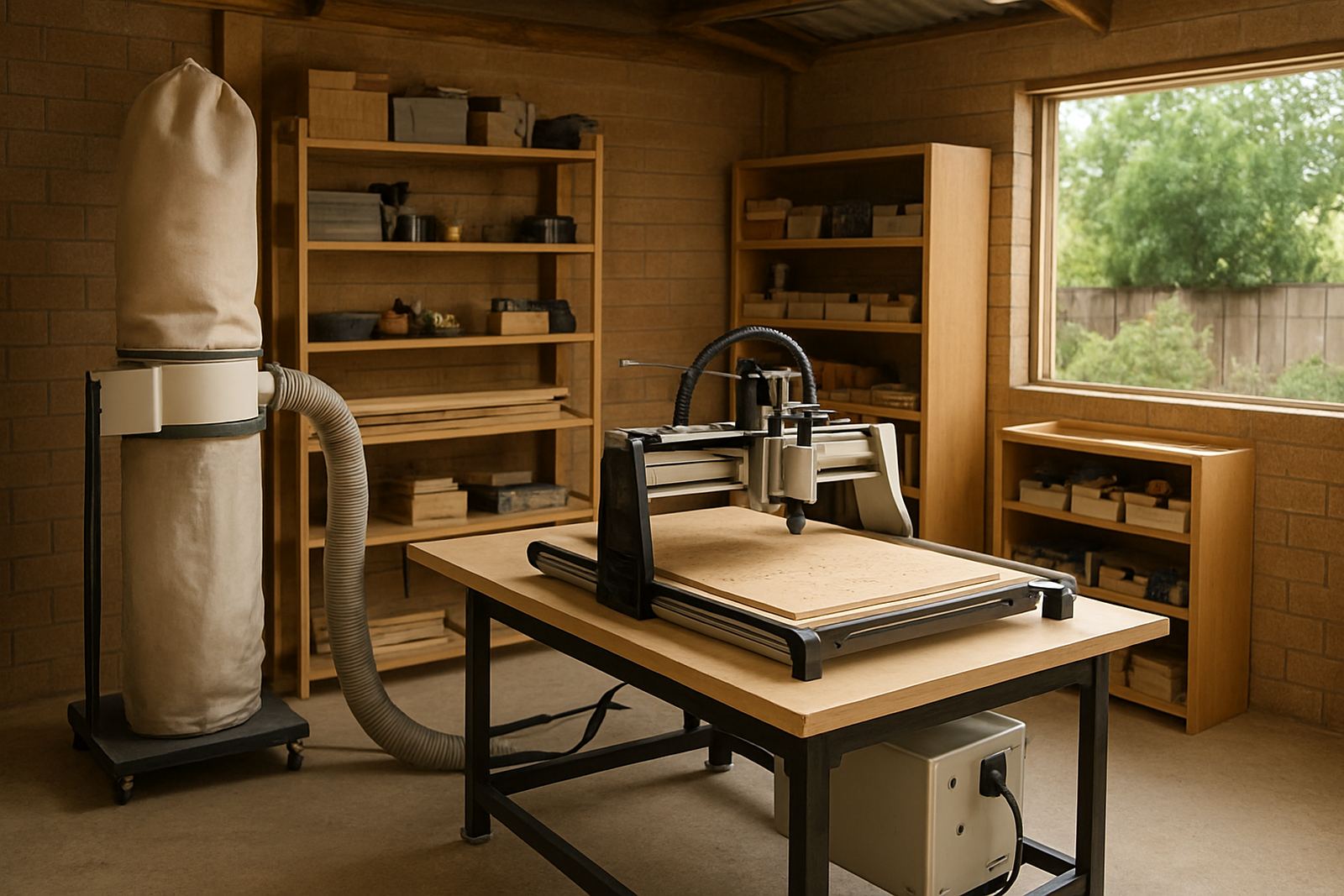
A home workshop does not need a huge floor to make useful parts. A compact CNC router table can suit a single garage, a garden room, or a back section of a light industrial unit in Pretoria East or Centurion, as long as you allow space around the machine for loading sheets, changing bits and clearing swarf. The main mistake is buying a table that fits on paper but leaves no room to move a full board through the working area.
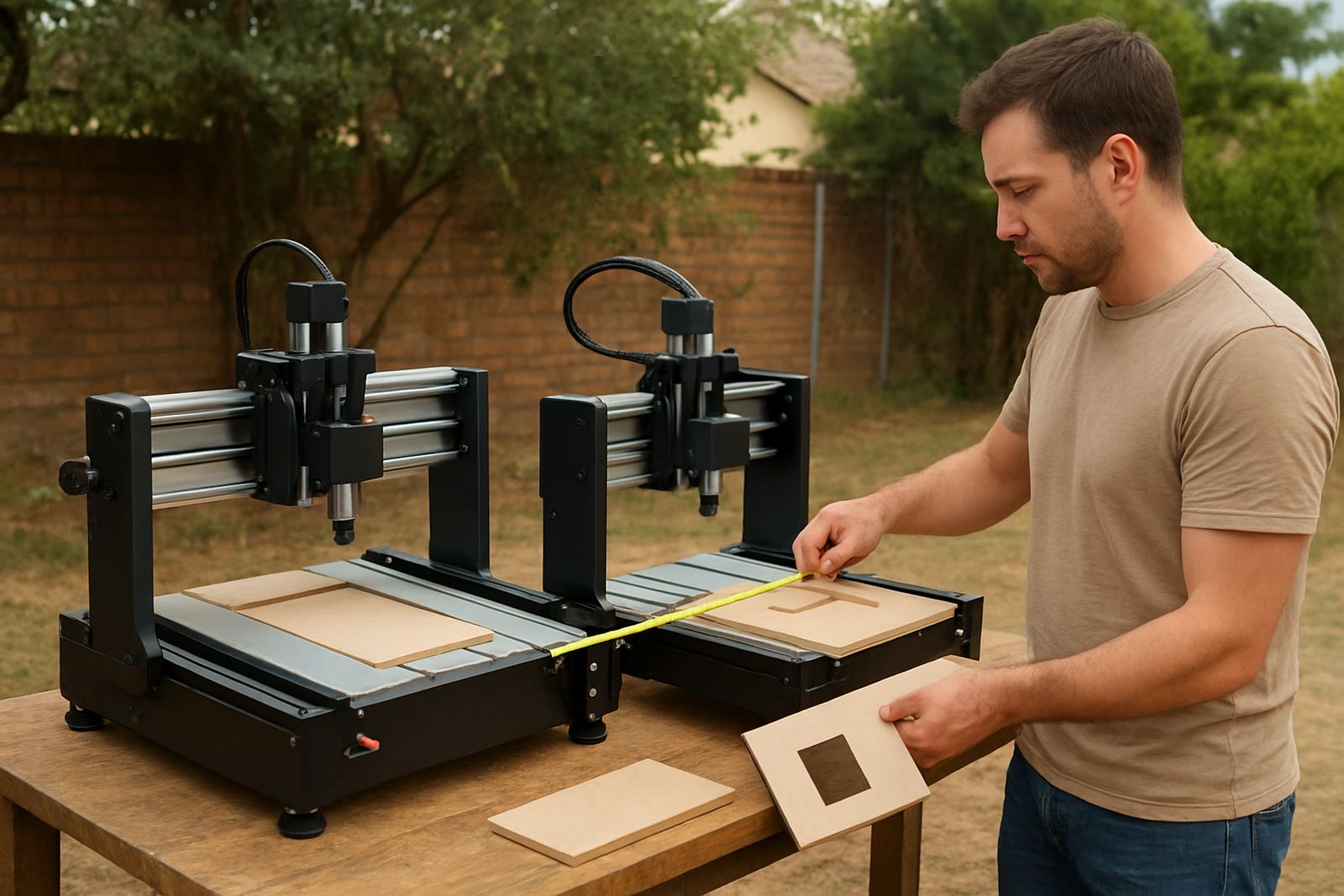
For many hobby users, a smaller table is the better choice because it matches the size of the projects. Cabinet doors, signs, drawer fronts and plastics panels can all be cut on a tidy setup without needing a large production floor. If you plan to work with full 1,220 x 2,440 mm boards, measure the actual path from the door to the machine before you commit. A router is only useful if you can bring material in and take finished parts out without fighting the room.
- Leave at least 900 mm clear walking space on the operator side.
- Plan a storage shelf for sheets, offcuts and cutters.
- Keep the machine away from damp walls and leaking roofs.
- Allow space for a vacuum hose or extraction line.
Power Supply and Load-Shedding Planning for Small Shops
In South Africa, power planning is part of the purchase decision. A compact CNC router may not draw as much as a large industrial machine, but it still needs clean supply, correct protection and a plan for load-shedding. If your workshop is in Silverton, Midrand or Kempton Park, it helps to check the supply before installation rather than after the first tripped breaker.
Most home setups run best on a dedicated circuit with proper earthing and surge protection. If the router uses a spindle, vacuum unit or dust extractor, those loads need to be added into the picture. A small workshop can often manage by running the cutter, then switching the vacuum and compressor only when needed. That saves power and reduces nuisance trips. Where there is regular load-shedding, a battery backup or generator may keep control electronics alive long enough to save work safely.
- Use a dedicated socket and breaker where possible.
- Protect the control box from spikes and brownouts.
- Keep power leads neat and off the floor.
- Test restart procedure after every outage, so you know what to expect.
Dust, Noise and Neighbour Friendly Operation
Dust is one of the biggest issues in a home workshop, especially when cutting MDF. Fine dust gets into rails, bearings, electronics and filters, and it also moves through the house if the room is not sealed properly. Coastal users in places such as Durban face humidity as well, which can make dust cling to surfaces and affect stored cutters. In Pretoria, dry dust is often the bigger issue, but the answer is the same, keep it controlled from the start.
A compact extraction setup does not have to be complicated. Even a modest dust extractor with a good hose can make a clear difference if the shoe is positioned correctly and the table has a proper way to collect waste. Sound also matters in a residential area. If you are working late in a home garage, check local noise rules and be considerate of neighbours. The cutter itself may be manageable, but the extractor and vacuum can carry further than expected.
- Seal gaps under doors to reduce dust drifting into the house.
- Use a separate bin or cyclone style pre-separation if possible.
- Keep filters clean, blocked filters reduce suction fast.
- Wear hearing and eye protection every time.
Choosing Materials and Projects That Suit a Compact Router
A home workshop router is best used on materials that match its size and stiffness. Wood, MDF and plastics are the usual starting point because they cut predictably and suit signs, jigs, panel inserts and small furniture parts. With careful feeds and the right cutter, a compact machine can produce neat edges and repeatable parts for a hobby business or side income.
Do not overload the machine with heavy boards or deep passes just because the software allows it. Small machines are happiest when the toolpath is sensible and the work is clamped properly. For example, a Pretoria homeowner making kitchen cabinet doors in the evenings may get better results from several light passes than from trying to rush one aggressive cut. The finish is cleaner and the machine lasts longer.
Useful starter projects include:
- House name signs and gate inserts.
- Drawer fronts, panel samples and box parts.
- Custom plastic templates and drill jigs.
- Small branding plates for local businesses.
Setup, Training and Maintenance That Keep the Router Working
The first few weeks matter. A compact router should be installed, levelled and tested carefully so that you understand how it behaves before the first real job. Starter setup help is valuable because the table, controller, spindle, software and cutters all need to work together. A machine that cuts well on day one can still give trouble later if the belts loosen, the spindle runs hot or the rails collect dust.
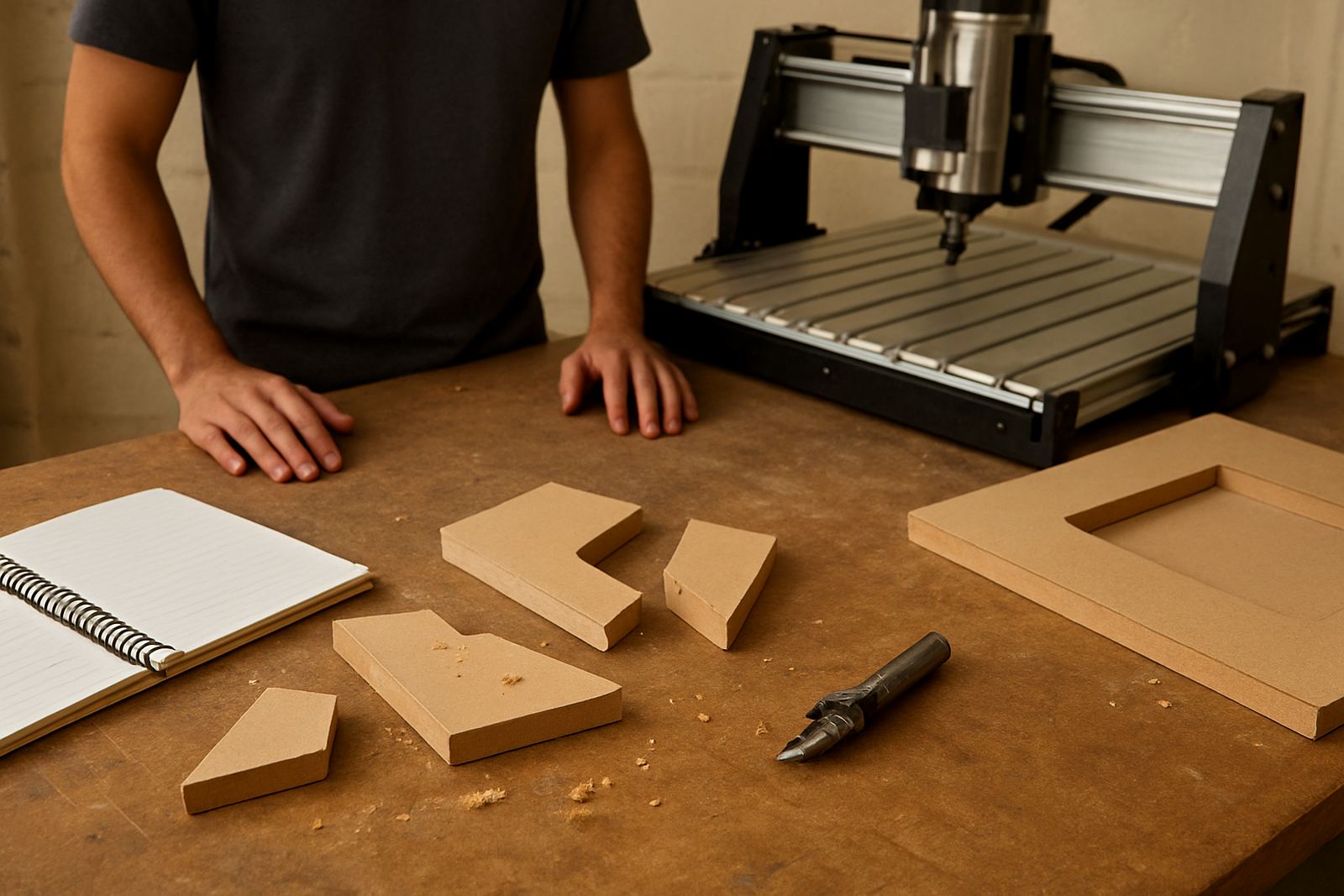
Training makes a difference for home users because many problems are caused by simple setup errors. Incorrect zeroing, poor feed rates and loose clamping can waste material quickly. In a small workshop there is less margin for error, so a short session on software basics and operating routine often saves far more than it costs. Preventive maintenance also helps when you only use the router on weekends. If the machine stands for weeks between jobs, parts still need checking and light cleaning.
- Check fasteners, rails and cable tracks before each job run.
- Keep spare cutters and common wear parts on hand.
- Back up software files and machine settings in two places.
- Book a service if the spindle noise changes or the cut quality drops.
A Pretoria Silverton Example: Small Space, Real Output
One of the better home workshop setups we see is a garage conversion in Pretoria East, not far from Silverton. The owner wanted a compact table for MDF lettering, small cabinet parts and plastic templates. The room was not large, but it had one wall for sheet storage, one clear corner for dust extraction and enough access for a trolley to feed material in straight. That made the difference. The machine could be used in the evening without moving tools off every surface first.
After the first install, the user added a simple layout for cutters, clamps and scrap offcuts, plus a labelled power point for the router and extractor. When a control setting needed adjustment, remote support saved a trip. Later, a refresher session helped improve cut quality on thin plastic sheet. That sort of setup is realistic for many South African homes if the owner plans for power, dust and maintenance from the start, not after the machine is already standing in the room.
If you are in Pretoria, Centurion, Midrand or Kempton Park and building a home workshop around a compact CNC router, think in practical terms. Measure the room, check the supply, allow for dust control and keep spare parts close by. That is what turns a hobby machine into something you can actually use week after week.