
Start With The Machine Plate, Not Assumptions
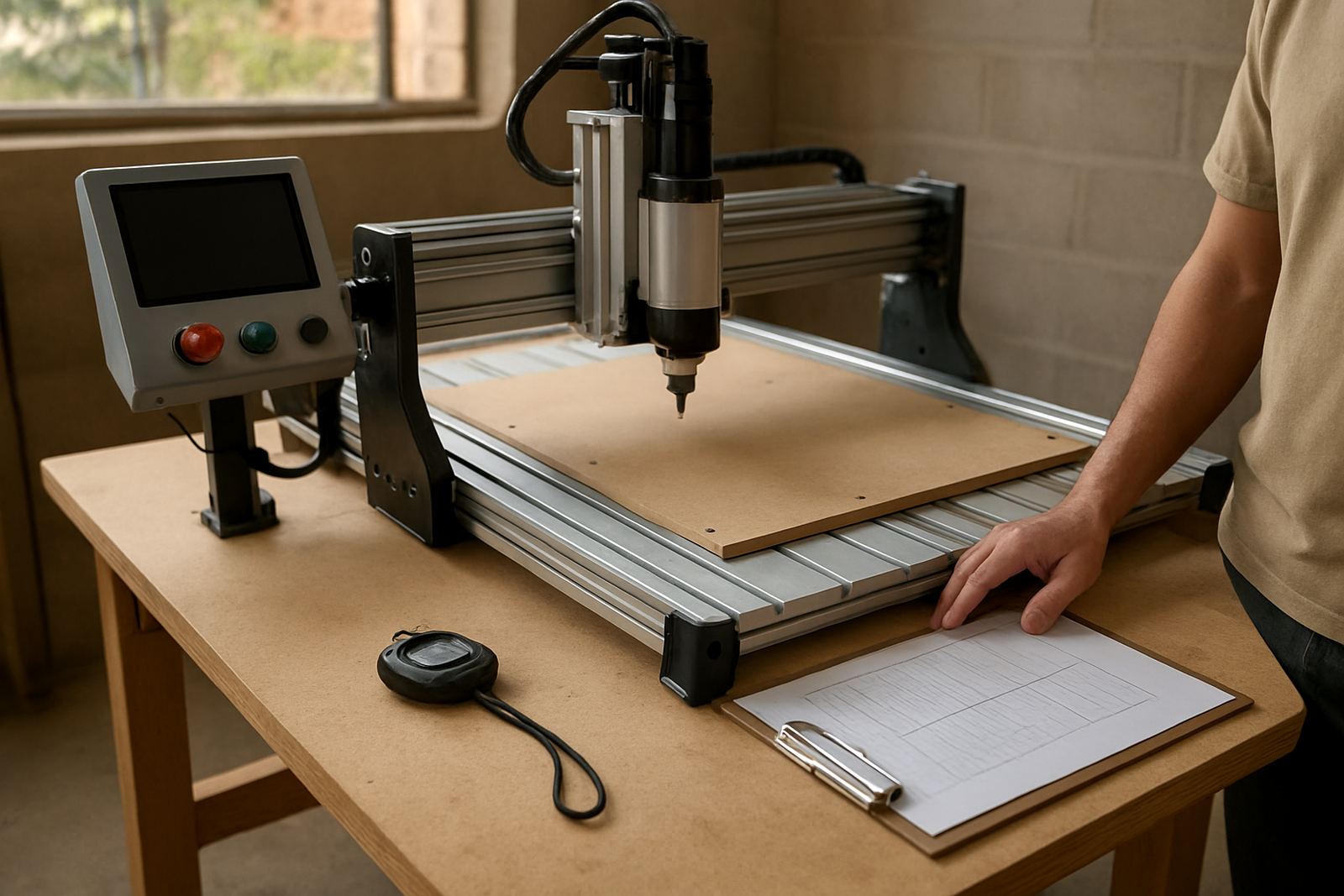
Every compact CNC router has a nameplate or power label that tells you the voltage, current and frequency it expects. That label is the first place to check before you book an electrician or move the machine into place. In most South African workshops you will see 230 V single phase supply, but the actual load still depends on the motor size, spindle setup, vacuum pump if fitted, and the control box. A small machine may run happily on a standard circuit, while a more capable unit can need its own breaker and dedicated socket.
It is easy to assume that because a machine is compact it will be light on power. That is not always true. A smaller router can still draw a fair amount when the spindle starts up, when cutting dense MDF, or when all accessories are running at once. If you are not sure, get the current draw in amps before installation and compare it with the rating on your existing circuit.
- Check the machine label for volts, amps and frequency
- Ask whether the spindle, controller and dust extraction all share one supply
- Confirm if the machine needs single phase or three phase power
- Allow headroom so the circuit is not running near its limit all day
What A Small Workshop Circuit Should Look Like
A proper workshop supply is more than just a plug point on the wall. For a compact CNC router, a dedicated circuit is usually the safest route. That means the machine is not sharing power with a kettle, grinder, compressor or other tools that cause spikes. In practical terms, a separate breaker, correctly sized cable and good earthing make a big difference. If the cable run is long from the distribution board to the router, voltage drop can become a problem and the machine may start behaving badly.
Many small shops in Pretoria East, Centurion and Midrand work from converted garages or light industrial units. In those spaces, old wiring is common and one loose connection can create nuisance tripping. A clean installation gives steadier cutting, fewer unexplained stops and less wear on the control components. It also helps if you later add a dust extractor or a second machine.
- Use a dedicated circuit for the router where possible
- Keep the circuit breaker sized to the actual load, not guessed
- Make sure all plugs, sockets and isolators are in good condition
- Ask an electrician to test earthing before first start-up
Load-Shedding, Surges And Why Protection Matters
South African workshops know the pain of load-shedding and sudden power returns. For a CNC router, that interruption can leave a job incomplete and if the machine comes back on with a spike, the controller or power supply can be affected. Even brief dips in voltage may cause a reset or loss of position. This is why protection should be part of the plan, not an afterthought.
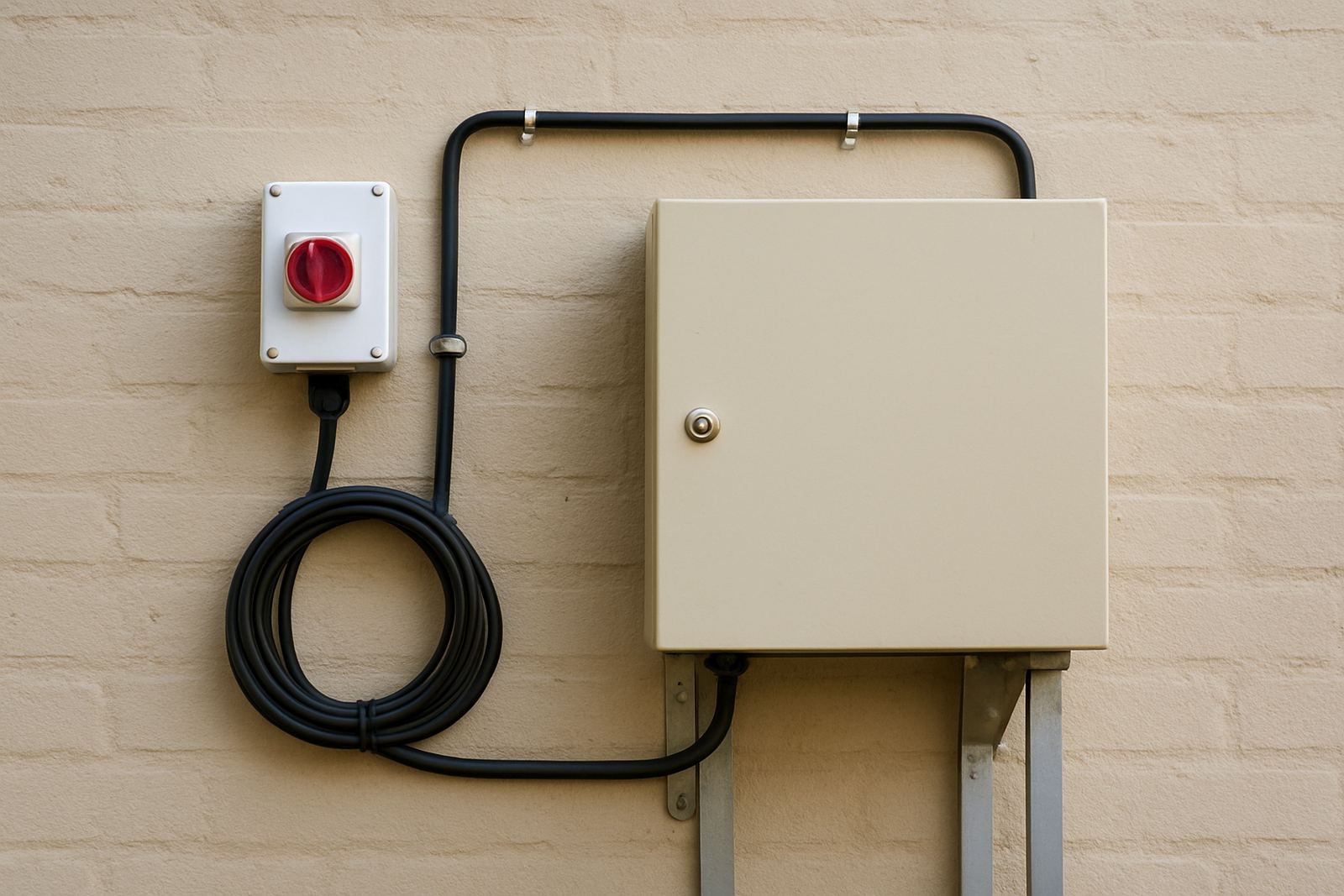
A surge protector is the minimum. For workshops that rely on daily production, a properly sized backup power solution can help the control system stay alive long enough to pause the job safely. It will not run every machine for hours, but it can prevent corrupted work and protect electronics. In areas with frequent outages, many owners also fit an isolator switch and a clear restart routine so staff know what to do after a blackout. Keep the setup simple and labelled, otherwise people guess and that is where mistakes happen.
- Fit surge protection at the point of use and at the board if needed
- Consider backup power for the control system and PC
- Plan for safe shut-down and restart after outages
- Inspect plugs and terminals after any major surge or storm
The Hidden Loads: Spindle, Dust Extraction And Ancillaries
The router itself is only part of the picture. A compact CNC setup may also include a spindle motor, stepper drivers, a computer, monitor, vacuum table or pump, and dust extraction. Each item adds to the total load. If you only calculate the cutter motor, you can end up with a supply that looks fine on paper but struggles once everything starts together. This is where a full installation check helps.
Dust extraction deserves special attention. MDF dust builds quickly and a machine cannot work cleanly if chips are left around the rails and gantry. Yet many extractors draw a sharp starting current. If the extractor starts at the same time as the router, the breaker may trip. In a small workshop, the answer may be to start the extractor first, wait a few seconds, then start the machine. It sounds simple, but it prevents a lot of irritation.
- List every device that will run with the CNC router
- Check starting current as well as running current
- Stagger start-up if the breaker is near its limit
- Keep the computer and control gear on a clean, stable supply
A Pretoria Example: Silverton Garage Shop To First Jobs
A small sign-making and cabinetry shop in Silverton may begin with one compact router, a laptop and a modest extractor. On paper the power draw may seem manageable, but the owner still needs to look at the full room. If the garage has old lighting circuits, a tired extension lead and shared sockets for other tools, the machine will not have the stable supply it needs. The better choice is to run a new dedicated point from the board, test the earthing, and set up a labelled isolator near the machine.
That same workshop may also want spares on hand and basic operator training so staff do not panic when a cutter breaks or a job stops half-way. A little planning on the power side works the same way. It keeps the machine running, it protects the workshop, and it makes future upgrades easier. In practical terms, the owner can start with one machine and later add a second router or improved extraction without rewiring the whole place.
If the workshop is in a shared industrial unit in Pretoria East or Centurion, it is also worth checking with the landlord or body corporate before any new cables are run. Some sites require approval for electrical work, especially if the supply feeds multiple tenants. Sorting that out early saves arguments later.
Before You Switch On, Use This Short Checklist
Before the first cut, walk through the installation step by step. It only takes a few minutes and it can stop expensive damage. If anything is unclear, get the electrician, supplier or trainer to confirm the details before the machine is powered up. A clean first start is much better than a rushed one.
- Confirm the machine voltage and current rating
- Check that the socket and breaker match the load
- Make sure earthing is tested and verified
- Confirm surge protection is in place
- Plan how to handle load-shedding and restart
- Test spindle, extraction and computer on the same setup
- Label the isolator and keep the area dry and clear
Once the power side is sorted, the machine becomes much easier to live with. You get fewer trips, better consistency and less wear on the electronics. That matters whether you are cutting cabinet parts, signs, plastic components or learning the basics after hours.