Start with a naming system you can repeat
If your file names change every time a job comes in, the workshop will pay for it later in lost time and avoidable mistakes. A simple naming rule is easier to keep than a clever one. Use the same order every time so anyone on the team can read it at a glance.
A practical format is client, item, material, thickness, size, revision and date. For example: MasekoKitchen_Doors_MDF16_600x2400_R02_2025-10-14. It is long, but it tells you exactly what the file is without opening it. That matters when you are checking work at 6am before a delivery run to Centurion or when you are confirming a repeat order months later.
Keep names short enough to read and long enough to identify the job. Avoid names like final, final2 or newcut. Those create confusion very quickly. If two files look close, someone will choose the wrong one, and on a CNC router that can mean wasted board, wasted time and a delay for the customer.
Build folders that match how your workshop works
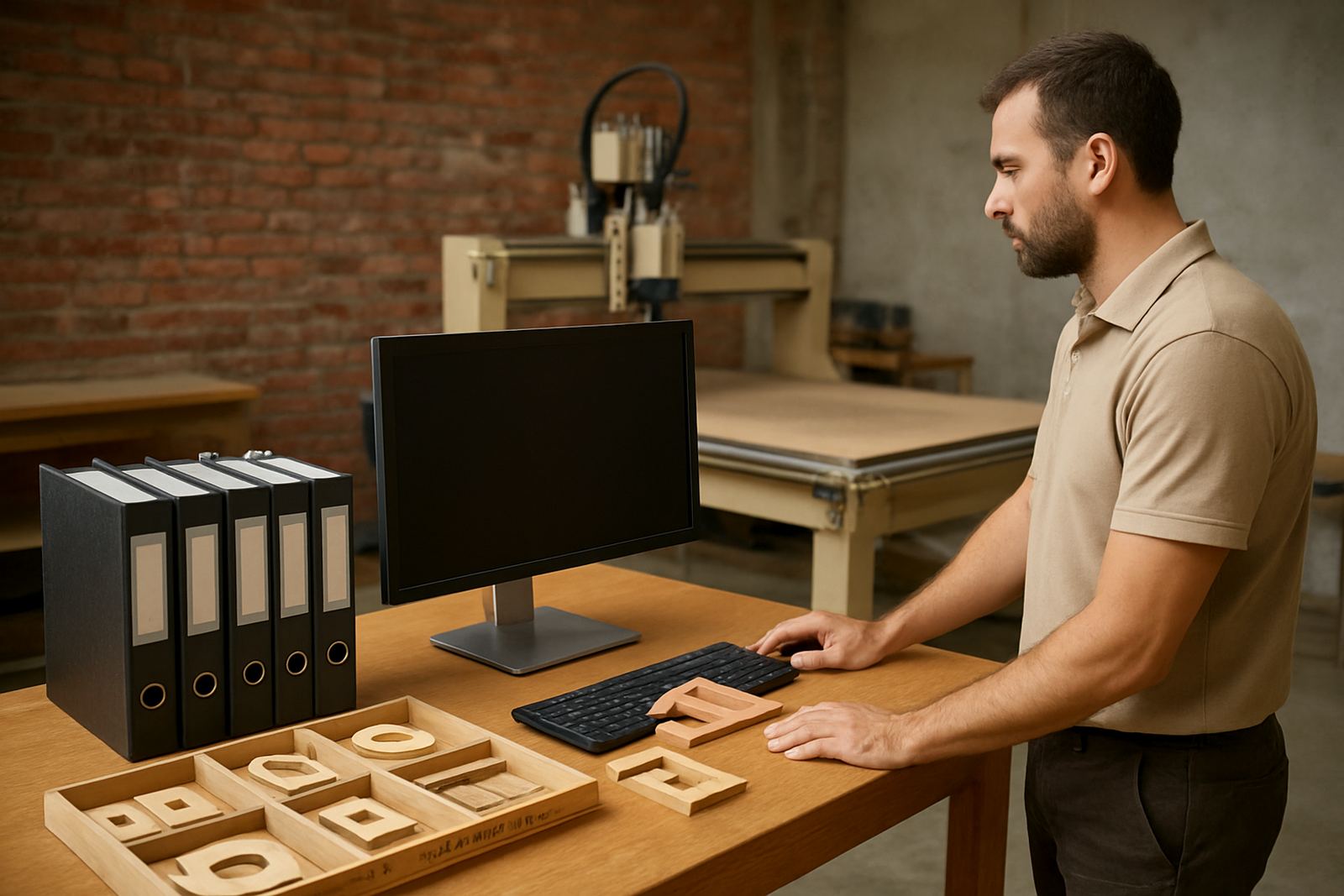
Folders should follow the way you search for jobs, not the way the computer suggests. For most small shops, one clean main folder per client or year is enough, then a second level for job type or date. The aim is to find a repeat job in under a minute.
- Client folders for repeated customers and long term records
- Job folders for one off orders with all related files inside
- Output folders for cut files ready for the machine
- Drawings folders for sketches, measurements and approvals
- Archive folders for completed work that may need to be repeated later
In Silverton, Pretoria, we often see small workshops keeping everything in one folder because it feels quicker on the day. It is not quicker when a client asks for the same sign panel or cabinet side six months later. A good folder structure also helps when staff change or when a second person has to step in during a busy week.
Separate design files from machine-ready files
One of the biggest causes of error is using the same file for both design and cutting. Keep your working file separate from the file that is actually sent to the router. That way, if the drawing changes later, you still have a clean record of what was cut.
A useful habit is to save three versions: the original drawing, the approved version, and the final machine file. Add a clear revision mark to each one. If the client asks for a change, do not overwrite the old file. Save a new revision and note what changed. This is especially important for repeat work like cabinet parts, jigs, lettering and MDF templates where one small adjustment can affect the full job.
When a team is working under pressure, it is easy to think everyone will remember which version was used. They wont. Put the revision in the file name and in the notes, then keep the old copy where it can still be checked later.
Use notes that save time on repeat orders
File names are useful, but notes are what help a workshop avoid guesswork. Add short, practical notes about feed direction, tool choice, clamping, zero point and whether the job was done in one pass or two. These notes are gold when the same job returns after a few months.
- Tool used and cutting depth
- Material supplier and thickness measured on site
- Vacuum table or clamp setup
- Dust extraction notes for MDF and plastics
- Any issue with chipping, lifting or heat build up
For example, if a shop in Pretoria East cut office signage in acrylic during summer and the edges showed heat marks, that note can save the next operator from making the same mistake. Small details like this matter more than fancy folder names. They help the next person set up fast and cut with confidence.
Plan for load shedding, backups and shared access
In South Africa, file organisation is not only about neatness. It also helps when power goes off or when a computer needs attention. If your files are only on one machine, a sudden shut down can leave a job half saved and the workshop stuck. Keep a second copy in a separate place and back up at regular intervals.
For smaller workshops, a simple routine works well. Save the active job locally, copy it to an external drive or network folder at the end of the day, and keep the archive sorted by year. If more than one person uses the CNC router, make sure everyone knows where the current file lives and who is allowed to change it.
During training, we often tell operators in Midrand and Kempton Park to treat file storage like tool storage. If everyone puts things back in the same place, the next job starts faster. If not, the team spends more time searching than making sawdust.
Set up a repeat job checklist for the workshop floor
Good cut file organisation should end with a simple checklist at the machine. Before the first cut, confirm the file name, revision, material, thickness and cutting origin. Then check the spoil board, clamps, tool condition and whether the dust extraction is on. A quick check can prevent a costly mistake.
For repeat jobs, keep a short record of what worked well and what did not. If a client in Pretoria asks for the same set of MDF components again, the operator should be able to open the archive, confirm the old settings and know exactly what to adjust. That is how a small workshop stays efficient without making the process complicated.
Good organisation also helps with spares and maintenance planning. If a file or job record shows that a spindle sounded rough, or that a bit was replaced after a certain cut count, the team can act before breakdowns stop the machine. It is a practical habit that supports production, not admin for its own sake.
Keep the system simple enough for daily use
The best file system is the one people actually use. If it takes too long to follow, it will be ignored by Friday afternoon. Keep the rules short, write them down and make them part of the normal handover between sales, design and the machine operator.
Start with three rules: name every file properly, save every version, and keep job notes with the cut file. That alone will reduce confusion on repeat work and make it easier to train a new operator or cover a shift when someone is away. In a small Pretoria workshop, that can be the difference between a smooth week and a mess of missed cuts.
When files are organised, the machine becomes easier to trust, the team works faster and repeat orders are less stressful. That is the real value of good file discipline. It is not about looking tidy, it is about cutting the right part the first time.