Why squareness matters before you start cutting
On a CNC router, square is not just about neat corners. It affects how parts fit together, how accurately pockets sit, and whether repeat jobs come out the same on every run. If a frame, gantry or table is out by even a small amount, that error can show up as taper, mismatch or joins that need hand finishing.
For woodworking shops in Pretoria, Centurion and Midrand, this becomes more noticeable when clients expect cabinet parts, signage panels or jigs to match exactly. MDF is unforgiving in that way. If the machine is drifting, the material shows it quickly, and waste starts adding up.
Square checks are also worth doing after a move, a spindle change, a crash, or when the workshop has had rough handling during load-shedding and the machine was restarted under different conditions. It takes far less time to check than to remake a batch of parts.
Start with the frame and the table, not the software
Before looking at offsets or toolpaths, make sure the machine itself is sitting correctly. The base should be level, the table should not rock, and all feet or mounts must be secure. If the machine sits on an uneven slab in a Silverton workshop or on a lightly built timber floor in a home garage, the problem may not be the router at all.
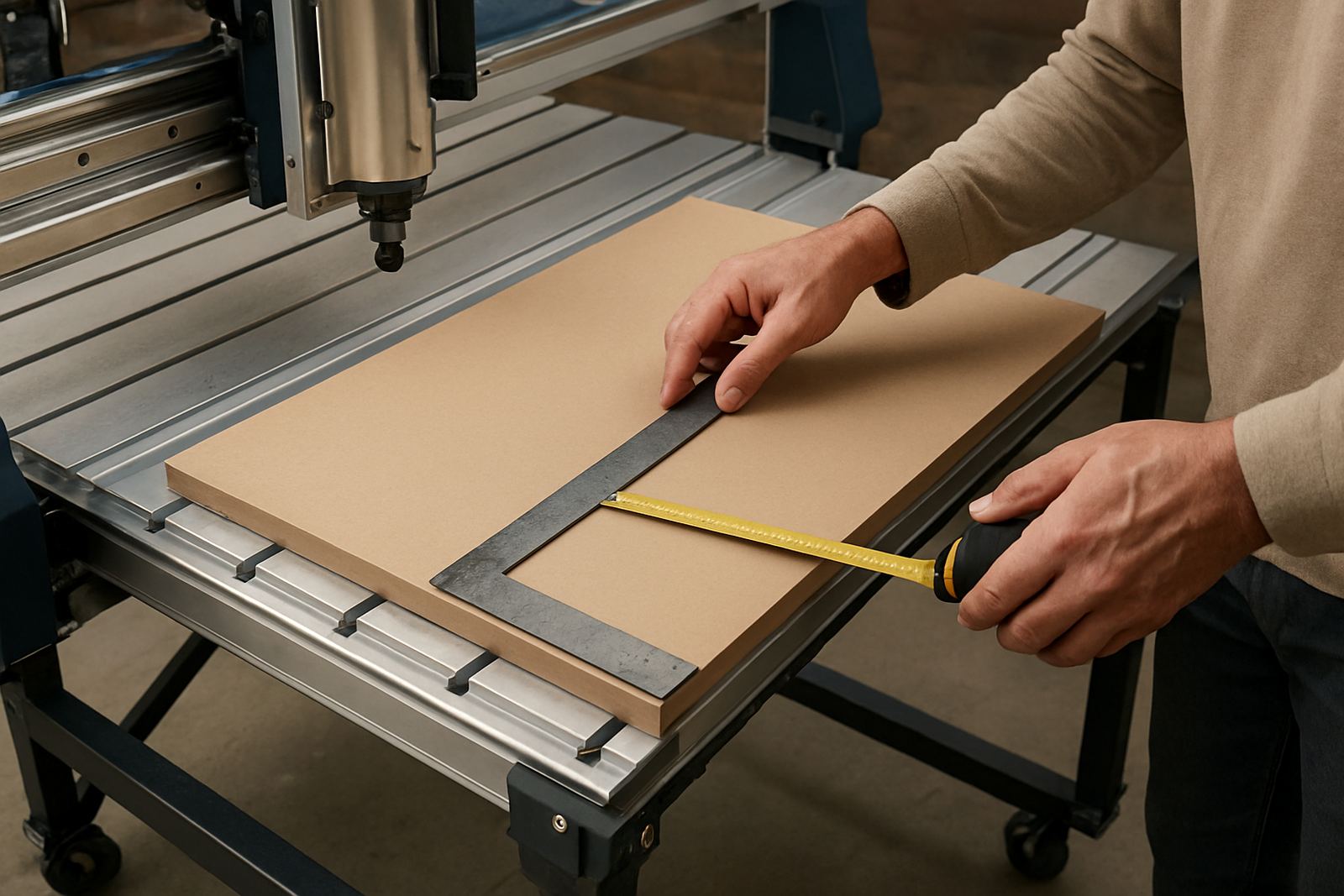
Use a straight edge, a measuring tape and, if available, a square large enough to span the working area. Check the diagonals of the table or spoilboard. If opposite corners measure differently, the frame may be racked. That does not always mean the machine is unusable, but it does mean you need to investigate before running a full job.
- Check that the machine is not twisted on its feet or support stands.
- Measure corner to corner in both directions on the table.
- Inspect whether clamps or fixtures are pulling the workpiece out of line.
- Make sure the spoilboard is fixed properly and not lifting at the edges.
How to test squareness with a simple cut
A practical test is often better than a visual guess. Cut a large rectangle in MDF or plywood, then measure both diagonals and the sides. If the two diagonals are the same, the machine is closer to square. If one side is longer than expected, or the diagonals differ, there may be backlash, gantry skew or a table issue.
You can also cut a test square and measure it with a reliable steel square or caliper. For smaller hobby routers, a 300 mm by 300 mm test is usually enough to show a problem. For larger tables, go bigger if you have the material. Just make sure the cutter is sharp and the feed rate is sensible, otherwise the test itself can mislead you.
When the cut is out, check where the error appears. If the top of the part is fine but the bottom differs, the issue may be in Z movement or a loose router mount. If the shape drifts across the whole cut, then axis alignment or machine travel is more likely.
Common causes of machine out-of-square
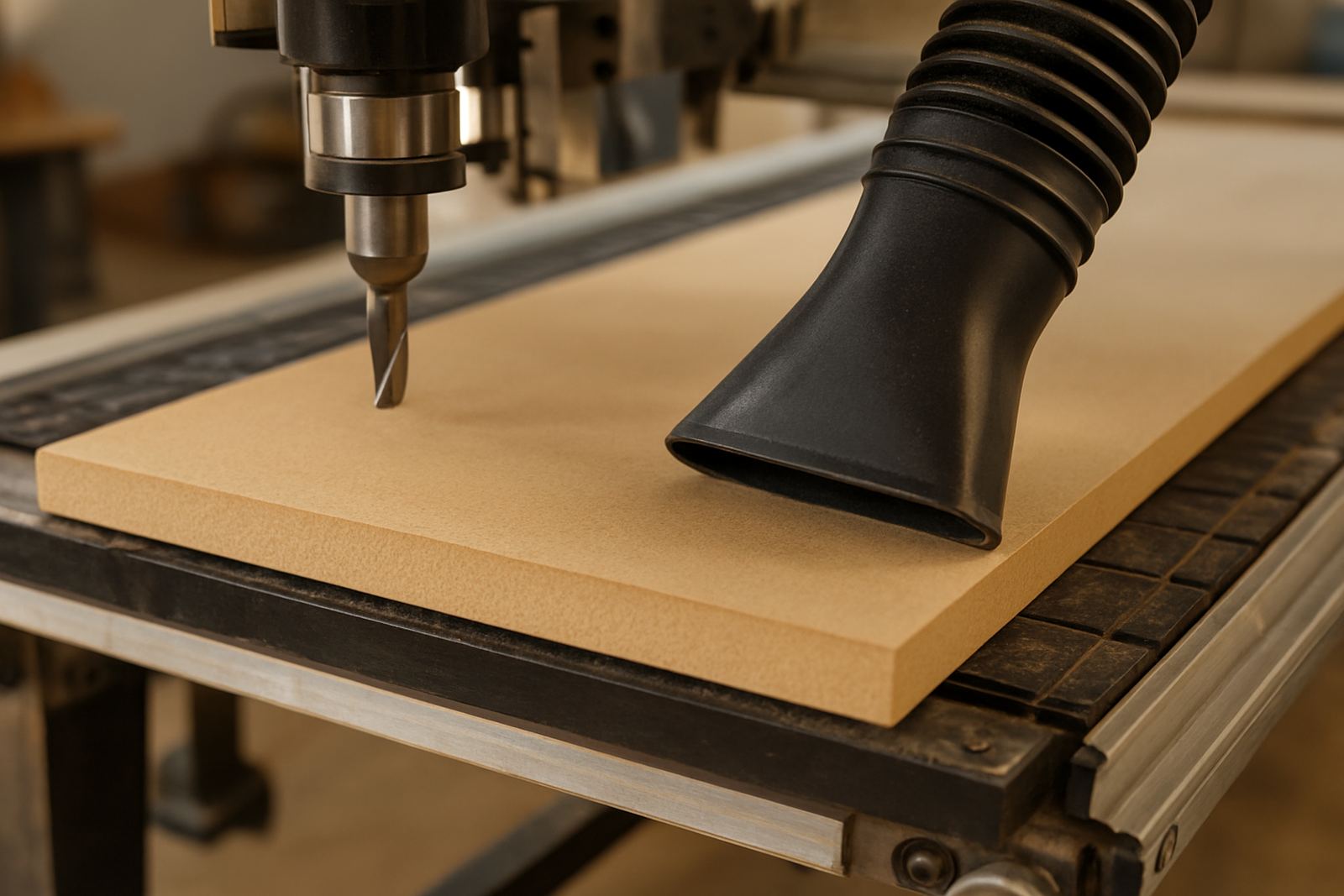
In smaller workshops, the usual causes are not dramatic failures. They are often small things that build up over time. Loose fasteners, worn bearings, dirty rails, and a work area with dust getting into moving parts all play a role. Coastal humidity can also affect MDF spoilboards and some fixtures, especially where the machine is kept near an open roller door.
On hobby routers, problems may show after transport between sites in Pretoria East, Kempton Park or Centurion. A machine that was square in one location can shift slightly after being moved into a tighter space or onto an uneven surface. That is why a quick check after installation is worth the effort.
- Loose gantry bolts or rail mounts.
- Worn belts, couplings or drive components.
- Debris under the spoilboard or on the machine base.
- Spindle runout or a loose tool holder.
- Incorrect homing or software settings after a power interruption.
Checking square during setup and after maintenance
Any new setup should include a squareness check before the first customer job. The same applies after a spindle replacement, control tuning or any preventive maintenance work. If a technician has adjusted the machine, there is a good chance the squareness changed slightly and should be verified again.
For shops that run after hours, especially where municipal load-shedding interrupts the day, it helps to keep a simple restart routine. Once power returns, jog the axes, listen for unusual noise and run the square test before loading a valuable sheet. A few minutes here can save a lot of rework later.
It is also smart to keep one reference part or test piece in the workshop. When a new operator starts, that sample helps them see what correct output should look like and whether the machine is behaving as expected. In busy places, a clear baseline matters.
When to call for help instead of pushing on
If the machine keeps losing square after basic checks, or if the same fault returns after every adjustment, it is time to look deeper. That can point to worn components, control issues, or a mechanical fault that needs proper inspection. Trying to force it through a job can make the problem worse and may damage the spindle, rails or drive system.
Breakdown support, remote support and spares planning are useful when you need to get back to work quickly. A technician can help identify whether the issue is mechanical, electrical or software related, and advise what parts should be kept on hand for future jobs. That is especially useful for smaller workshops that cannot afford long downtime.
Good square is not a luxury. It is a basic part of running a CNC router properly, and once the machine is checked regularly, the whole workflow becomes more predictable. The cut is cleaner, the fits are better, and there is less second-guessing at the finishing bench.