Start With The Parts That Stop A Job Immediately
When a router is down, the fastest losses are not just in time but in material. A broken collet, worn cutter, failed limit switch or damaged cable can stop a cutting run in minutes, so those are the first items to assess. For most small workshops in Pretoria, Centurion, Midrand and nearby areas, the goal is not to keep a full store room. It is to keep the machine moving while you wait for the next delivery.
Think in terms of uptime parts. These are the items that wear, get knocked during setup, or fail after dust, vibration and long hours. If you cut MDF all day, fine dust will work into bearings, covers and connectors. If you run plastics, heat build-up and chip evacuation matter more. Your spares kit should reflect the material you cut most often.
Build A Starter Kit Around Your Machine Type
Do not buy parts because they look important. Buy according to the machine size, controller type, spindle setup and tooling you actually use. A compact hobby router in Silverton will not need the same stock as a small production table in Kempton Park. Start with the items that are easy to store, affordable, and commonly replaced.
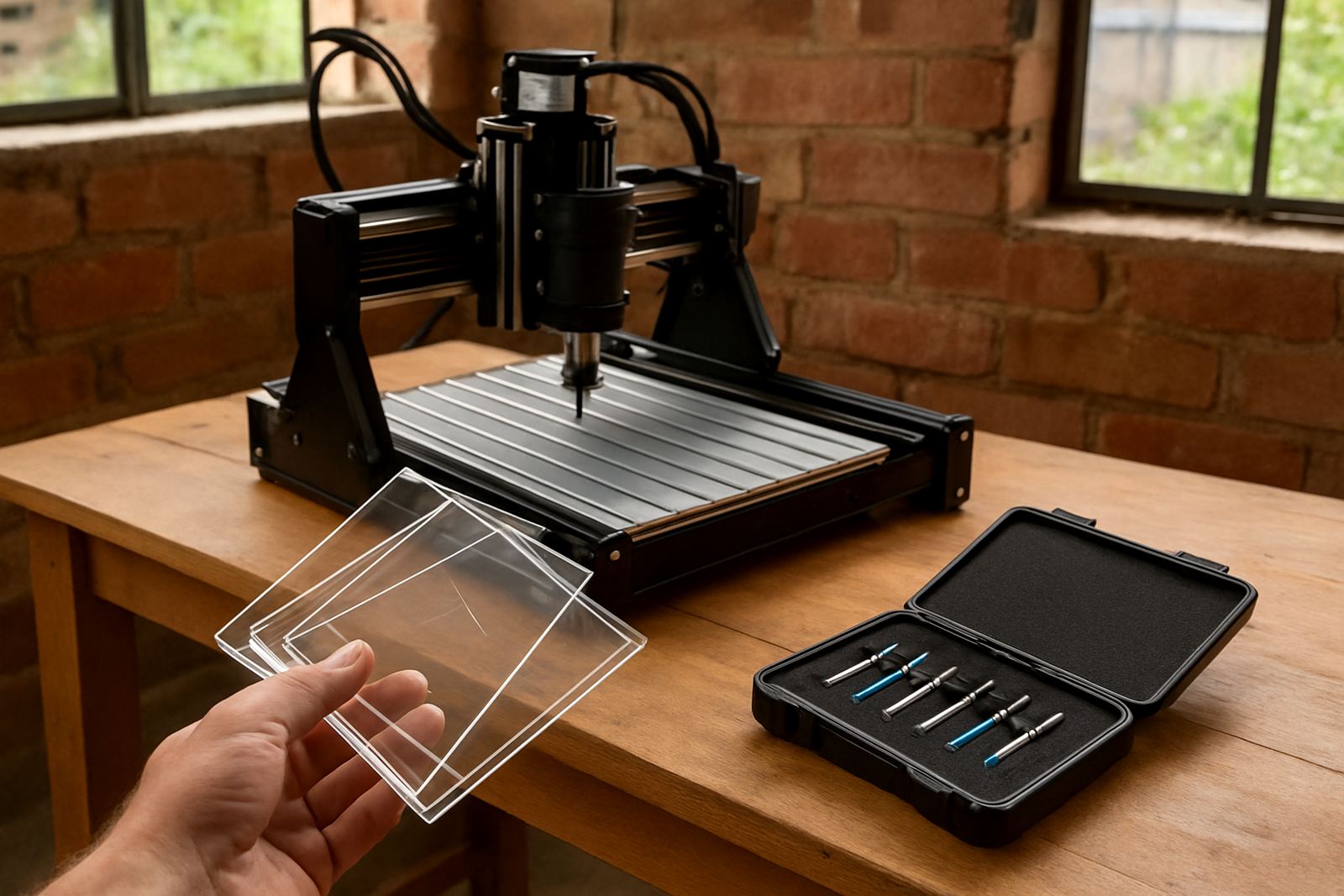
- Cutting tools for your main materials, including common diameters and lengths
- Collets that match your spindle or router holder sizes
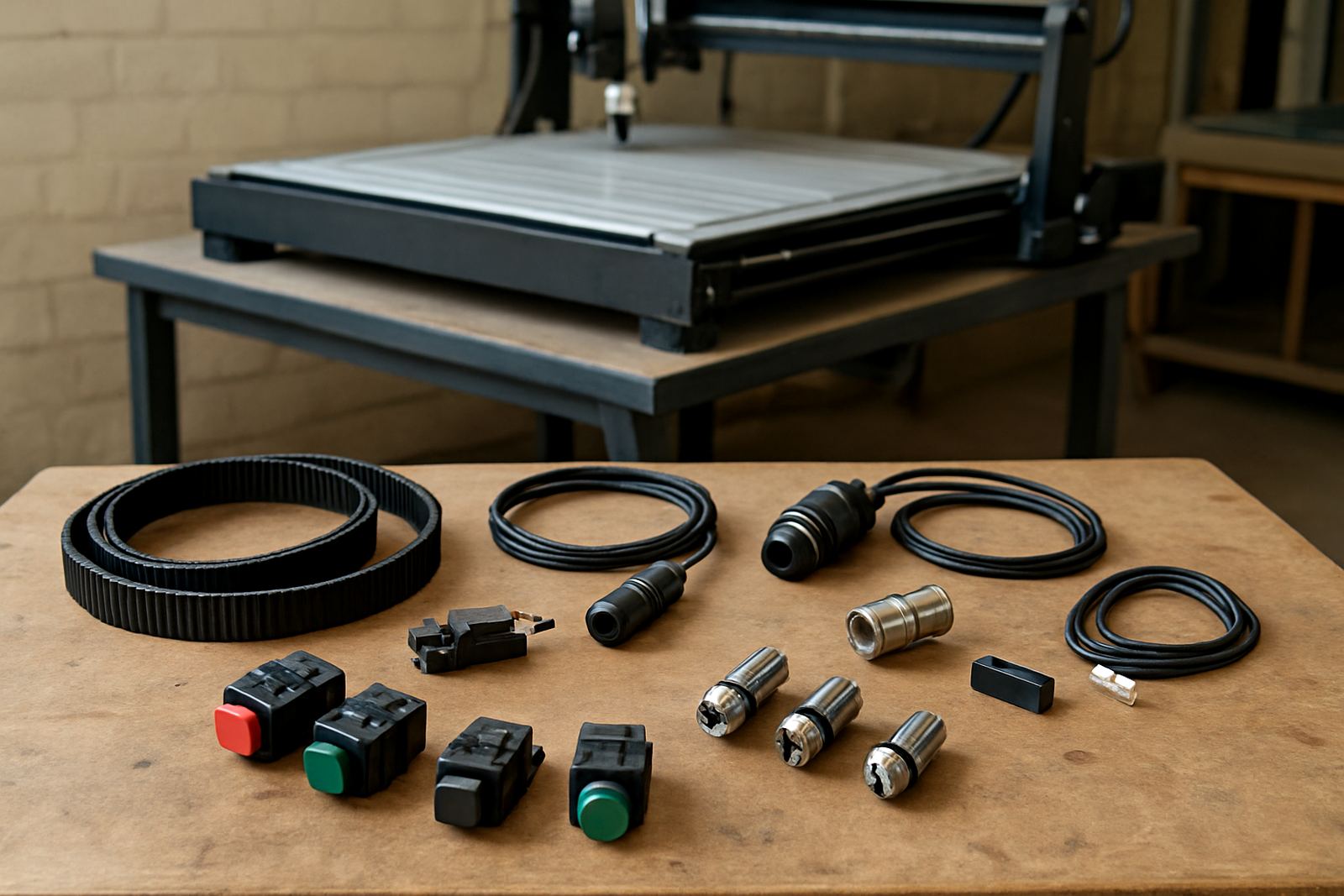
- Limit switch or home switch replacements
- Belts, couplers or drive parts if your machine uses them
- Spare fuses, terminal blocks and power connectors
- Dust brush, cable clips and basic cable management items
- Lubrication items and cleaning supplies suited to the machine
Keep the kit in a dry cupboard, clearly labelled, and separate from offcuts and abrasives. In coastal humidity areas the storage point matters, but even in Pretoria dust and temperature changes can ruin connectors if parts are left open on a shelf.
Match Spare Parts To Your Cutting Hours
A machine that runs two hours on weekends does not need the same replacement cycle as one used every weekday. Hours, not just age, should guide your buying. If you track spindle hours, job count or monthly cutting time, you can predict what needs replacing before it fails. That saves money and helps you avoid emergency courier fees.
A practical method is to split parts into three groups: fast movers, medium life items, and critical backup items. Fast movers are cutters and collets. Medium life items include belts, switches and cables. Critical backup items are only one or two pieces each, such as a spare spindle fan or controller-related component if your setup depends on it. Not every workshop needs all three groups at once, so start with the first two and add the rest as your use increases.
- Daily use under 20 hours a month: keep a basic kit only
- Weekly use or client work: add one critical backup item
- Regular production use: hold two of each fast mover and one spare of key electronics
Check Consumables Before They Become Failures
Some parts fail slowly and give warning signs. This is useful because you can order before the breakdown. Listen for rough spindle noise, look for burnt marks on connectors, and check for play in moving parts. If the machine starts losing cut quality, do not assume it is only software. Many cutting issues come from worn tooling, loose fasteners or a switch that is beginning to misread position.
A short monthly check can catch a lot. Confirm that the dust extraction path is clear, the cable chain is not pinched, and the router table surface is clean and level. Check the tool holder for damage after any crash or heavy cut. In some workshops a five minute check saves a full day of downtime later, which is worth more than the cost of the spare part itself.
Keep A Simple Spares Log That Anyone Can Use
Good stock control does not need special software. A notebook, a spreadsheet or a printed sheet is enough if it is used properly. Record the part name, machine it fits, date bought, quantity on hand and where it is stored. Add the reason it was replaced so you know whether the issue is normal wear, setup error or a bigger machine fault.
When a workshop has more than one operator, the log prevents double ordering and missing parts. It also helps with training because staff can see which items are commonly used. If you are in a small team in Silverton or running side work from home, this process keeps the machine ready without tying up too much cash in stock.
- Part name and size
- Machine model or setup it fits
- Quantity available
- Last replacement date
- Supplier notes or fitting notes
Plan For South African Power And Service Conditions
Load-shedding, voltage swings and stop start routines put extra stress on controllers, power supplies and spindles. If your machine is switched off often, protect it with proper shutdown steps and do not rush restart after an outage. A spare fuse or power accessory will not solve every electrical issue, but it can get you running again after a simple failure.
For workshops near busy industrial areas such as Pretoria East, Centurion and Midrand, delivery timing matters too. Keep at least one local contact for urgent breakdown support and one national option for spares that are less likely to be carried by general hardware shops. If a part is known to fail with dust or vibration, keep a spare before you need it. That is the difference between a delayed job and a finished one.
Use Training To Decide What You Actually Need To Hold
Many spare parts are bought too early because the operator is not yet confident with setup, software or maintenance. Training helps separate a real wear item from a fault caused by poor handling. If the machine is not homing correctly, for example, the cause may be a dirty switch, a loose cable or wrong settings rather than a dead component. That matters before you spend money on replacement stock.
After operator training or a refresher session, review the spares list again. Remove anything that has not been used in months and add the items that appear repeatedly in real service calls. The best starter kit is not the biggest one, it is the one that matches your actual work. If you need help planning it, begin with the parts that stop cutting first and build from there.