1. Confirm Where The Router Will Stand
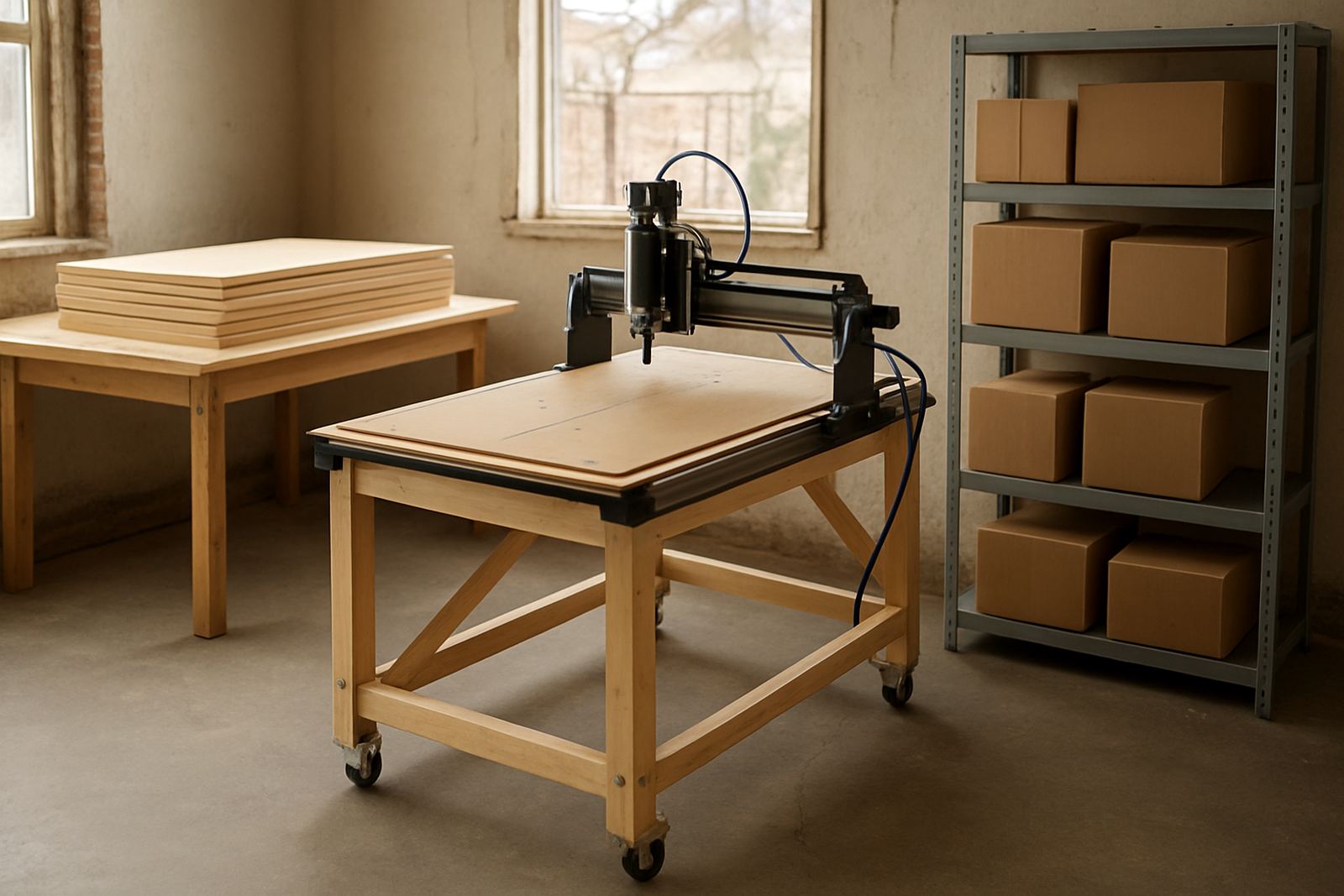
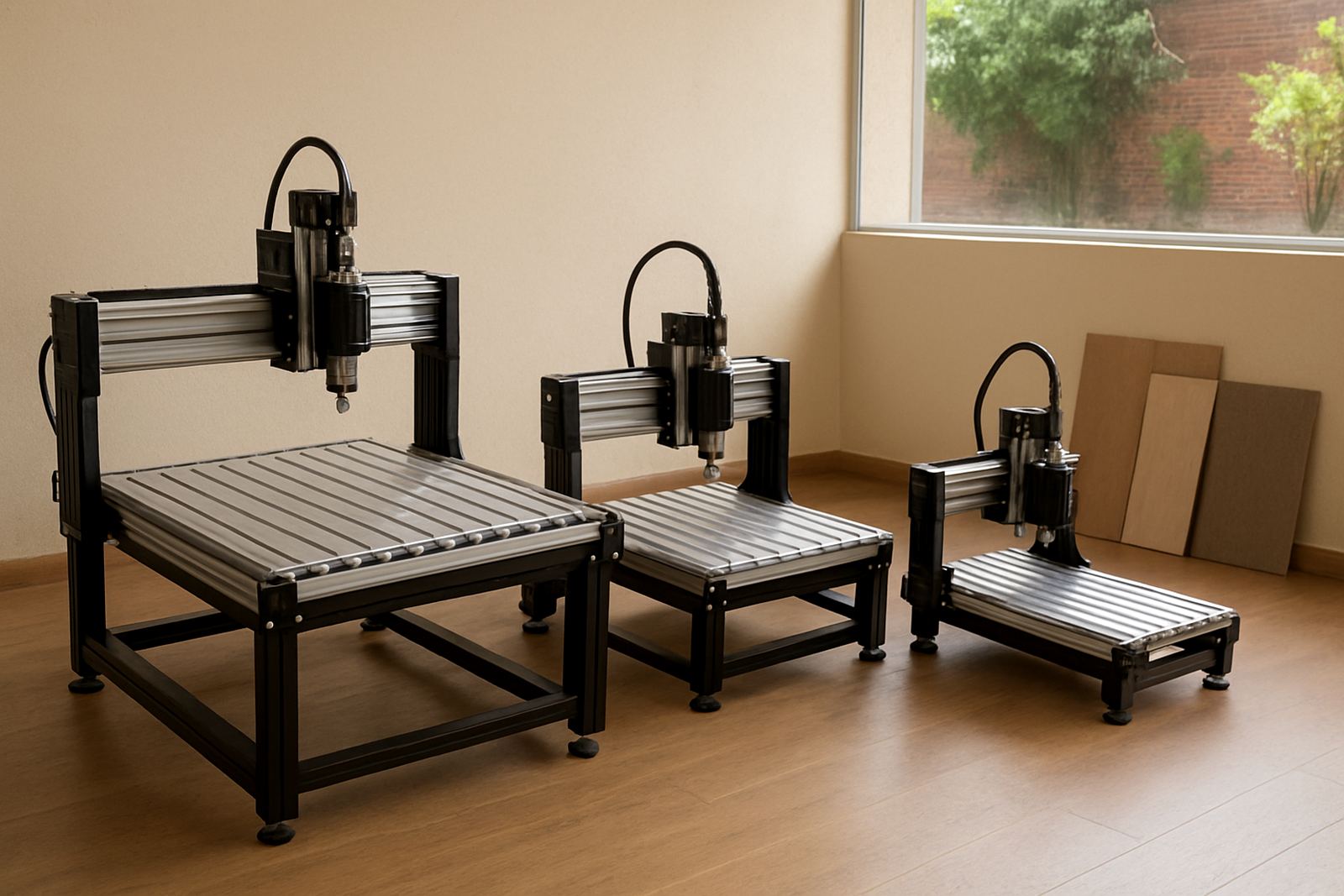
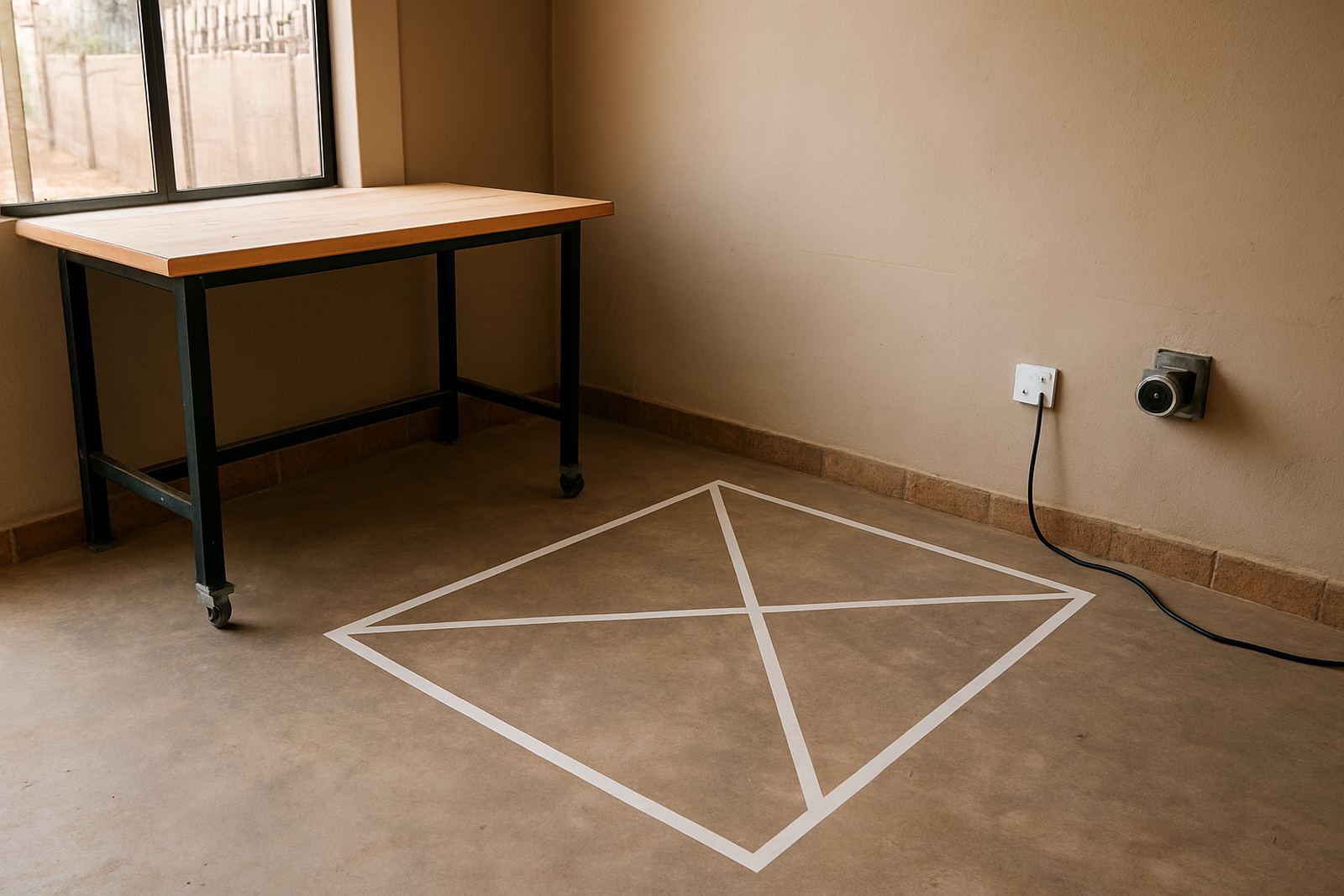
Start with the final position, not the front gate. Measure the full footprint of the router table, then allow clear walking space around it for loading boards, cleaning, tool changes and maintenance. In small workshops around Pretoria East, Centurion or Midrand, the mistake is often placing the machine too close to a wall or a steel rack, which makes operator movement awkward and slows every job.
Check the floor for levelness and cracks. A solid concrete slab is best, especially where spindle vibration or heavier sheet loading is expected. If the floor slopes, note the direction and size of the slope so adjustments can be planned before installation. In humid coastal areas, also look for damp spots and make sure the machine base will not sit in standing water or on a weak timber deck.
- Measure the machine footprint plus at least 1 m clear on working sides.
- Allow enough space for sheet material, spoilboard access and safe operator movement.
- Confirm the floor is level, dry and strong enough for the machine weight.
- Keep the area free of loose cables, offcuts and trip hazards.
2. Sort Out Power Before Delivery
Power is one of the biggest causes of delay. Before delivery day, confirm the supply voltage, the available breaker size and where the isolator will be fitted. Many hobby and starter workshops in South Africa run more than one tool from the same board, which can cause nuisance trips when a router starts up together with extraction or a compressor. Plan the circuit properly and do not rely on an overloaded multi-plug.
If your area has load-shedding, it helps to understand what will happen after power returns. A CNC router may need a controlled restart, and some control systems do not like sudden surges. If you use backup power or a generator, check that the unit can handle the start-up load and that the voltage stays steady. Poor power quality can lead to control faults and spindle issues, so this is worth checking early.
- Confirm the machine voltage and phase requirements with the supplier.
- Ask an electrician to verify breaker size, earthing and isolator position.
- Keep the router on its own circuit where possible.
- Plan for load-shedding recovery and safe shutdown steps.
3. Prepare Extraction, Dust Control And Airflow
Wood, MDF and plastics produce fine dust and chips, so extraction must be ready before the first cut. A machine can be delivered on time, but if dust collection is not sorted, the workshop stops being productive very quickly. Fine dust can build up in guides, covers and control boxes, and MDF dust is especially harsh in a small enclosed room.
Decide where the extractor will stand, where hoses will run, and where waste bags or bins will be emptied. Leave space for hose bends and filter access. If the router will work on plastic sheets, think about heat and swarf collection too. Good airflow matters in compact Silverton workshops where the machine room can get warm, and it matters even more if the machine is used for long runs or back-to-back jobs.
- Set aside a permanent position for the extractor or dust collector.
- Check hose lengths, bends and diameter before installation.
- Plan for filter cleaning, bag changes and chip disposal.
- Keep sensitive control parts away from dust discharge points.
4. Make Delivery Access Simple
A machine can fit in the workshop and still fail to get through the door. Measure all access points from the gate to the final position, including gate width, door width, passage height, stair turns and tight corners. Take note of paving, kerbs and gravel, because pallet trucks and trolleys handle these surfaces very differently.
For sites in Pretoria, Kempton Park or Centurion industrial areas, check if the delivery vehicle can reverse close enough to the entrance. If the router has to move through a shared yard or a body corporate area, get permission in advance. Security access, boom gates and time restrictions should also be confirmed before the truck arrives. Its better to discover a narrow passage two days early than on delivery morning.
- Measure gates, doors, passages and any turns on the route to the machine area.
- Check ground surfaces for slopes, steps or soft spots.
- Arrange access codes, keys and security permissions in advance.
- Keep the final path clear of parked vehicles and loose materials.
5. Gather The Operator Tools And Materials
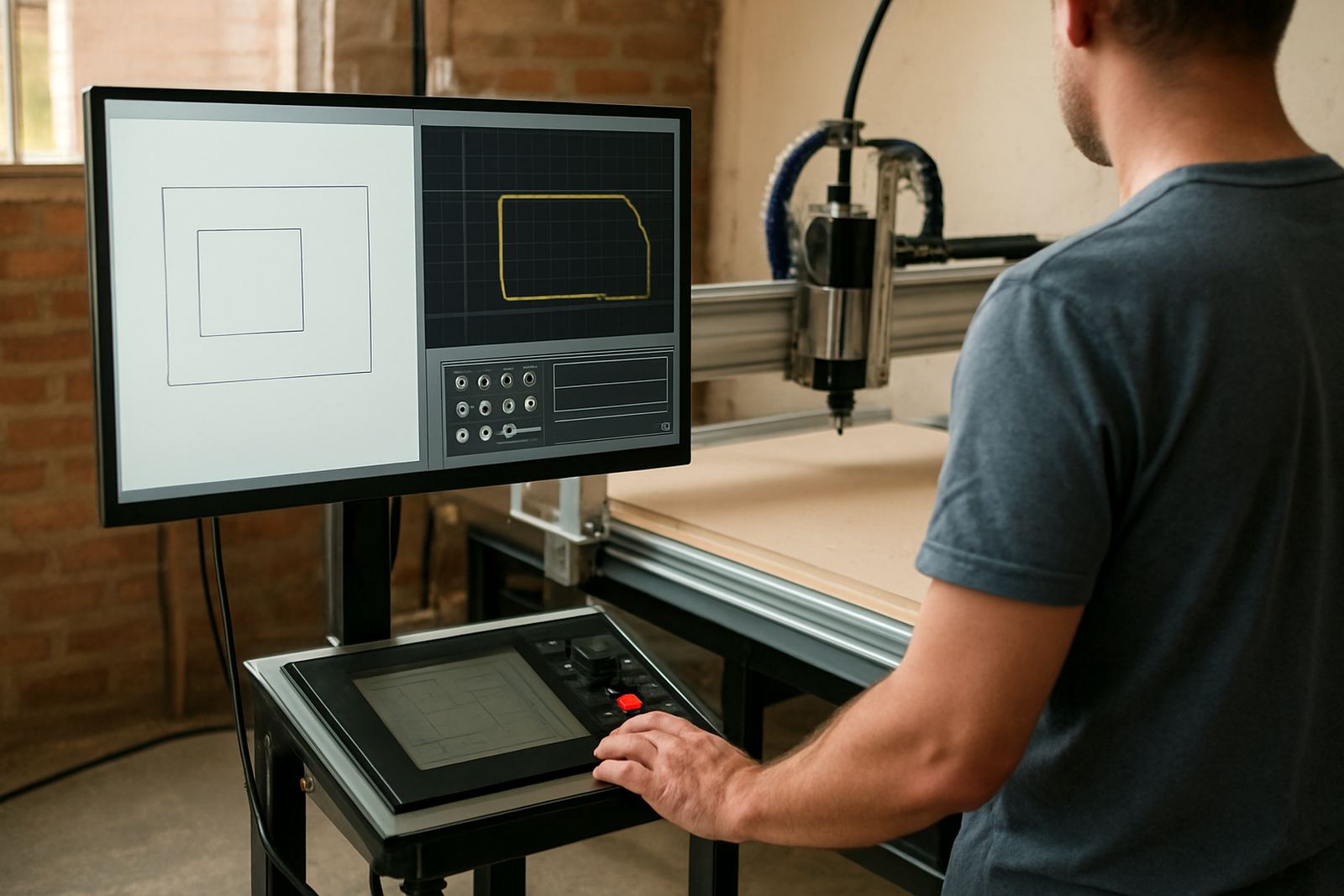
Installation goes faster when the basics are ready. Keep the machine manual, tools, fixings, spare bits, tape measure, level, cleaning cloths and marking pens in one place. If you are planning a starter setup visit or refresher training, make sure the software laptop, file library and sample material are also on hand. The operator should not spend the first hour searching for a missing wrench or extension lead.
Prepare your first jobs before the machine is switched on. Choose a few test sheets of MDF, plywood or plastic that match the material you will use most often. If the workshop is new to CNC, mark the stock sizes and thicknesses clearly. That way the first cut is a training cut, not a guess. A bit of prep here saves time later and lowers the risk of avoidable errors.
- Collect tools, fixings and cleaning items before delivery.
- Keep sample material ready for setup and test runs.
- Prepare the computer, files and user notes for training.
- Label common stock sizes, thicknesses and job settings.
6. Final Checks On The Day Before Delivery
Use the last day before delivery for a slow walk-through. Check that the floor is clear, the power point is live, the extractor is in place and the access route is open. If multiple people share the premises, tell everyone when the machine is arriving and where it will stand. That avoids tools, pallets and offcuts being left in the way at the wrong time.
Take a photo of the prepared area and note any remaining issues, such as a loose outlet, a low ceiling beam or a doorway that still needs protection. If something is not right, report it early so a small fix does not become a full delay. A prepared workshop makes installation quicker and safer, and the first week of production much steadier.
- Confirm the machine area is clean, level and ready.
- Test power points and extraction connections again.
- Clear the delivery route and notify all staff.
- Keep the contact person available for arrival and handover.