Start with the biggest sheet or panel you plan to cut
The first question is simple: what material size do you work with most often? If you cut standard sheet goods like MDF, ply or plastic panels, measure the largest sheet you want to place on the table and work back from there. A machine with too small a working area means extra trimming, repositioning and time lost.
For a small workshop in Silverton or Pretoria East, a compact router can handle signs, parts, templates and smaller cabinet components. If you are doing product runs in Centurion or Midrand, you may need more room for full or near-full sheets, plus clamping space around the edge.
- Write down your largest regular sheet size in millimetres.
- Allow extra room for clamps, spoilboard edges and tool clearance.
- Think about whether you cut one-off parts or repeated batches.
Match working area to the jobs you sell
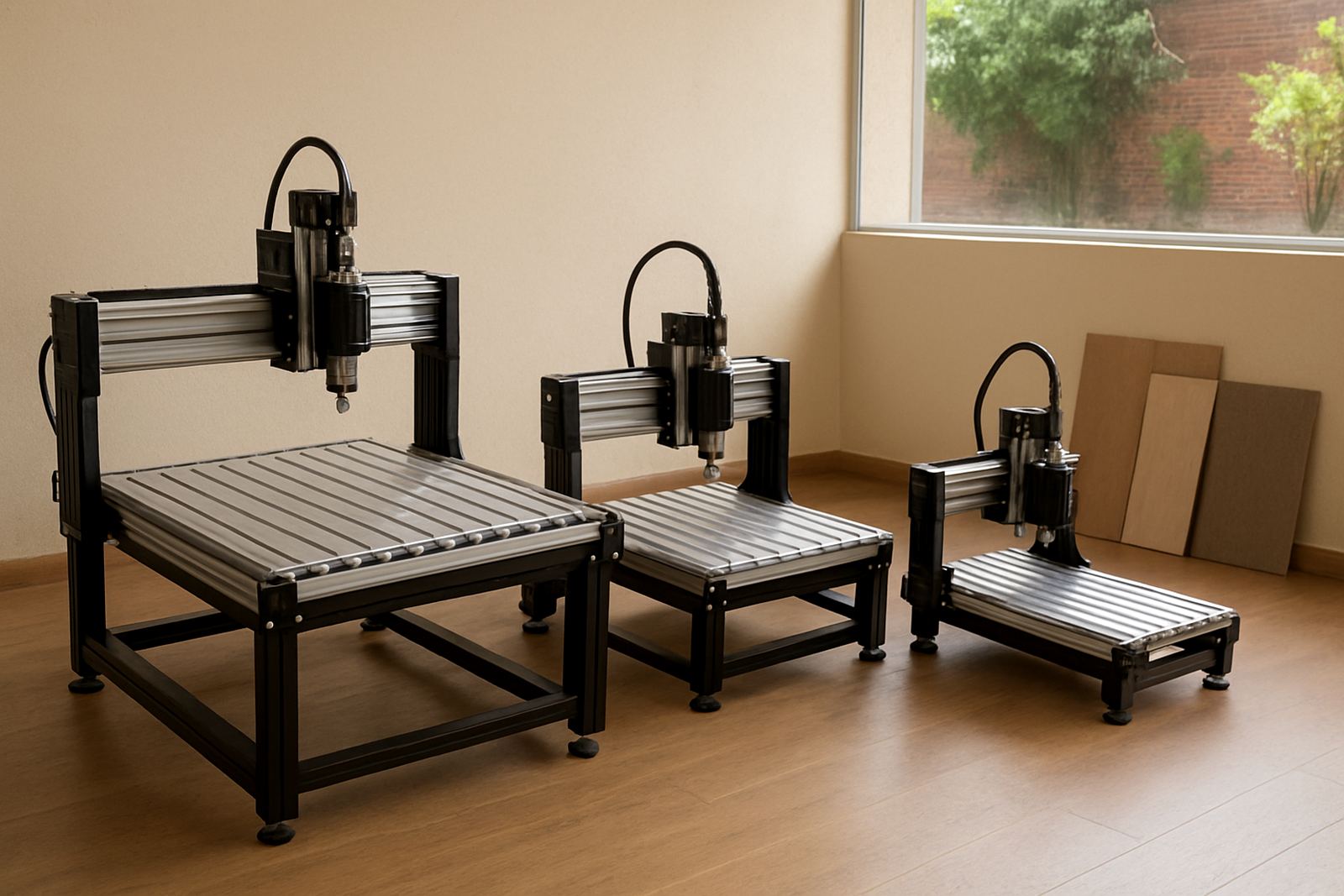
The working area should suit the products that bring in money. A hobby router can be ideal for plaques, name boards, small components and custom parts. A larger table becomes useful when you want to cut signage blanks, drawer parts, fascia panels or multiple items at once. If your work changes often, choose the size that gives you a bit of breathing room, not the smallest option that just fits.
Material thickness and hold-down method should be planned together. Thin plastic sheets need different support to thick MDF. If you cut nested parts, you need enough usable area to keep your layout efficient. That saves material and reduces offcuts, which matters when sheet prices keep moving.
- List your top 5 products.
- Measure the average finished size of each item.
- Check whether each product needs one setup or multiple setups.
- Note any oversized jobs you would like to add later.
Allow space for the machine, not only the cutting area
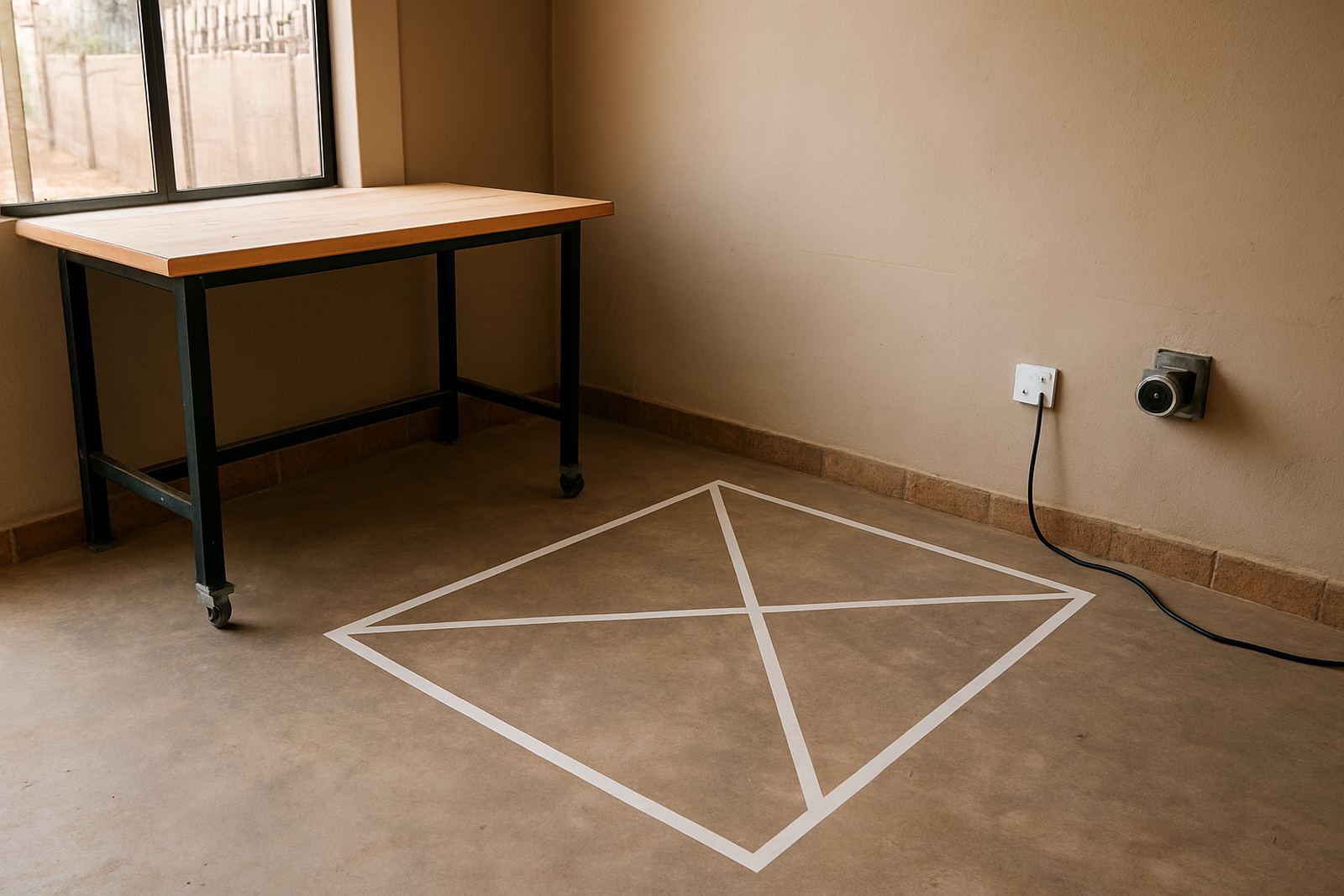
A router table may look manageable on paper, but the real footprint includes the frame, control box, cable runs, extraction, storage and access for the operator. In a small unit, every metre counts. Before ordering, mark the floor with tape and check that you can walk around the machine, load sheets safely and reach the controls without squeezing past the wall.
Remember that load-shedding can interrupt a job, so stable access to the machine matters. If you use a generator or backup supply, leave space for that too. In warm coastal areas or humid storage rooms, you also need room for safe material stacking and dry storage of spares.
- Measure the machine footprint in metres, then add at least 1 m of working clearance where possible.
- Check door widths, ramps and any stairs before delivery.
- Plan for dust extraction, power points and compressed air if needed.
Choose a size that fits your skill level and support needs
If you are new to CNC work, a smaller machine is often easier to learn on. It is simpler to set up, easier to monitor and cheaper to run while you build confidence with feeds, speeds and hold-down methods. For hobby users and smaller workshops, that can be the right move.
If you already know your software basics and want to move faster, a larger working area may make sense. The key is not only table size but also support. Training, starter setup visits, remote support and spares planning can save a lot of wasted material and downtime, especially when you need help after hours or during a busy week.
- Be honest about your current experience level.
- Ask what training is available for your machine and software.
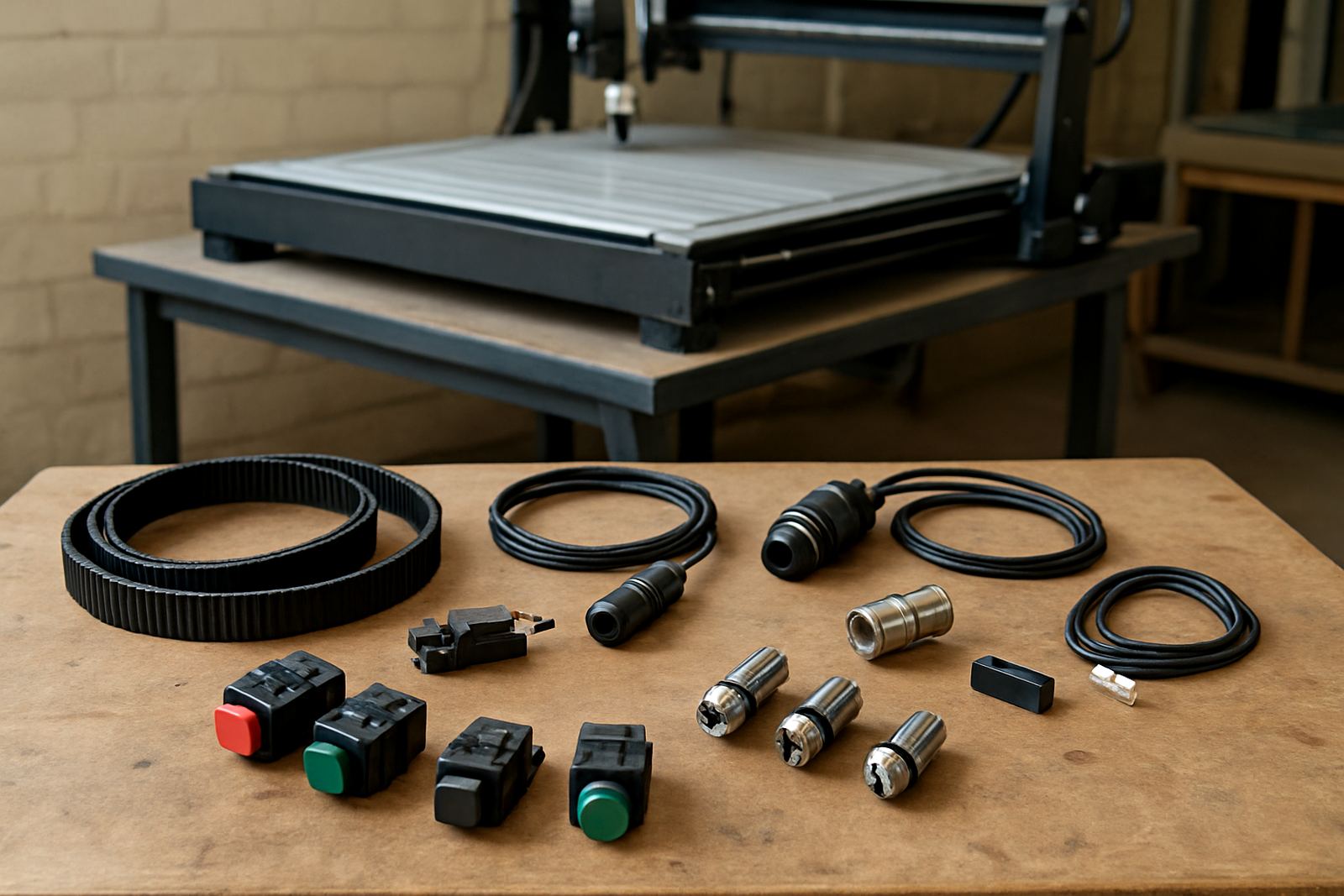
- Check whether common spares are stocked locally or can be supplied nationwide.
Think ahead before you outgrow the first machine
The best size is not always the biggest one, but it should leave room for growth. If you plan to move from personal projects into paid work, or from small parts into panel production, the machine should support that path. Swapping to a second machine later costs more than choosing carefully now.
Look at likely growth over the next 12 to 24 months. Will you add a second operator? Will you need more daily output? Will your material sizes change? A sensible size choice should still make sense if your workshop in Kempton Park or Pretoria East gets busier and your order books improve.
- List your likely future products.
- Check if the same table can handle both present and future work.
- Ask about spares, service support and training for long-term use.
Use this final checklist before you decide
Before you settle on a router size, do a last pass through the practical details. This keeps the purchase grounded in real workshop use instead of guesswork. A good machine should fit the material, the room, the budget and the way you work day to day.
If you are still unsure, speak to the team in Silverton, Pretoria and explain the products you make, your available floor space and your future plans. That makes it easier to match the right working area to your setup, whether you need starter guidance, training, breakdown support or a spares plan. Small details now can prevent bigger costs later, and that is true whether you work from home or a busy trade shop.
- Have you measured your largest regular sheet size?
- Will the machine fit through doors and into the workshop?
- Do you have space for dust extraction and safe access?
- Can you get support, spares and training when needed?
- Will the size still work if your output grows?