Start with the sign sizes you cut most often
Before you look at spindle power or extras, measure the work you actually produce. A shop doing door names, shopfront panels and directional signs in Pretoria East will have very different needs to a team cutting large Perspex logos for Centurion or Midrand. Make a list of your common board sizes, then compare them to the machine table size and usable cutting area.
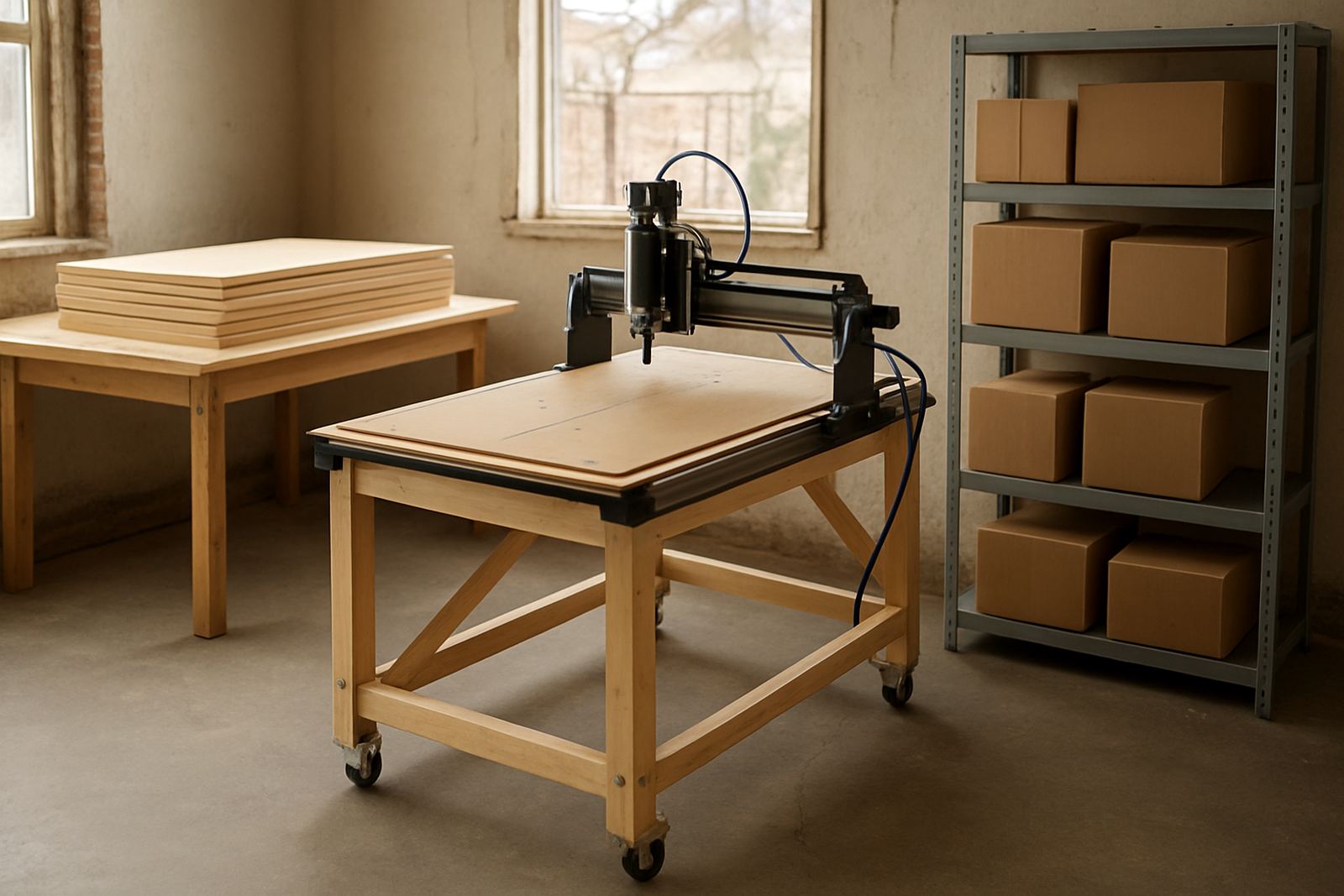
For most signage work, the key question is simple: can you place the full board on the table with enough clamping room, and still keep the cutter path away from the edges? If you are often trimming 2400 x 1200 mm boards, you need a practical layout for material handling, even if the machine footprint is smaller. If your focus is smaller name boards, stencils and layered letters, a compact table can work well and save floor space in a Silverton workshop.
- List your top 10 sign sizes by month.
- Check the table size against sheet stock and offcuts.
- Allow room for clamps, vacuum hold-down or spoilboard fixing.
- Keep loading space in mind if two people need to handle boards.
Choose tooling for letters, flutes and relief work
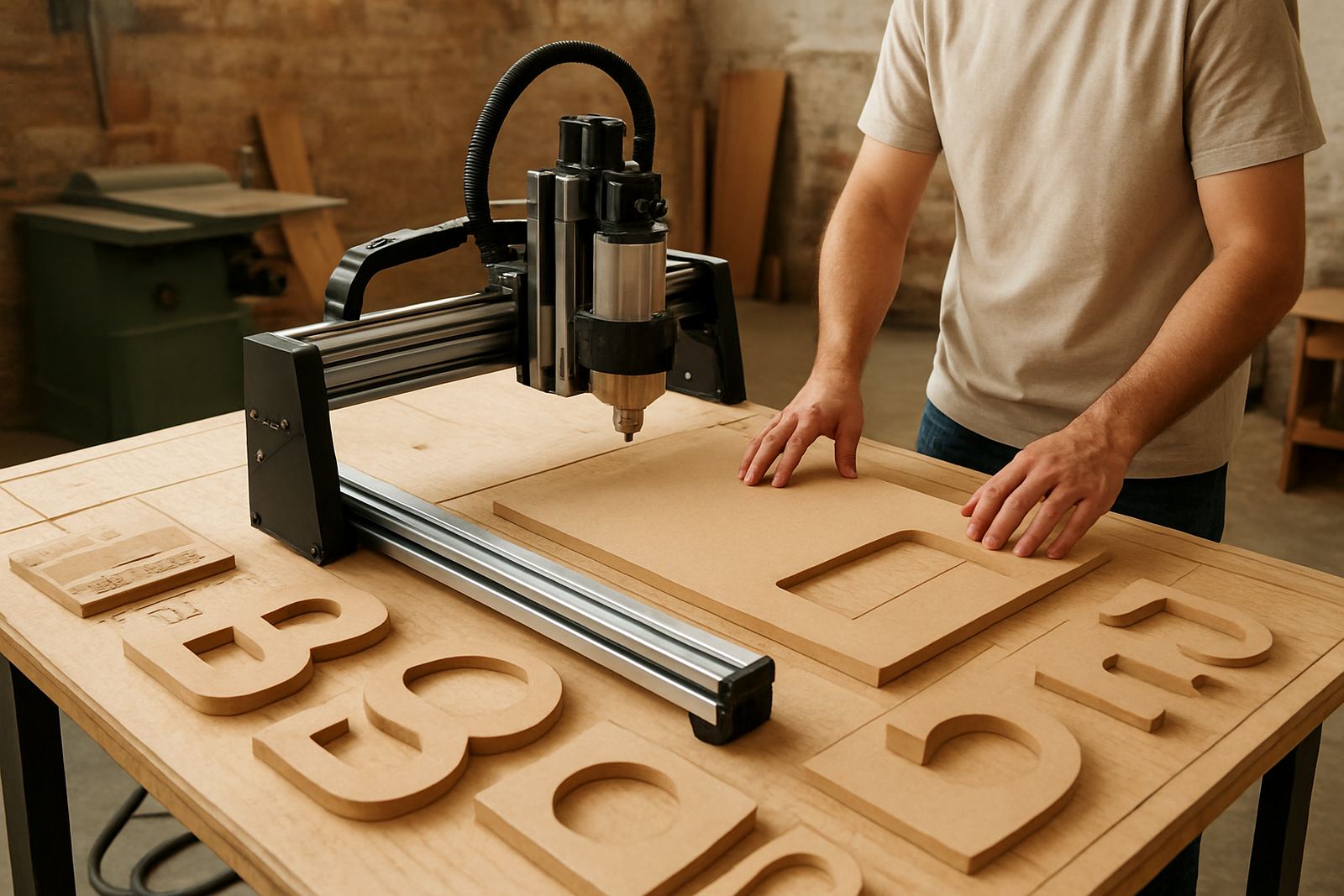
Signage is not just flat cutting. You may need V-carving for lettering, straight flute bits for board work, downcut tools for cleaner top edges, and ballnose cutters for relief carving. A router for signage should handle frequent tool changes without fuss, because the same job might include engraved text, cut-out shapes and finishing passes on the same panel.
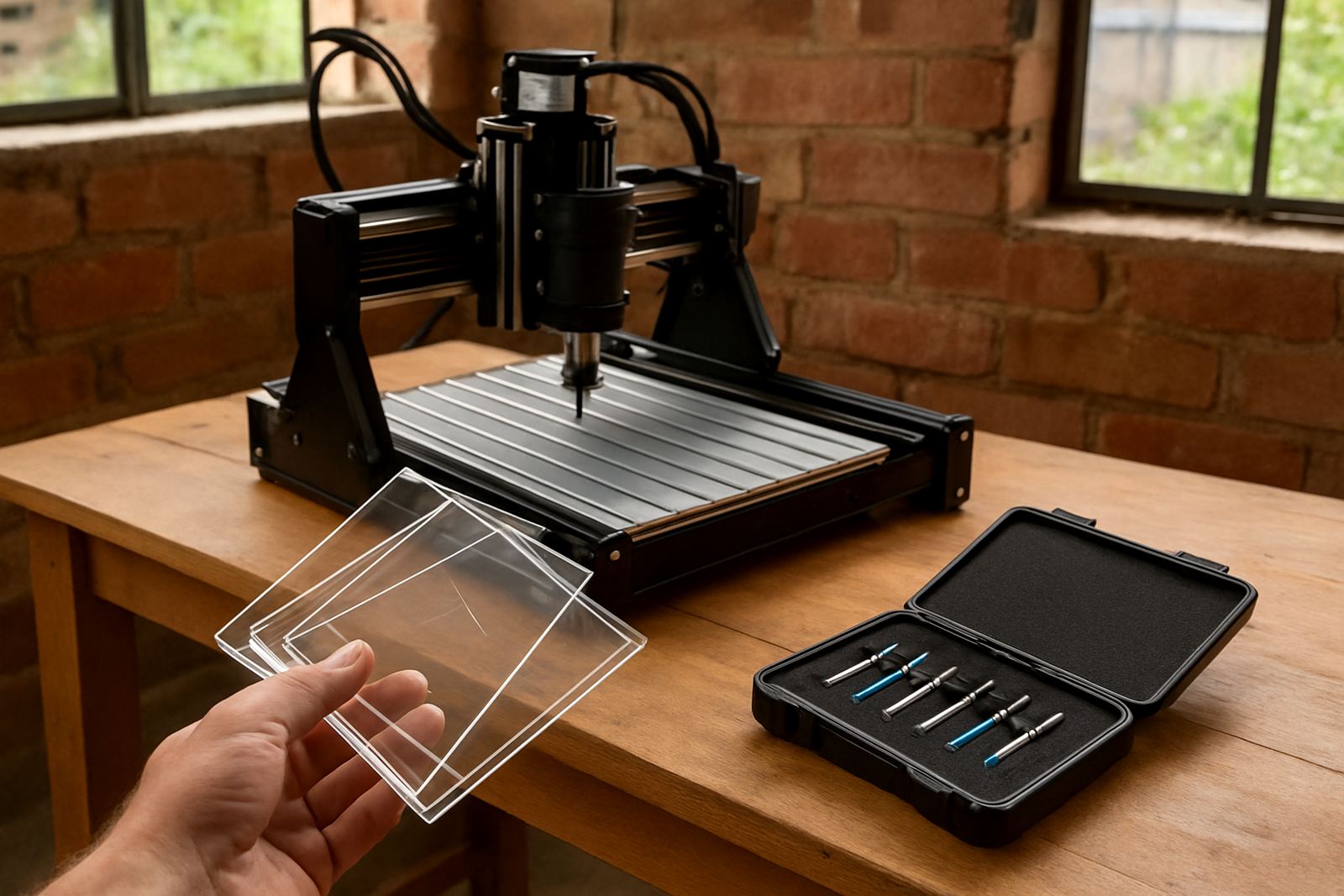
Tool selection also affects the final look on MDF, foam board and plastics. MDF can fray if the cutter is wrong or blunt, while plastics may melt if feeds and speeds are off. For coastal towns such as Durban or Port Elizabeth, humidity can also change how board material behaves in storage, so keep tooling sharp and your stock dry. If you work with a lot of acrylic or PVC-type sheet, ask for guidance on chip control and safe settings before you commit to a production run.
- V-bit for lettering and clean decorative grooves.
- Single flute or straight flute for plastics and board edges.
- Ballnose for 3D relief and rounded features.
- Compression or downcut tools where top-edge finish matters.
Match spindle power to the materials you cut
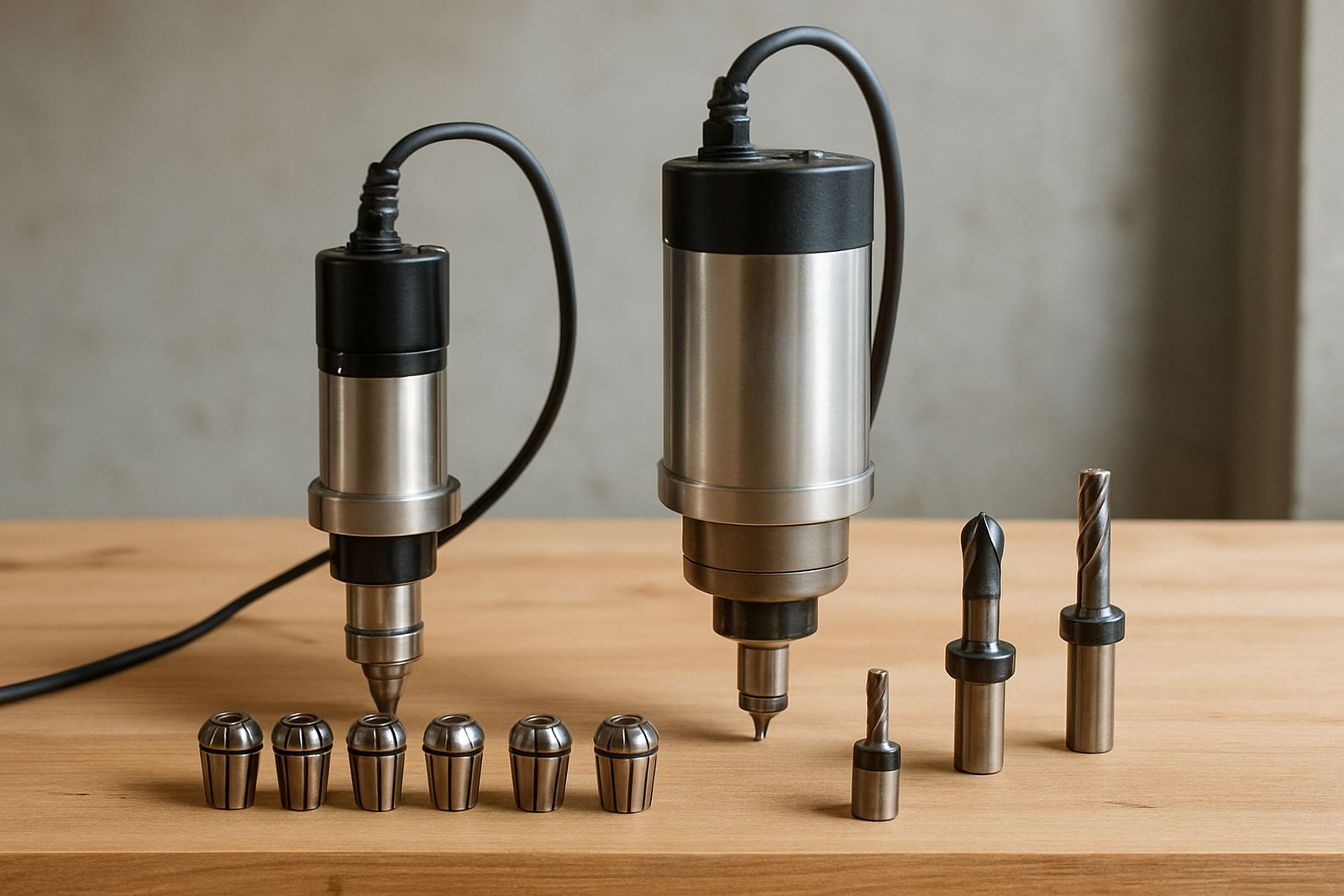
Not every sign shop needs the same spindle size. Light engraving on smaller boards can be handled by a modest machine, while thicker MDF, deeper relief carving and longer cutting runs call for more power and better cooling. The aim is not to buy the biggest unit available, but to choose a spindle that suits your workload and the duty cycle in your workshop.
If your crew runs jobs after hours because of load-shedding or power limits, you should also look at start-up behaviour, noise and the support required if a spindle starts running hot. In a busy shop, a spindle replacement or control tuning visit can save a lost week. Keep in mind that more power only helps if the machine frame, rails and software setup are accurate enough to hold detail on small lettering.
For sign work, ask these questions:
- Can it hold fine detail on small type without chatter?
- Will it handle longer cuts in MDF without losing finish quality?
- Is the cooling method suited to your workshop temperature?
- Can a technician replace or tune the spindle locally?
Prepare the machine for clean edges and repeat jobs
Signage often means repeat work. You might cut the same school sign, estate board or retail fascia layout several times a month. That makes machine setup just as important as the router itself. A starter setup visit is useful when you want the table squared, software basics checked and the first cuts dialled in properly.
For clean edges, focus on spoilboard flatness, correct bit height, secure hold-down and the right cut speed. A small error in setup can show up on every letter, especially on narrow fonts and thin strokes. Preventive maintenance should be part of the plan, not something you think about after a bearing fails or a belt slips. In areas like Kempton Park and Pretoria East, where many shops work under pressure and with limited downtime, routine checks keep production moving.
- Level the spoilboard and check for twist.
- Confirm axis movement before every production run.
- Inspect cables, belts and fasteners weekly.
- Keep a record of feeds, speeds and cutters used.
Use software settings that suit signmaking, not general routing
Software basics matter because signage relies on clear vectors, correct text conversion and sensible toolpaths. If your letters come out rough or the spacing is off, the issue is often in the file setup rather than the machine itself. A good workflow starts with clean artwork, then moves to proper offset, pocketing and finish passes.
For sign makers, training should cover file preparation, bit selection, setting origin points and running test cuts on offcuts before final production. Refresher training is helpful when a new operator takes over, or when the workshop starts taking on more advanced board work. Remote support can also help when a file refuses to cut as expected and you need guidance without losing the day.
Keep this checklist nearby:
- Convert text to outlines before cutting.
- Check stroke thickness on small lettering.
- Set a test job on offcut material first.
- Save proven settings for repeat signage work.
Plan spares and support before the rush starts
Signage jobs rarely wait for repairs. When a router stops in the middle of a run, the cost is not only the part, it is the missed delivery date and the extra labour. That is why spares planning should be done before busy periods like year-end retail work, school signage runs or estate maintenance contracts. Keep common wear items on hand and know who to call for breakdown support.
CNC Router Hub works from Silverton, Pretoria, and supports customers in Pretoria East, Centurion, Midrand, Kempton Park and nationwide for spares. If you are setting up a new sign workshop or tightening up an existing one, we can assist with operator training, maintenance planning, control tuning and remote support. For small teams, that kind of backup matters because one machine often carries the whole workload. A bit of planning goes a long way, especially when delivery dates are fixed and the printer or laminator is already booked.
- Keep spare cutters, belts and common electrical items listed.
- Plan replacements before a part fails completely.
- Schedule maintenance during quieter production days.
- Store supplier contacts with machine details and serial numbers.