What MDF asks from a router
MDF is predictable, but it is heavy on the machine. Fine dust goes everywhere, the sheet edges can chip if feed rates are wrong, and repeated full sheet work puts strain on the gantry, spindle and guides. For small workshops in Pretoria, Centurion or Midrand, the best router is the one that keeps its cut depth steady and stays accurate from the first panel to the last.
For hobby use or light production, look for a table that can handle the sheet size you use most often. If you cut 2440 x 1220 mm boards, make sure the bed size, spoilboard layout and hold-down method suit nesting work. If you only do engraved signs or smaller cabinet parts, a compact machine may be the better fit and easier to keep clean.
- Stable frame and gantry for flat cuts
- Accurate Z movement for consistent depth
- Good dust collection around the cutter
- Simple spoilboard surfacing and replacement
- Control system that is easy to learn and maintain
Machine features that matter for MDF cutting
When MDF is your main material, do not focus only on speed. Focus on the parts that keep the cut clean and the machine accurate over time. A spindle with enough power for your cutter size helps reduce strain, but the real win is smooth movement and proper workholding. On cheaper set ups, the board can chatter or lift slightly, and that is when edges start to crumble.
For nested cabinet parts, a vacuum table is useful if you do a lot of sheet work. For smaller batch work, a well set spoilboard with clamps or hold-downs can do the job. If your workshop has load-shedding, ask about safe restart behaviour and whether the control keeps its settings after a power cut. In Gauteng humidity swings can also affect sheet storage, so keep MDF flat and off the floor.
- Enough cutting area for your standard sheet sizes
- Rigid machine bed and level spoilboard
- Spindle speed control for clean MDF edges
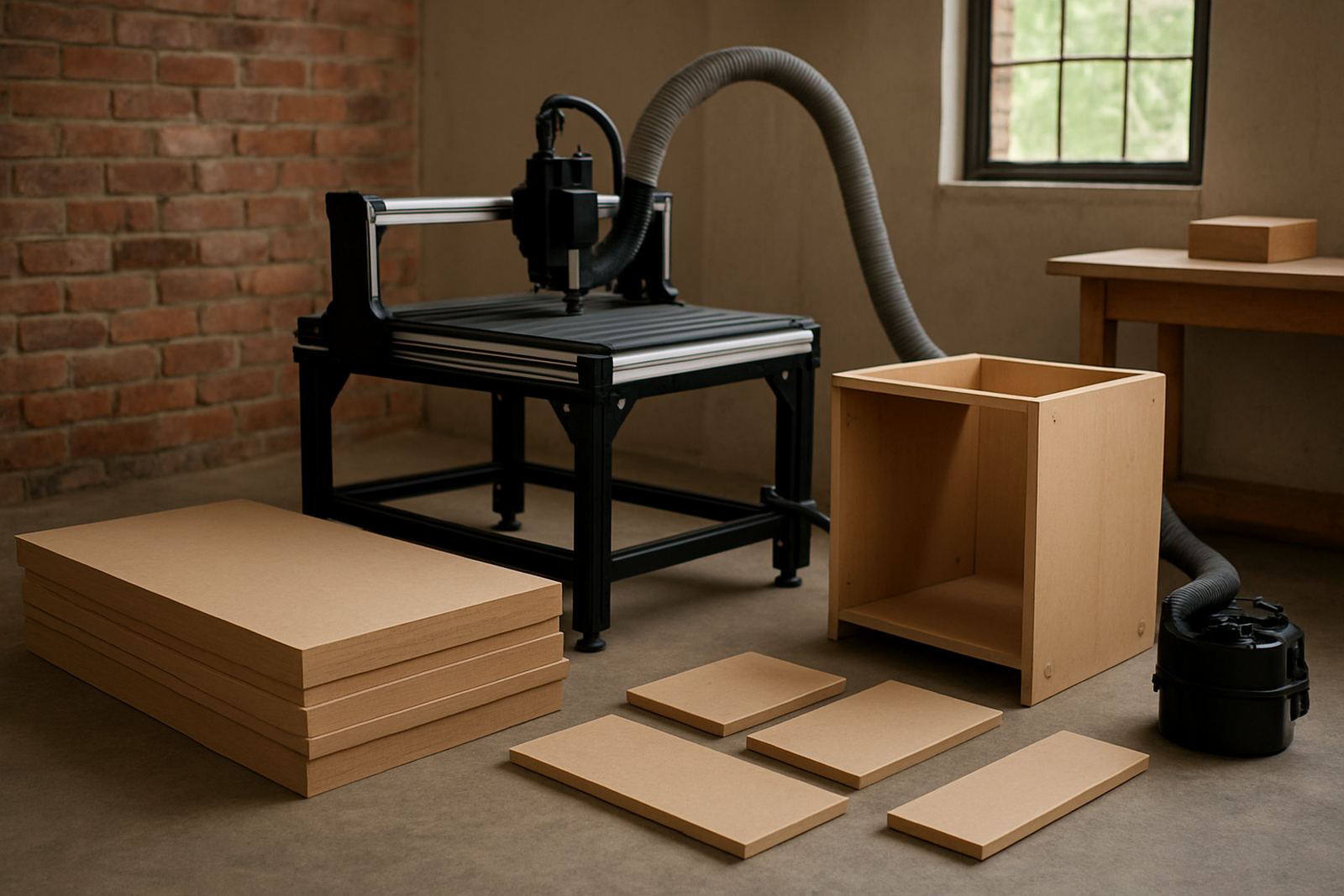
- Dust extraction port that can actually be used daily
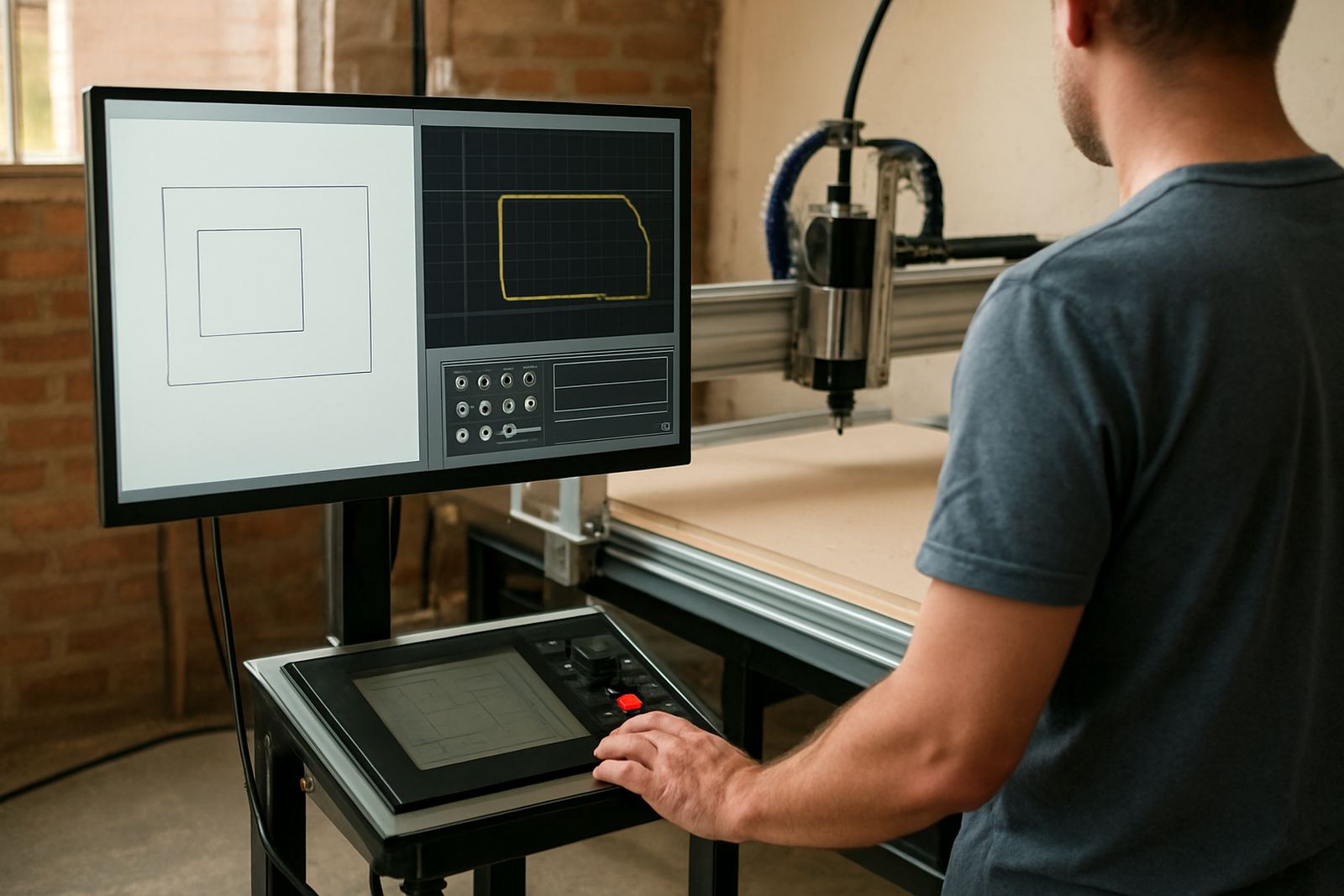
- Reliable control panel and limit switches
A practical setup for nesting boards
Nesting is where MDF routers earn their keep. If you are producing kitchen components, display panels or flat-pack parts, you need repeatable sheet positioning and clean part release. Start by checking that your sheets are stored flat, your spoilboard is surfaced and your origin point is easy to find every time. It sounds small, but a few millimetres of drift can waste a full board.
Use a cutter suited to MDF rather than a general purpose bit. Keep an eye on chip clearance and cut depth per pass. Too much depth can leave rough edges, too little can slow output and heat the cutter. A slower, more controlled approach often gives better finish on thick boards, especially on compact hobby routers.
- Confirm sheet size and machine travel before cutting
- Surface the spoilboard before accuracy-critical jobs
- Set a repeatable zero point for each batch
- Test one part before running a full nest
- Keep offcuts organised for smaller parts and samples
Engraved panels and detail work on MDF
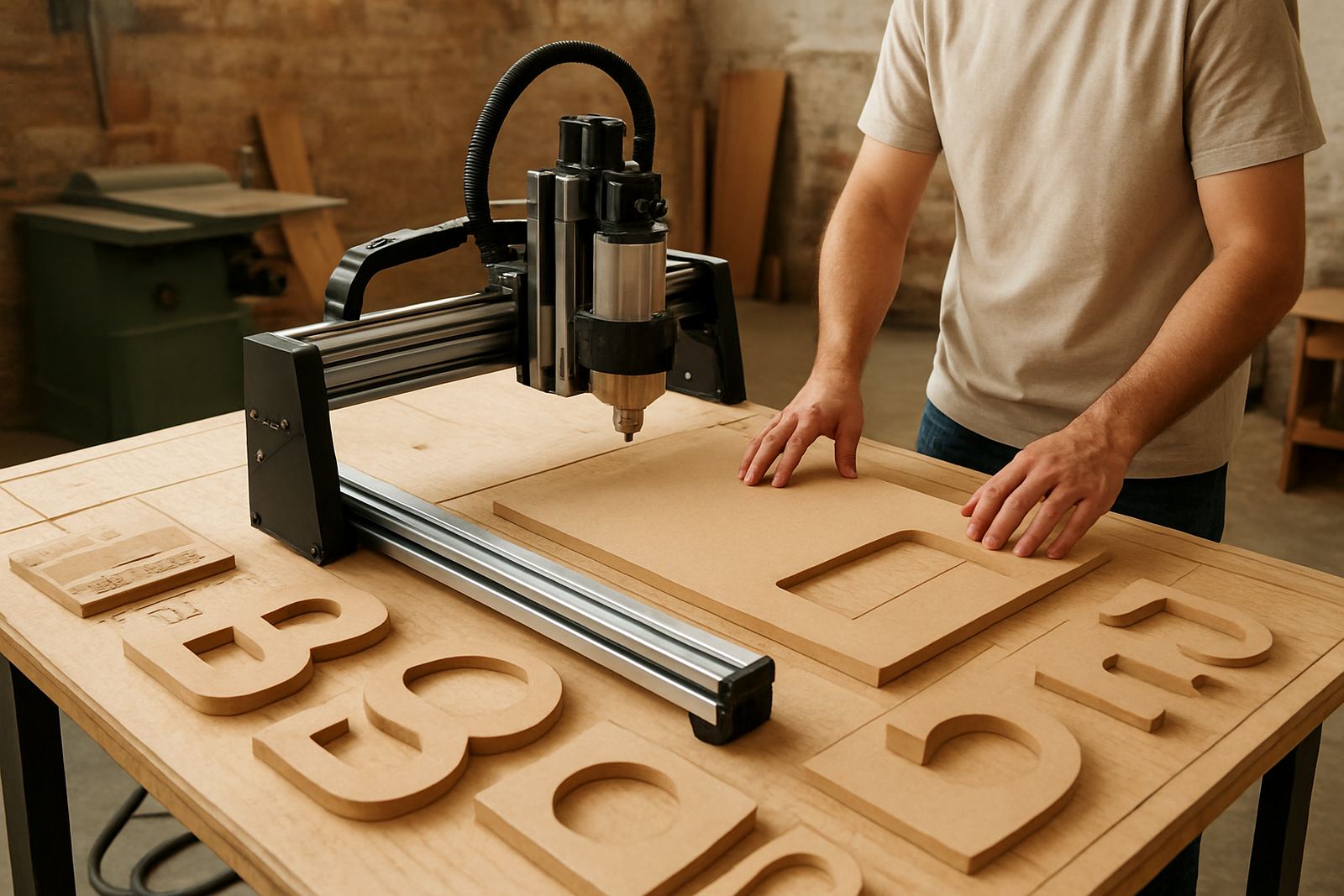
For engraved panels, signs and decorative inserts, the cleanest result comes from a machine that holds fine movement well. MDF can show tiny step marks if the machine is loose or if the cutter is dull. A good router should let you balance speed and finish without needing constant adjustment.
If you do raised lettering, shallow pockets or small textures, check that the machine resolves fine detail without vibration. Good software basics matter here too, because the toolpath settings will affect how the edge looks after sanding or paint. This is where training helps new operators avoid common mistakes like cutting too deep in one pass or using the wrong cutter geometry.
- Use shallow passes for fine engraved work
- Check the cutter after each job on dense boards
- Plan for sanding and sealing after cutting
- Keep the vacuum and dust extraction working during detail jobs
Maintenance checks that keep MDF work moving
MDF dust is fine and it gets into every corner. If you cut it often, preventive maintenance is not optional. Clean the rails, check cable runs, inspect the spindle area and clear the dust extractor filters regularly. A machine that is well maintained cuts more accurately and uses fewer spares in the long run.
In a small shop, breakdown support usually starts with simple checks: power supply, stop buttons, controller status, belt tension and signs of contamination. If the spindle begins to sound different or the cut quality changes, do not wait until the job is ruined. A quick inspection can save a set of sheets and a lot of time.
- Clean rails and linear motion parts weekly
- Check spindle noise, heat and vibration
- Inspect belts, couplings and fasteners
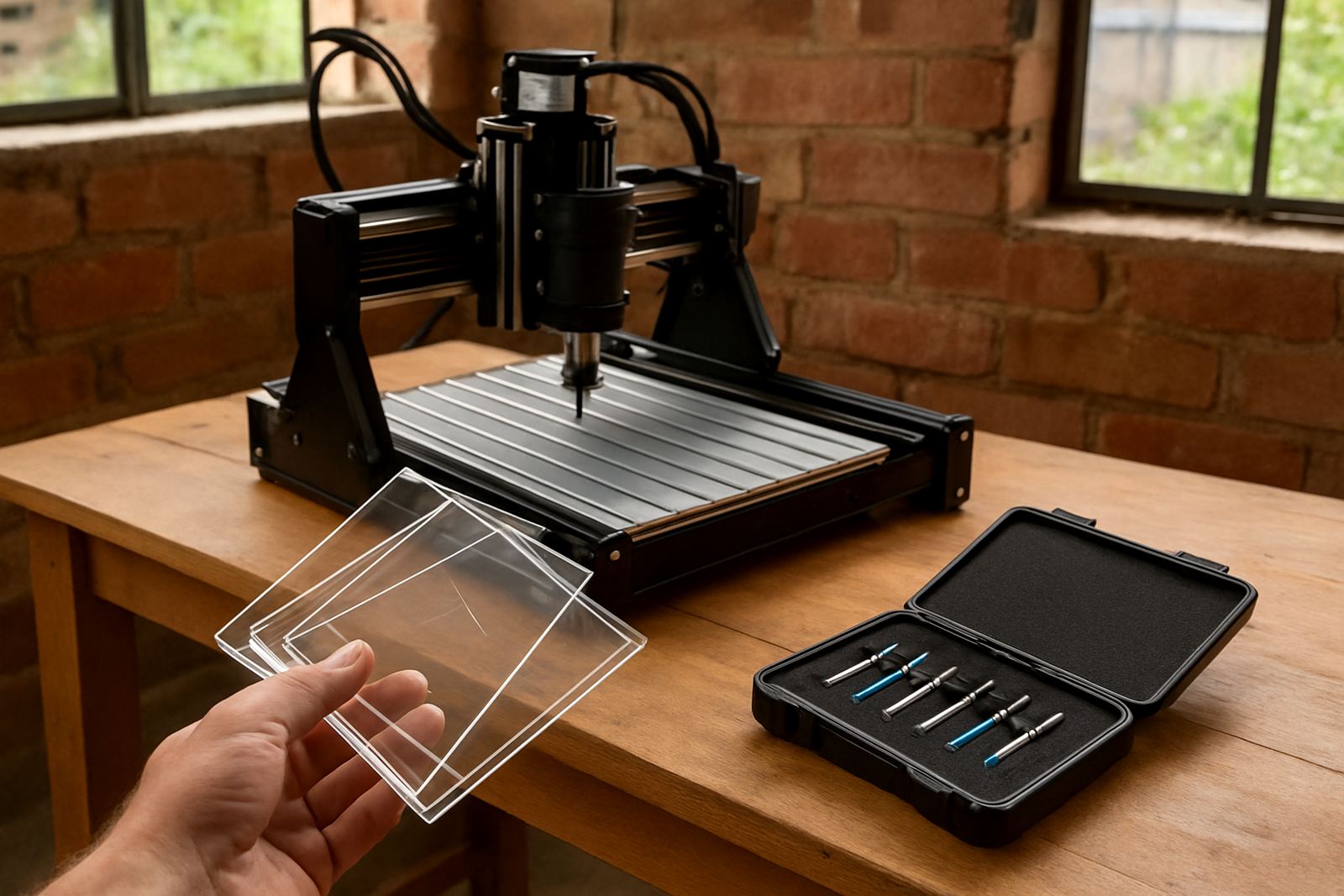
- Replace worn cutter bits before edge quality drops
- Keep spare brushes, bearings and fuses on hand
How CNC Router Hub helps MDF users in South Africa
CNC Router Hub works with hobby users and small workshops that need practical support, not just a machine off the floor. From Silverton in Pretoria, the team assists with starter setup visits, operator training, software basics, remote support and refresher training. For customers in Pretoria East, Centurion, Midrand and Kempton Park, local support can make the first few weeks much easier.
For MDF users, spares planning matters just as much as the machine itself. Keep a plan for cutters, spindle parts, belts and control items so a small fault does not stop a week of work. If you are unsure what machine suits your boards, ask for a clear breakdown of bed size, power needs and maintenance costs before you buy.
- Operator training for new staff or home workshop users
- Software basics and control tuning
- Preventive maintenance and breakdown support
- Spindle replacement and remote support nationwide
- Spares coordination from the Pretoria base