When Template Work Has To Repeat Without Drift
Template making is usually the point where a workshop stops guessing and starts repeating work properly. If you are cutting the same arch, sign panel, cabinet part or profile more than once, a CNC router table gives you a fixed reference that stays true from piece to piece. That matters in joinery, shopfitting, cabinetry, and any job where a hand-held router follows a guide by eye.
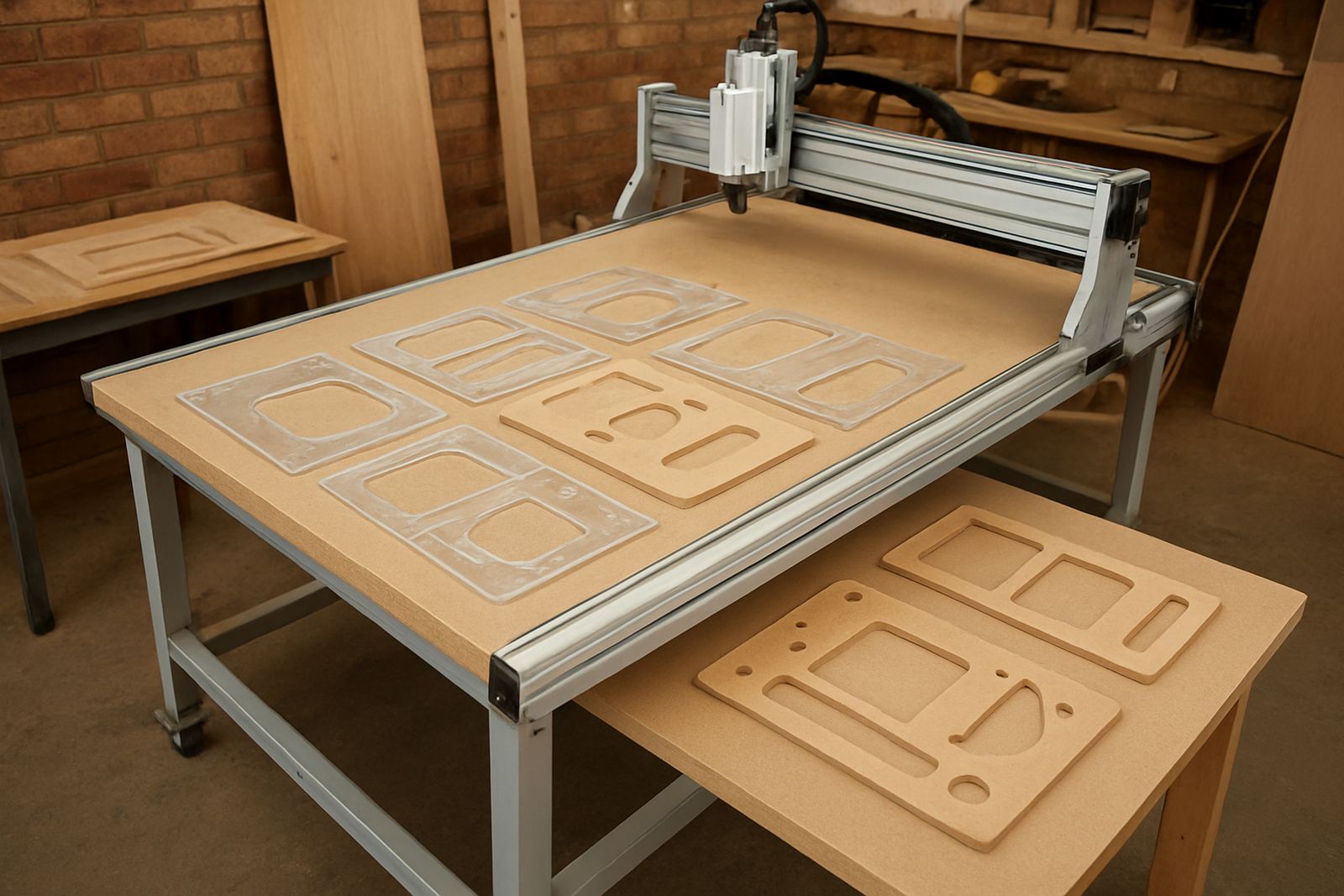
For South African workshops, the pressure is often practical. You may need to turn one approved sample into ten, or match an old part that no longer exists. A template cut on a CNC router table keeps the shape consistent, even if the operator changes. It also helps when material costs are tight and there is no room for rework.
In Silverton and the wider Pretoria East area, many small shops use template work for MDF patterns, acrylic guides and timber parts for repeat orders. The same approach works well for contractors in Centurion, Midrand and Kempton Park who need dependable parts without setting up heavy industrial production.
Typical Router Table Setups For Template Making
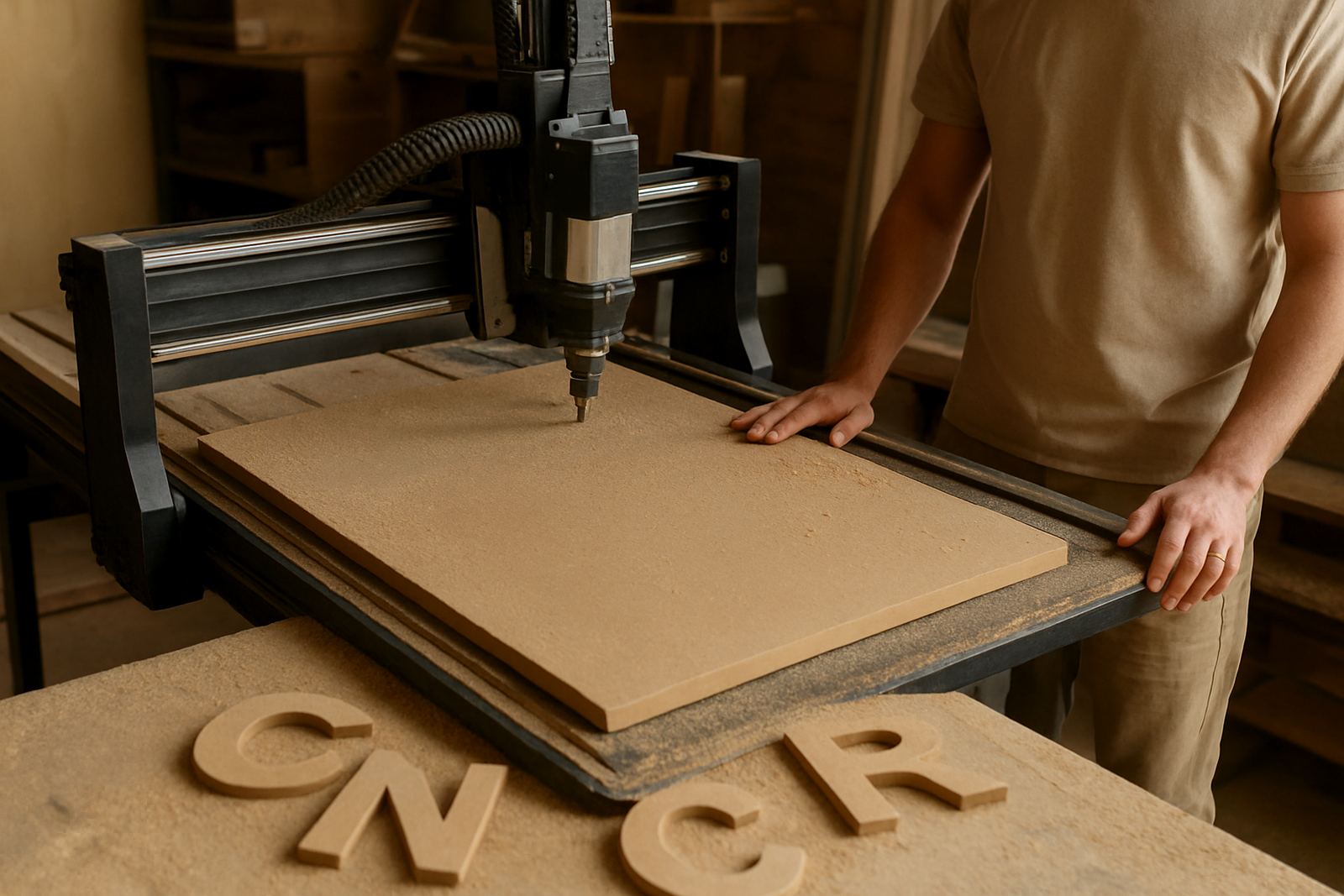
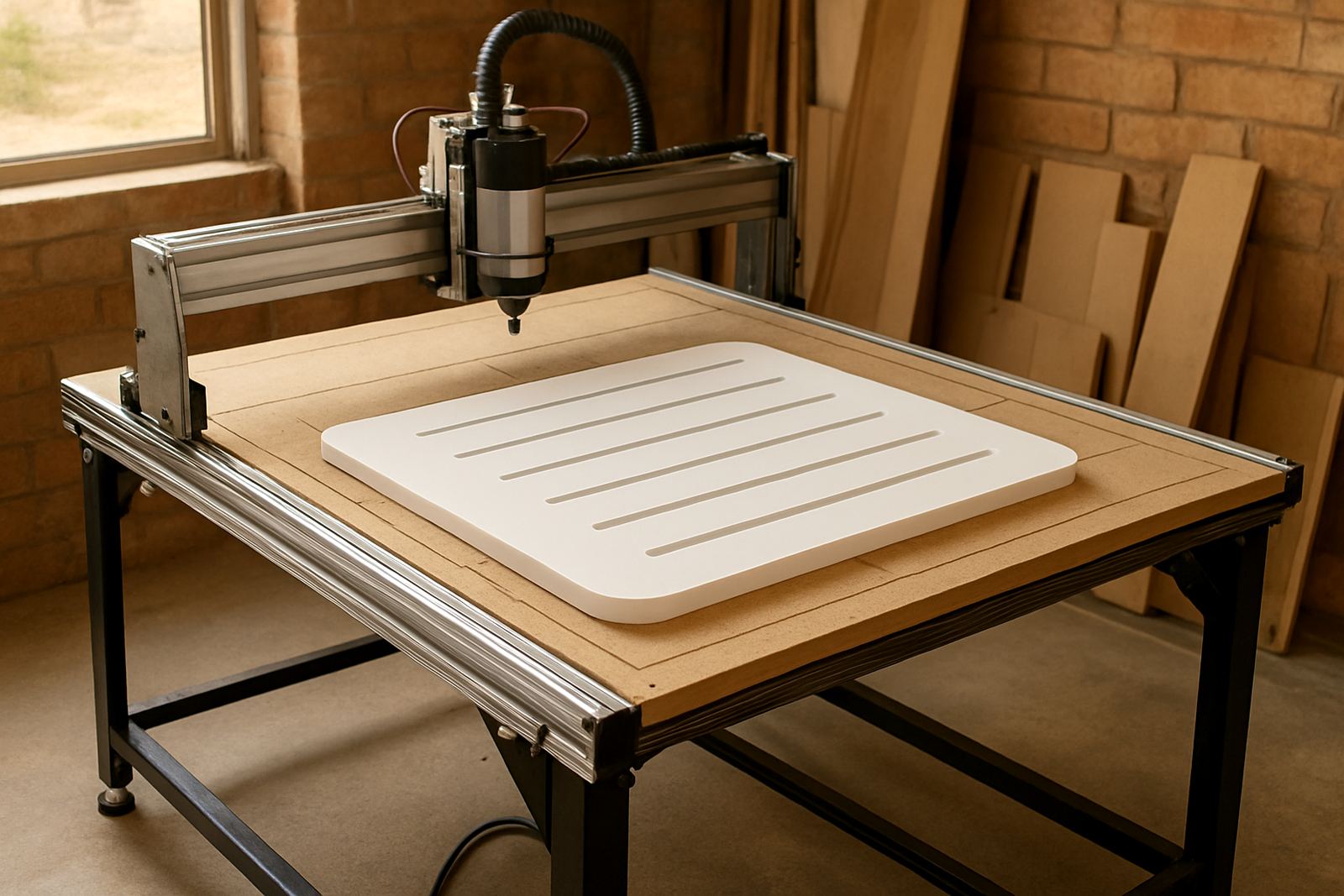
Most template jobs do not need a large production line. A well sized router table, a solid vacuum or clamp arrangement, and clear software setup are enough for accurate output. For hobby use, a compact table is often fine. For a growing workshop, a larger bed gives you more flexibility for full sheet work and nested parts.
Common equipment for template making includes:
- A CNC router table sized for 600 x 900 mm, 1200 x 1200 mm or full sheet work
- A suitable spindle for wood, MDF and plastics
- Dust extraction, especially for MDF and fine routing passes
- Vacuum hold-down or mechanical clamps
- A basic computer for drawing and toolpath preparation
- Calipers, measuring tools and a square for checking finished templates
For repeated template jobs, the machine does best when the material lies flat and the cutter path is planned with a clean lead-in and lead-out. If your workshop handles coastal humidity, or stores sheets for a long time, take extra care with MDF because swelling and edge softening can throw off accuracy.
Layout And Planning That Save Time Later
A good template starts before the cutter moves. Work from the finished part size, then add any allowance needed for trimming, sanding or bearing-guided routing. If the template will be used by a hand router, make sure the outer edge is smooth and there are no step marks that could transfer to the final workpiece.
Plan the workshop flow so the machine has a dedicated area for loading sheets, checking measurements and storing finished templates. A small bench for marking out and inspection helps a lot. In places like Pretoria East and Silverton where space can be limited, that extra metre or two around the machine makes changeovers easier and reduces handling mistakes.
- Keep one master drawing for each template and lock the dimensions
- Label every finished template with material, thickness and date
- Store templates flat to avoid warping
- Use the same cutter and feed settings for matching batches
- Check the first piece before running the full set
Consistency comes from routine. If one operator saves files in a different format, or changes the zero point without recording it, the next batch can shift by a few millimetres and that is enough to spoil a fitted job.
Common Mistakes That Cause Wasted Boards
The most common mistake is assuming a template only needs to look right. It has to measure right too. A shape that seems correct on the screen may be too large after tool compensation, or too small if the cutter path was not set for the actual bit diameter. Another frequent problem is poor clamping, which lets thin MDF lift during the cut.
Watch out for these issues:
- Using damp or bowed sheet material
- Skipping test cuts on new templates
- Ignoring cutter wear on fine detail work
- Not allowing for finish allowance on the final part
- Running without proper dust extraction, which affects visibility and cut quality
For manual routing, a rough template edge can transfer directly to the finished piece, so there is no point saving time at the machine and losing it on the bench. A clean path, proper support and correct spindle speed matter more than rushing a batch. We see this often with first-time users who are trying to save on setup and end up redoing a whole sheet.
Budget Ranges For Small Shops And Hobby Users
Template making can start at very different levels depending on workload. A hobby user making occasional jigs will usually need a smaller machine and a modest accessory set. A workshop doing regular repeat production should look at something stronger, with better hold-down and support for spares and training.
As a practical guide, budget ranges often fall into these brackets:
- Entry level hobby setup: about R35 000 to R65 000
- Mid-range small workshop setup: about R75 000 to R150 000
- Higher duty setup for repeat production: from about R160 000 upward
Those figures can shift depending on table size, spindle choice, software needs, extraction and accessories. It also helps to budget for training, because a machine that is not set up properly can cost more in scrap than the original saving. In Gauteng, many buyers prefer to start with a practical package, then add hold-down, spares and maintenance items once production begins.
Support, Training And Spares For Ongoing Output
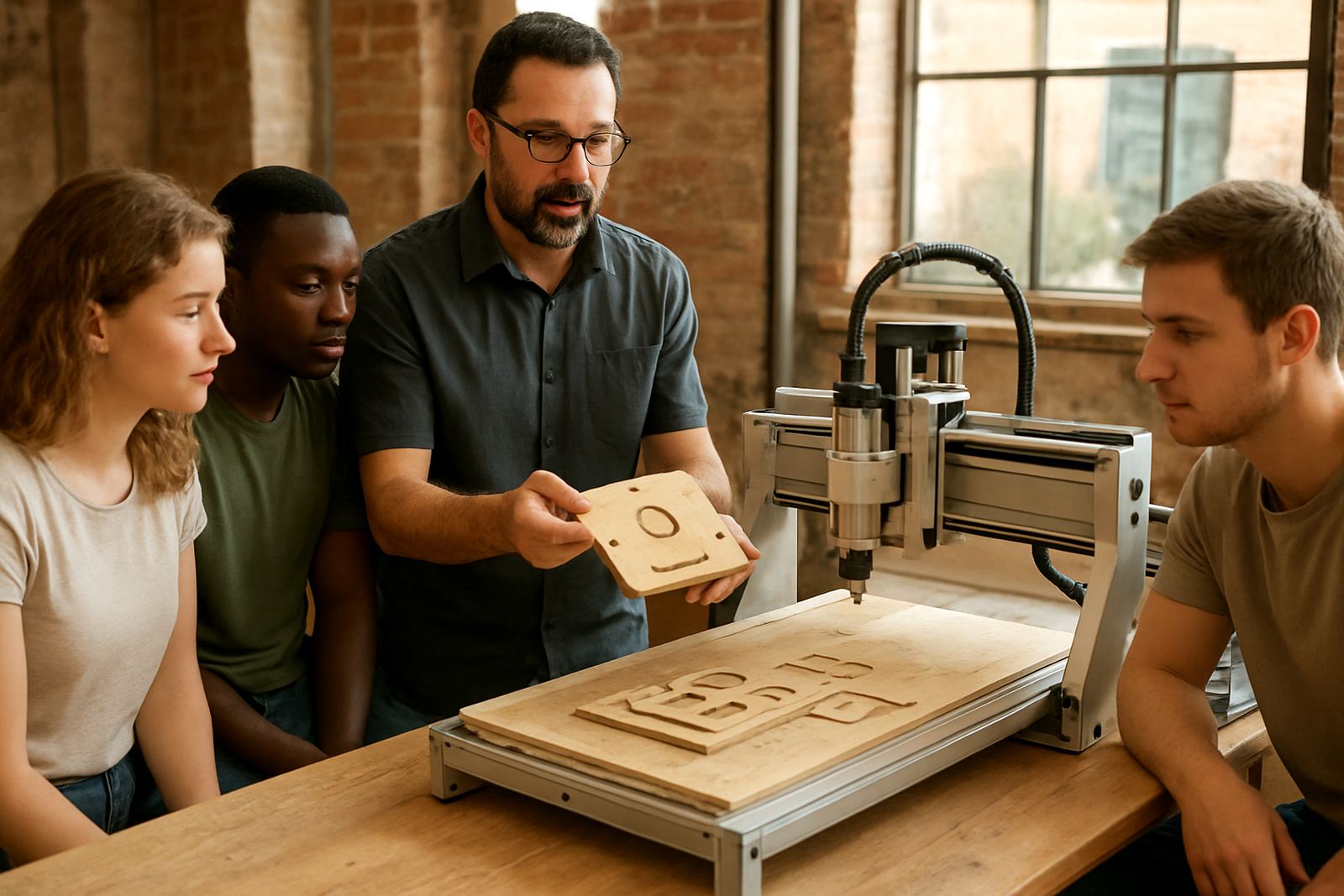
Template work improves quickly when operators know how to set zero, choose the right tool and check a drawing before cutting. Training helps new users avoid the early mistakes that waste material, while refresher sessions are useful when the machine is moved, upgraded or used by a new operator.
For workshops in Pretoria, Centurion, Midrand and Kempton Park, support often means more than just a machine sale. It means help with starter setup, control tuning, spindle replacement, preventive maintenance and breakdown support when deadlines are tight. Nationwide spares planning also matters, because a small item can stop a whole batch if it is not on hand.
CNC Router Hub works with hobbyists and professionals who need practical help with template making. From Silverton in Pretoria, the team supports operator training, software basics, remote support and spares coordination so that the machine stays useful over time, not only on day one.