What schools usually need from a CNC project setup
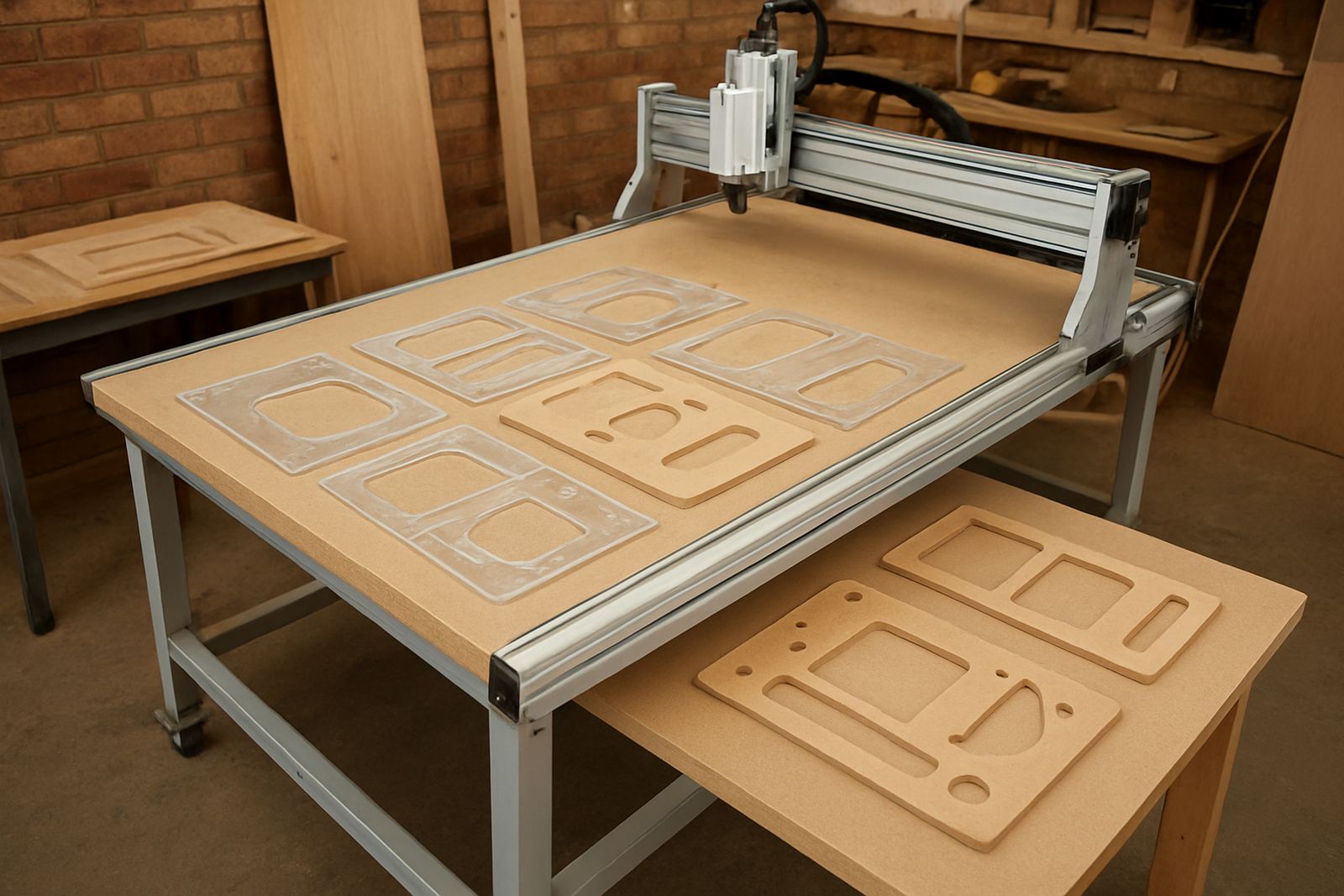
For school project work, the machine must suit mixed skill levels and short practical sessions. Most schools are not looking for a big production router, but for a smaller table that can handle MDF, plywood and plastic at a steady pace. The aim is to teach measuring, drawing, file setup, tool selection and safe machine operation without overwhelming learners or staff.
In Pretoria, Centurion and Midrand we often see schools wanting one machine for technology classes and an after school club. That setup works best when the router is easy to supervise, has clear emergency stops and uses materials that are affordable to replace if a sheet is wasted. A compact router also fits better in a classroom workshop where space, noise and dust must be controlled.
Good school projects include name signs, interlocking shapes, map panels, puzzle boards, small storage trays and basic relief carving. These tasks teach process, not just the final product. They also give learners a proper feel for digital fabrication, which is useful for design, engineering and visual arts subjects.
Typical equipment for learner projects
A practical starter set usually includes the router table, a suitable spindle or router motor, a dust extraction point, basic clamping, a tool set and entry level software support. If the school is working with beginners, keep the first machine simple and reliable. A smaller machine can handle most school tasks and it is easier to train teachers on one control system instead of several.
- CNC router table sized for A4 to 1 200 x 600 mm work where space allows
- Workholding for MDF, plywood and plastics
- Starter tooling for profiling, engraving and pocketing
- Dedicated laptop or PC for file preparation
- Dust control and a safe cutting area
- Basic spare items such as cutters, belts and sensors
For schools close to the coast or in humid areas, storage matters too. MDF and tools should be kept off the floor and away from damp walls. In Pretoria, a clean dry room is still important because dust builds up fast and can affect the machine if routine cleaning is missed.
Planning the classroom or workshop layout
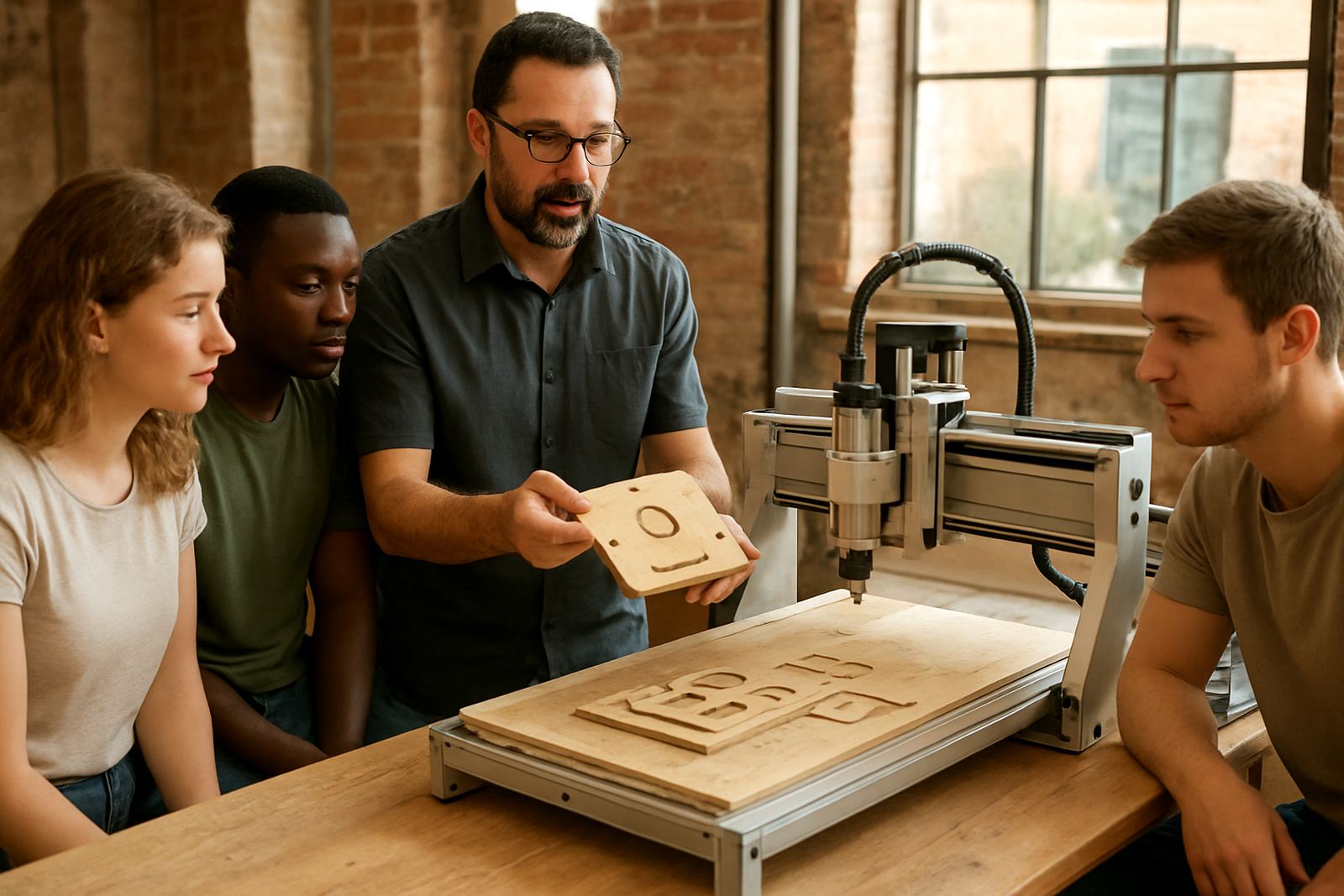
The best layout is one where learners can watch the setup without crowding the machine. Leave space for the router, the computer, material storage and a safe waiting zone. If the class size is large, set up a clear line for learners to step back while the machine is running. That keeps the teacher in control and avoids damage to workpieces and tools.
We recommend placing the machine where power, dust extraction and airflow are easy to manage. If load-shedding affects the school, plan for a proper shutdown routine so the machine can be paused safely and the workpiece can be checked before restarting. A small UPS may help with the computer, but it will not drive the machine for long, so learners must be taught what to do when the power cuts out.
- Keep the operator side open and uncluttered
- Store sheets flat so they do not warp
- Mark a safe no-go zone around the router
- Keep teaching notes next to the control PC
- Use labelled bins for cutters, screws and spares
Common mistakes on school projects
One common mistake is starting with work that is too ambitious. A school project should be finished in a lesson or two, not dragged over a month. When learners try to make a complicated relief panel before they understand toolpaths, the job often ends in broken cutters or wasted material. It is better to begin with flat profiles, drilled holes and simple pockets.
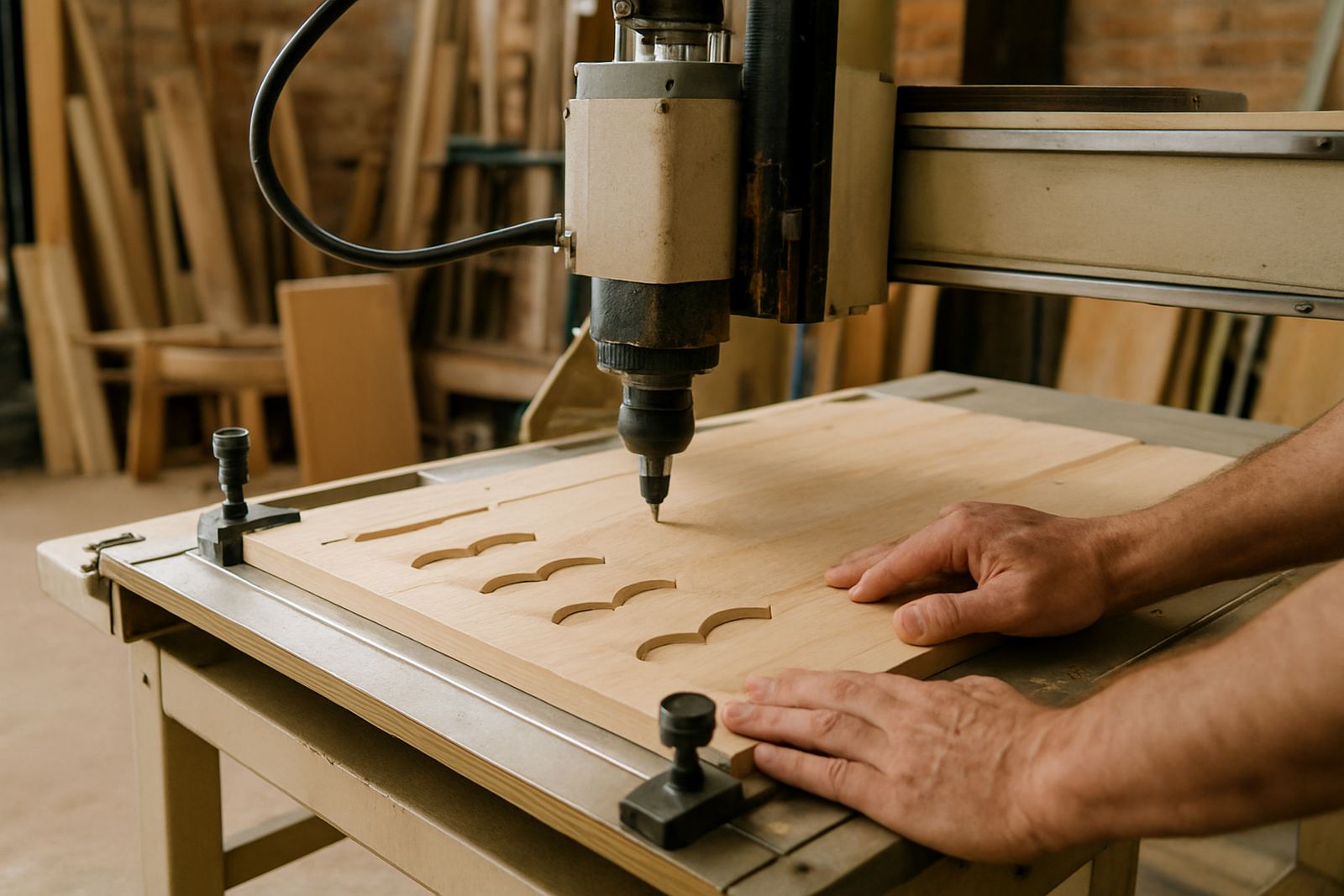
Another mistake is treating the router like a hands off machine. It still needs supervision, especially when the class is learning about zeroing, clamping and feed rates. Thin material can move if it is not held properly, and that causes poor edges and sometimes a damaged spoilboard. We also see schools forget about spare cutters and basic maintenance, then the machine sits idle for weeks when one small part fails.
Training helps avoid these problems. A short refresher for staff and learners before term starts usually saves more time than it costs. If the team knows how to prep files, check the bed and inspect the machine, the projects run smoother and the results are neater. Small errors do happen, that is normal, but they should be easy to correct.
Budget ranges for school project work
Budgets vary depending on how many learners will use the machine and how much support the school wants. A careful starter setup for school project work can begin at about R85 000 to R140 000 for a compact router package, basic tooling and initial training. If the school needs a larger table, stronger extraction and extra spares, the cost can move into the R150 000 to R260 000 range.
For schools that want a proper practical training cell with more than one machine or a more advanced spindle setup, it is wise to budget from about R280 000 upwards. That figure should also allow for software basics, spare cutters, dust control and at least one maintenance visit. It is cheaper to plan properly at the start than to patch together missing items later.
When funds are limited, it helps to phase the purchase. Start with the machine, training and a short list of spares. Add tooling, extra workholding and a second computer later. That approach keeps the project moving and avoids overspending before the school has tested how often the machine will be used.
How we support schools after installation
Schools need more than a machine drop-off. We help with operator training, software basics, starter setup visits, preventive maintenance, breakdown support, spindle replacement, control tuning, remote support, refresher training and spares planning. That support is useful for technology departments, college workshops and learner clubs that run during term time and in holiday programmes.
From Silverton in Pretoria, we support schools in Pretoria East, Centurion, Midrand and Kempton Park, with training and spares available nationwide. If a school needs help getting a project ready for an open day or assessment week, we can assist with setup checks, material advice and spare item planning so the machine is ready when the learners are.
For enquiries, schools can send us a message through our contact form. A practical discussion about room size, learner numbers and the type of project work usually gives the clearest path forward.