
Campus Signs That Needed To Be Clear And Tough
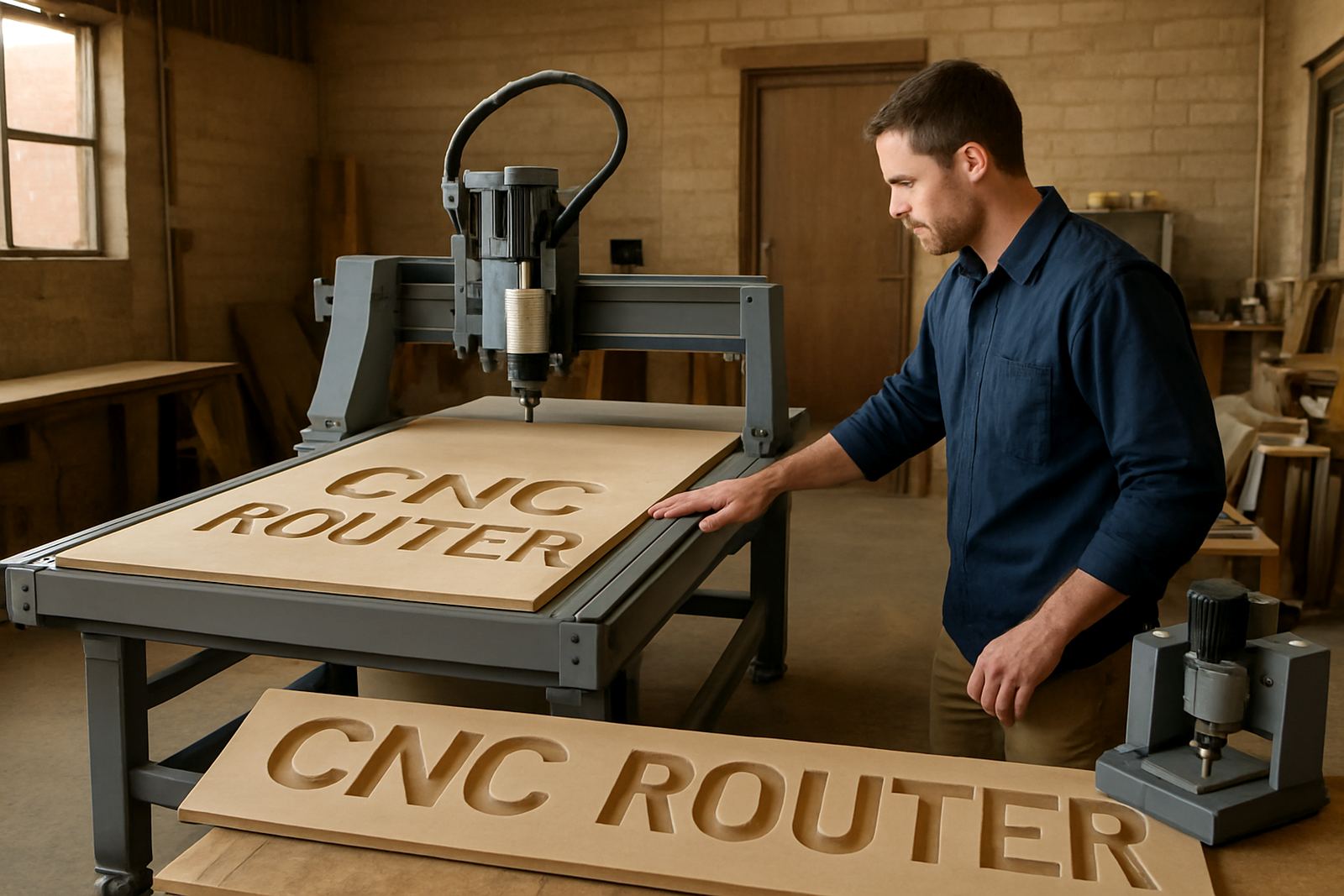
The brief came from a local education client in Silverton, Pretoria. They needed a practical way to make campus signs, classroom markers and notice panels without sending every small update out to a printer or cut shop. The work had to look clean from the road, stay readable for parents and visitors, and hold up to regular use on a busy school site.
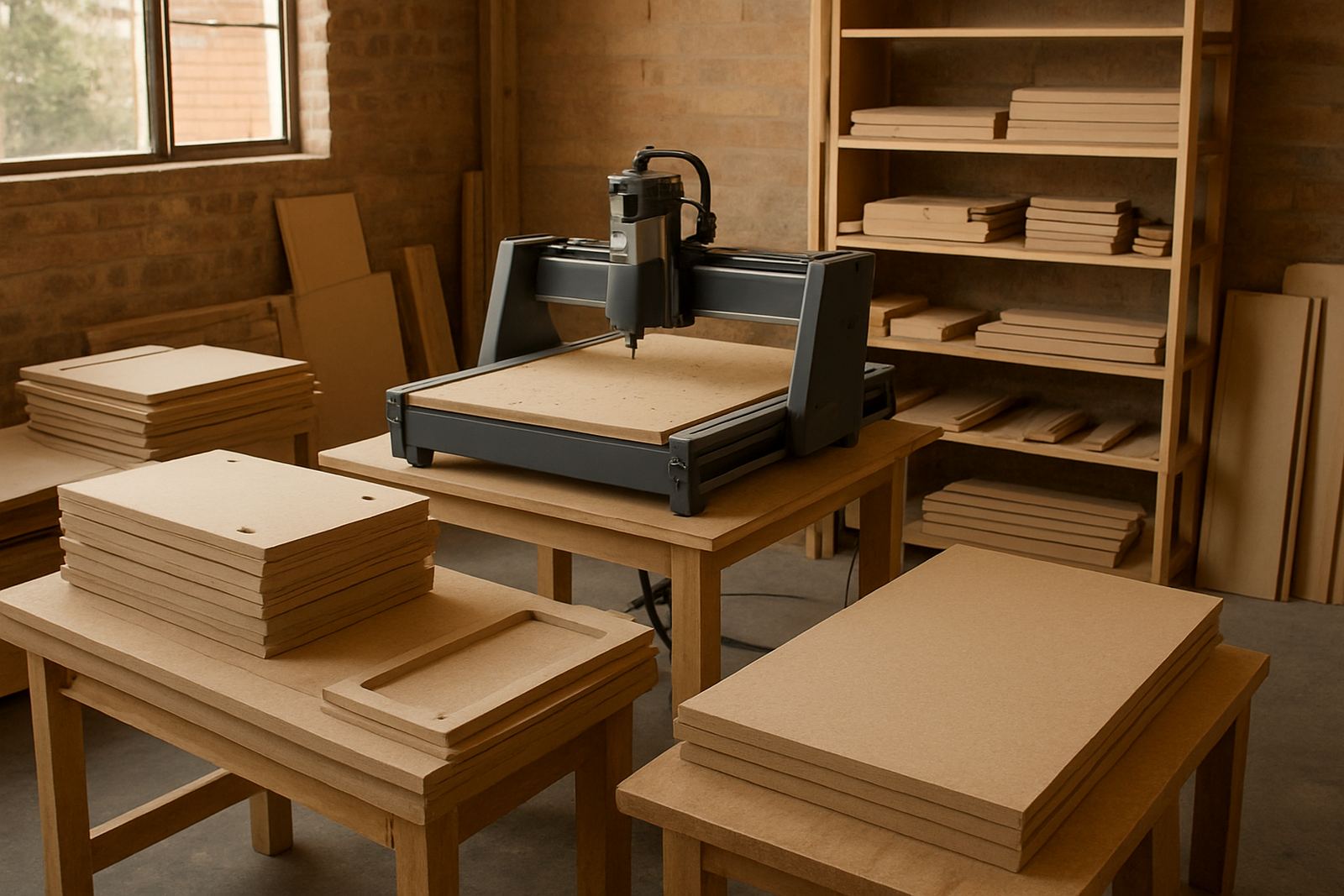
The school was working with standard panel sizes, a mix of MDF and plastic sheet, and a limited workshop area. They also wanted a machine that a small team could manage after school hours and during quieter parts of the day. With load-shedding in mind, the setup had to be easy to stop and restart without losing work, and simple enough for staff to learn quickly.
- Project location: Silverton, Pretoria
- Client type: education client
- Materials: MDF and plastic sheet
- Output: campus signs, notice boards, directional panels
- Main need: neat repeatable cuts for small batch work
What The School Needed From The Router Setup
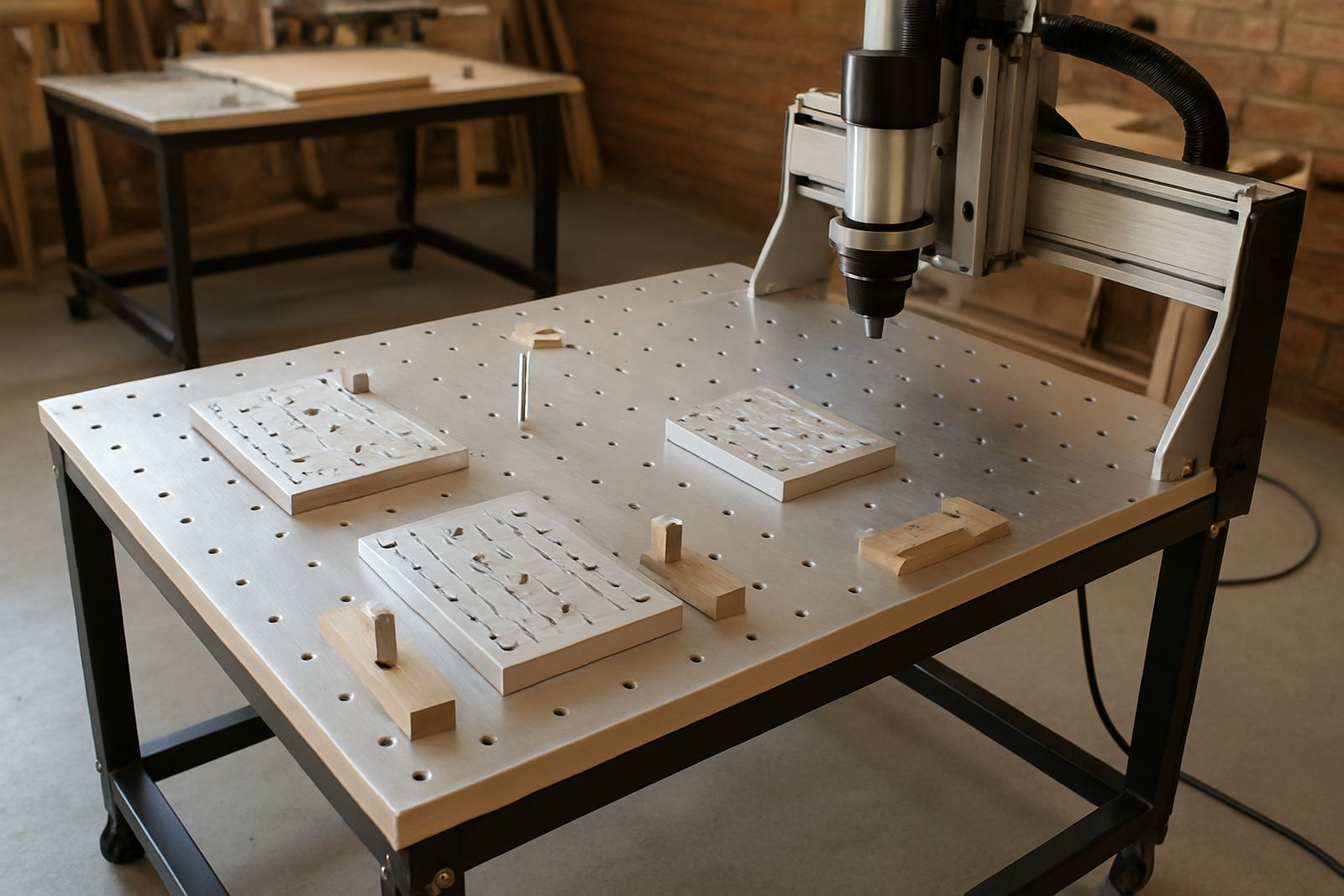
The client did not need a large industrial table. They needed a compact CNC router table with enough working area for sign blanks, plus clean movement for lettering, borders and pocket cuts. Dust control was important because the workshop sat close to teaching areas, and the machine had to be suitable for regular use without taking over the whole room.
We recommended a desktop and hobby class router table with a working area suited to small and medium sign panels. The machine package was matched to their material thicknesses and the type of work they do week to week. We also made sure the control setup was practical for a team that had basic workshop experience but limited CNC experience.
- Compact footprint for a school workshop
- Suitable for MDF, PVC-type sheets and plastic signage material
- Clean edge quality for letters and panel cut-outs
- Simple controls for staff rotation and relief cover
- Low fuss restart after power interruptions
Supplied, Set Up And Put Into Use In 3 Weeks
The job ran over three weeks from first site discussion to the first finished signs. In week one we confirmed the sign sizes, sheet sizes and power requirements, then checked the workshop layout. In week two we supplied the router table, basic tooling, hold-down items and the spare parts most likely to be needed in the first months of use. We also went through software basics so the school could prepare simple files without constant outside help.
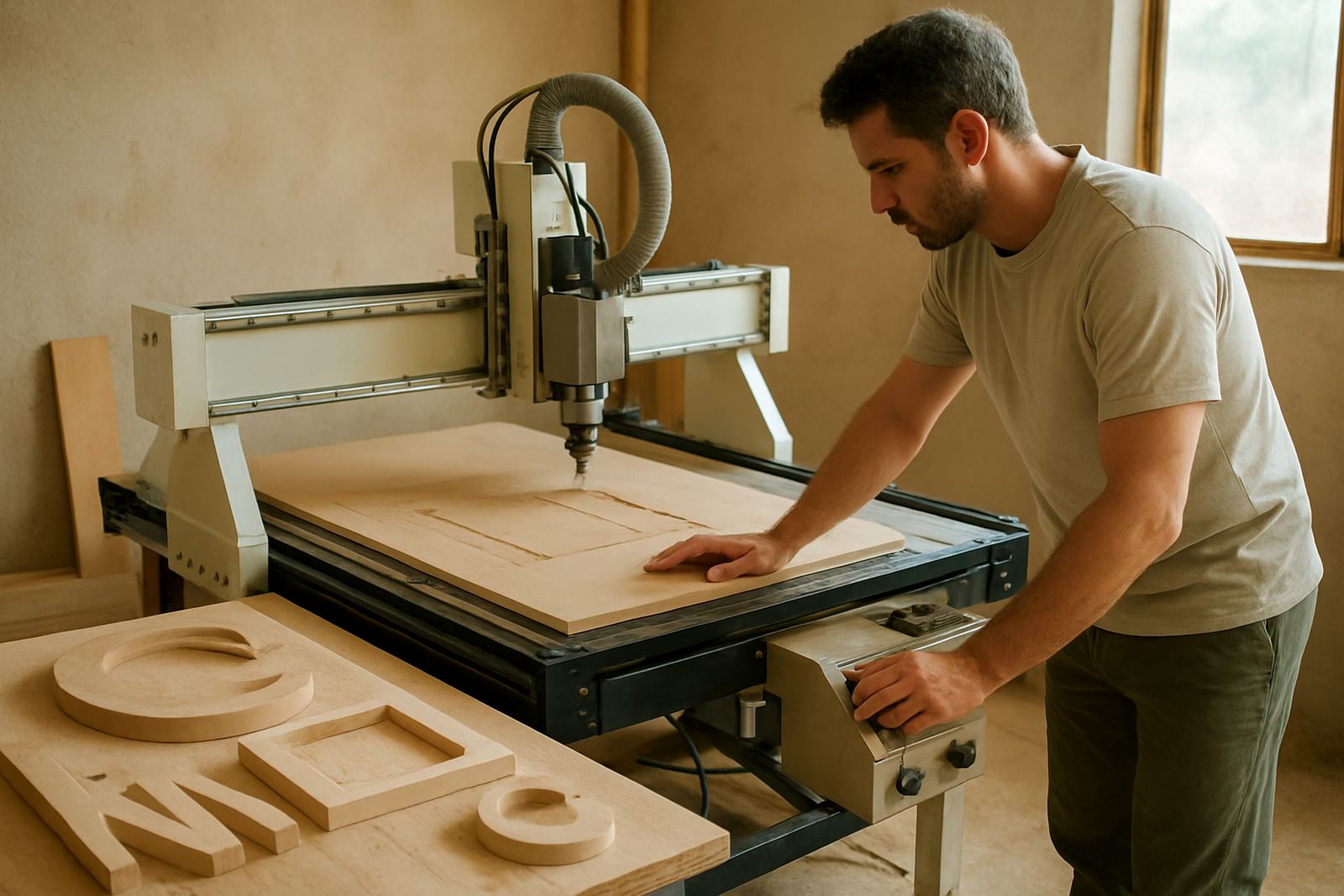
Week three focused on starter setup, test cuts and live training. We showed the team how to set material zero, check bit wear, clean the bed and carry out basic control tuning. The school was then able to produce its first batch of signs, including directional panels and notice boards, with repeatable sizing and tidy edges. It was a practical rollout, not a complicated one, which suited the client fine.
- Week 1: site check, sizing and workflow planning
- Week 2: supply of router table, tooling and starter spares
- Week 3: setup visit, training and first production run
Training That Fit A Busy School Timetable
Training for this project was kept short, practical and tied to real jobs. The team did not want a long technical course. They wanted enough confidence to make signs on their own, change cutters safely, and know when to ask for help. We covered operator training, software basics and refresher notes for the staff member who would run the machine most often.
Because school work can be interrupted by bells, visitors and load-shedding, we also covered pause and recovery steps. That included how to save work before a power cut, how to check alignment after a stop, and how to keep the machine ready if it sits idle for a few days. Those details matter in a real working environment and save a lot of avoidable frustration.
- Operator training for day-to-day use
- Software basics for simple sign files
- Starter setup visit at the Pretoria site
- Refresher guidance for relief staff
- Power interruption recovery steps
Results On The Notice Board And Across The Campus
The school got neat, consistent signage with less waiting time and less dependence on outside suppliers. Small changes to room names, notices and directional boards could now be done in-house, which helped them keep pace with term-time updates. The clean cut quality also made the panels look more professional at the entrance and around the campus.
For a school, the real value was not only the finished sign, but the control over timing. When a notice changes, it can be redone the same day. When a panel needs replacing after weather or handling, the team already knows how to make it. That is useful in Pretoria where dust, heat and sudden rain can shorten the life of low-grade sign material if it is not cut and finished properly.
The client also took up spares planning after the first run. That meant they could keep common items on hand and avoid waiting for a minor part before finishing a job. It was a good fit for a small on-site workshop, and the whole setup has stayed practical rather than overcomplicated.
Methods We Would Keep For Another School Signage Job
If we were doing this project again for another school in Silverton, Pretoria East or Centurion, we would keep the same approach. Start with the actual sign sizes, check the workshop space properly, then match the router table to the material list rather than oversizing the machine. That keeps the budget sensible and the learning curve manageable.
We would also recommend planning the first month of spares from the start. For a school setting, the items most likely to matter are cutters, collets, hold-down parts and basic service items. A few practical additions at the start can prevent a small stoppage from turning into a week of delay, especially when term deadlines are close.
- Measure sign blanks before choosing the table size
- Set up a simple file naming system for staff handover
- Keep common spares on site from day one
- Allow for dust extraction and safe cable routing
- Plan around term dates and school events
Key facts
| Project location | Silverton, Pretoria |
|---|---|
| Client type | School and campus signage |
| Materials cut | MDF and plastic sheet |
| Machine class | Compact CNC router table |
| Timeline | 3 weeks |
| Support included | Training, starter setup and spares planning |