Community brief for a beginner friendly CNC space
The client was a youth training space in Mamelodi, Pretoria, working with school leavers and young adults who needed hands-on skills that could lead to small jobs, repairs, signage work and simple furniture parts. The brief was clear: set up a starter CNC route that could handle MDF, plywood and plastics, keep the learning curve manageable, and allow a new user to get productive within a short period.
They also needed a practical support plan. In a community setting, the machine cannot sit idle for long if a belt, bit, spindle or cable fails. Power interruptions were a concern too, so the setup had to be suitable for load-shedding recovery and basic shutdown procedures. We worked with the client to keep the machine specification simple, safe, and easy to maintain.
- Client type: community youth workshop
- Town: Mamelodi, Pretoria
- Materials: MDF, plywood, acrylic and other sheet plastics
- Main goal: beginner skill development with usable output
What we supplied for the project
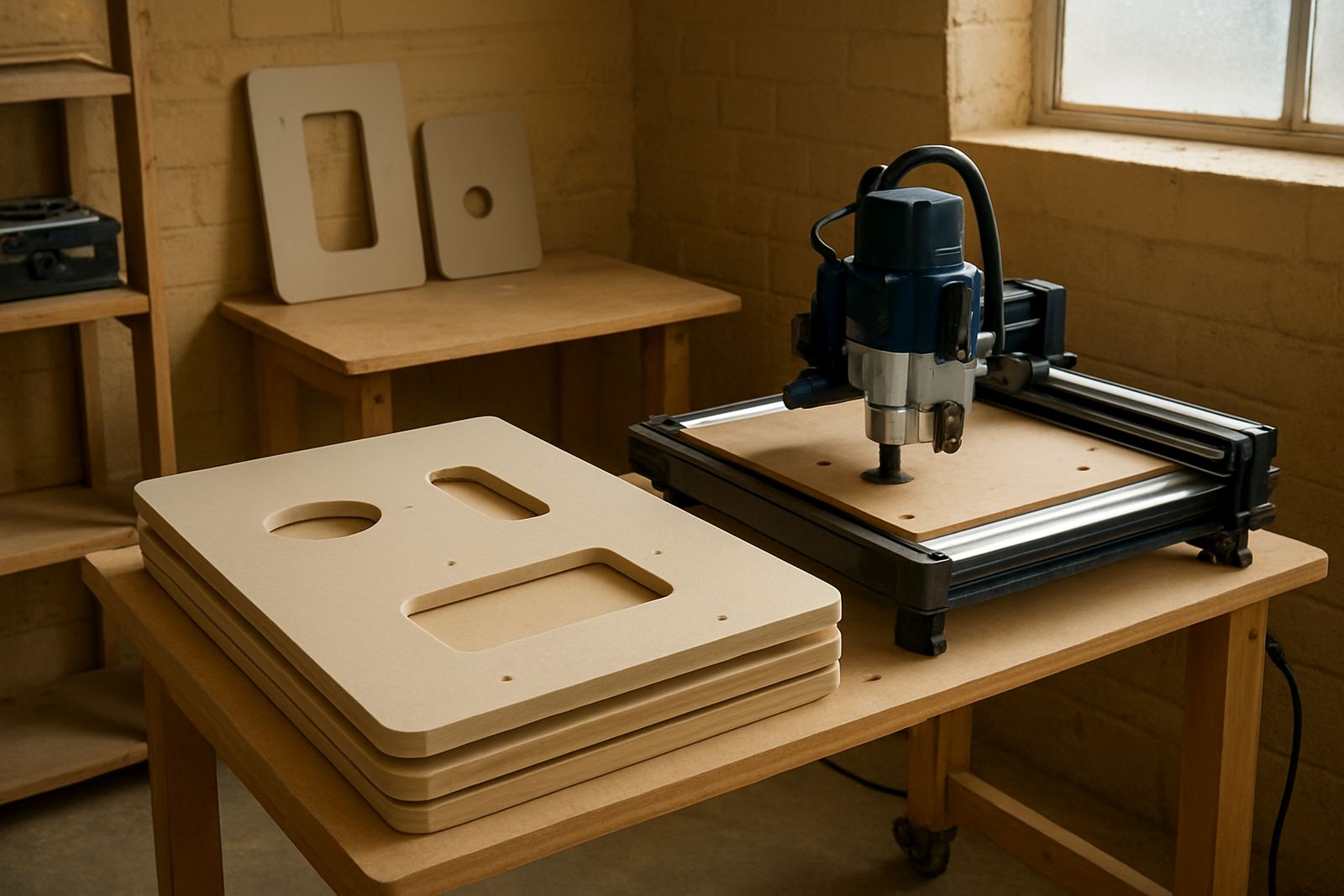
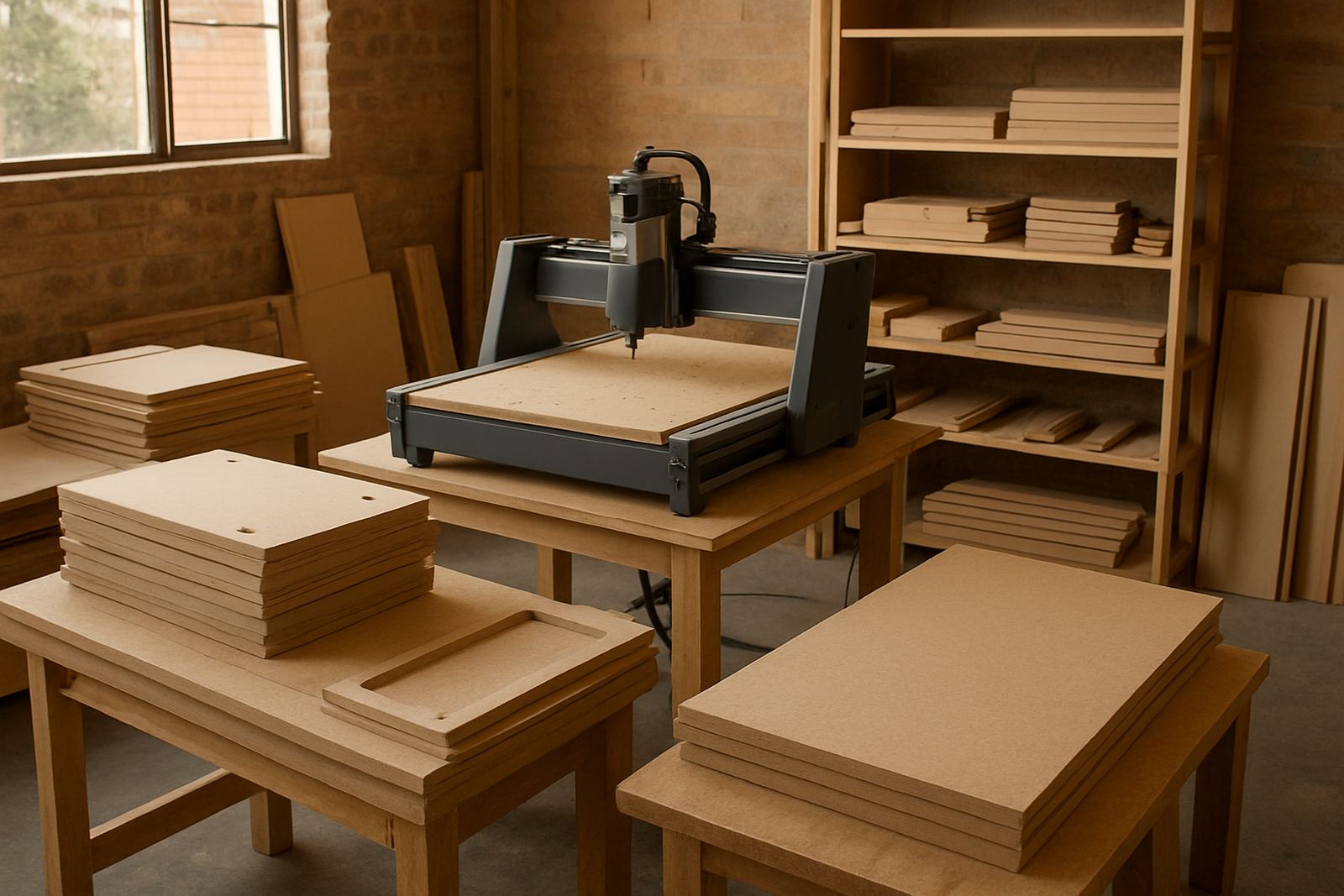
We supplied a compact CNC router table with a working area suited to small workshop jobs, plus the items needed to start cutting properly from week one. The focus was on a dependable desktop and hobby class setup rather than a large industrial machine. That made the space easier to run, cheaper to maintain, and better suited to learners who were still getting used to machine control and file prep.
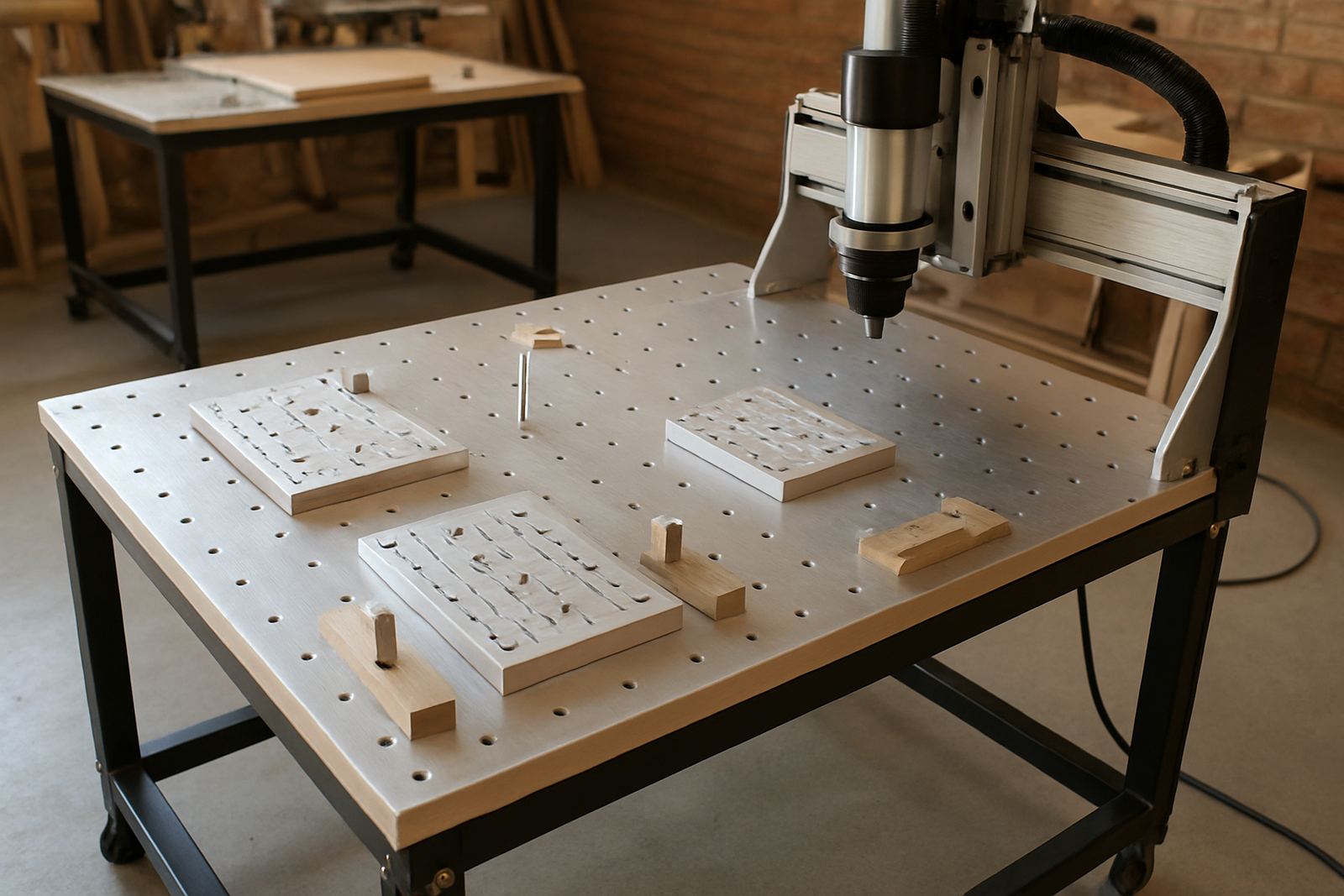
The package included operator training, software basics, startup guidance and a spares plan. We also helped the team choose consumables that make sense for a training space, including cutting bits, hold down parts and a simple cleaning routine. The control setup was tuned for repeatable movement and practical everyday use, not fancy extras the team would not need.
- Compact CNC router table for small to medium sheet work
- Entry level control setup with basic workflow training
- Starter tool and spare planning for daily use
- Simple operating sheets for learners and supervisors
Site limitations at the workshop and how we worked around them
The workshop had limited floor space and a shared teaching area, so the machine footprint mattered. We also had to work around a modest electrical supply and the reality of sudden power cuts. Instead of adding complexity, we kept the installation practical, with clear cable routing, sensible placement, and easy access for cleaning and tool changes. That saved time for the staff and reduced the chances of avoidable mistakes.
Noise and dust were another factor. A youth workshop cannot afford a messy corner that becomes a safety issue, so we explained extraction habits, clamping discipline and how to keep the table clear between sessions. The team also needed guidance on keeping spare parts stored in one place. It sounds basic, but in a busy room with learners moving around, that organisation makes a big difference.
- Limited space inside a shared training room
- Power interruptions and restart procedures
- Dust control, housekeeping and safe clamping
- Need for easy access to spares and consumables
Training delivered for the first learner group
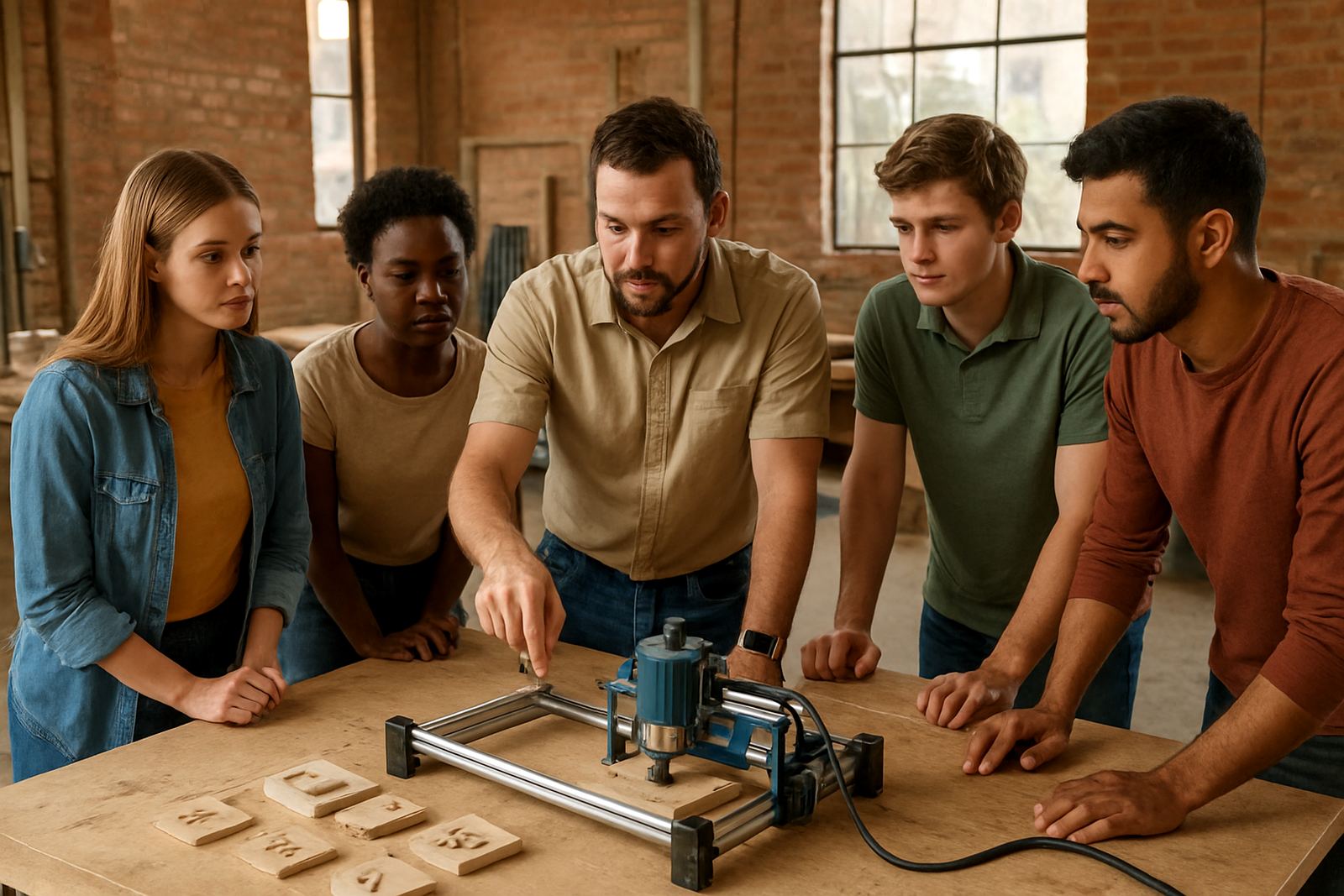
Training was delivered over two weeks, with sessions that covered machine safety, material setup, basic file handling and first cuts. We kept the instruction practical. Learners were shown how to home the machine, check zero points, secure sheet material and recognise when a bit was not cutting cleanly. The aim was to build confidence quickly without skipping the parts that prevent damage.
We also covered software basics so the staff could prepare simple jobs on their own. That included importing 2D cut paths, checking toolpaths before starting, and using the same setup for repeat jobs. The technical trainer spent time on what to do after an interruption and how to restart properly once power returned. That made a big difference because the team could carry on without panicking when the lights went off.
- Week 1: machine induction, safety, setup and first test cuts
- Week 2: software basics, repeat jobs and troubleshooting
- Extra time: refresher support for staff supervisors
Results from the first production runs
By the end of the rollout, the workshop was producing practical learner projects such as name boards, simple organisers, learning aids and flat pack style parts for small assemblies. The machine helped turn a class session into something tangible, which is often what keeps young people engaged. The staff reported that learners picked up the workflow faster when they could see a finished part within the same session.
The project also created a useful maintenance habit. Because the team had a clear spares list and a basic service routine, minor issues could be dealt with before they became downtime. The workshop was not trying to run a full time manufacturing line, and that was the right fit. The setup matched the actual load they had, so it remained practicaly easy to manage.
- Shorter setup time for repeat learner jobs
- Better confidence with software and machine operation
- Cleaner cuts on MDF and plastic practice pieces
- Less downtime because spares were planned upfront
What we would repeat for a similar youth project
On another workshop project like this in Mamelodi, we would follow the same route: start with a compact machine, train the people who will actually run it, and keep a clear spares plan from day one. In a community workshop, the success of the project depends as much on simple habits as it does on the machine itself. Good start-up practice, safe material handling and clear responsibility for maintenance all matter.
For similar sites in Pretoria, Centurion, Midrand or Kempton Park, we would still recommend a starter setup visit before the machine goes into daily use. That gives the team a proper base line, especially if the workshop is dealing with mixed user levels and irregular power supply. It is a practical way to keep the investment working for the long term, not just the first few weeks.
- Keep the machine size matched to the room and the skill level
- Train the supervisors, not only the learners
- Plan spares early for bits, belts and control parts
- Build a simple maintenance routine from the start
Key facts
| Project type | Community youth CNC training space |
|---|---|
| Town | Mamelodi, Pretoria |
| Timeline | 2 weeks for training and starter rollout |
| Machine class | Compact desktop and hobby CNC router |
| Material range | MDF, plywood, acrylic and sheet plastics |
| Support included | Operator training, software basics, spares planning and remote support |