Built for learner use, not just light duty work
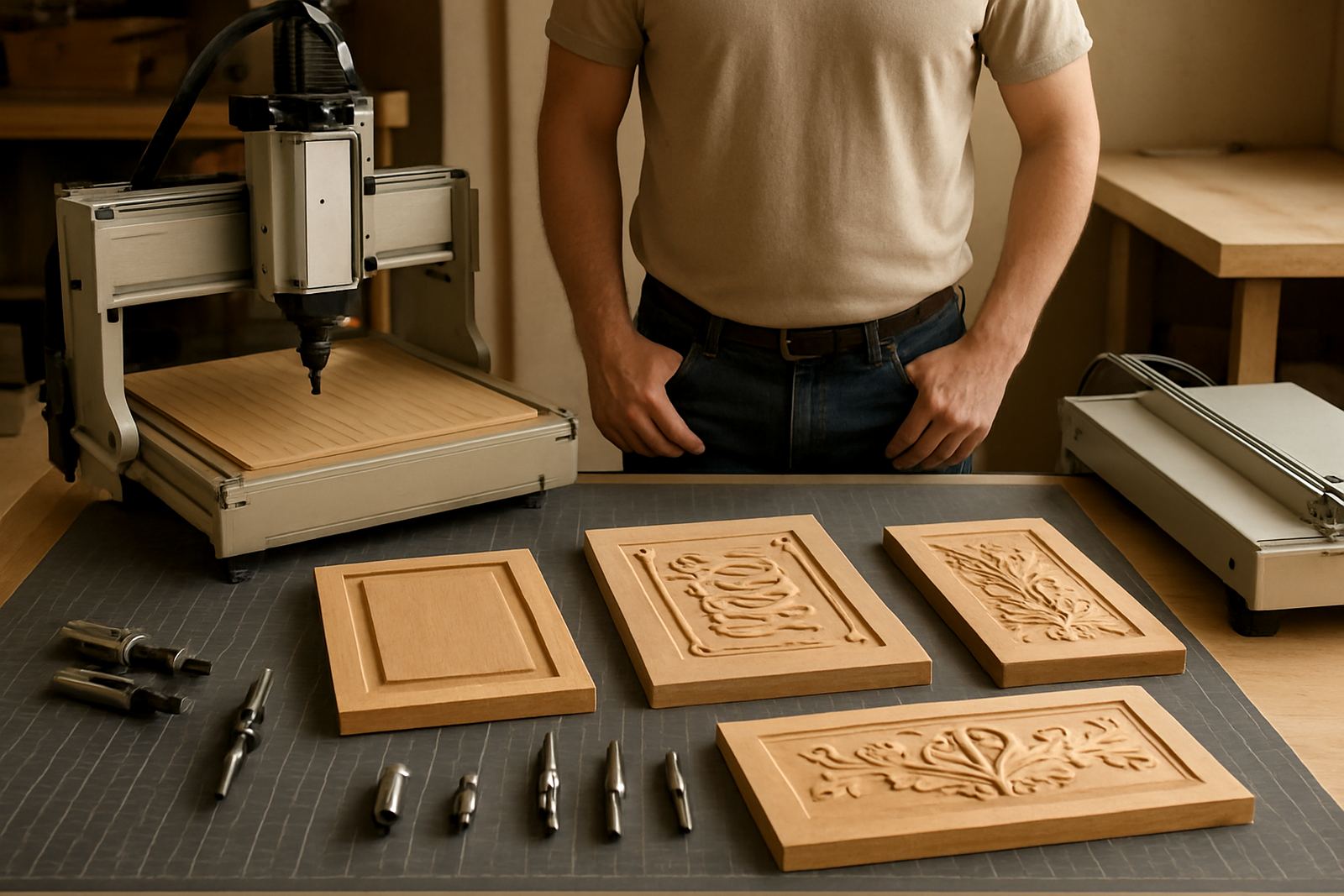
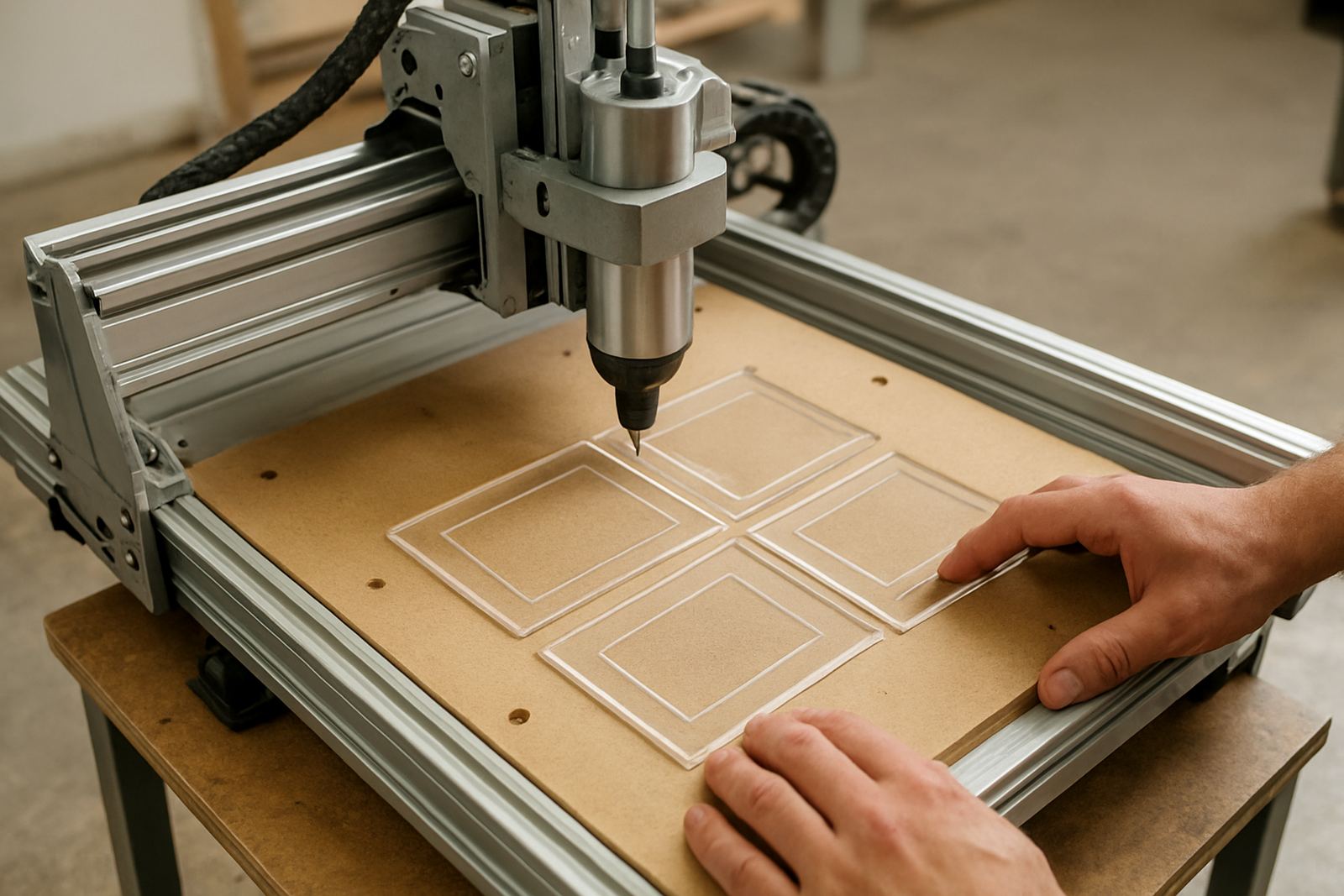
The School Router 900 is aimed at educational environments where the machine must be easy to understand, safe to supervise and strong enough for regular class use. It suits wood, MDF, foam board and many plastics, so learners can do signs, school projects, jigs and prototype parts on one platform.
The table size gives enough room for practical work while keeping the machine compact for a tech room, maker space or small workshop. It is also a good fit for supervised hobby use where the operator wants proper CNC control without moving into a larger industrial router.
In practice, that means a machine that can handle repeated student jobs, short production runs and skills training. The controls are kept straightforward so teachers and trainers can focus on setup, toolpaths and safe operation, not on fighting the machine. It is a good fit for schools in Pretoria, Centurion and Midrand, and it ships well to coastal areas too if the workshop manages dust and humidity.
Sizes and options that make classroom planning easier
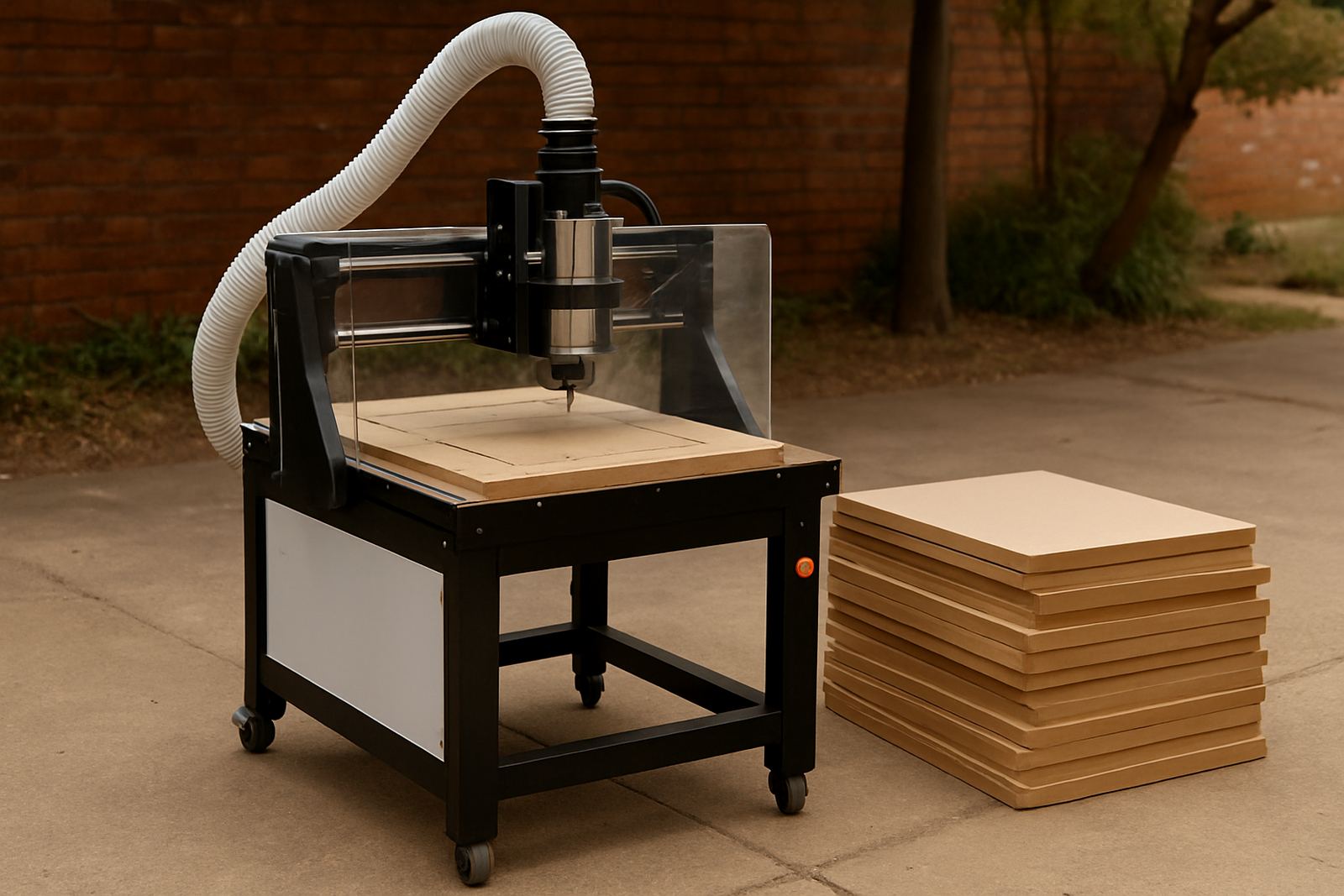
The School Router 900 is available in a compact format suited to smaller rooms and supervised stations. It is usually specified around a 900 mm class working area, with options to suit different bench layouts and material sizes. That gives enough room for A3 style panels, school signage and small component nesting, while still fitting through standard doors and into tight workshop corners.
Typical options include a spoilboard top, vacuum or clamp hold-down choices, dust extraction preparation and a controller setup that suits beginner to intermediate use. If your school plans to start with simple cutting and later add more advanced work, the machine can be ordered with the accessories needed for that step by step approach.
- Compact footprint for classrooms and training rooms
- Suitable for wood, MDF, plastics and foam board
- Optional hold-down and dust control add-ons
- Can be paired with starter tooling and basic software training
When space matters, the 900 class format is easier to manage than a larger shop machine, but it still gives proper CNC routing capability. That balance is why many educational users prefer it for supervised learner work.
Where the School Router 900 works best
This package is best suited to schools, colleges, training centres, design studios and small maker rooms where the router is used under supervision. It works well for technology subjects, woodwork departments, fabrication labs and after-school programs. It also suits small businesses that want a teaching machine for apprentices or interns.
Because it is aimed at learning, the machine is a good choice when the goal is to teach measurement, setting out, tool selection and file preparation. It is not only about cutting parts. It helps learners understand machine limits, feed rates, tool wear and how a wrong setup can waste material, time and money.
Where students are involved, consistency matters. A machine that repeats the same cut with good control makes it easier for a trainer to show the effect of speed, depth and holding method. That kind of hands-on work is useful in both urban schools and rural training centres, as long as the room stays dry and the machine is kept clean.
Installation, power and workshop conditions
The School Router 900 normally needs a stable 220V single phase supply, which makes it suitable for many South African workshops without special three phase infrastructure. It does not need gas. For best results, the machine should be installed on a level floor or solid stand, with enough space for loading sheets, standing clear of moving parts and reaching the control point safely.
A dedicated circuit is recommended where possible, especially in places that experience load-shedding, voltage dips or heavy use from other workshop tools. If the area sees frequent power interruptions, a backup plan for safe shutdown and restart is worth having. The router should also have dust extraction or at least regular vacuum cleaning, because MDF dust builds up quickly and can affect guides, motors and switches.
- 220V single phase supply recommended
- No gas connection required
- Level floor or rigid stand needed
- Dust extraction strongly advised
- Keep away from damp walls and direct coastal moisture
In Pretoria and the East Rand, dust and power quality are usually the first two things to manage. In coastal areas, add humidity control and anti rust care so the machine stays in good order.
Training, support and first-time setup
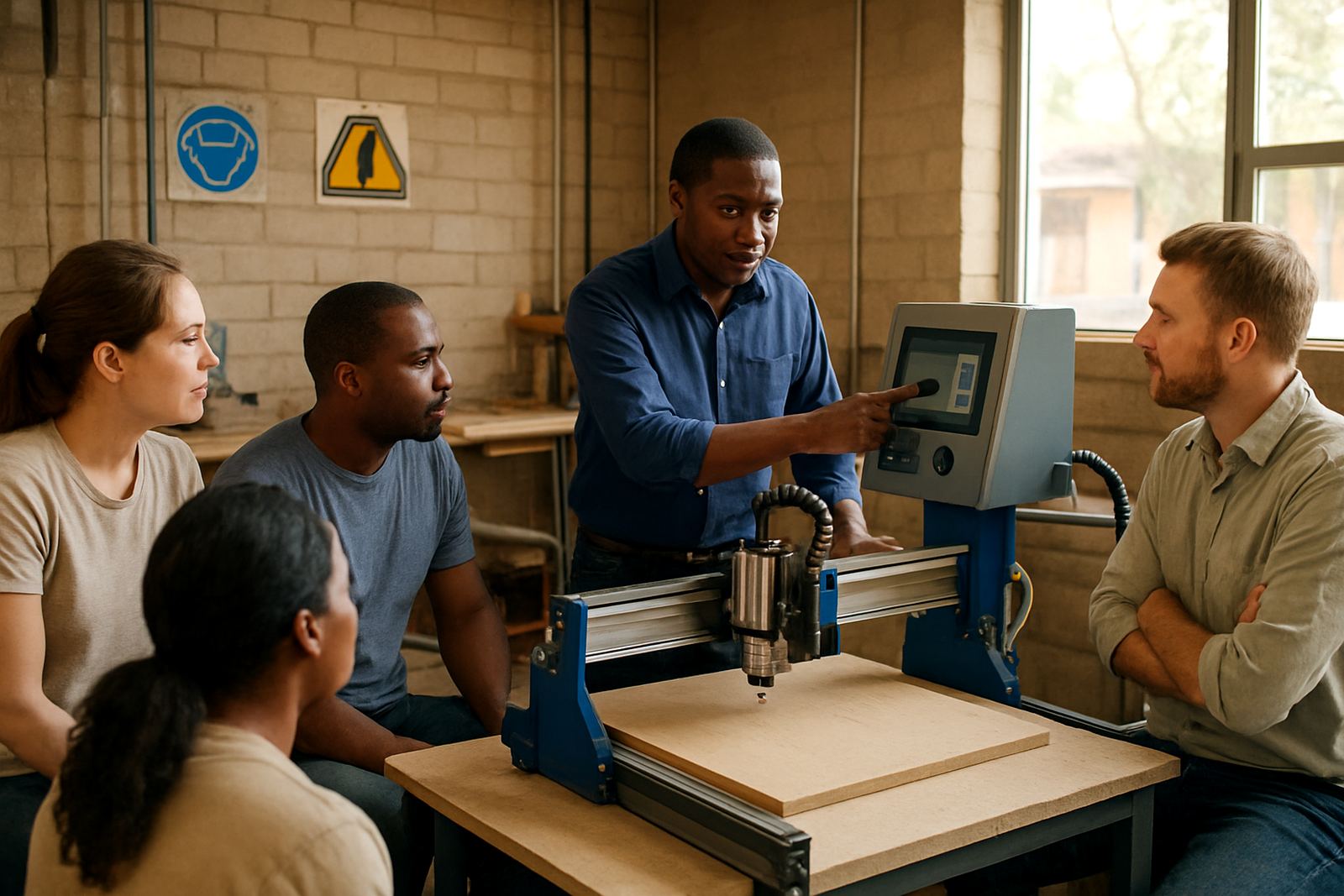
Because this package is meant for education, training is part of the value. Operator Training, Software Basics and Starter Setup Visit support users who are learning to run the machine safely and correctly. That can include basic machine startup, zeroing, tool changes, using simple files and checking that the cutter path matches the material.
For schools, refresher training is useful when a new teacher takes over or when a learner team changes at the start of a term. Remote Support is handy for smaller centres that need quick guidance without waiting for an on-site visit. If a machine is being introduced to a new workshop, a planned setup and training session can save a lot of wasted material later.
We also help with control tuning, spindle replacement and spares planning, which matters when several users share one machine. A school machine should not be left idle because a small part was missed during ordering. Having the correct spares on hand keeps classes moving.
Care, servicing and parts to keep classes moving
Regular care on the School Router 900 is simple but important. The rails, moving parts and spoilboard should be checked often, dust should be removed after use, and cutters need to be inspected for wear or chipping. A small issue ignored for two weeks can become a bigger repair during exam time, which nobody wants.
Preventive Maintenance is especially useful where many learners share one machine. It helps catch loose fasteners, cable wear, spindle noise and alignment drift before they become a breakdown. If a unit starts cutting out of square or leaves rough edges, it is usually better to check the setup early rather than push through and hope for the best.
- Clean dust after each session
- Check cutter sharpness and tool holding
- Inspect cables, belts and fixings monthly
- Keep a small spares list for common wear items
- Book maintenance before term pressure builds up
Spare parts are available nationwide, with support from Silverton, Pretoria. That helps schools in Gauteng and beyond keep the machine ready for the next practical block.
Points to confirm before ordering the Cabinet Router 1300
Before ordering, check the material sizes you plan to cut, the space available in the workshop, the power supply at the site and who will be supervising the machine. It also helps to know whether the first phase is for simple training parts or for more detailed work that needs better hold-down and dust control.
Ask for the working area, overall footprint, controller type, spindle size, training options and what comes standard with the package. If you plan to use it for MDF often, confirm extraction arrangements. If the workshop is near the coast, ask about care for humidity and storage. Small details matter when the machine must serve a class timetable every week.
For schools and training sites around Pretoria East, Centurion, Midrand and Kempton Park, the right specification can save time on installation and setup. A clear order also makes future spares planning simpler, which is useful when budgets are set once a year and not every month.
Key facts
| Model | School Router 900 |
|---|---|
| Working area | Approx. 900 mm class table size, suited to compact training use |
| Materials | Wood, MDF, foam board and many plastics |
| Power | 220V single phase, with a stable dedicated circuit recommended |
| Use case | Supervised student work, school workshops, colleges and maker spaces |
| Support | Training, spares, preventive maintenance and remote assistance nationwide |