
Compact routing for small workshops
The Mini Router 600 is built for users who need CNC capability without taking over the whole workshop. It is aimed at light-duty production, sample work, signage, engraving and small component cutting in materials such as pine, MDF, plywood and acrylic. For a small shop in Pretoria East, a garage workshop in Centurion or a sign maker in Kempton Park, the main advantage is simple: you can do accurate repeat work on a machine that fits into a tighter footprint.
The table suits hobby users who want to learn proper setup and file handling, and also small businesses that need a dependable first machine before moving to a larger format. It is not intended for heavy industrial removal rates or thick hardwood production all day, but for careful work it offers good control and a clean finish. If your jobs are mostly short runs, samples or one-off parts, this size makes sense.
Typical sizes and configuration options
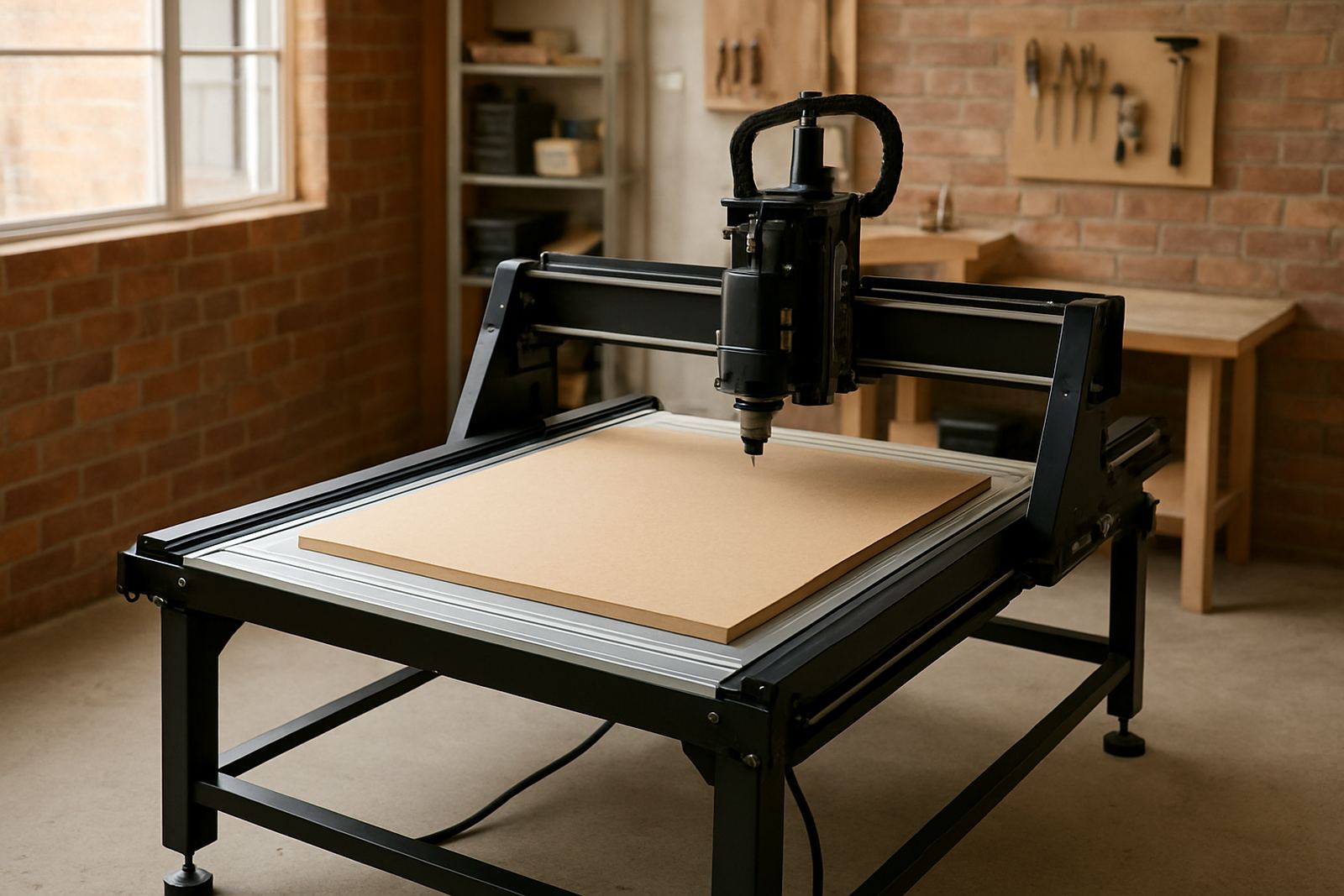
The Mini Router 600 is generally supplied as a compact table with a working area suited to sign panels, nameplates, templates and smaller cut parts. The exact configuration can vary, but the focus stays on a practical footprint for smaller spaces and easier handling during installation. That matters in rooms with limited access, low door widths or shared workshop space.
- Compact working area for light-duty routing and engraving
- Suitable for wood, MDF, plywood, soft plastics and acrylic
- Options can include different spindle mounts, spoilboard thicknesses and control layouts
- Useful for users who want a starter machine that still allows repeatable work
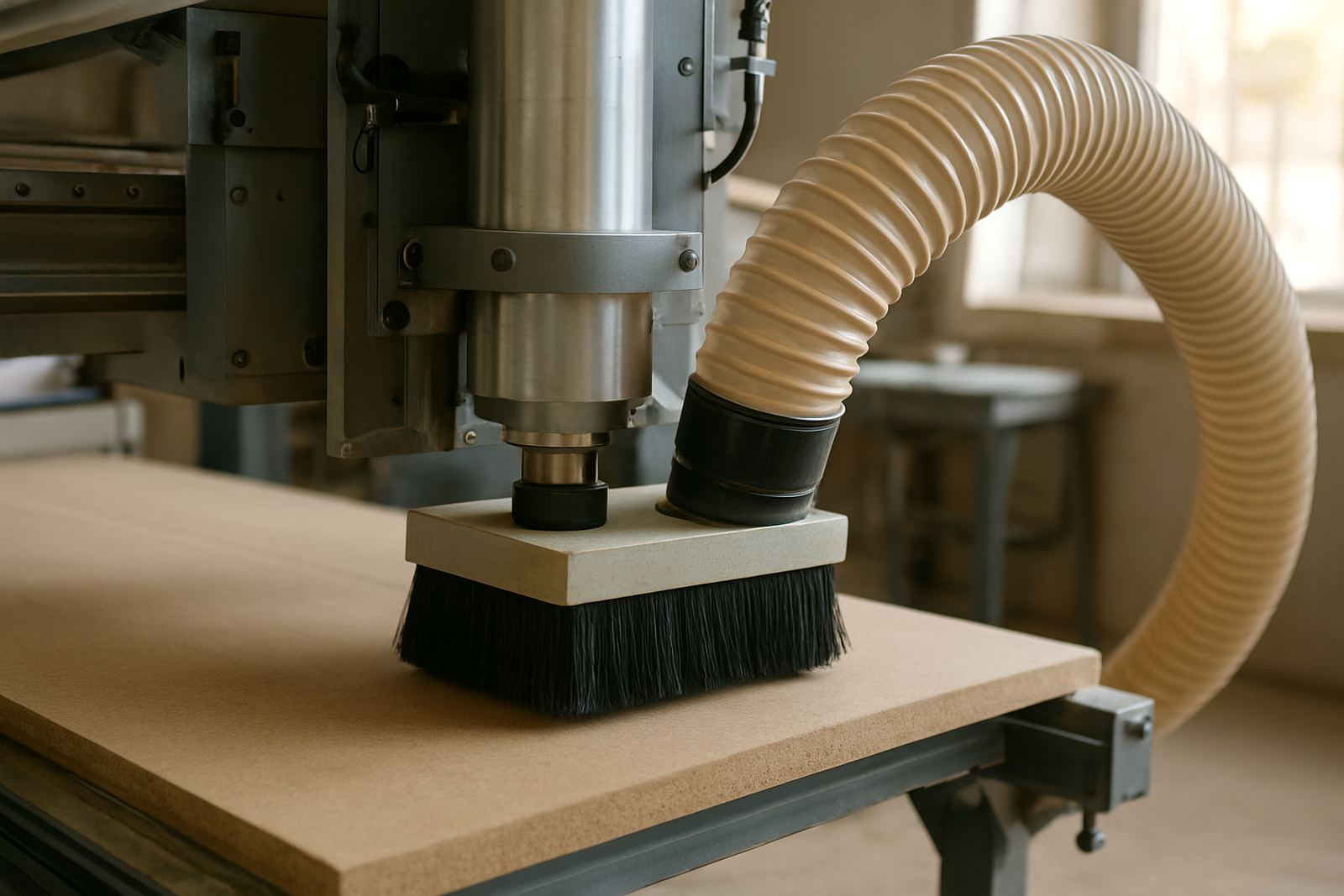
- Can be matched with entry-level dust extraction and basic toolholding accessories
If you are ordering for a school, maker space or small factory room, it helps to measure the floor space, door openings and bench height first. A machine that is easy to move into place will save time on delivery day and avoid unnecessary rework.
Where the Mini Router 600 fits best
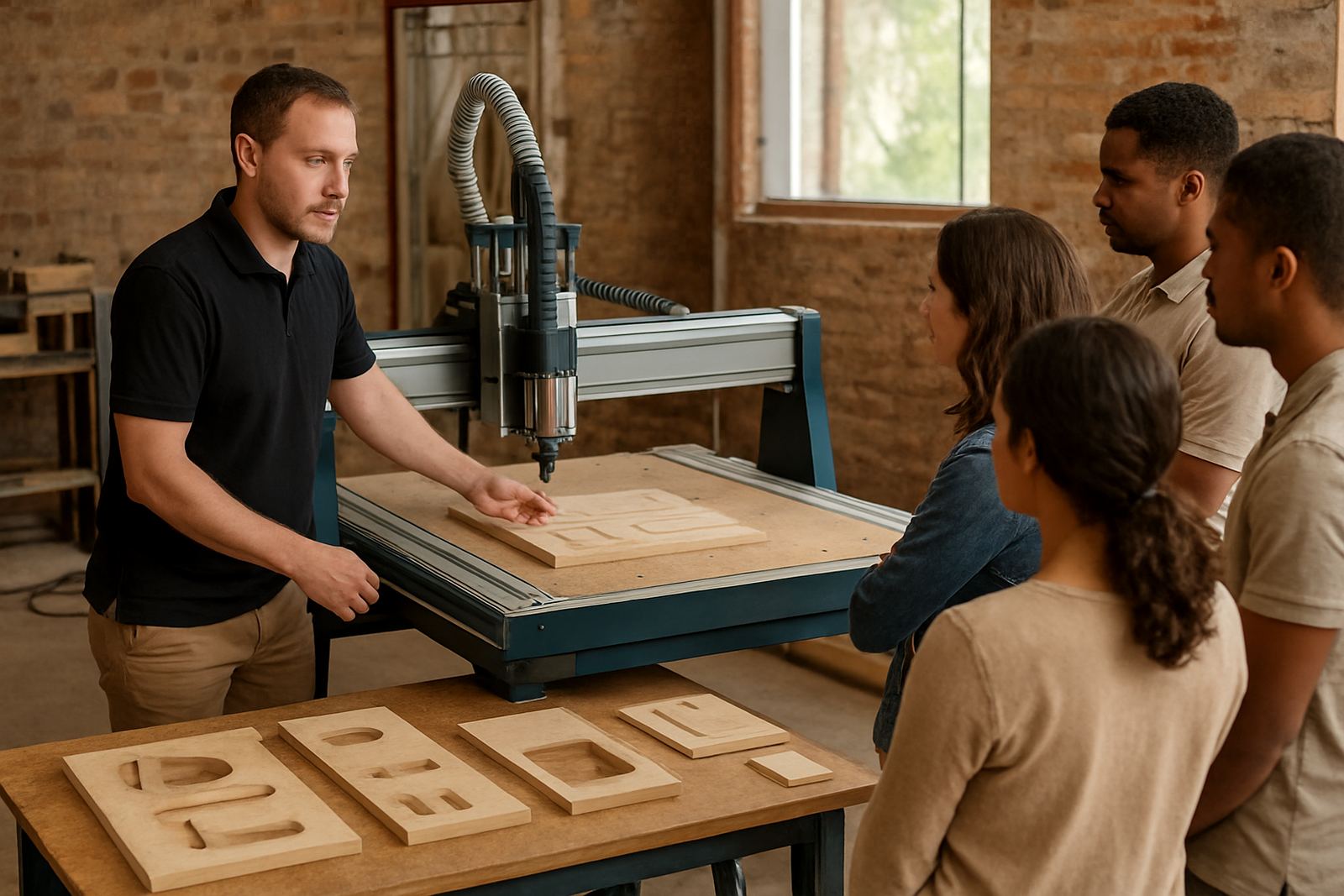
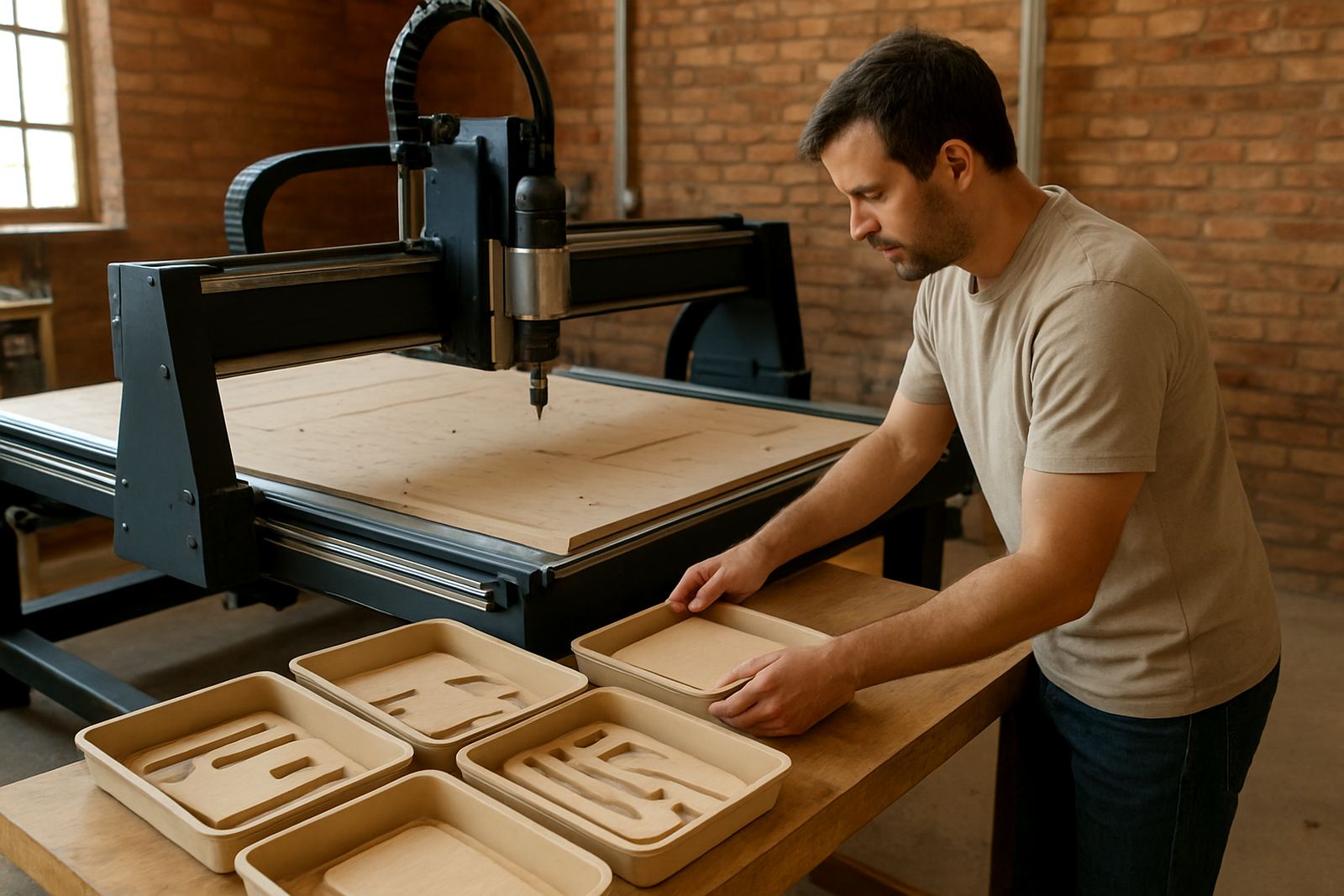
This model suits light production environments where the same setup may be used for different small jobs through the week. Common uses include sign lettering, cut-out logos, engraving plates, jigs, packaging samples and light pattern work. It can also be a useful learning machine for operators who need to get comfortable with CNC setup, zeroing, feed rates and tool changes before working on a larger router.
For South African workshops, the smaller footprint is helpful when load-shedding schedules force work to be planned in blocks. A compact router is easier to keep ready for short sessions, and it is simpler to protect from dust and humidity when the machine is not running. In coastal areas, keeping rails and exposed metal clean and dry is especially important, otherwise corrosion can start sooner than expected.
- Small sign shops and engraving businesses
- Home workshops and hobby users
- Training rooms and technical colleges
- Prototype and sample making
- Short-run MDF, plastic and plywood jobs
Installation, space and power requirements
Installation should be planned before delivery so the machine can be placed, levelled and checked without delays. A firm, level floor is best. If the floor is uneven or the machine is going onto a raised platform, it should be stabilised properly so the gantry stays aligned and the cut quality remains consistent. Small workshops often skip this step and then wonder why the finish changes from one side to the other, so it is worth doing once and doing it right.
The Mini Router 600 is generally suited to standard single-phase workshop power, but the exact electrical load should be confirmed before purchase. A dedicated socket, correct earthing and proper cable protection are important. No gas supply is needed. For many sites, the practical extras are dust extraction, good lighting and a stable computer or control station close enough to the machine for safe operation. If power is inconsistent, consider a suitable UPS for the control system and plan for clean shutdowns during outages.
Care, servicing and daily use
Regular care keeps the Mini Router 600 accurate and easier to run. Dust is the main enemy in small workshops because it builds up on rails, leadscrews, bearings and the control area. Daily cleaning, light lubrication where required and routine checks on fasteners will reduce wear. In humid areas, especially near the coast, rust prevention should be part of normal workshop practice, not an afterthought.
We recommend scheduled checks for belt tension, spindle condition, cable routing and limit switch operation. If the machine is used for more than light hobby work, preventive maintenance should be built into the monthy plan so minor faults do not become breakdowns. The right cutter choice also matters. A dull bit will put extra strain on the spindle and leave rough edges, while a suitable cutter will reduce chatter and improve edge quality.
- Clean dust from rails and the spoilboard after use
- Check workholding before every job
- Inspect cutters for wear or chip damage
- Keep moving parts lightly lubricated where specified
- Store spare bits, collets and clamps in a dry place
Points to confirm before ordering the Cabinet Router 1300
Before ordering, confirm the material types you plan to cut, the largest sheet or panel you need to handle, and how often the machine will run. If your work includes deeper cuts, faster production or thicker hardwoods, it may be better to step up to a larger router. If you mainly want engraving, light pocketing and small sign work, the Mini Router 600 should be a good fit.
It is also wise to check training and support needs. New operators often benefit from starter setup, software basics and refresher training once the first jobs begin. Spares planning is important too, because items like cutters, belts, collets and spindle parts should be available when you need them. For businesses in Pretoria, Silverton, Midrand or further afield, the practical question is not only whether the machine fits the space, but whether the team can keep it running without long stoppages.
- Confirm working area, sheet size and job type
- Check available power supply and plug type
- Ask about training for the operator or owner
- Make sure spares and service support are available
- Allow space for dust extraction and safe material loading
Key facts
| Model | Mini Router 600 |
|---|---|
| Machine type | Compact entry-level CNC router table |
| Best for | Light cutting, engraving and sign work |
| Material range | Wood, MDF, plywood and plastics |
| Power | Standard workshop single-phase supply, confirm at order |
| Support | Training, spares and service from Pretoria with nationwide support |